
Quick Video Editor
All in One
Được thiết kế cho iPhone, iPad, iPod touch
Miễn phí
- Độ tuổi4+
- Danh mụcẢnh & Video
- Nhà phát triểnKevin Ghori
- Ngôn ngữTiếng Anh
- Kích thước21,1 MB
Liên kết đến trang App Store chính thức
Download.org không lưu trữ tệp nào của Quick Video Editor. Nút này mở trang ứng dụng trên App Store, nơi Kevin Ghori phát hành ứng dụng. Trang được kiểm tra lần cuối: 12/11/2026.
Ảnh chụp màn hình

Giới thiệu
Nhà phát triển chưa cung cấp nội dung này bằng ngôn ngữ của bạn.
Powerful and easy-to-use video editor app.
A useful and handy collection of features to edit and update videos.
Easy and modern UI is implemented in the All Video Editor app.
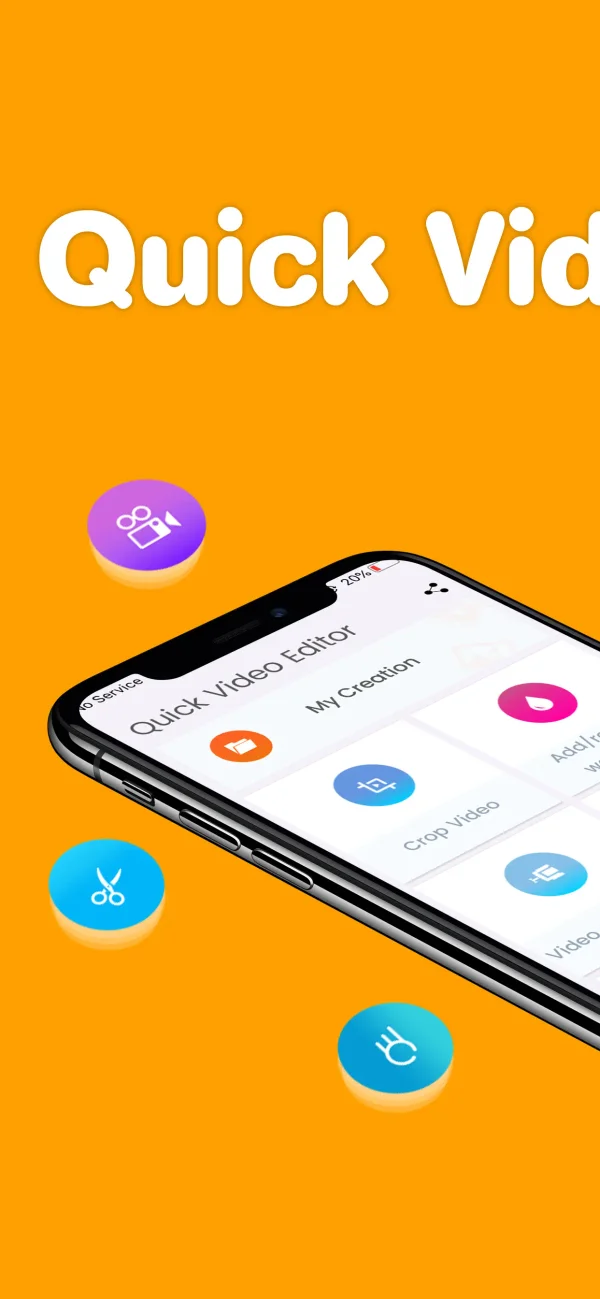
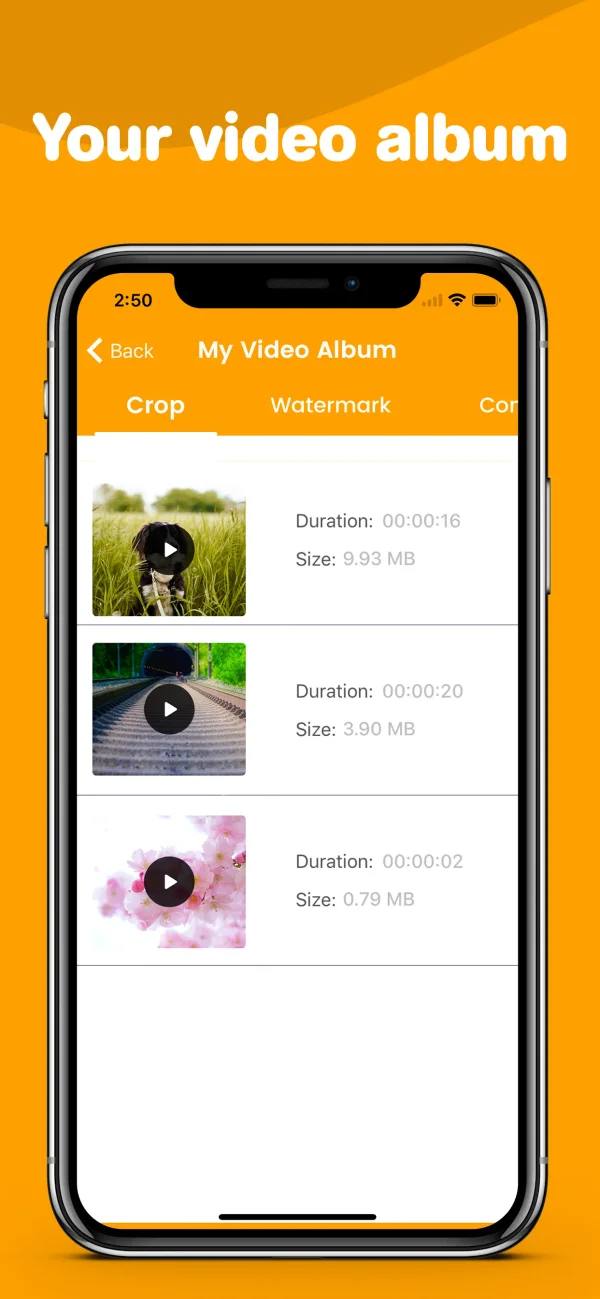
Various features are inbuilt into the All video Editor app like crop video, add watermark to video, compress video, extract photo from video, Video to gif, video to audio, slow motion, fast motion, trim video, merge videos, photo to video etc.
Components of All Video Editor app are briefed below:
1. Crop Video
The display section of the video can be trimmed with the help of the crop option.
2. Add Watermark
Watermark can be added to the selected video to make the video authentic and user-specific. Various stickers and text options with Font, color, opacity and shadow features are facilitated.
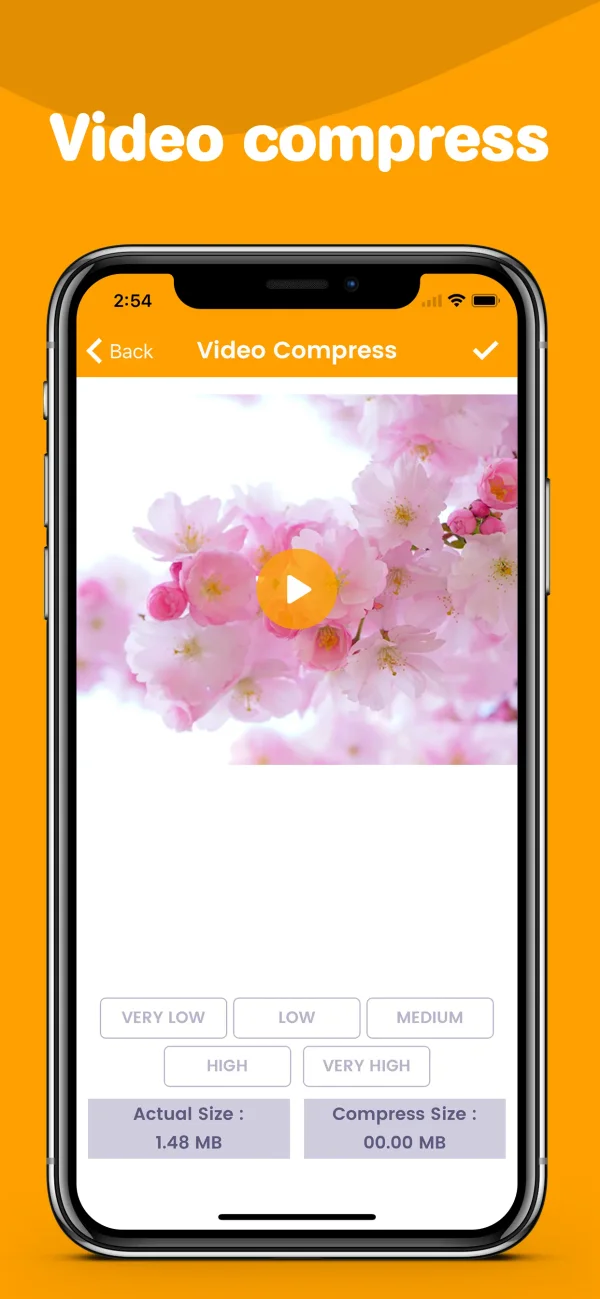
3. Video Compressor
Selected video is subjected to video compressor for compression, with minimal degradation in video quality.
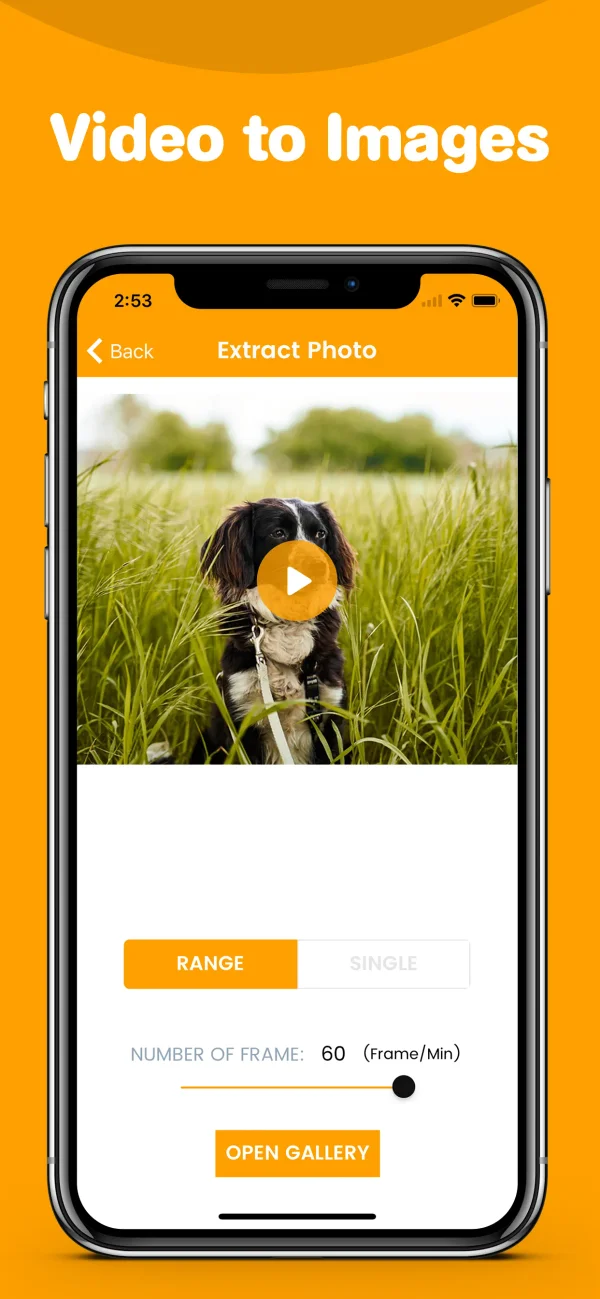
4. Extract photo from Video
Specific moments from the video can be captured easily and saved into the phone library in seconds of time.
5. Add/Remove audio from Video
Audio from video can be removed easily by a single tap mechanism. galore of audio options are inbuilt into the app to add pleasant and soothing audio to videos.
6. Video to gif
Sections of video can be turned into gifs which are funny, refreshing and innovative. High-quality gifs are generated.
7. Video to audio
Audio from the video can be extracted and a new audio file is generated.
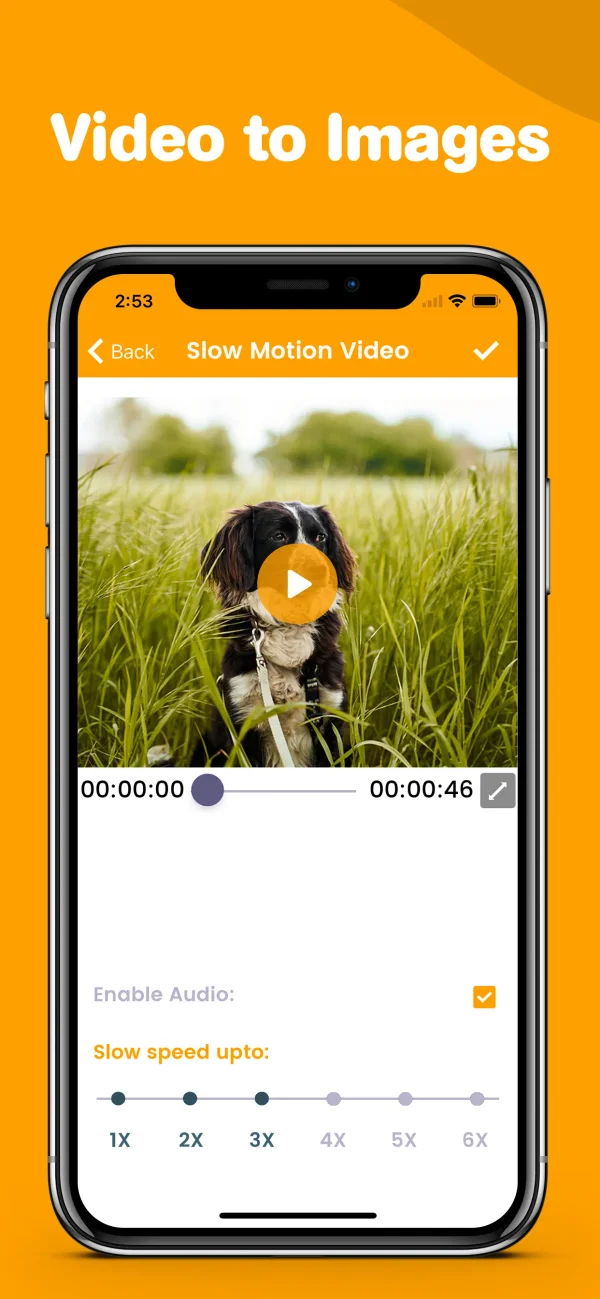
8. Slow Motion
Selected video can be handed to slow motion maker tool inbuilt in the All Video Editor app to invoke slow motion effect into videos.
9. Fast Motion
Selected video is given as input to the Fast motion tool to generate fast motion effect in videos.
10. Merger Videos
Maximum two videos can be merged at a given time. They can be freely adjusted into the frames.
11. Photo to Video
Video with a maximum of 50 photos can be generated in a short span of time. Duration of display of photos in video can be manually set by user.
12. Trim Video
A new video can be created from the original video by trim option. Select only the required section of the video with the aid of left and right sliding scissor symbols.
All Video Editor app is a multipurpose app while dealing with modification in video formats.
All Video Editor app is effective and efficient in functioning and provides the best user experience.
Có gì mới
Phiên bản 1.2 · 07/01/2025
- Bug fixes.
Quyền riêng tư của ứng dụng
Những gì Kevin Ghori khai báo trên App Store về cách ứng dụng này xử lý dữ liệu.
-
Dữ liệu được sử dụng để theo dõi bạn
Có thể được sử dụng để theo dõi bạn trên các ứng dụng và trang web do công ty khác sở hữu.
- Mã định danh
- Dữ liệu sử dụng
- Chẩn đoán
-
Dữ liệu không liên kết với bạn
Có thể được thu thập nhưng không liên kết với danh tính của bạn.
- Mã định danh
- Dữ liệu sử dụng
- Chẩn đoán
Phương thức đảm bảo quyền riêng tư có thể khác nhau, chẳng hạn như tuỳ theo các tính năng bạn sử dụng hoặc độ tuổi của bạn.
Thông tin
- Người bán
- Kevin Ghori
- Danh mục
- Ảnh & Video
- Phiên bản
- 1.2
- Cập nhật
- 07/01/2025
- Phát hành
- 07/07/2019
- Kích thước
- 21,1 MB
- Yêu cầu
- iOS 13.0 trở lên
- Độ tuổi
- 4+
- Giá
- Miễn phí
- Ngôn ngữ
- Tiếng Anh
- Bản quyền
- © Ashish Patel
Có thể bạn cũng thích
-
 Video Editor : Slow-Mo VideoẢnh & Video
-
 ClipClap: App Chỉnh VideoChỉnh sửa âm thanh: cắt video
-
 Ivy Professional Video EditorẢnh & Video
-
 Video Editor - Vlog StarYT editor studio & intro maker
-
 WeVideo - Video Editor & MakerẢnh & Video
-
 Video Editor .Ảnh & Video
-
 Magisto Video Editor & MakerẢnh & Video
-
 Filmmaker Pro - Video EditorẢnh & Video
-
 KwaiCut - Video EditorKwai Official Video Edit Tool
-
 VITA - Video Editor & MakerẢnh & Video