QuickMark: Markdown Editor
Preview, Export & Publish
Diseñada para iPhone, iPad, Mac
Gratis · Compras en la aplicación
- Clasificación por edad4+
- CategoríaProductividad
- DesarrolladorDoan Nguyen
- IdiomasInglés
- Tamaño11,9 MB
Enlaza a la página oficial de App Store
Download.org no aloja ningún archivo de QuickMark: Markdown Editor. El botón abre la página de la aplicación en App Store, donde la publica Doan Nguyen. Ficha comprobada por última vez el 12/11/2026.
Capturas de pantalla
Acerca de
El desarrollador no ha proporcionado este texto en tu idioma.
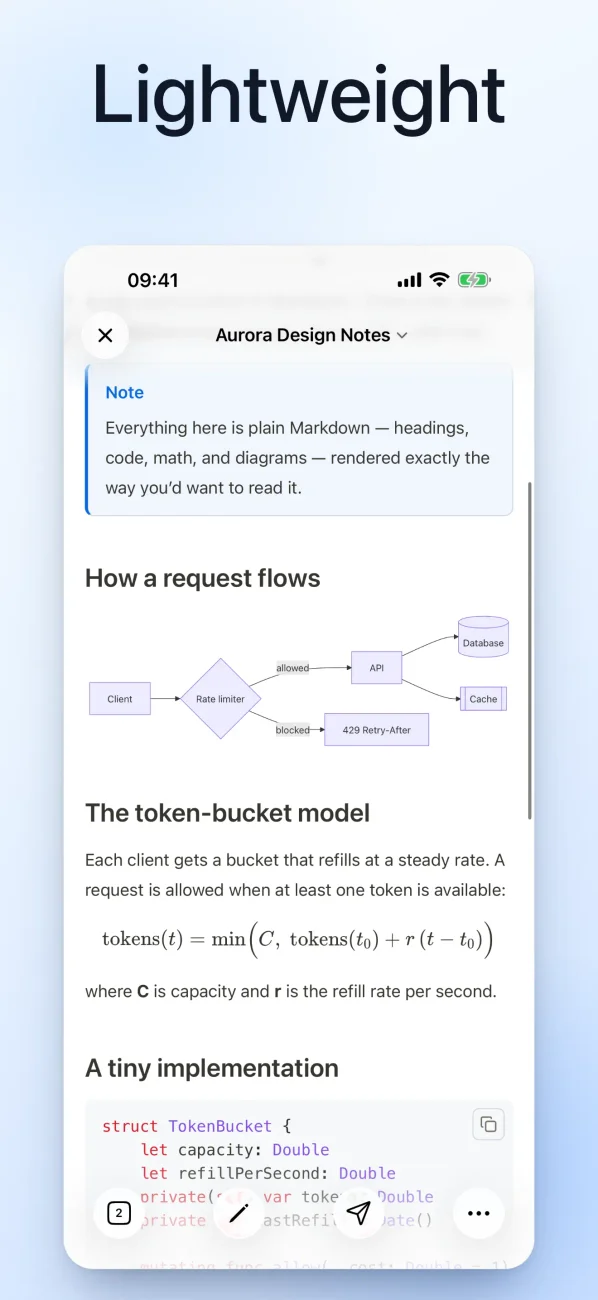
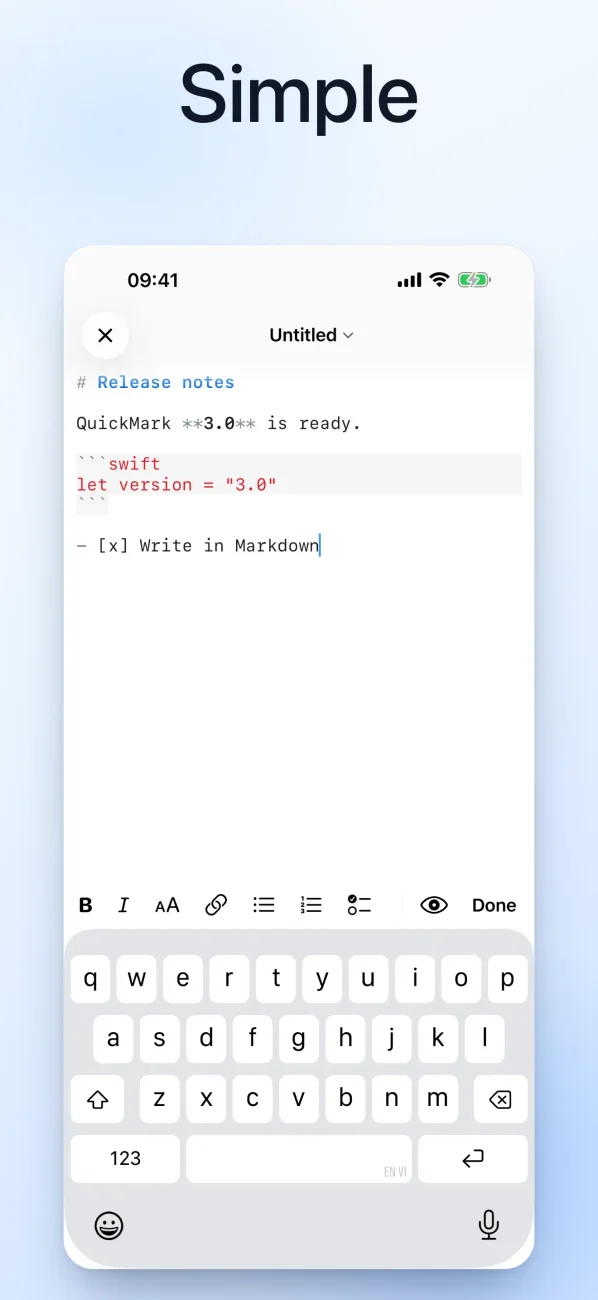
A lightweight Markdown app that opens fast and stays out of your way. Tap any .md file to read it rendered, with code, math and diagrams exactly right. Edit it, publish it as a web link, or export it when you need to.
EVERYTHING BELOW IS FREE
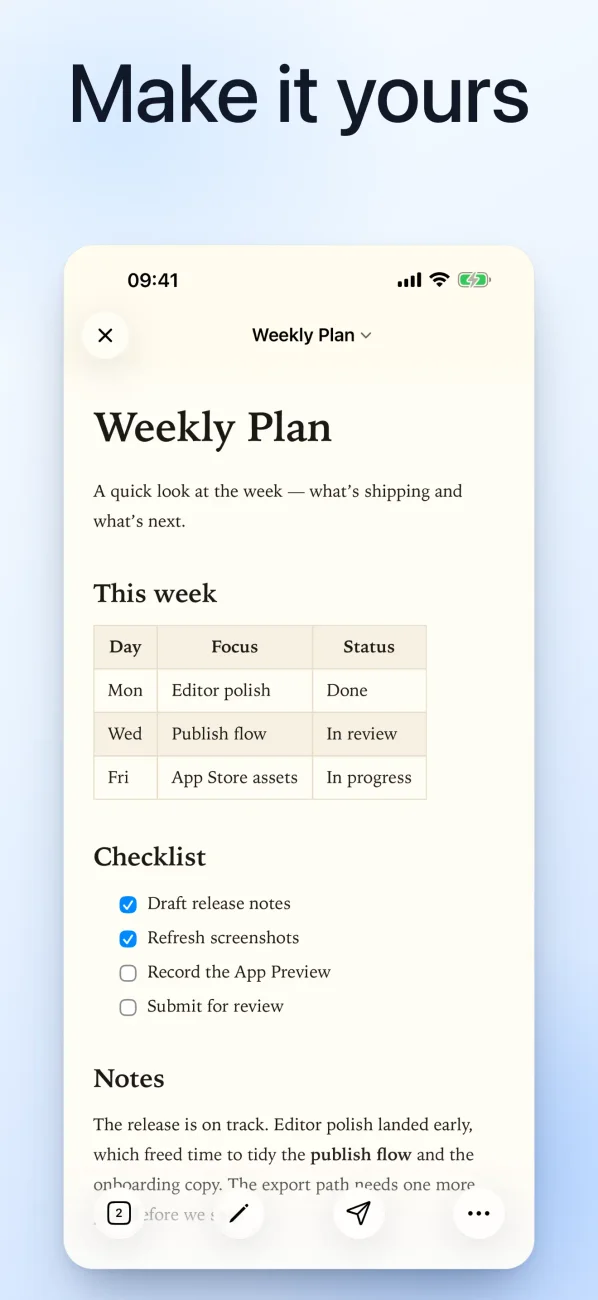
- Beautiful live rendering - Mermaid diagrams and KaTeX math appear inline as you type, no plugins, no setup
- Write and preview with one tap; on iPad, work side by side with synced split view
- 36 code themes plus 6 reading themes: Light, Dark, Notion, Essay, Terminal and more
- Syntax highlighting for 30+ languages, find-in-page, one-tap copy on code blocks
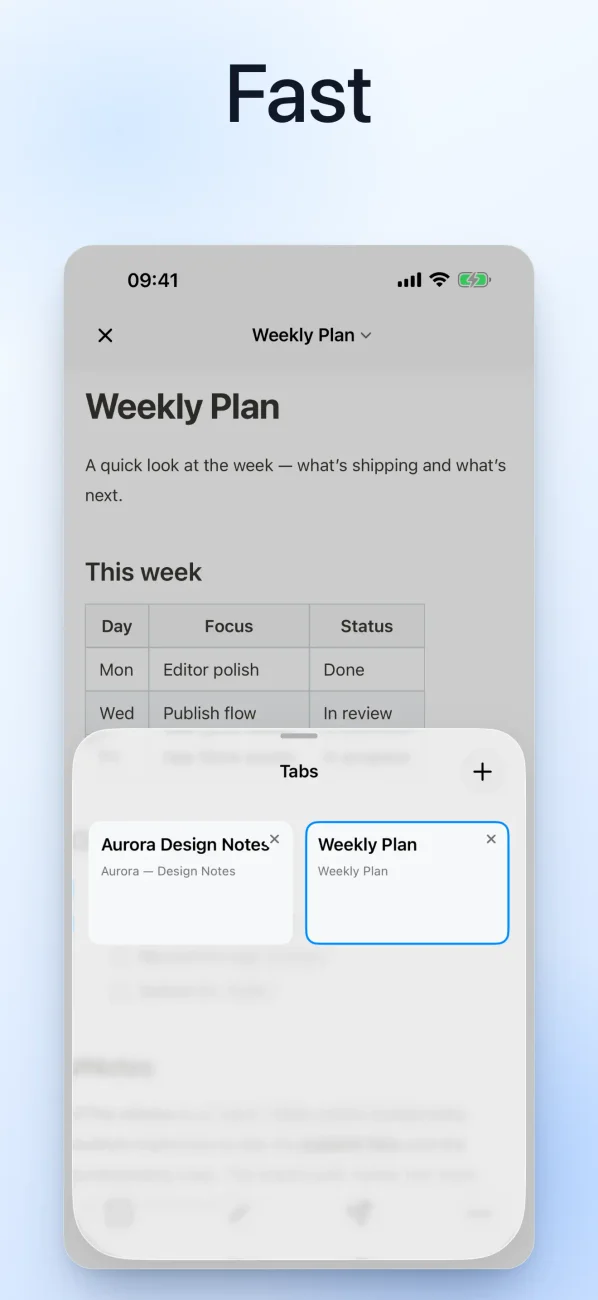
- Tabs are free and unlimited - keep every note open and switch in a tap
QUICKMARK PRO - ONE-TIME, NOT A SUBSCRIPTION
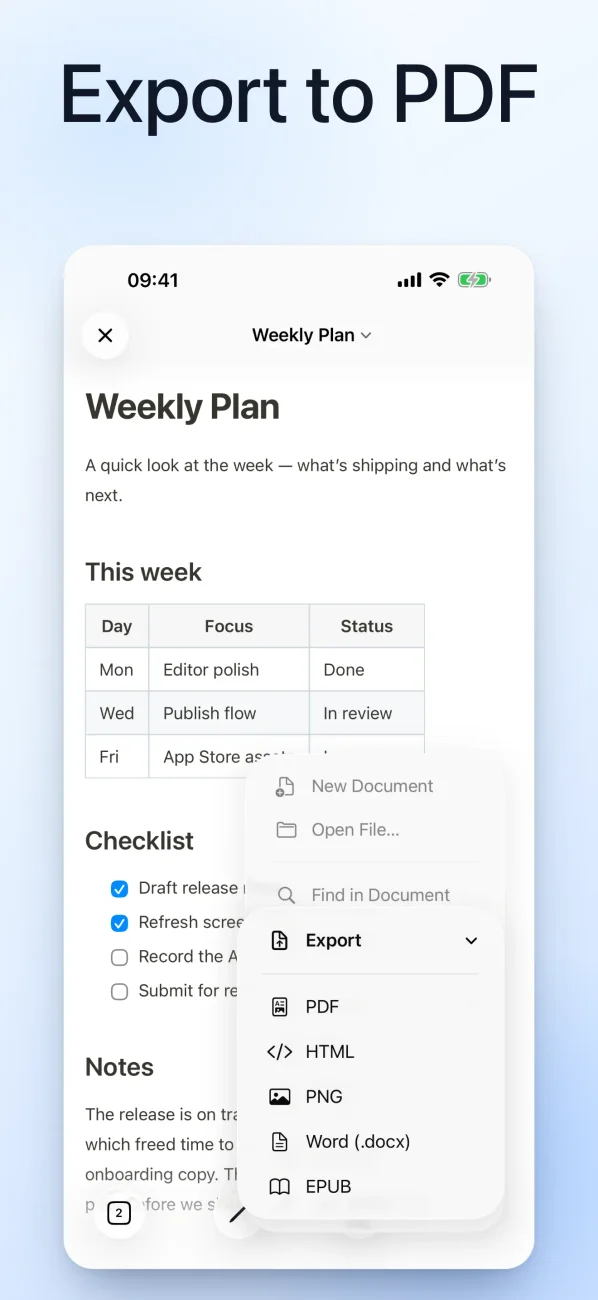
- Export your document to PDF, HTML, DOCX, EPUB, PNG, or Rich Text (free: 10 exports a month per device)
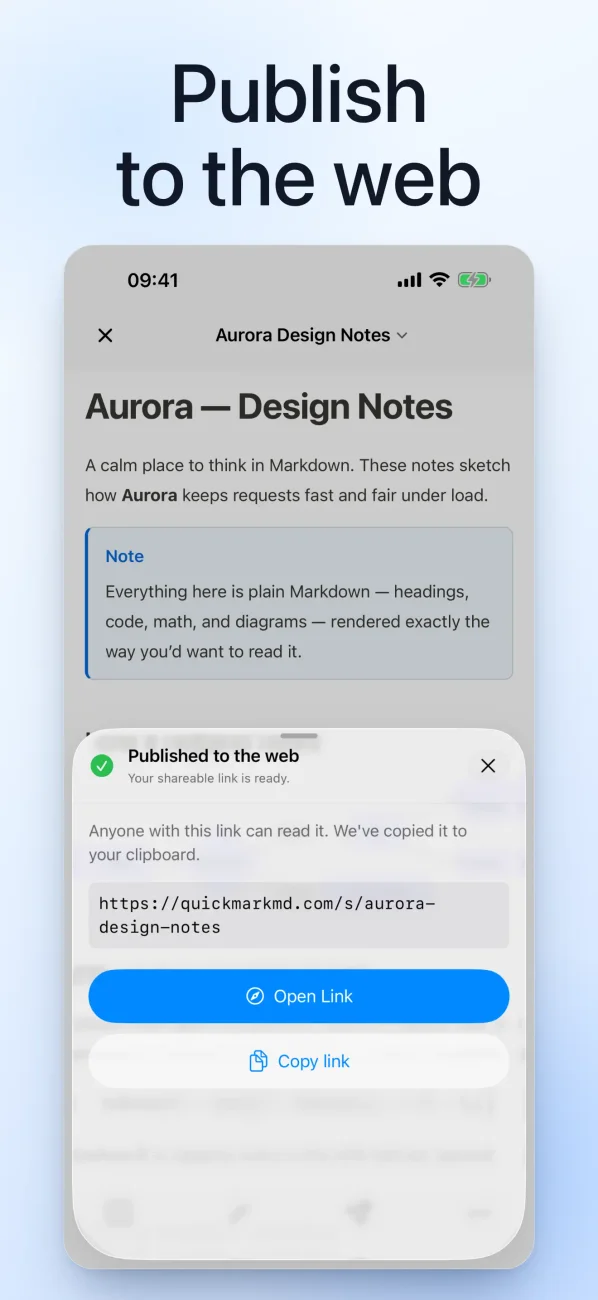
- Publish to Web - turn any document into a clean shareable link at quickmarkmd.com (free: up to 3 live pages, links expire 30 days after publishing)
- Pro removes every limit: unlimited exports, unlimited pages, links that never expire
One one-time purchase of $9.99 unlocks Pro on all your Apple devices - Mac, iPhone and iPad. No subscription, ever.
PRIVACY YOU CAN TRUST
Your documents stay on your device. Reading and editing never upload a thing. Anonymous crash reports help us fix bugs - never your content. Nothing leaves your device unless you choose to publish it.
PERFECT FOR
- Writing notes, READMEs, and technical docs on the go
- Reading Markdown with code, math, and diagrams that look right
- Sharing a document as a clean web link in one tap
- Exporting polished PDFs and more from your phone or iPad
REQUIREMENTS
iOS and iPadOS 17 or later.
Novedades
Versión 3.3.21 · 6/10/2026
Favorites. Star the documents you keep coming back to and they are listed under Favorites, next to Recent. Long-press a recent file to add it, or open the … menu in a document and choose Favorites, where you can also jump to your other favorites without leaving the page. You can rename a favorite, and each one shows where it lives. A file that can't be found stays in the list until you remove it.
Privacidad de la aplicación
Lo que Doan Nguyen declara en App Store sobre cómo esta aplicación gestiona los datos.
-
Datos vinculados a ti
Pueden recopilarse y vincularse a tu identidad.
- Información de contacto
- Contenido del usuario
- Identificadores
-
Datos no vinculados a ti
Pueden recopilarse, pero no se vinculan a tu identidad.
- Datos de uso
- Diagnóstico
Las prácticas de privacidad pueden variar, por ejemplo, según las funciones que uses o tu edad.
Información
- Vendedor
- Doan Nguyen
- Categoría
- Productividad
- Versión
- 3.3.21
- Actualizado
- 6/10/2026
- Publicado
- 7/5/2026
- Tamaño
- 11,9 MB
- Requiere
- iOS 17.0 o posterior
- Clasificación por edad
- 4+
- Precio
- Gratis
- Compras en la aplicación
- Sí
- Idiomas
- Inglés
- Copyright
- © 2026 Doan Nguyen
Quizá también te guste
-
 ScrollArc – AI Markdown ReaderProductividad
-
 HipMark - Markdown EditorProductividad
-
 Igneous: Markdown NotesProductividad
-
 RC MarkdownLee y exporta Markdown
-
 Visor y editor Markdownlector md. convertir a pdf.
-
 PureOpen — Markdown EditorProductividad
-
 Text EditorProductividad
-
 Editor Markdown: Notas y PDFEscribe, Vista Previa y PDF
-
 Inkiostro: Editor MarkdownNotas, escritura visual y PDF
-
 Cinch – Reminders & TasksReminders, made beautiful.