
RemoteDisk
S3 & SFTP drives in Files app
Diseñada para iPhone, iPad
Gratis · Compras en la aplicación
- Clasificación por edad4+
- CategoríaUtilidades
- Desarrollador晓良 张
- IdiomasInglés
- Tamaño51,2 MB
Enlaza a la página oficial de App Store
Download.org no aloja ningún archivo de RemoteDisk. El botón abre la página de la aplicación en App Store, donde la publica 晓良 张. Ficha comprobada por última vez el 12/11/2026.
Capturas de pantalla

Acerca de
El desarrollador no ha proporcionado este texto en tu idioma.
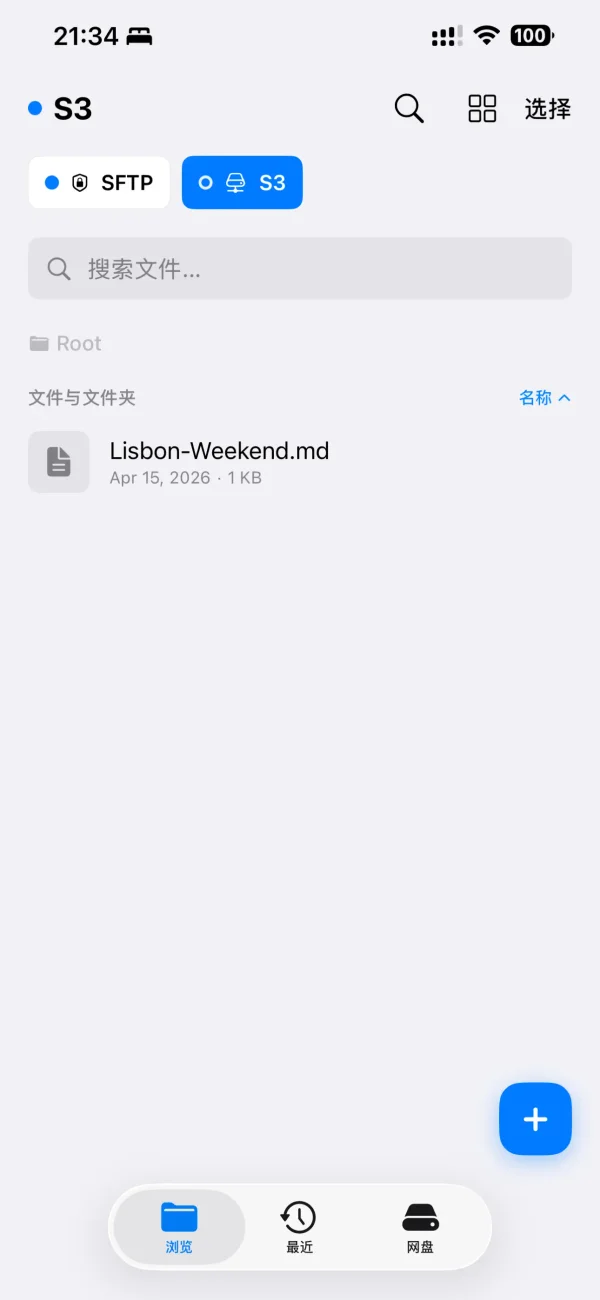
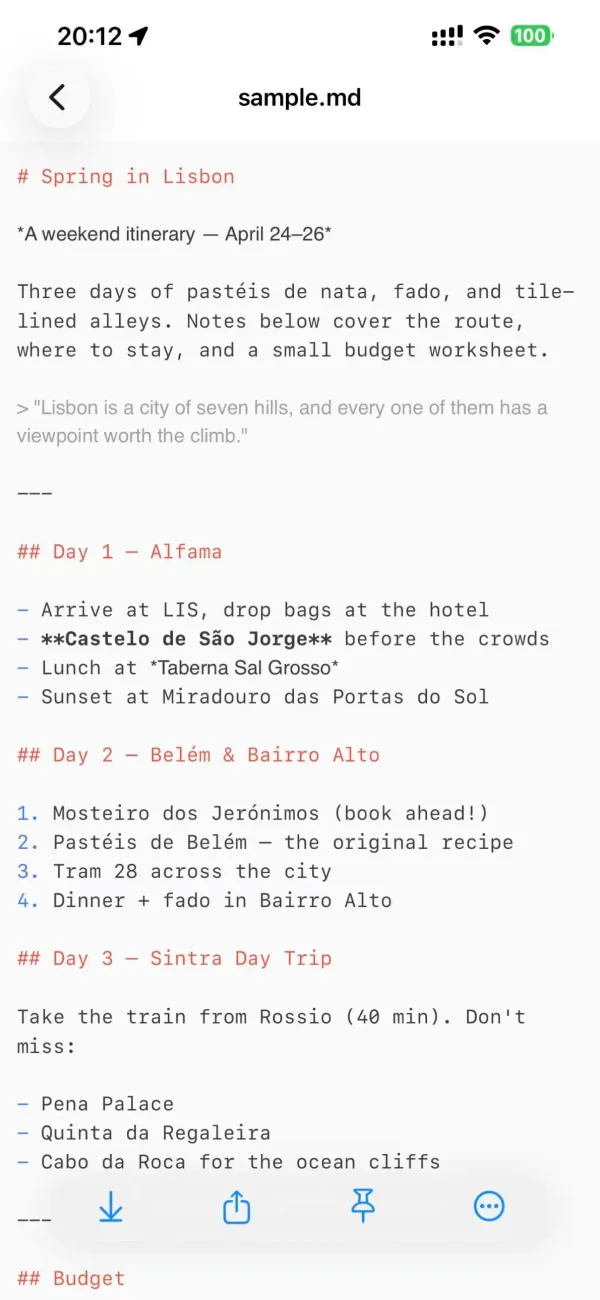
RemoteDisk turns any S3-compatible bucket or SFTP server into a native drive inside the iOS Files app. Browse, open, edit, and share your remote files from any app that supports Files — no separate viewer, no copy-paste workflow.
Built natively for iOS 17+ with SwiftUI and Apple's File Provider framework, RemoteDisk feels like iCloud Drive for your own storage.
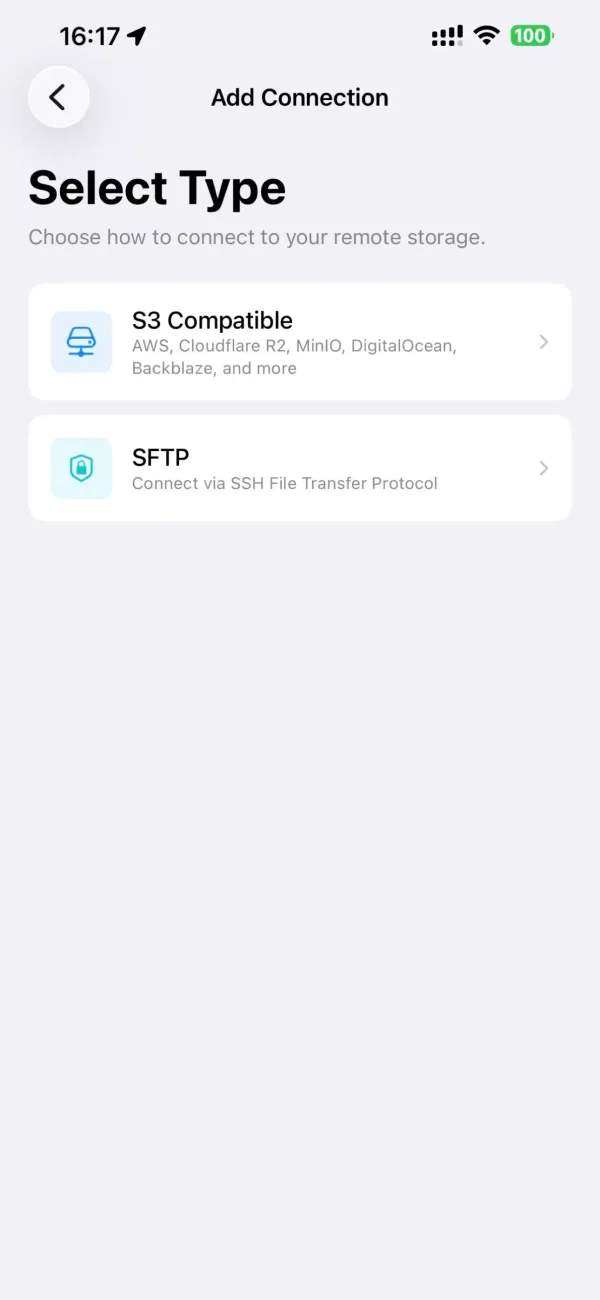
— SUPPORTED BACKENDS —
• Amazon S3
• Cloudflare R2
• Backblaze B2
• DigitalOcean Spaces
• MinIO (self-hosted)
• Wasabi, Storj, and any S3-compatible endpoint
• SFTP servers (password authentication)
— FILES APP INTEGRATION —
Every connection appears as a drive in the Files app. Tap a file to stream it, long-press to pin it offline, or drag it between connections. Works with Preview, Markup, Quick Look, and every third-party app that reads from Files.
— SMART SYNC —
• On-demand streaming — files download only when opened
• Pin files and folders for guaranteed offline access
• Conflict detection with configurable strategies: server wins, local wins, keep both, or manual resolution
• LRU cache eviction keeps your device from filling up
• Background refresh keeps metadata current
— CELLULAR-AWARE —
Set per-connection policies for cellular data: block sync on cellular, cap file sizes, or allow everything. Never worry about a 2 GB upload draining your plan.
— SHARE SHEET UPLOADS —
Send files to a RemoteDisk connection from any app via the iOS share sheet. Upload photos, PDFs, documents, or anything else directly to the destination folder you choose.
— SECURITY FIRST —
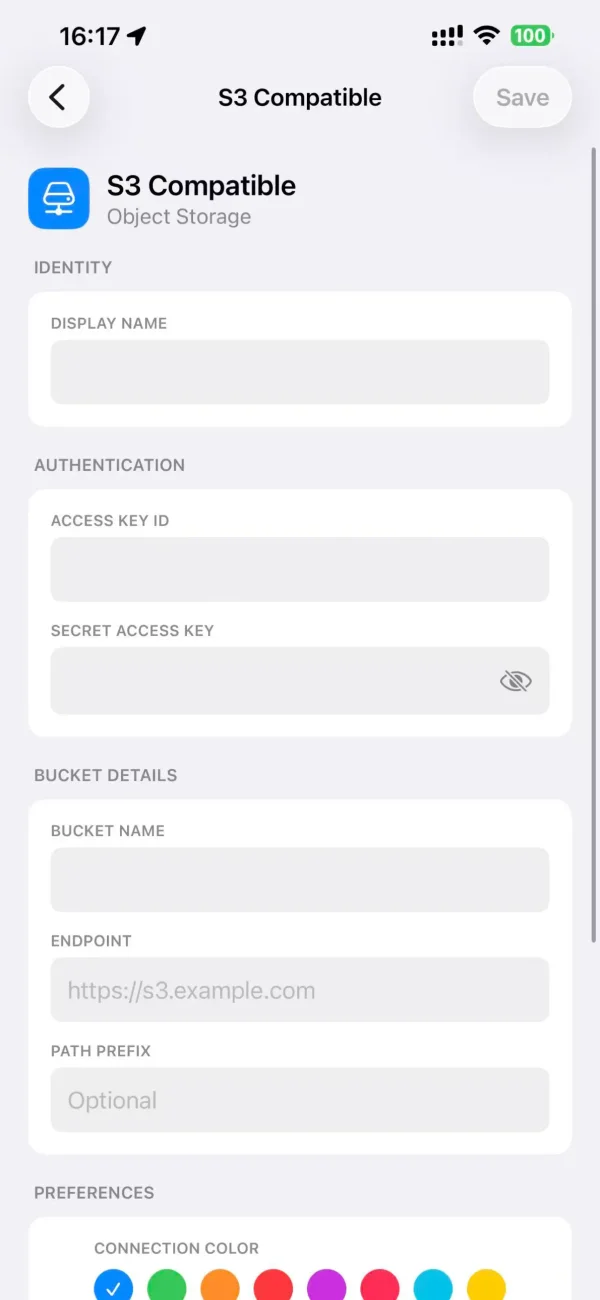
• Credentials stored in the iOS Keychain, never in plain text
• Shared keychain access group so extensions authenticate without re-entering secrets
• No telemetry, no analytics, no third-party servers — your data goes only between your device and your storage
— POWER USER FEATURES —
• Custom endpoint URLs for self-hosted deployments
• Multiple connections to the same provider with different credentials
— LOCALIZATION —
Full English and Simplified Chinese support with in-app language switching.
— WHO IT'S FOR —
• Developers who keep assets in R2 or S3 and want to edit them on iPad
• Photographers backing up to B2 or Wasabi who need to preview shots on the go
• Homelab users with MinIO or a self-hosted server exposed via SFTP
• Anyone who wants their own storage to feel as native as iCloud
Privacidad de la aplicación
Lo que 晓良 张 declara en App Store sobre cómo esta aplicación gestiona los datos.
-
No se recopilan datos
El desarrollador no recopila ningún dato de esta aplicación.
Las prácticas de privacidad pueden variar, por ejemplo, según las funciones que uses o tu edad.
Información
- Vendedor
- 晓良 张
- Categoría
- Utilidades
- Versión
- 1.0
- Actualizado
- 17/4/2026
- Publicado
- 16/4/2026
- Tamaño
- 51,2 MB
- Requiere
- iOS 18.6 o posterior
- Clasificación por edad
- 4+
- Precio
- Gratis
- Compras en la aplicación
- Sí
- Idiomas
- Inglés
- Copyright
- © 2026 Xiaoliang Zhang
Quizá también te guste
-
 Smart Dash: IoT DashboardsMQTT, BLE, WebSocket y más
-
 MeshRouteUtilidades
-
 FlowMountUtilidades
-
 MeshDropComparte archivos en privado
-
 GoosiUtilidades
-
 Yamlite: YAML ValidatorUtilidades
-
 S3 Client & BrowserManage AWS, R2 & B2 Buckets
-
 Rclone UIUtilidades
-
 S3Drive: Cloud storageUtilidades
-
 DockerTab: Docker ManagerUtilidades