
RemoteDisk
S3 & SFTP drives in Files app
Designed for iPhone, iPad
In-app purchases
- Age rating4+
- CategoryUtilities
- Developer晓良 张
- LanguagesEnglish
- Size51.2 MB
Links to the official App Store page
Download.org hosts no file of RemoteDisk. The button opens its official App Store page, published by 晓良 张. Listing last checked on Nov 12, 2026.
Screenshots
About
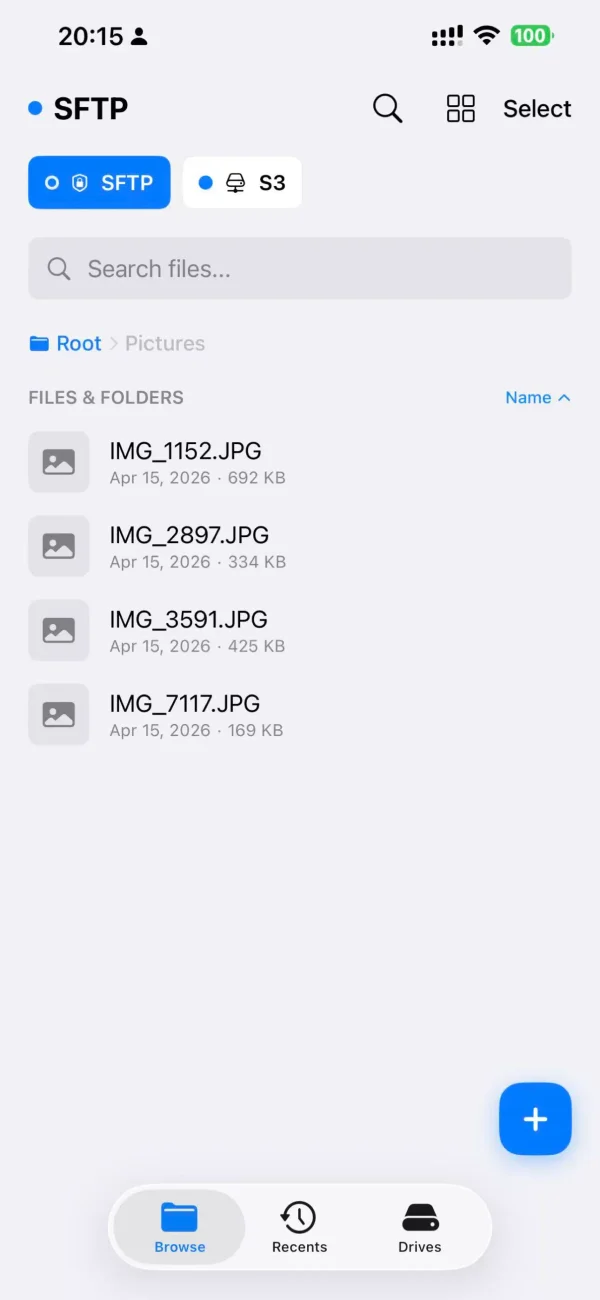
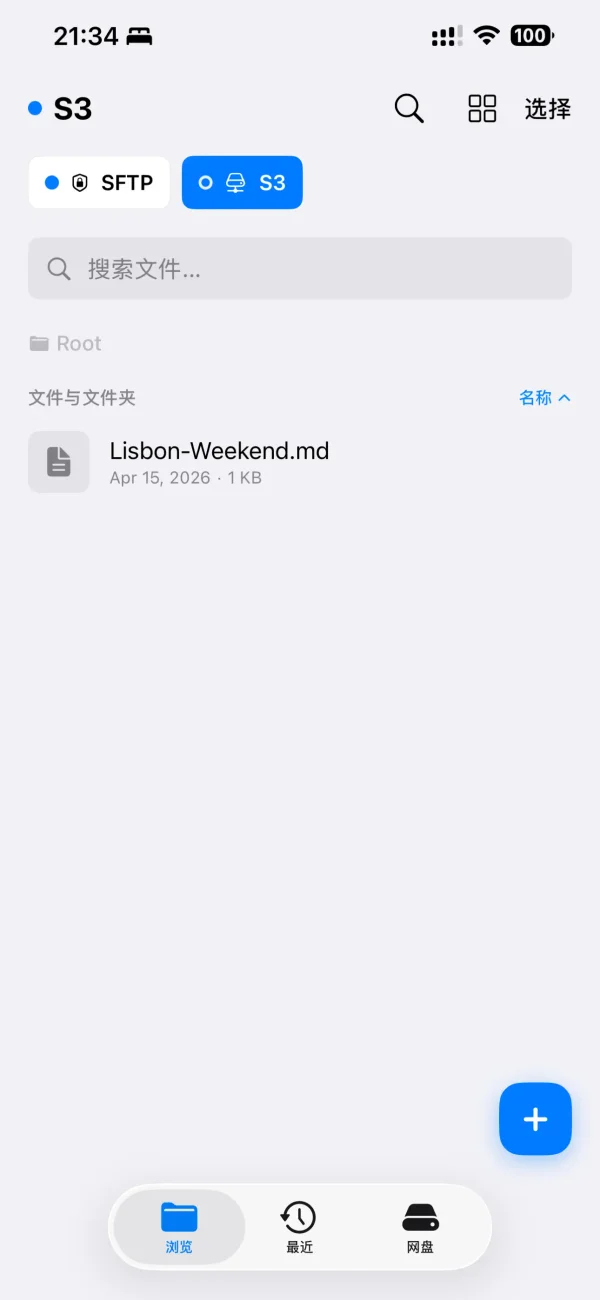
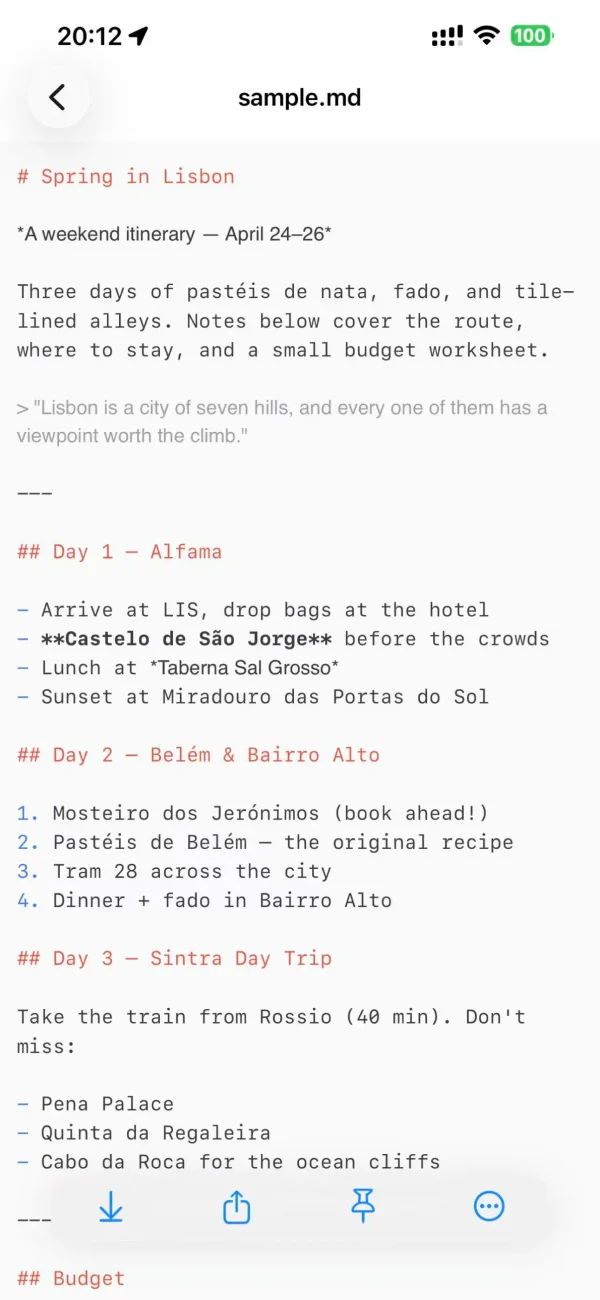
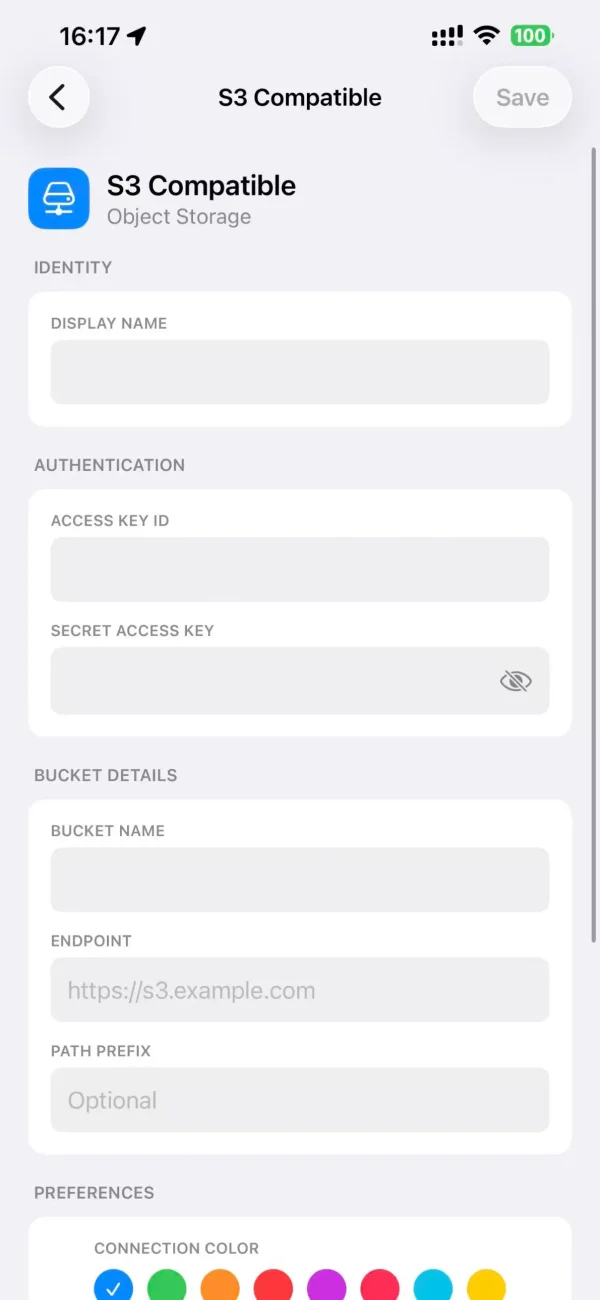
RemoteDisk turns any S3-compatible bucket or SFTP server into a native drive inside the iOS Files app. Browse, open, edit, and share your remote files from any app that supports Files — no separate viewer, no copy-paste workflow.
Built natively for iOS 17+ with SwiftUI and Apple's File Provider framework, RemoteDisk feels like iCloud Drive for your own storage.
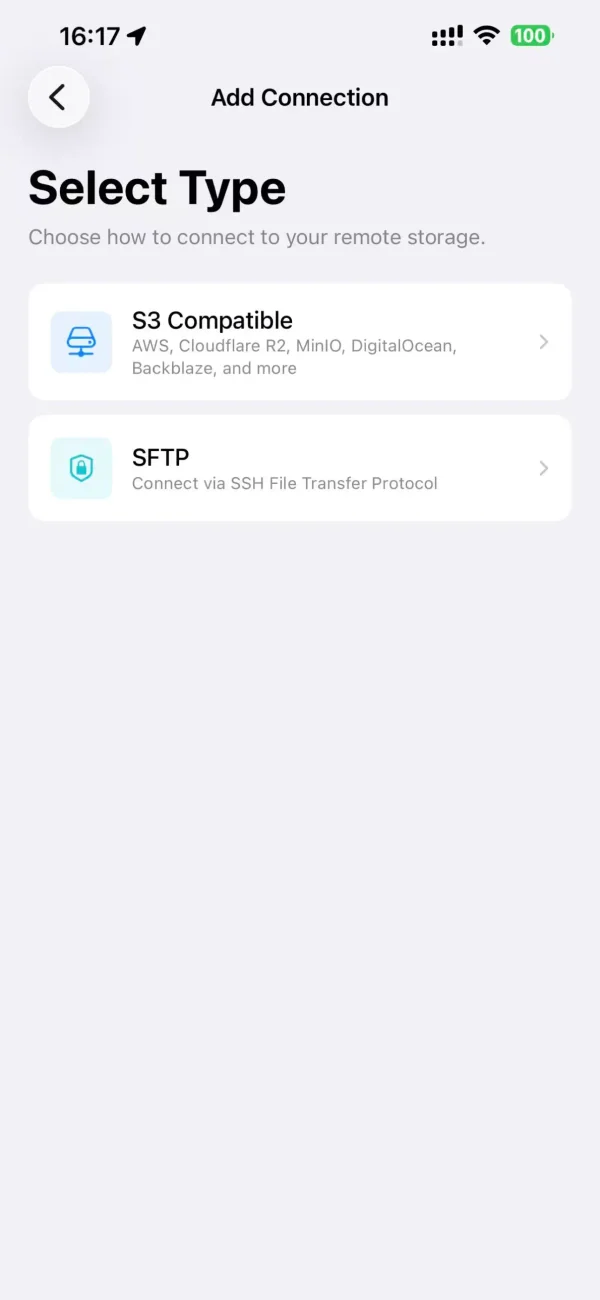
— SUPPORTED BACKENDS —
• Amazon S3
• Cloudflare R2
• Backblaze B2
• DigitalOcean Spaces
• MinIO (self-hosted)
• Wasabi, Storj, and any S3-compatible endpoint
• SFTP servers (password authentication)
— FILES APP INTEGRATION —
Every connection appears as a drive in the Files app. Tap a file to stream it, long-press to pin it offline, or drag it between connections. Works with Preview, Markup, Quick Look, and every third-party app that reads from Files.
— SMART SYNC —
• On-demand streaming — files download only when opened
• Pin files and folders for guaranteed offline access
• Conflict detection with configurable strategies: server wins, local wins, keep both, or manual resolution
• LRU cache eviction keeps your device from filling up
• Background refresh keeps metadata current
— CELLULAR-AWARE —
Set per-connection policies for cellular data: block sync on cellular, cap file sizes, or allow everything. Never worry about a 2 GB upload draining your plan.
— SHARE SHEET UPLOADS —
Send files to a RemoteDisk connection from any app via the iOS share sheet. Upload photos, PDFs, documents, or anything else directly to the destination folder you choose.
— SECURITY FIRST —
• Credentials stored in the iOS Keychain, never in plain text
• Shared keychain access group so extensions authenticate without re-entering secrets
• No telemetry, no analytics, no third-party servers — your data goes only between your device and your storage
— POWER USER FEATURES —
• Custom endpoint URLs for self-hosted deployments
• Multiple connections to the same provider with different credentials
— LOCALIZATION —
Full English and Simplified Chinese support with in-app language switching.
— WHO IT'S FOR —
• Developers who keep assets in R2 or S3 and want to edit them on iPad
• Photographers backing up to B2 or Wasabi who need to preview shots on the go
• Homelab users with MinIO or a self-hosted server exposed via SFTP
• Anyone who wants their own storage to feel as native as iCloud
App privacy
What 晓良 张 declares on the App Store about how this app handles data.
-
Data not collected
The developer does not collect any data from this app.
Privacy practices may vary, for example with the features you use or your age.
Information
- Seller
- 晓良 张
- Category
- Utilities
- Version
- 1.0
- Updated
- Apr 17, 2026
- Released
- Apr 16, 2026
- Size
- 51.2 MB
- Requires
- iOS 18.6 or later
- Age rating
- 4+
- In-app purchases
- Yes
- Languages
- English
- Copyright
- © 2026 Xiaoliang Zhang
You might also like
-
 Smart Dash: IoT DashboardsMQTT, BLE, WebSocket & more
-
 MeshRoutePeer-to-Peer Private Network
-
 FlowMountMount, sync, and manage
-
 MeshDropPrivate nearby file sharing
-
 GoosiBackblaze B2 client you need
-
 Yamlite: YAML ValidatorValidate, fix, convert YAML
-
 S3 Client & BrowserManage AWS, R2 & B2 Buckets
-
 Rclone UIUtilities
-
 S3Drive: Cloud storageUtilities
-
 DockerTab: Docker ManagerMonitor & Control Containers