
RemoteDisk
S3 & SFTP drives in Files app
Conçue pour iPhone, iPad
Gratuit · Achats intégrés
- Classification d’âge4+
- CatégorieUtilitaires
- Développeur晓良 张
- LanguesAnglais
- Taille51,2 Mo
Renvoie vers la page App Store officielle
Download.org n’héberge aucun fichier de RemoteDisk. Le bouton ouvre la page de l’application sur App Store, où 晓良 张 la publie. Fiche vérifiée pour la dernière fois le 12/11/2026.
Captures d’écran

À propos
Le développeur n’a pas fourni ce texte dans votre langue.
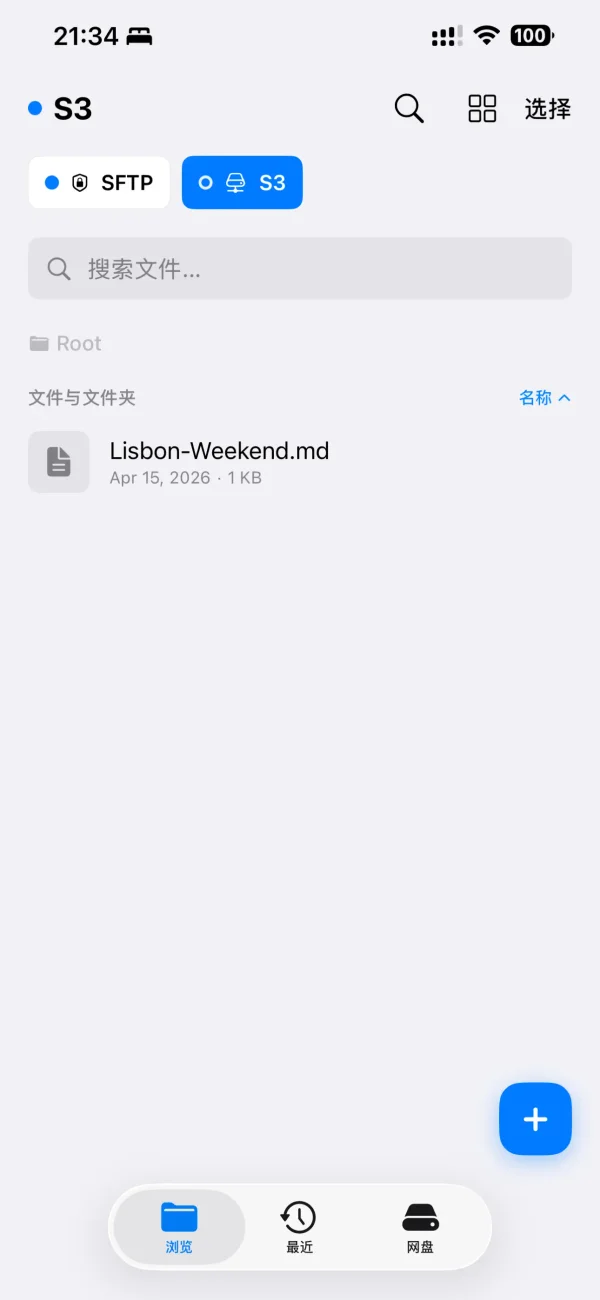
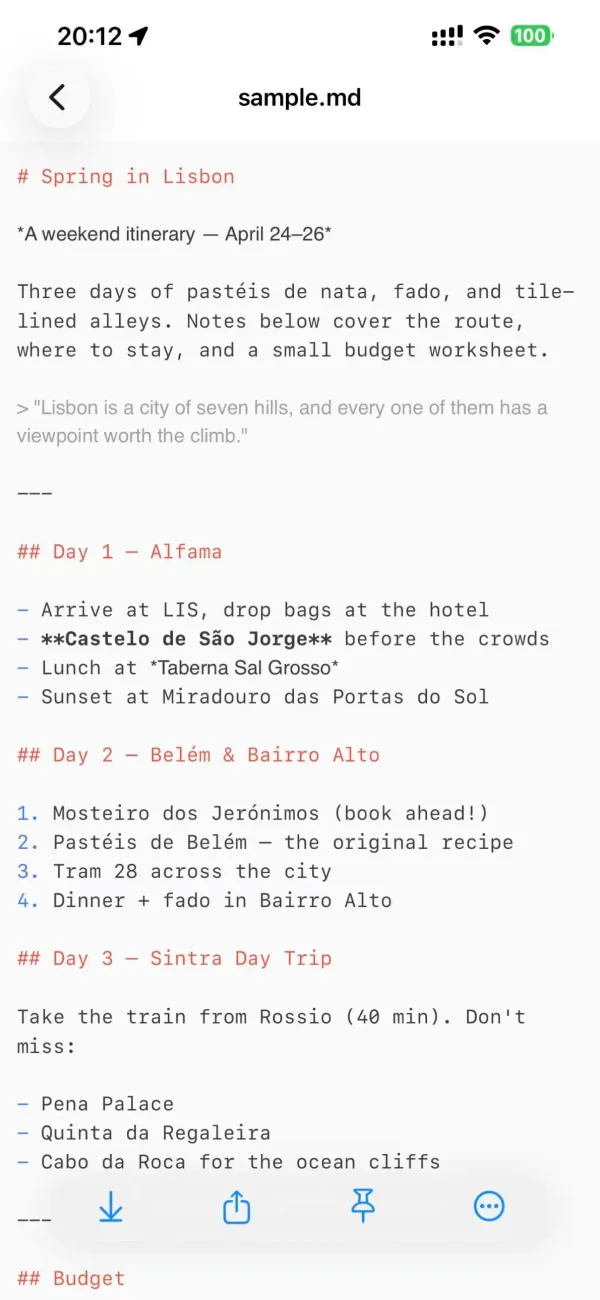
RemoteDisk turns any S3-compatible bucket or SFTP server into a native drive inside the iOS Files app. Browse, open, edit, and share your remote files from any app that supports Files — no separate viewer, no copy-paste workflow.
Built natively for iOS 17+ with SwiftUI and Apple's File Provider framework, RemoteDisk feels like iCloud Drive for your own storage.
— SUPPORTED BACKENDS —
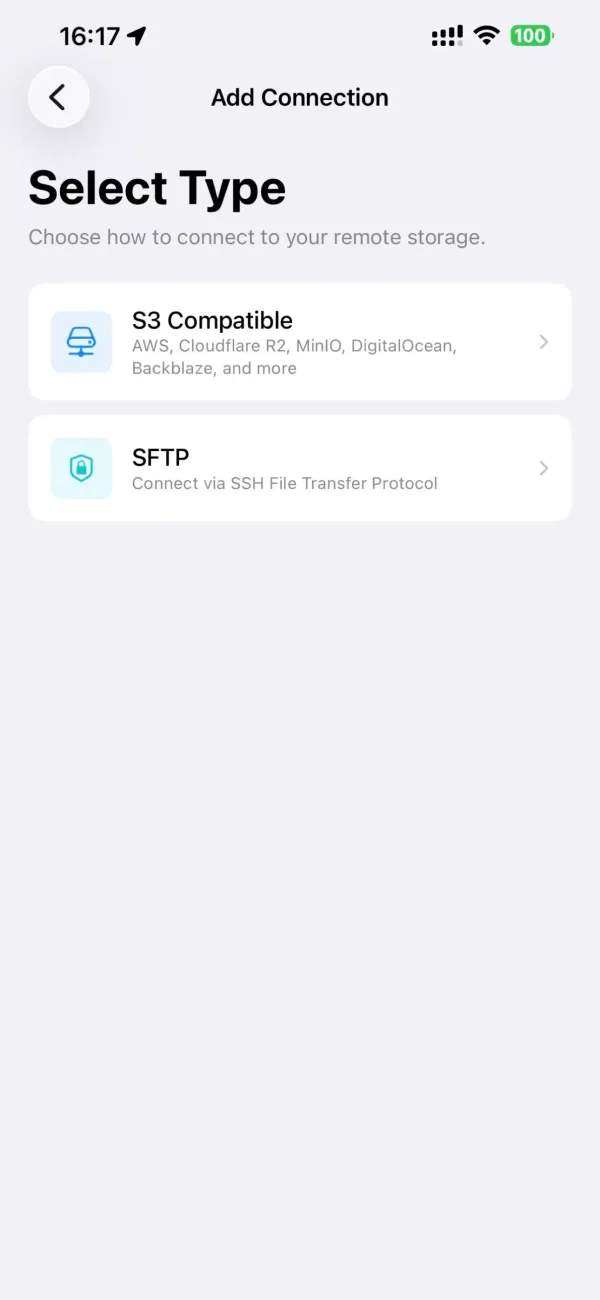
• Amazon S3
• Cloudflare R2
• Backblaze B2
• DigitalOcean Spaces
• MinIO (self-hosted)
• Wasabi, Storj, and any S3-compatible endpoint
• SFTP servers (password authentication)
— FILES APP INTEGRATION —
Every connection appears as a drive in the Files app. Tap a file to stream it, long-press to pin it offline, or drag it between connections. Works with Preview, Markup, Quick Look, and every third-party app that reads from Files.
— SMART SYNC —
• On-demand streaming — files download only when opened
• Pin files and folders for guaranteed offline access
• Conflict detection with configurable strategies: server wins, local wins, keep both, or manual resolution
• LRU cache eviction keeps your device from filling up
• Background refresh keeps metadata current
— CELLULAR-AWARE —
Set per-connection policies for cellular data: block sync on cellular, cap file sizes, or allow everything. Never worry about a 2 GB upload draining your plan.
— SHARE SHEET UPLOADS —
Send files to a RemoteDisk connection from any app via the iOS share sheet. Upload photos, PDFs, documents, or anything else directly to the destination folder you choose.
— SECURITY FIRST —
• Credentials stored in the iOS Keychain, never in plain text
• Shared keychain access group so extensions authenticate without re-entering secrets
• No telemetry, no analytics, no third-party servers — your data goes only between your device and your storage
— POWER USER FEATURES —
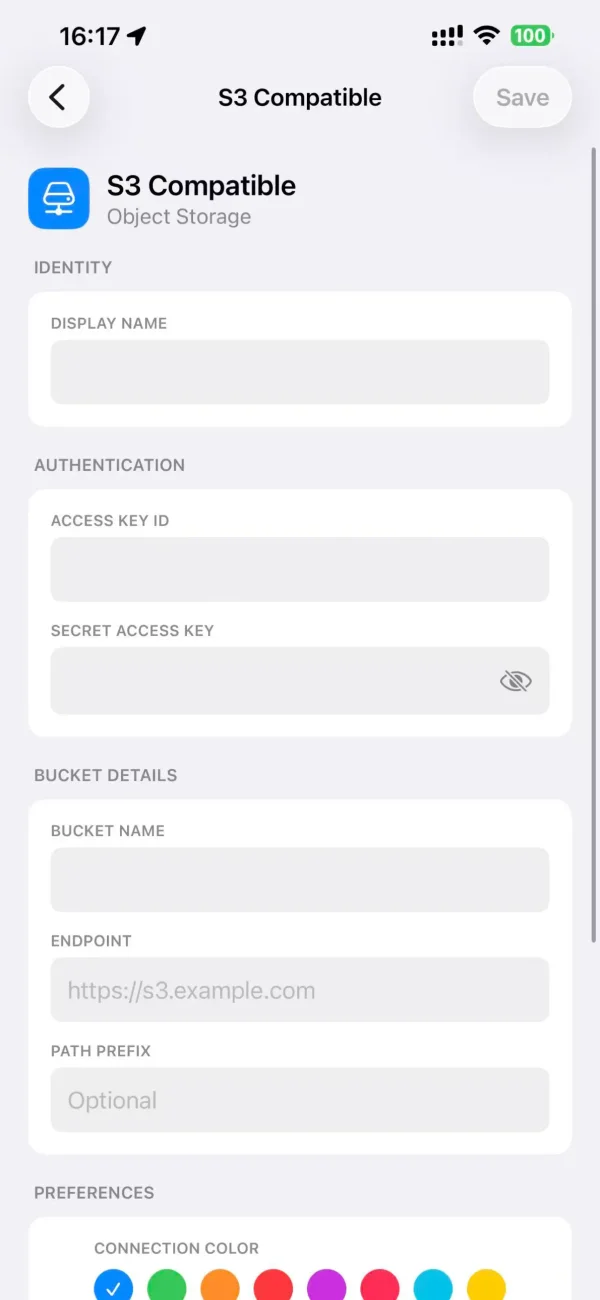
• Custom endpoint URLs for self-hosted deployments
• Multiple connections to the same provider with different credentials
— LOCALIZATION —
Full English and Simplified Chinese support with in-app language switching.
— WHO IT'S FOR —
• Developers who keep assets in R2 or S3 and want to edit them on iPad
• Photographers backing up to B2 or Wasabi who need to preview shots on the go
• Homelab users with MinIO or a self-hosted server exposed via SFTP
• Anyone who wants their own storage to feel as native as iCloud
Confidentialité de l’application
Ce que 晓良 张 déclare sur l’App Store au sujet du traitement des données par cette application.
-
Données non collectées
Le développeur ne collecte aucune donnée à partir de cette application.
Les pratiques en matière de confidentialité peuvent varier, notamment en fonction des fonctionnalités que vous utilisez ou de votre âge.
Informations
- Vendeur
- 晓良 张
- Catégorie
- Utilitaires
- Version
- 1.0
- Mis à jour
- 17/04/2026
- Publié
- 16/04/2026
- Taille
- 51,2 Mo
- Nécessite
- iOS 18.6 ou version ultérieure
- Classification d’âge
- 4+
- Prix
- Gratuit
- Achats intégrés
- Oui
- Langues
- Anglais
- Copyright
- © 2026 Xiaoliang Zhang
Vous aimerez peut-être aussi
-
 Smart Dash: IoT DashboardsMQTT, BLE, WebSocket et plus
-
 MeshRouteUtilitaires
-
 FlowMountUtilitaires
-
 MeshDropPartage de proximité privé
-
 GoosiUtilitaires
-
 Yamlite: YAML ValidatorUtilitaires
-
 S3 Client & BrowserManage AWS, R2 & B2 Buckets
-
 Rclone UIUtilitaires
-
 S3Drive: Cloud storageUtilitaires
-
 DockerTab: Docker ManagerUtilitaires