Scanly — PDF Scanner & Tools
Convert, Merge, Compress PDFs
Diseñada para iPhone
Gratis
- Clasificación por edad4+
- CategoríaProductividad
- DesarrolladorManh Dung Nguyen
- IdiomasChino simplificado+ 9 más
- Tamaño8,5 MB
Enlaza a la página oficial de App Store
Download.org no aloja ningún archivo de Scanly — PDF Scanner & Tools. El botón abre la página de la aplicación en App Store, donde la publica Manh Dung Nguyen. Ficha comprobada por última vez el 17/11/2026.
Capturas de pantalla
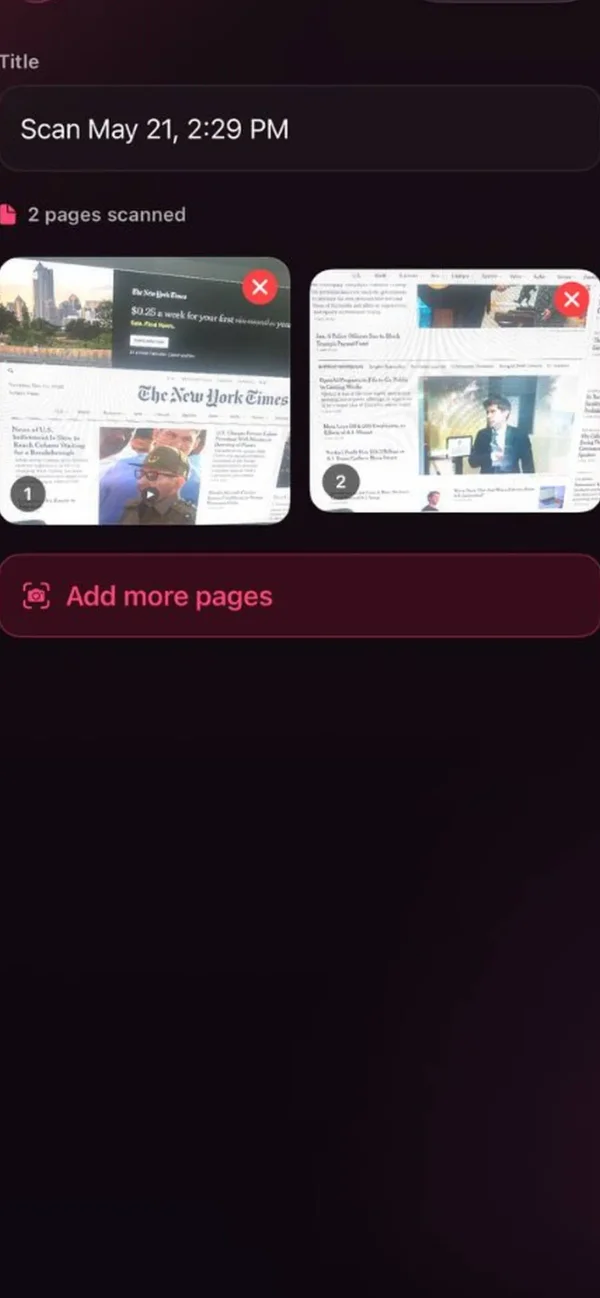

Acerca de
El desarrollador no ha proporcionado este texto en tu idioma.
The fastest way to scan, convert and organize PDFs on your iPhone — fully on-device, fully private.
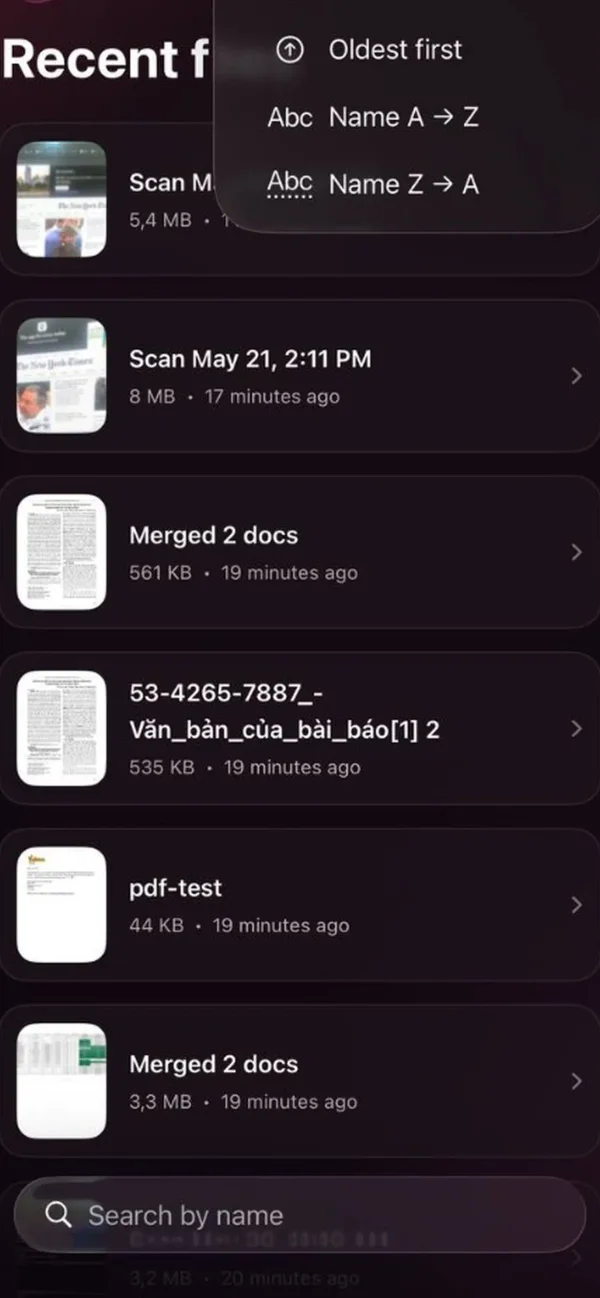
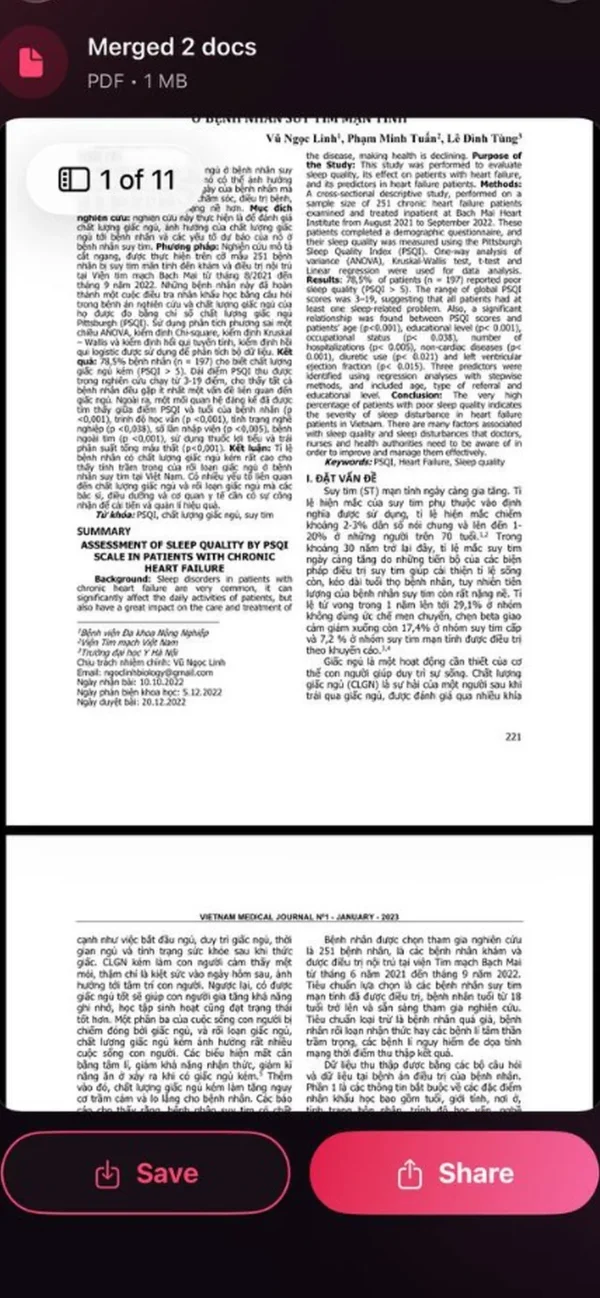
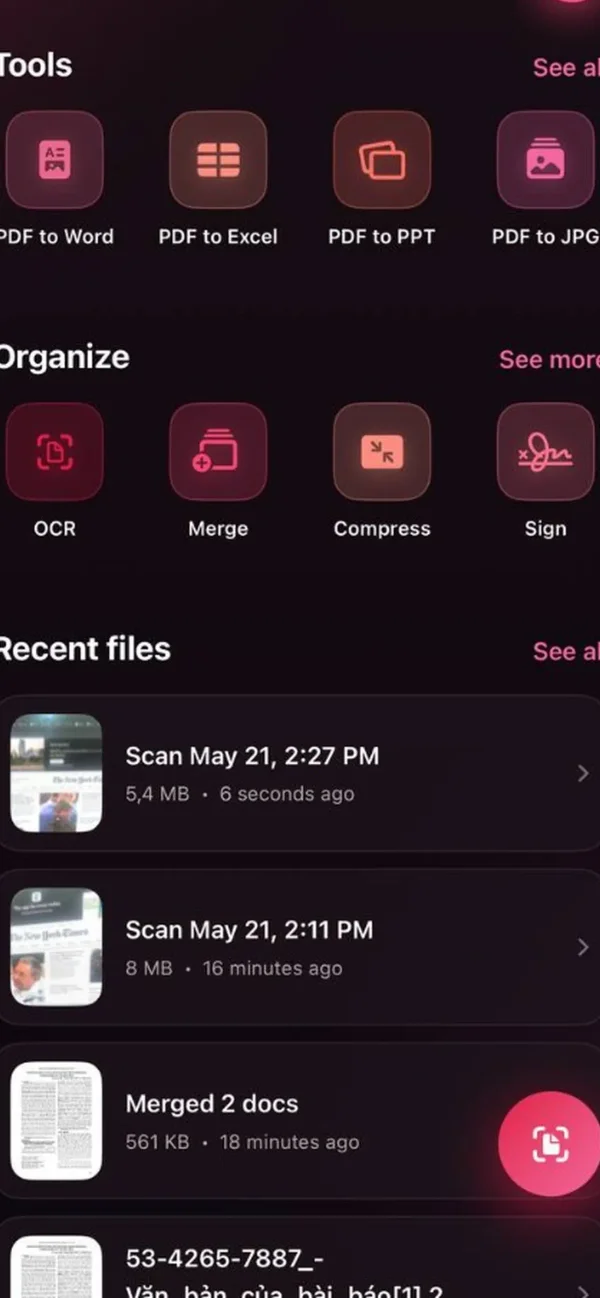
Scanly turns your camera into a precision document scanner with automatic edge detection, multi-page capture and OCR-ready output. Then it gives you every tool a paperless workflow actually needs: convert between PDF and Office, merge, split, compress, sign, watermark, lock with Face ID, and export to JPG. No cloud upload. No account. No subscription.
— SCAN —
• Auto edge detection and perspective correction
• Capture unlimited pages in one session
• Review, reorder and delete pages before saving
• Import existing PDFs from Files or Photos
— CONVERT (NATIVE, NO INTERNET) —
• PDF → Word (.docx)
• PDF → Excel (.xlsx)
• PDF → PowerPoint (.pptx)
• PDF → JPG (per page)
• Word / Excel → PDF
• Image → PDF (from camera roll)
— ORGANIZE —
• Merge multiple PDFs into one
• Split a PDF into single-page files
• Extract selected pages
• Rearrange page order with drag handles
• Compress to shrink file size
— SECURE —
• Lock any PDF with a password
• Lock with Face ID / Touch ID — a strong random password is generated and stored in your device's Keychain, retrievable only with biometrics
• Unlock instantly when reopening in the app
— SIGN & ANNOTATE —
• Draw your signature with Apple Pencil or finger
• Add text watermarks (CONFIDENTIAL, DRAFT, etc.)
• Extract text from any PDF with on-device OCR
— BUILT FOR iOS —
• 100% on-device — your documents never leave your iPhone
• Works offline anywhere
• Light & Dark mode
• 10 languages: English, Tiếng Việt, 简体中文, 日本語, 한국어, Español, Français, Deutsch, Português, Bahasa Indonesia
• Native SwiftUI, optimised for iPhone 14 and later
• No subscription. No ads. No tracking.
— PRIVACY —
We don't have a server. There's nothing to send and nothing to leak. Face ID is used only to unlock PDFs you've explicitly locked. Camera access is only used when you tap Scan.
Download Scanly and turn your iPhone into a complete document workspace today.
Privacidad de la aplicación
Lo que Manh Dung Nguyen declara en App Store sobre cómo esta aplicación gestiona los datos.
-
Datos usados para rastrearte
Pueden usarse para rastrearte en aplicaciones y sitios web propiedad de otras empresas.
- Identificadores
-
Datos vinculados a ti
Pueden recopilarse y vincularse a tu identidad.
- Identificadores
Las prácticas de privacidad pueden variar, por ejemplo, según las funciones que uses o tu edad.
Información
- Vendedor
- Manh Dung Nguyen
- Categoría
- Productividad
- Versión
- 1.0.0
- Actualizado
- 27/5/2026
- Publicado
- 26/5/2026
- Tamaño
- 8,5 MB
- Requiere
- iOS 17.0 o posterior
- Clasificación por edad
- 4+
- Precio
- Gratis
- Idiomas
- Chino simplificado, Coreano, Francés, Japonés, Indonesio, Inglés, Portugués, Español, Alemán, Vietnamita
- Copyright
- © @nguyenmanhdung2026
Quizá también te guste
-
 PDF Tools: All-in-One EditorProductividad
-
 PDF Converter - Smart ScannerProductividad
-
 PDF Scanner: Doc & OCR ConvertProductividad
-
 PDF AI: Doc Scan Editor ReaderProductividad
-
 SwitchAi: AI Assistant & AgentProductividad
-
 Unifi UCProductividad
-
 PDF Editor - Draw & AnnotateProductividad
-
 Escaneo OCREscaneo sin límitesEscáner portátil
-
 Noteora: Notas y EscrituraApuntes a mano y anotar PDF
-
 Easy Smart ScannerNo Ads & No Subscriptions