Scanly — PDF Scanner & Tools
Convert, Merge, Compress PDFs
Conçue pour iPhone
Gratuit
- Classification d’âge4+
- CatégorieProductivité
- DéveloppeurManh Dung Nguyen
- LanguesChinois simplifié+ 9 de plus
- Taille8,5 Mo
Renvoie vers la page App Store officielle
Download.org n’héberge aucun fichier de Scanly — PDF Scanner & Tools. Le bouton ouvre la page de l’application sur App Store, où Manh Dung Nguyen la publie. Fiche vérifiée pour la dernière fois le 17/11/2026.
Captures d’écran


À propos
Le développeur n’a pas fourni ce texte dans votre langue.
The fastest way to scan, convert and organize PDFs on your iPhone — fully on-device, fully private.
Scanly turns your camera into a precision document scanner with automatic edge detection, multi-page capture and OCR-ready output. Then it gives you every tool a paperless workflow actually needs: convert between PDF and Office, merge, split, compress, sign, watermark, lock with Face ID, and export to JPG. No cloud upload. No account. No subscription.
— SCAN —
• Auto edge detection and perspective correction
• Capture unlimited pages in one session
• Review, reorder and delete pages before saving
• Import existing PDFs from Files or Photos
— CONVERT (NATIVE, NO INTERNET) —
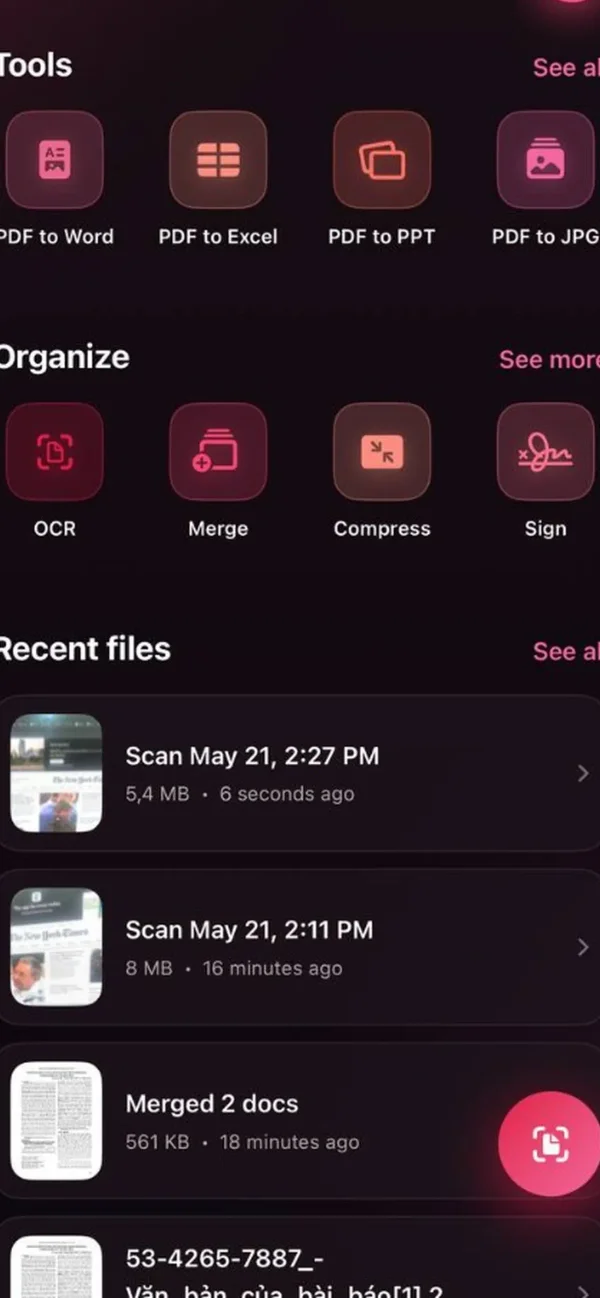
• PDF → Word (.docx)
• PDF → Excel (.xlsx)
• PDF → PowerPoint (.pptx)
• PDF → JPG (per page)
• Word / Excel → PDF
• Image → PDF (from camera roll)
— ORGANIZE —
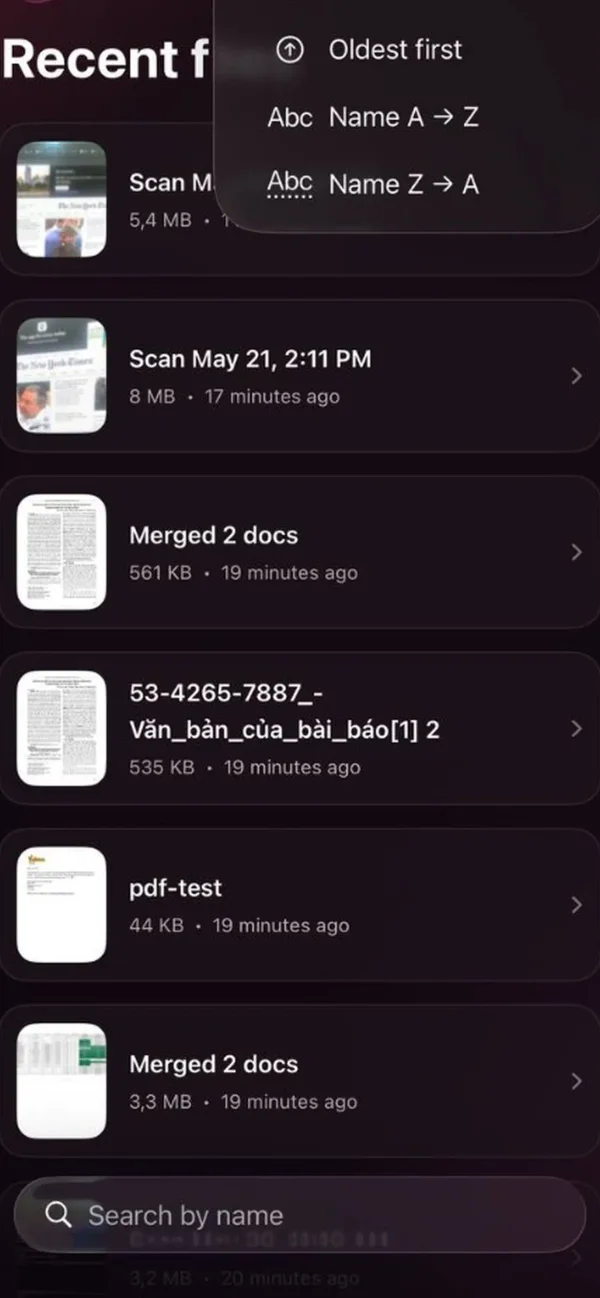
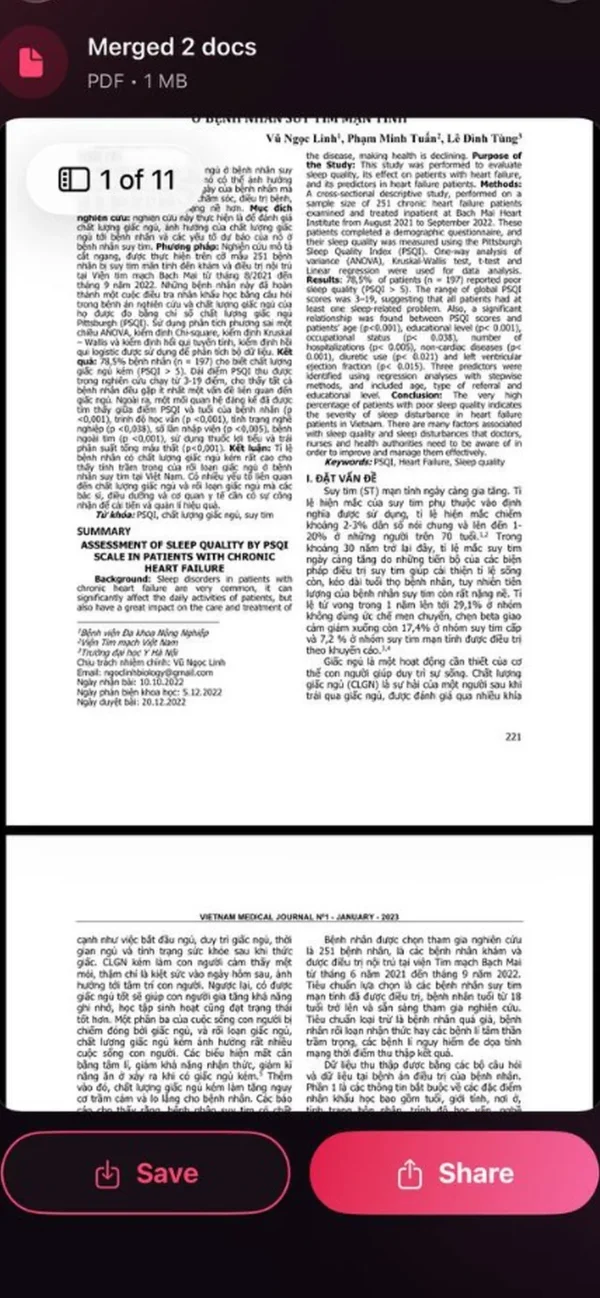
• Merge multiple PDFs into one
• Split a PDF into single-page files
• Extract selected pages
• Rearrange page order with drag handles
• Compress to shrink file size
— SECURE —
• Lock any PDF with a password
• Lock with Face ID / Touch ID — a strong random password is generated and stored in your device's Keychain, retrievable only with biometrics
• Unlock instantly when reopening in the app
— SIGN & ANNOTATE —
• Draw your signature with Apple Pencil or finger
• Add text watermarks (CONFIDENTIAL, DRAFT, etc.)
• Extract text from any PDF with on-device OCR
— BUILT FOR iOS —
• 100% on-device — your documents never leave your iPhone
• Works offline anywhere
• Light & Dark mode
• 10 languages: English, Tiếng Việt, 简体中文, 日本語, 한국어, Español, Français, Deutsch, Português, Bahasa Indonesia
• Native SwiftUI, optimised for iPhone 14 and later
• No subscription. No ads. No tracking.
— PRIVACY —
We don't have a server. There's nothing to send and nothing to leak. Face ID is used only to unlock PDFs you've explicitly locked. Camera access is only used when you tap Scan.
Download Scanly and turn your iPhone into a complete document workspace today.
Confidentialité de l’application
Ce que Manh Dung Nguyen déclare sur l’App Store au sujet du traitement des données par cette application.
-
Données utilisées pour vous suivre
Peuvent être utilisées pour vous suivre sur des applications et des sites web appartenant à d’autres sociétés.
- Identifiants
-
Données établissant un lien avec vous
Peuvent être collectées et liées à votre identité.
- Identifiants
Les pratiques en matière de confidentialité peuvent varier, notamment en fonction des fonctionnalités que vous utilisez ou de votre âge.
Informations
- Vendeur
- Manh Dung Nguyen
- Catégorie
- Productivité
- Version
- 1.0.0
- Mis à jour
- 27/05/2026
- Publié
- 26/05/2026
- Taille
- 8,5 Mo
- Nécessite
- iOS 17.0 ou version ultérieure
- Classification d’âge
- 4+
- Prix
- Gratuit
- Langues
- Chinois simplifié, Coréen, Français, Japonais, Indonésien, Anglais, Portugais, Espagnol, Allemand, Vietnamien
- Copyright
- © @nguyenmanhdung2026
Vous aimerez peut-être aussi
-
 PDF Tools: All-in-One EditorProductivité
-
 PDF Converter - Smart ScannerProductivité
-
 PDF Scanner: Doc & OCR ConvertProductivité
-
 PDF AI: Doc Scan Editor ReaderProductivité
-
 SwitchAi: AI Assistant & AgentProductivité
-
 Unifi UCProductivité
-
 PDF Editor - Draw & AnnotateProductivité
-
 OCR Scan-Scan UnlimtedPortable Scanner
-
 Noteora : Notes & ManuscritPrise de notes & annoter PDF
-
 Easy Smart ScannerProductivité