Scanly — PDF Scanner & Tools
Convert, Merge, Compress PDFs
Entwickelt für iPhone
Kostenlos
- Altersfreigabe4+
- KategorieProduktivität
- EntwicklerManh Dung Nguyen
- SprachenVereinf. Chinesisch+ 9 weitere
- Größe8,5 MB
Verlinkt auf die offizielle App Store-Seite
Download.org hostet keine Datei von Scanly — PDF Scanner & Tools. Die Schaltfläche öffnet die App-Seite bei App Store, wo Manh Dung Nguyen die App veröffentlicht. Eintrag zuletzt geprüft am 17.11.2026.
Screenshots


Info
Der Entwickler hat diesen Text nicht in Ihrer Sprache bereitgestellt.
The fastest way to scan, convert and organize PDFs on your iPhone — fully on-device, fully private.
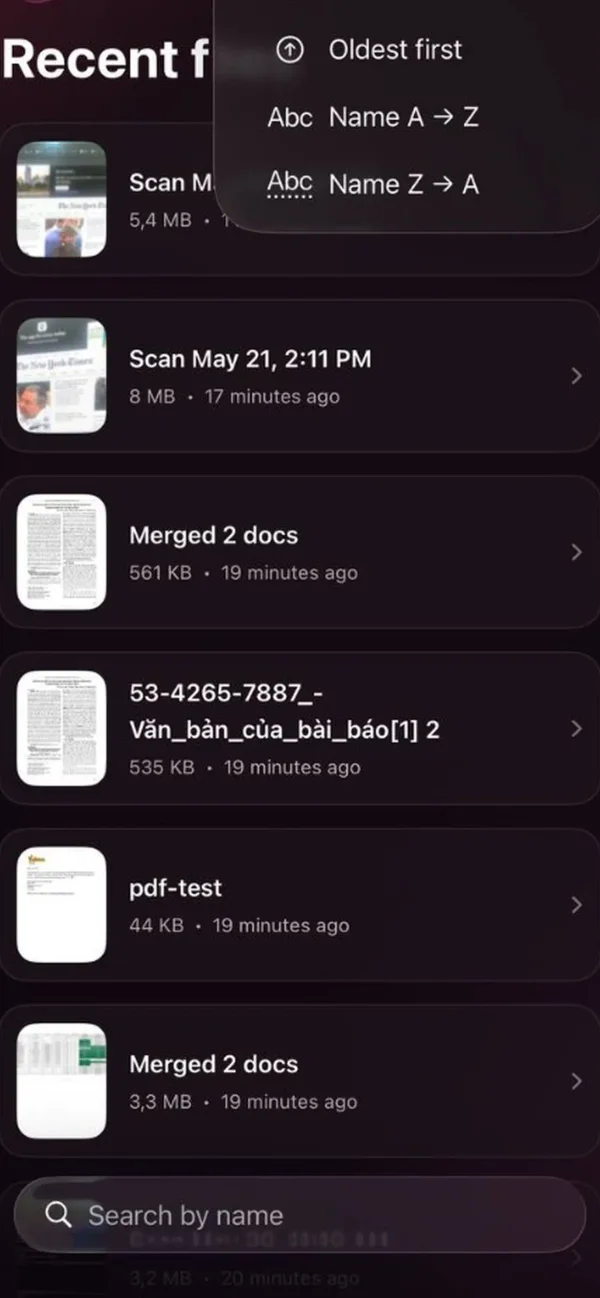
Scanly turns your camera into a precision document scanner with automatic edge detection, multi-page capture and OCR-ready output. Then it gives you every tool a paperless workflow actually needs: convert between PDF and Office, merge, split, compress, sign, watermark, lock with Face ID, and export to JPG. No cloud upload. No account. No subscription.
— SCAN —
• Auto edge detection and perspective correction
• Capture unlimited pages in one session
• Review, reorder and delete pages before saving
• Import existing PDFs from Files or Photos
— CONVERT (NATIVE, NO INTERNET) —
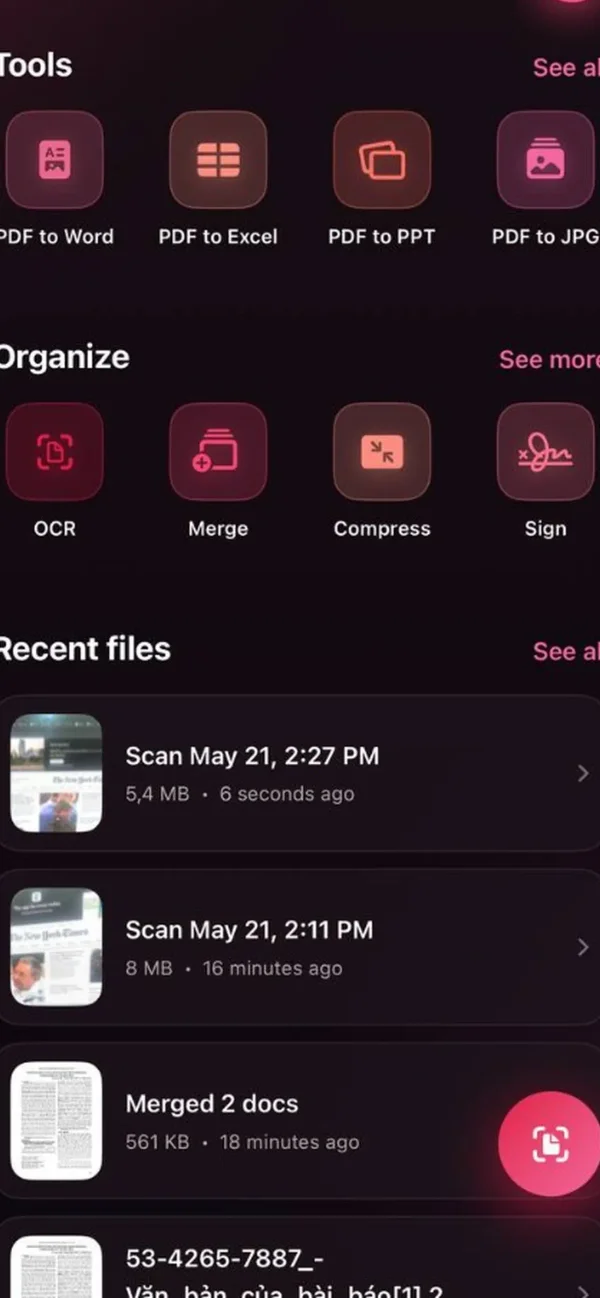
• PDF → Word (.docx)
• PDF → Excel (.xlsx)
• PDF → PowerPoint (.pptx)
• PDF → JPG (per page)
• Word / Excel → PDF
• Image → PDF (from camera roll)
— ORGANIZE —
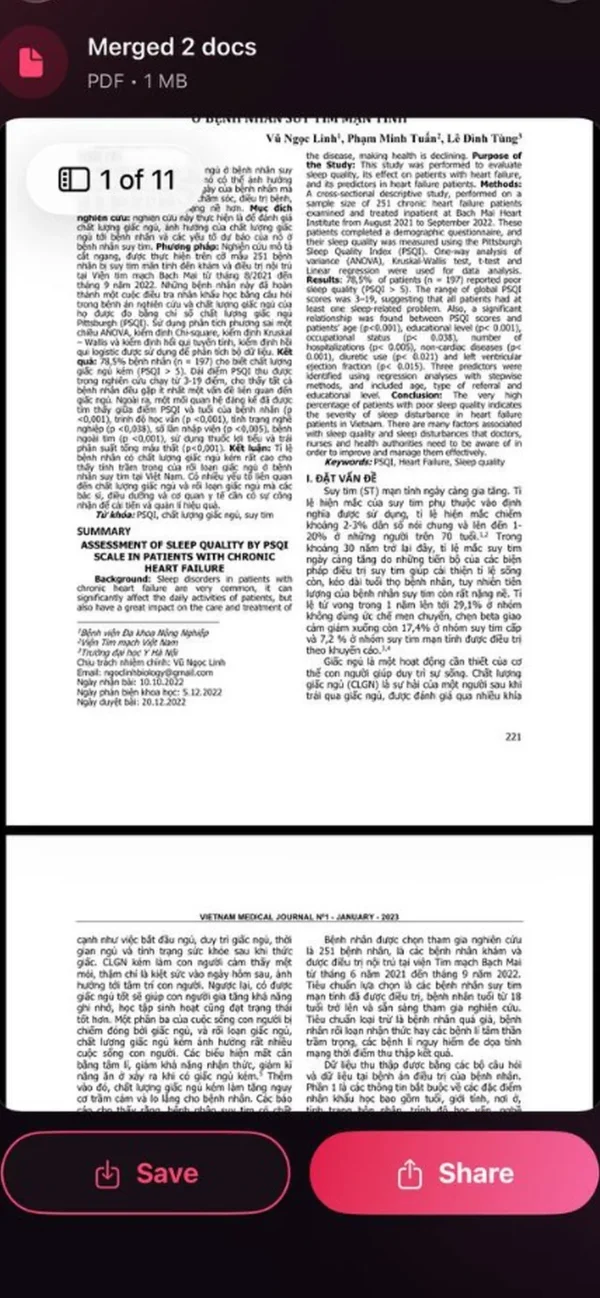
• Merge multiple PDFs into one
• Split a PDF into single-page files
• Extract selected pages
• Rearrange page order with drag handles
• Compress to shrink file size
— SECURE —
• Lock any PDF with a password
• Lock with Face ID / Touch ID — a strong random password is generated and stored in your device's Keychain, retrievable only with biometrics
• Unlock instantly when reopening in the app
— SIGN & ANNOTATE —
• Draw your signature with Apple Pencil or finger
• Add text watermarks (CONFIDENTIAL, DRAFT, etc.)
• Extract text from any PDF with on-device OCR
— BUILT FOR iOS —
• 100% on-device — your documents never leave your iPhone
• Works offline anywhere
• Light & Dark mode
• 10 languages: English, Tiếng Việt, 简体中文, 日本語, 한국어, Español, Français, Deutsch, Português, Bahasa Indonesia
• Native SwiftUI, optimised for iPhone 14 and later
• No subscription. No ads. No tracking.
— PRIVACY —
We don't have a server. There's nothing to send and nothing to leak. Face ID is used only to unlock PDFs you've explicitly locked. Camera access is only used when you tap Scan.
Download Scanly and turn your iPhone into a complete document workspace today.
App-Datenschutz
Was Manh Dung Nguyen im App Store zum Umgang dieser App mit Daten angibt.
-
Daten, die zum Tracking Ihrer Person verwendet werden
Können verwendet werden, um Sie über Apps und Websites anderer Unternehmen hinweg zu verfolgen.
- Kennungen
-
Mit Ihnen verknüpfte Daten
Können erfasst und mit Ihrer Identität verknüpft werden.
- Kennungen
Die Datenschutzpraktiken können variieren, zum Beispiel je nach den von Ihnen verwendeten Funktionen oder Ihrem Alter.
Informationen
- Anbieter
- Manh Dung Nguyen
- Kategorie
- Produktivität
- Version
- 1.0.0
- Aktualisiert
- 27.05.2026
- Veröffentlicht
- 26.05.2026
- Größe
- 8,5 MB
- Erfordert
- iOS 17.0 oder neuer
- Altersfreigabe
- 4+
- Preis
- Kostenlos
- Sprachen
- Vereinf. Chinesisch, Koreanisch, Französisch, Japanisch, Indonesisch, Englisch, Portugiesisch, Spanisch, Deutsch, Vietnamesisch
- Copyright
- © @nguyenmanhdung2026
Das könnte Ihnen auch gefallen
-
 PDF Tools: All-in-One EditorProduktivität
-
 PDF Converter - Smart ScannerProduktivität
-
 PDF Scanner: Doc & OCR ConvertProduktivität
-
 PDF AI: Doc Scan Editor ReaderProduktivität
-
 SwitchAi: AI Assistant & AgentProduktivität
-
 Unifi UCProduktivität
-
 PDF Editor - Draw & AnnotateProduktivität
-
 OCR Scan-Scan unbegrenztTragbarer Scanner
-
 Noteora: Notizen & HandschriftNotizbuch & PDF annotieren
-
 Easy Smart ScannerProduktivität