- 対象年齢4+
- カテゴリ仕事効率化
- 開発元Manh Dung Nguyen
- 言語簡体字中国語ほか9言語
- サイズ8.5 MB
App Storeの公式ページにリンクしています
Download.orgはScanly — PDF Scanner & Toolsのファイルを一切ホストしていません。ボタンを押すと、Manh Dung Nguyenが公開しているApp Storeのアプリページが開きます。ページの最終確認:2026/11/17。
スクリーンショット


概要
開発元はこのテキストをお使いの言語で提供していません。
The fastest way to scan, convert and organize PDFs on your iPhone — fully on-device, fully private.
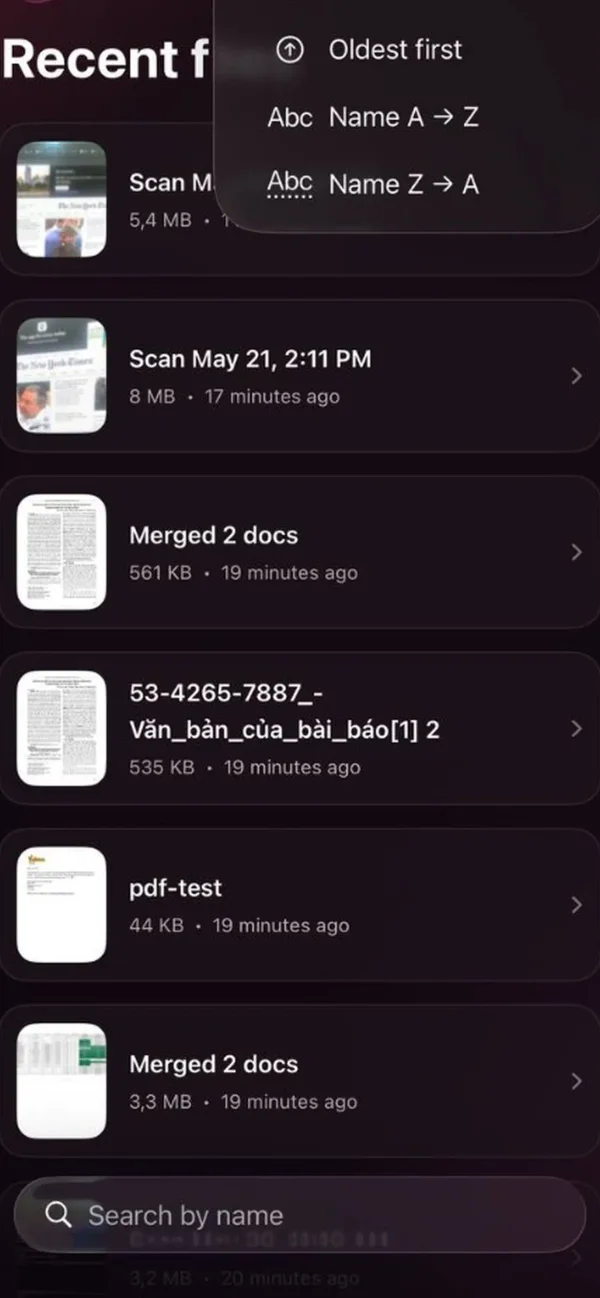
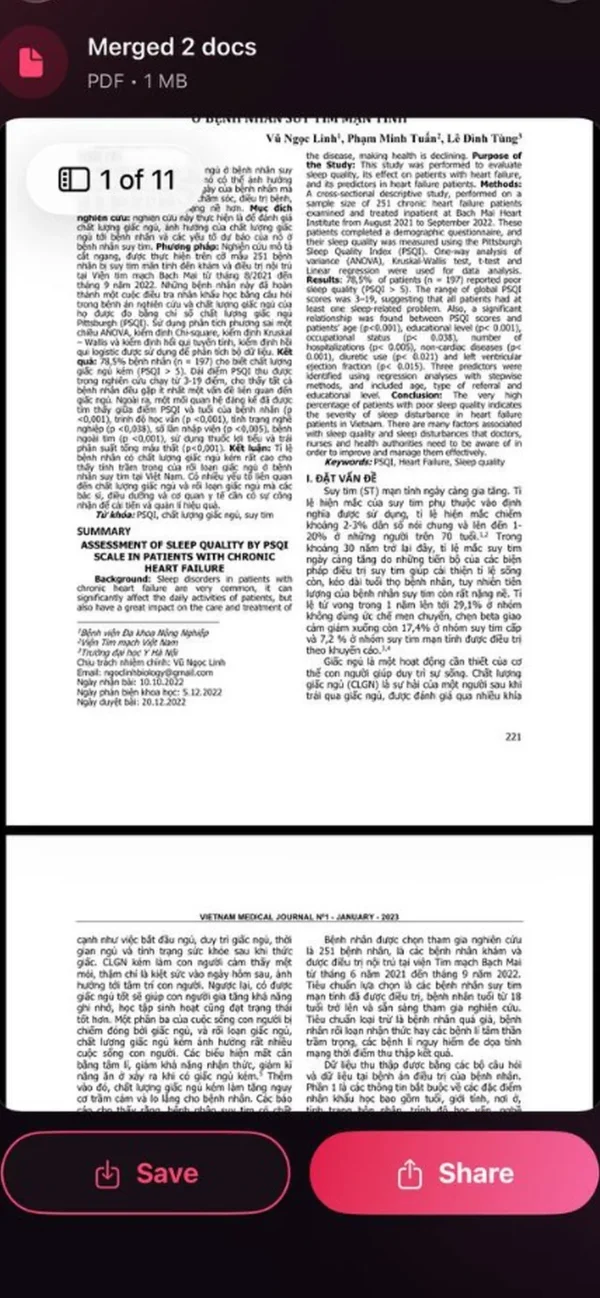
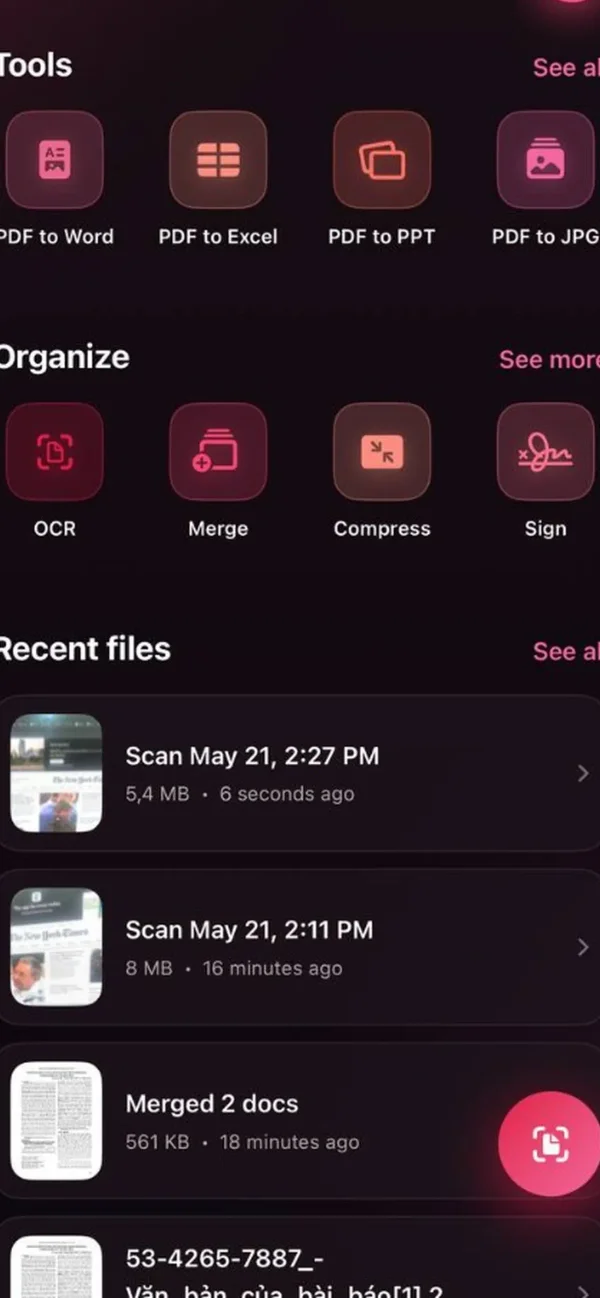
Scanly turns your camera into a precision document scanner with automatic edge detection, multi-page capture and OCR-ready output. Then it gives you every tool a paperless workflow actually needs: convert between PDF and Office, merge, split, compress, sign, watermark, lock with Face ID, and export to JPG. No cloud upload. No account. No subscription.
— SCAN —
• Auto edge detection and perspective correction
• Capture unlimited pages in one session
• Review, reorder and delete pages before saving
• Import existing PDFs from Files or Photos
— CONVERT (NATIVE, NO INTERNET) —
• PDF → Word (.docx)
• PDF → Excel (.xlsx)
• PDF → PowerPoint (.pptx)
• PDF → JPG (per page)
• Word / Excel → PDF
• Image → PDF (from camera roll)
— ORGANIZE —
• Merge multiple PDFs into one
• Split a PDF into single-page files
• Extract selected pages
• Rearrange page order with drag handles
• Compress to shrink file size
— SECURE —
• Lock any PDF with a password
• Lock with Face ID / Touch ID — a strong random password is generated and stored in your device's Keychain, retrievable only with biometrics
• Unlock instantly when reopening in the app
— SIGN & ANNOTATE —
• Draw your signature with Apple Pencil or finger
• Add text watermarks (CONFIDENTIAL, DRAFT, etc.)
• Extract text from any PDF with on-device OCR
— BUILT FOR iOS —
• 100% on-device — your documents never leave your iPhone
• Works offline anywhere
• Light & Dark mode
• 10 languages: English, Tiếng Việt, 简体中文, 日本語, 한국어, Español, Français, Deutsch, Português, Bahasa Indonesia
• Native SwiftUI, optimised for iPhone 14 and later
• No subscription. No ads. No tracking.
— PRIVACY —
We don't have a server. There's nothing to send and nothing to leak. Face ID is used only to unlock PDFs you've explicitly locked. Camera access is only used when you tap Scan.
Download Scanly and turn your iPhone into a complete document workspace today.
アプリのプライバシー
このアプリのデータの取り扱いについて、Manh Dung NguyenがApp Storeで申告している内容です。
-
ユーザーのトラッキングに使用されるデータ
他社のアプリやウェブサイトを横断してユーザーをトラッキングする目的で使用される場合があります。
- ID
-
ユーザーに関連付けられたデータ
収集され、ユーザーの識別情報に関連付けられる場合があります。
- ID
プライバシーの取り扱いは、ご利用の機能やお客様の年齢などに応じて異なる場合があります。
情報
- 販売元
- Manh Dung Nguyen
- カテゴリ
- 仕事効率化
- バージョン
- 1.0.0
- 更新日
- 2026/5/27
- リリース
- 2026/5/26
- サイズ
- 8.5 MB
- 必要条件
- iOS 17.0以降
- 対象年齢
- 4+
- 価格
- 無料
- 言語
- 簡体字中国語, 韓国語, フランス語, 日本語, インドネシア語, 英語, ポルトガル語, スペイン語, ドイツ語, ベトナム語
- 著作権
- © @nguyenmanhdung2026
こちらもおすすめ
-
 PDF Tools: All-in-One Editor仕事効率化
-
 PDF Converter - Smart Scanner仕事効率化
-
 PDF Scanner: Doc & OCR Convert仕事効率化
-
 PDF AI: Doc Scan Editor Reader仕事効率化
-
 SwitchAi: AI Assistant & Agent仕事効率化
-
 Unifi UC仕事効率化
-
 PDF Editor - Draw & Annotate仕事効率化
-
 OCRスキャン-スキャンアンリムテッドポータブルスキャナー
-
 Noteora: ノート&手書きメモ帳PDF書き込み・Word編集・ノートアプリ
-
 Easy Smart Scanner仕事効率化