
- Clasificación por edad4+
- CategoríaMúsica
- DesarrolladorHANMIN YUN
- IdiomasCoreano+ 1 más
- Tamaño58,6 MB
Enlaza a la página oficial de App Store
Download.org no aloja ningún archivo de SEPTIMUS. El botón abre la página de la aplicación en App Store, donde la publica HANMIN YUN. Ficha comprobada por última vez el 13/11/2026.
Capturas de pantalla


Acerca de
El desarrollador no ha proporcionado este texto en tu idioma.
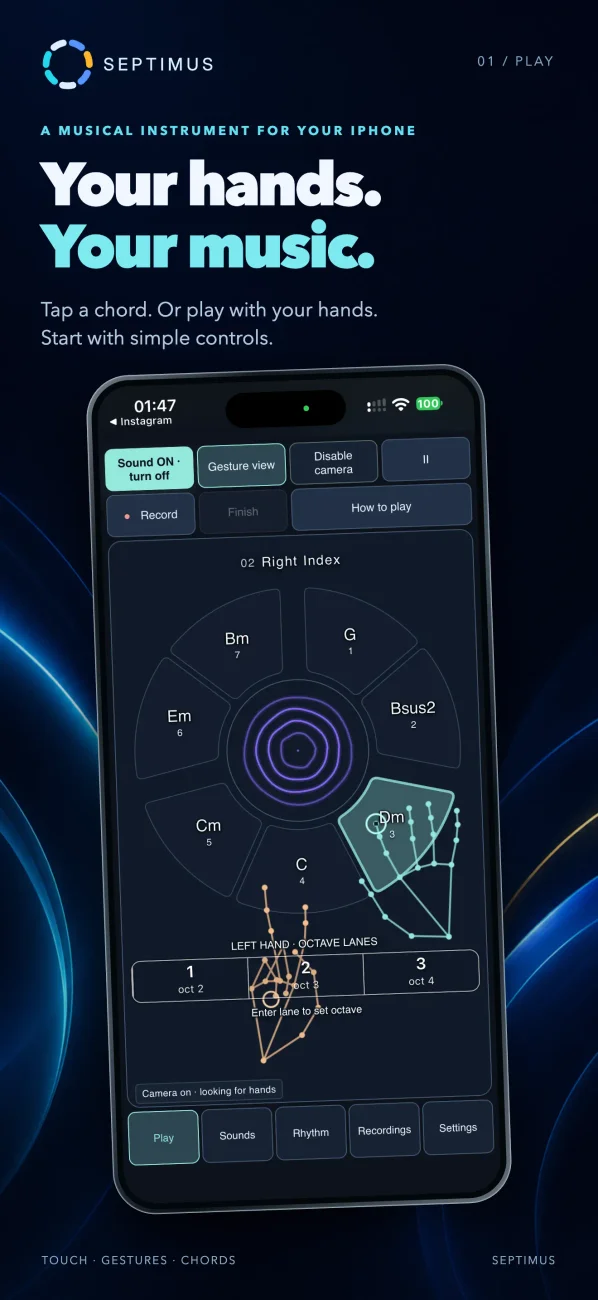
SEPTIMUS turns your iPhone into a touch and gesture instrument. Tap a chord to start making music, or enable the camera and play with your hands. Simple controls and a short How to play guide help you get started; switch to Advanced in Settings when you want more control.
• Pick an instrument and explore different sounds.
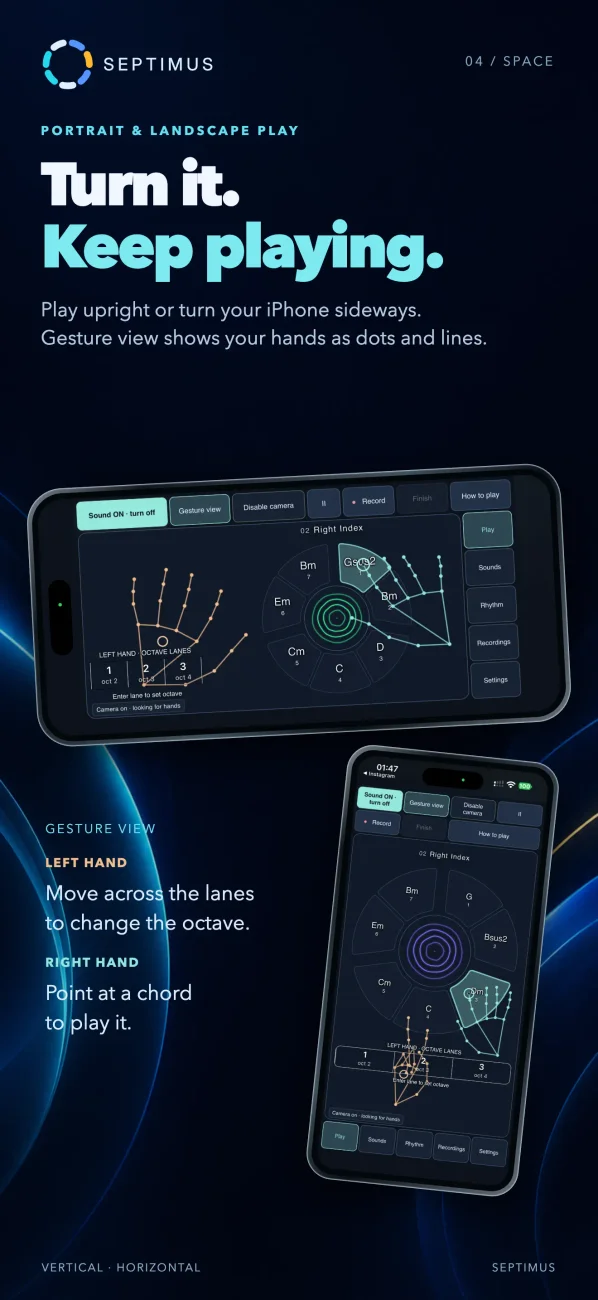
• Use Gesture view to see hand dots and connecting lines on a plain background, or switch to Camera view for the live picture.
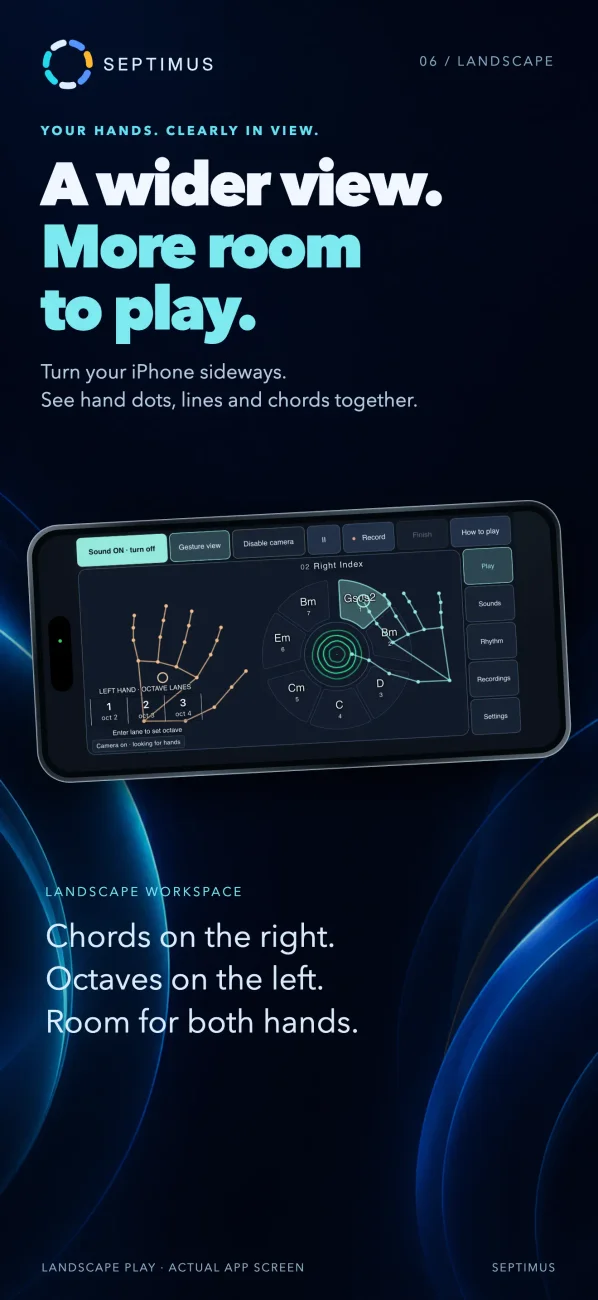
• Play in portrait or landscape. Point with your right index to play chords and use your left hand to change octave.
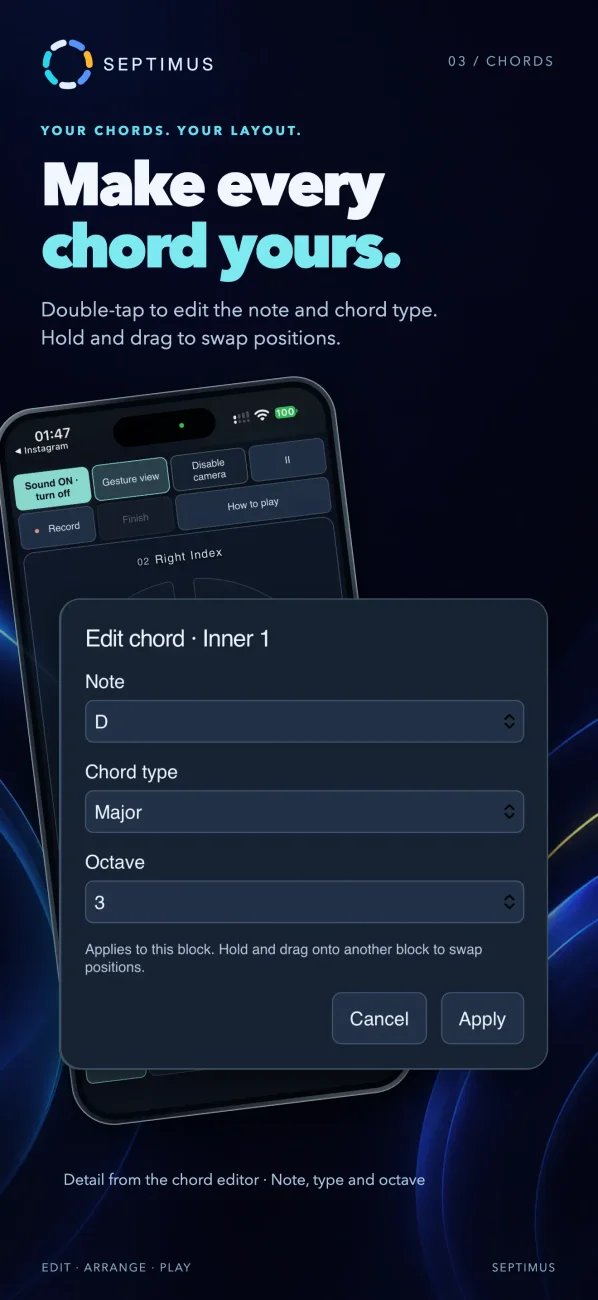
• Double-tap a chord block to edit it, or hold and drag to move it.
• Add drums and bass, record your music, and save WAV audio through the iPhone share sheet.
• Advanced controls include independent instruments for two chord rings, Hall and distortion, loop layers, a metronome, and your own chord charts and rehearsal text.
Camera access is optional. Hand tracking and camera effects run on your device. SEPTIMUS records its generated music, not microphone audio or camera video. No account is required. English and Korean are available in Settings.
For gesture play, prop up your iPhone and keep both hands and fingertips in view with even lighting. Choose your Silent mode preference in Settings > iPhone audio. Save recordings you want to keep before closing the app: working recordings and loops stay in the current session until exported.
Novedades
Versión 1.0.2 · 6/10/2026
• Smoother chord changes when playing the default Soft synth with hand gestures.
• A softly glowing pointer and a brighter, fading light trail make your hand movements easier to follow.
• Tiny twinkling particles show when you play a chord. Open your playing hand for a fuller sparkle, or curl the other fingers for a gentler index-pointer effect.
• Available in Gesture view and Camera view, in portrait and landscape. Reduce Motion keeps a simple pointer without trails or particles.
Privacidad de la aplicación
Lo que HANMIN YUN declara en App Store sobre cómo esta aplicación gestiona los datos.
-
No se recopilan datos
El desarrollador no recopila ningún dato de esta aplicación.
Las prácticas de privacidad pueden variar, por ejemplo, según las funciones que uses o tu edad.
Información
- Vendedor
- HANMIN YUN
- Categoría
- Música
- Versión
- 1.0.2
- Actualizado
- 6/10/2026
- Publicado
- 2/10/2026
- Tamaño
- 58,6 MB
- Requiere
- iOS 17.0 o posterior
- Clasificación por edad
- 4+
- Precio
- Gratis
- Idiomas
- Coreano, Inglés
- Copyright
- © 2026 Hanmin Yun
Quizá también te guste
-
 Piano Effect: Efectos TecladoMide trémolo, chorus y reverb
-
 Index ThereminMúsica
-
 Motio: Motion SynthMúsica
-
 Ghost Hand PianoMúsica
-
 Musaic - Recording StudioGrabar canciones y armonías
-
 Jam Assist: Detecta TonalidadEscalas en vivo: bajo y piano
-
 잠과 음악 사이 (자장가, 명상, 백색소음)Música
-
 Airmony - Gesture SynthHacer música y tocar acordes
-
 24-TET Keys: Teclado MIDIToca los cuartos de tono
-
 Hoverophone: ThereminSintetizador en el aire