
- Batasan usia4+
- KategoriMusik
- PengembangHANMIN YUN
- BahasaKorea+ 1 lainnya
- Ukuran58,6 MB
Tertaut ke halaman resmi App Store
Download.org tidak menyimpan file SEPTIMUS apa pun. Tombol ini membuka halaman aplikasi di App Store, tempat HANMIN YUN menerbitkannya. Halaman terakhir diperiksa pada 13/11/2026.
Tangkapan layar


Tentang
Pengembang belum menyediakan teks ini dalam bahasa Anda.
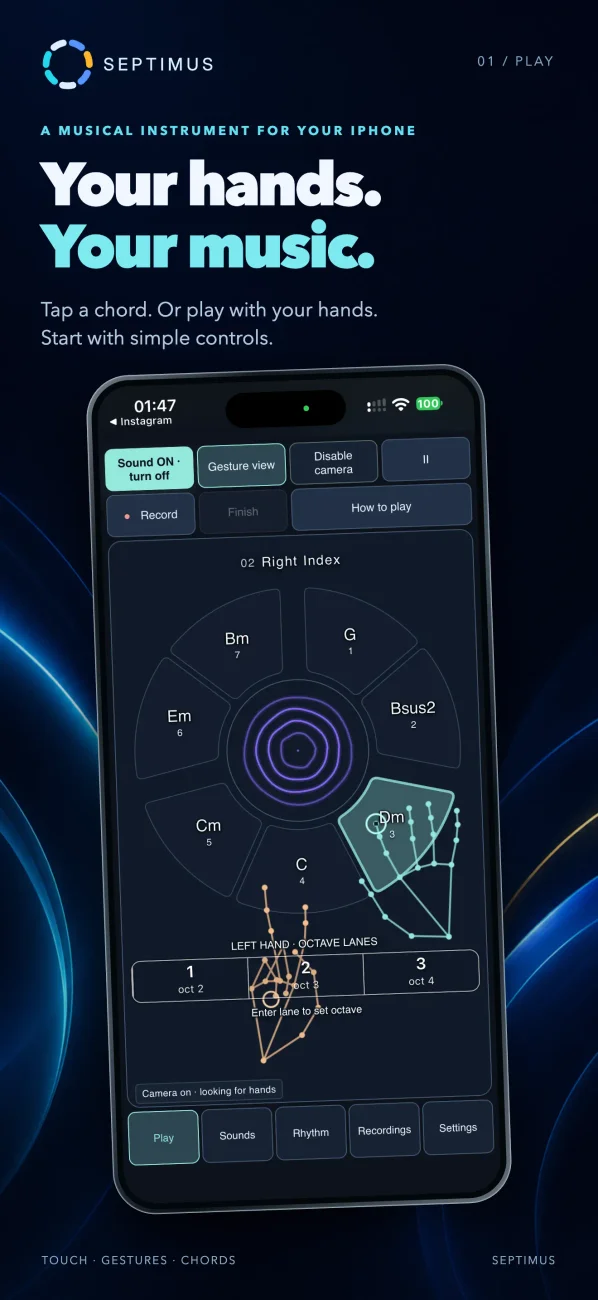
SEPTIMUS turns your iPhone into a touch and gesture instrument. Tap a chord to start making music, or enable the camera and play with your hands. Simple controls and a short How to play guide help you get started; switch to Advanced in Settings when you want more control.
• Pick an instrument and explore different sounds.
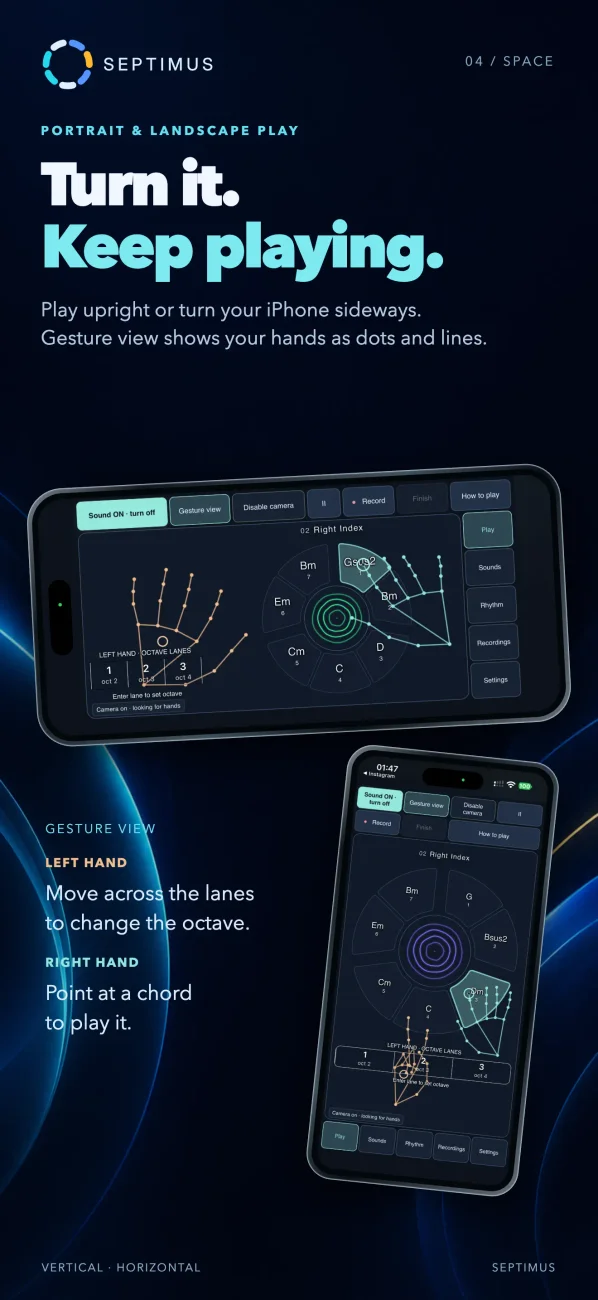
• Use Gesture view to see hand dots and connecting lines on a plain background, or switch to Camera view for the live picture.
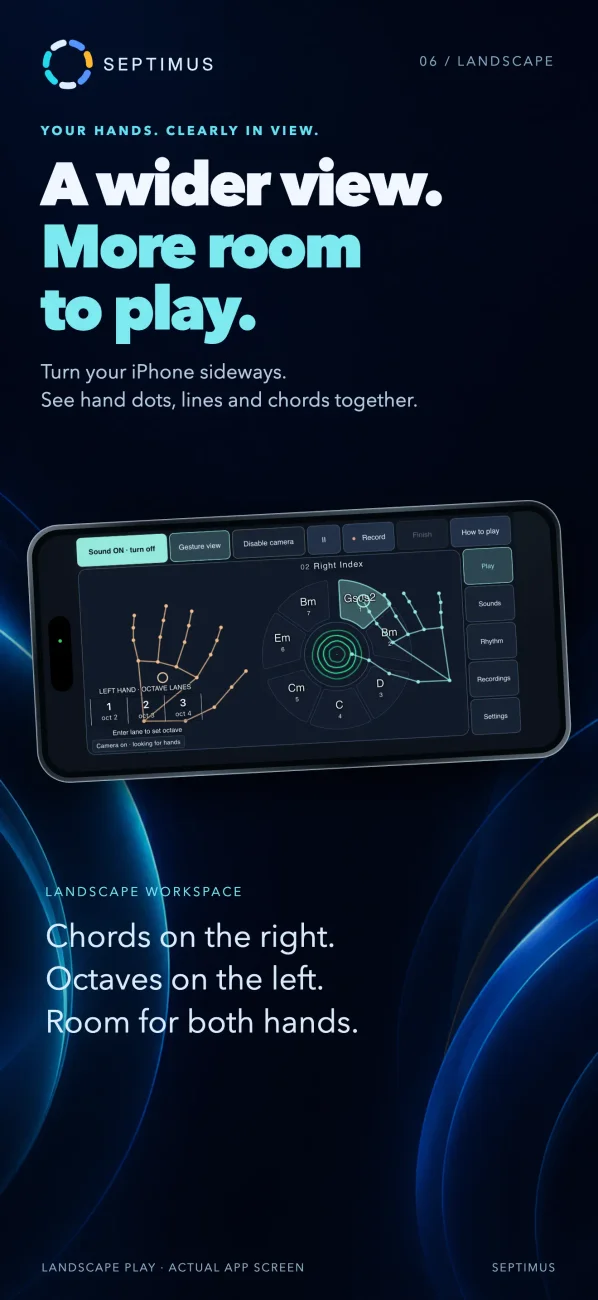
• Play in portrait or landscape. Point with your right index to play chords and use your left hand to change octave.
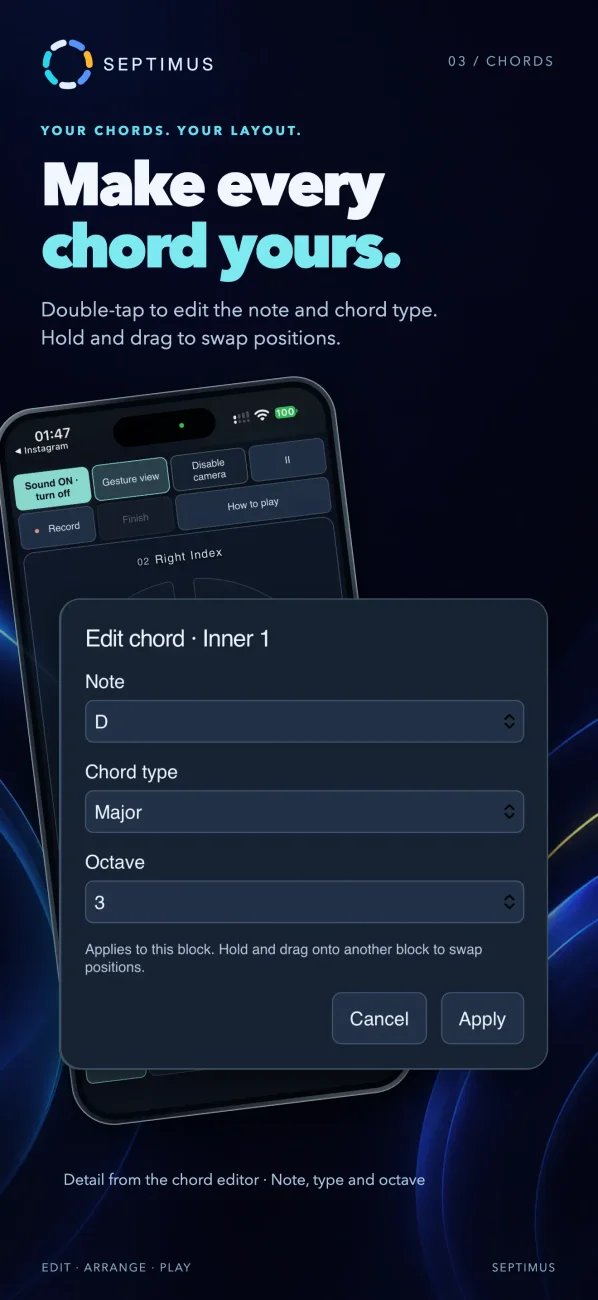
• Double-tap a chord block to edit it, or hold and drag to move it.
• Add drums and bass, record your music, and save WAV audio through the iPhone share sheet.
• Advanced controls include independent instruments for two chord rings, Hall and distortion, loop layers, a metronome, and your own chord charts and rehearsal text.
Camera access is optional. Hand tracking and camera effects run on your device. SEPTIMUS records its generated music, not microphone audio or camera video. No account is required. English and Korean are available in Settings.
For gesture play, prop up your iPhone and keep both hands and fingertips in view with even lighting. Choose your Silent mode preference in Settings > iPhone audio. Save recordings you want to keep before closing the app: working recordings and loops stay in the current session until exported.
Yang baru
Versi 1.0.2 · 6/10/2026
• Smoother chord changes when playing the default Soft synth with hand gestures.
• A softly glowing pointer and a brighter, fading light trail make your hand movements easier to follow.
• Tiny twinkling particles show when you play a chord. Open your playing hand for a fuller sparkle, or curl the other fingers for a gentler index-pointer effect.
• Available in Gesture view and Camera view, in portrait and landscape. Reduce Motion keeps a simple pointer without trails or particles.
Privasi aplikasi
Yang dinyatakan HANMIN YUN di App Store tentang cara aplikasi ini menangani data.
-
Data tidak dikumpulkan
Pengembang tidak mengumpulkan data apa pun dari aplikasi ini.
Praktik privasi dapat bervariasi, misalnya berdasarkan fitur yang Anda gunakan atau usia Anda.
Informasi
- Penjual
- HANMIN YUN
- Kategori
- Musik
- Versi
- 1.0.2
- Diperbarui
- 6/10/2026
- Dirilis
- 2/10/2026
- Ukuran
- 58,6 MB
- Memerlukan
- iOS 17.0 atau yang lebih baru
- Batasan usia
- 4+
- Harga
- Gratis
- Bahasa
- Korea, Inggris
- Hak cipta
- © 2026 Hanmin Yun
Mungkin Anda juga suka
-
 Piano Effect: Synth FX FinderMusik
-
 Index ThereminMusik
-
 Motio: Motion SynthMusik
-
 Ghost Hand PianoMusik
-
 Musaic: Acapella MakerStudio rekaman & cover lagu
-
 Jam Assist: Scale FinderMusik
-
 잠과 음악 사이 (자장가, 명상, 백색소음)Musik
-
 Airmony - Gesture SynthAlat musik di udara pakai jari
-
 24-TET Keys: Microtonal MIDIMusik
-
 Hoverophone: Theremin SynthMusik