
- Classification d’âge4+
- CatégorieMusique
- DéveloppeurHANMIN YUN
- LanguesCoréen+ 1 de plus
- Taille58,6 Mo
SEPTIMUS n’est peut-être pas disponible sur App Store pour le moment
La fiche de la boutique était inaccessible lors de notre dernière vérification. Le lien mène toujours à la page App Store officielle.
Captures d’écran


À propos
Le développeur n’a pas fourni ce texte dans votre langue.
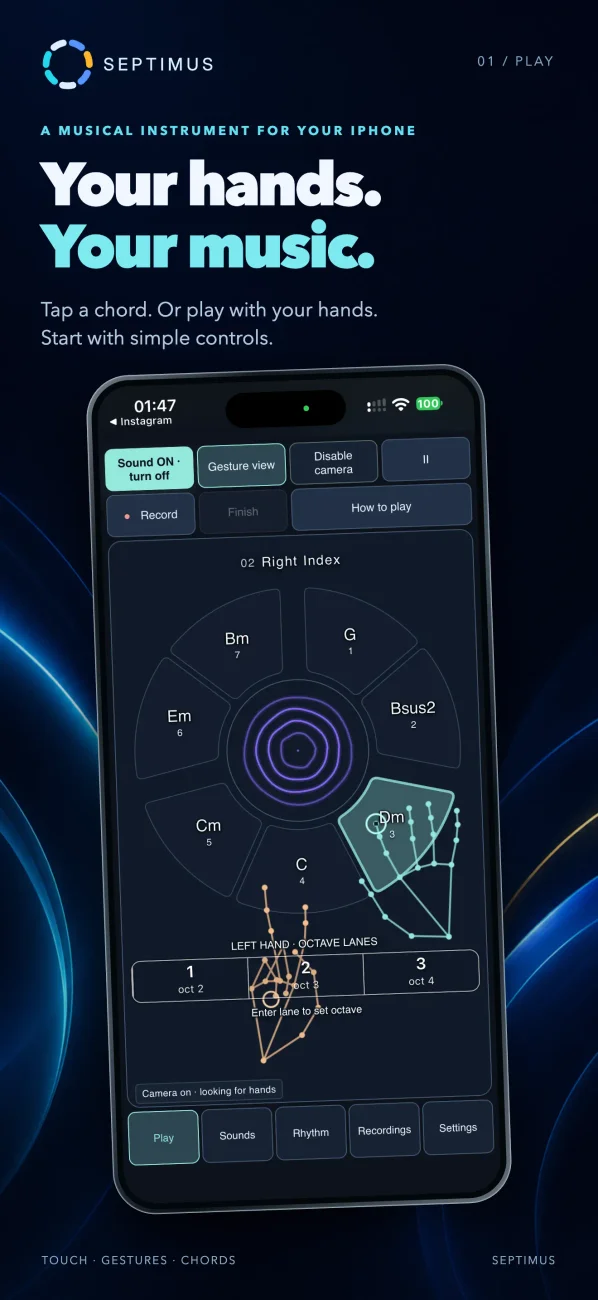
SEPTIMUS turns your iPhone into a touch and gesture instrument. Tap a chord to start making music, or enable the camera and play with your hands. Simple controls and a short How to play guide help you get started; switch to Advanced in Settings when you want more control.
• Pick an instrument and explore different sounds.
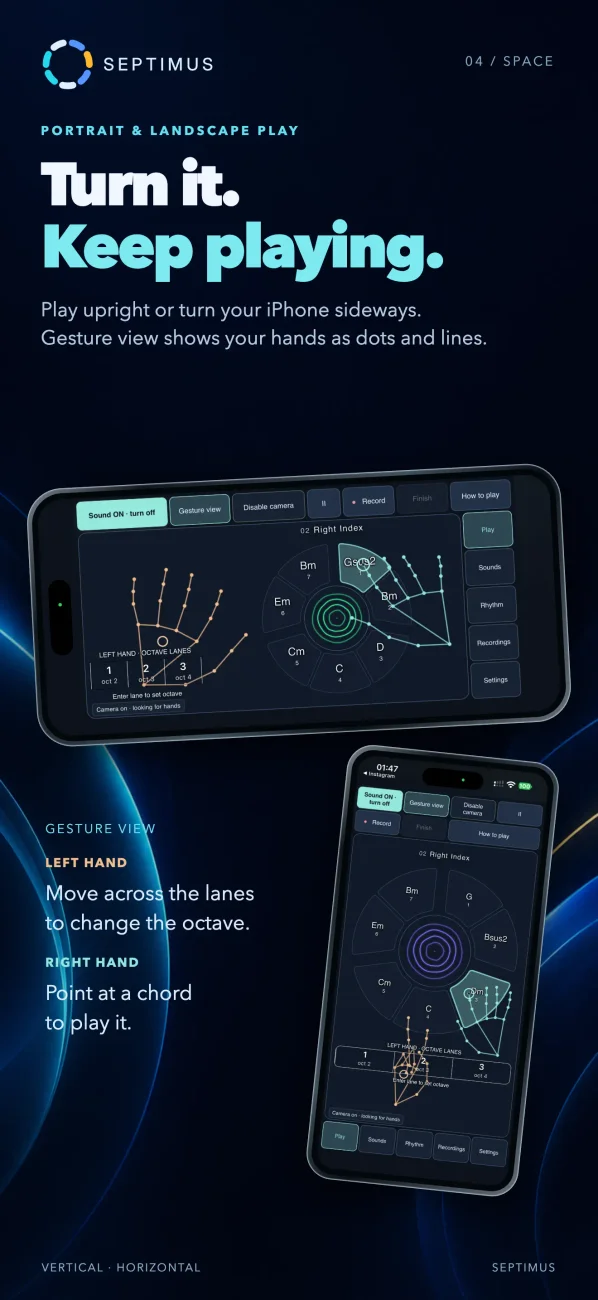
• Use Gesture view to see hand dots and connecting lines on a plain background, or switch to Camera view for the live picture.
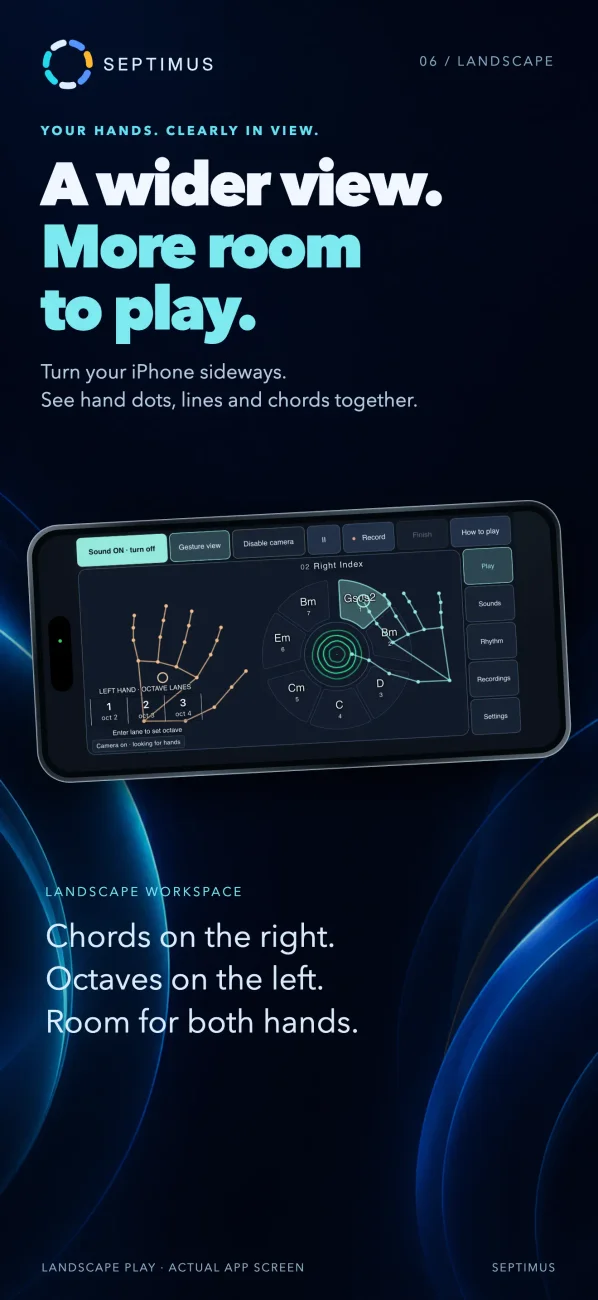
• Play in portrait or landscape. Point with your right index to play chords and use your left hand to change octave.
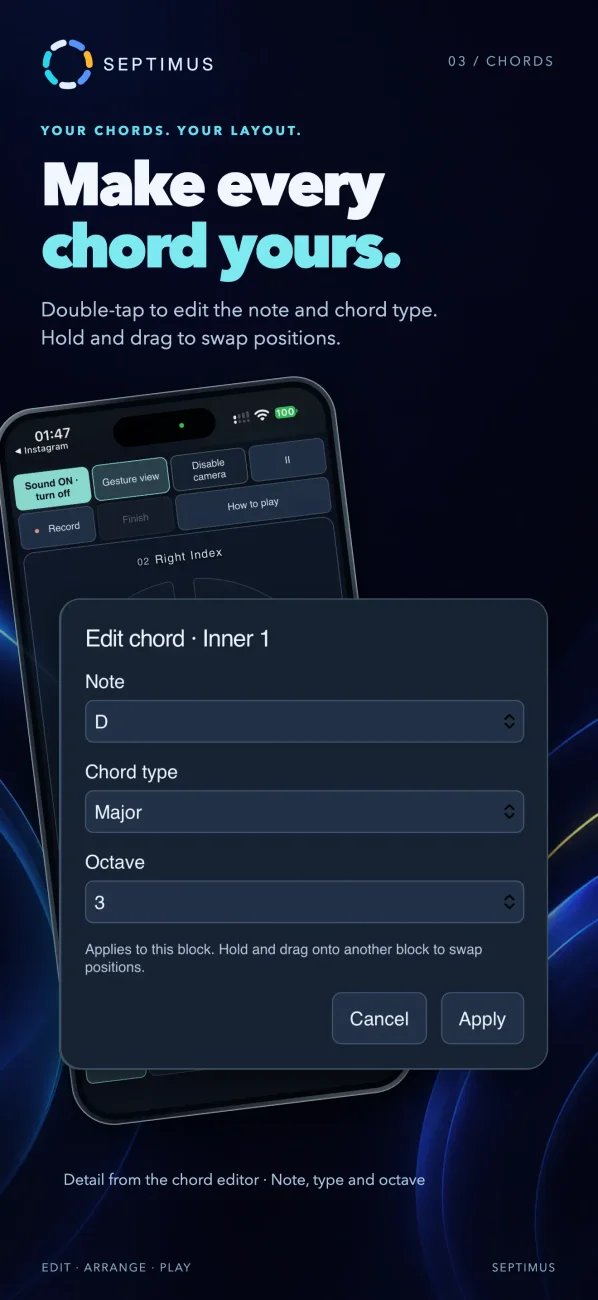
• Double-tap a chord block to edit it, or hold and drag to move it.
• Add drums and bass, record your music, and save WAV audio through the iPhone share sheet.
• Advanced controls include independent instruments for two chord rings, Hall and distortion, loop layers, a metronome, and your own chord charts and rehearsal text.
Camera access is optional. Hand tracking and camera effects run on your device. SEPTIMUS records its generated music, not microphone audio or camera video. No account is required. English and Korean are available in Settings.
For gesture play, prop up your iPhone and keep both hands and fingertips in view with even lighting. Choose your Silent mode preference in Settings > iPhone audio. Save recordings you want to keep before closing the app: working recordings and loops stay in the current session until exported.
Nouveautés
Version 1.0.2 · 06/10/2026
• Smoother chord changes when playing the default Soft synth with hand gestures.
• A softly glowing pointer and a brighter, fading light trail make your hand movements easier to follow.
• Tiny twinkling particles show when you play a chord. Open your playing hand for a fuller sparkle, or curl the other fingers for a gentler index-pointer effect.
• Available in Gesture view and Camera view, in portrait and landscape. Reduce Motion keeps a simple pointer without trails or particles.
Confidentialité de l’application
Ce que HANMIN YUN déclare sur l’App Store au sujet du traitement des données par cette application.
-
Données non collectées
Le développeur ne collecte aucune donnée à partir de cette application.
Les pratiques en matière de confidentialité peuvent varier, notamment en fonction des fonctionnalités que vous utilisez ou de votre âge.
Informations
- Vendeur
- HANMIN YUN
- Catégorie
- Musique
- Version
- 1.0.2
- Mis à jour
- 06/10/2026
- Publié
- 02/10/2026
- Taille
- 58,6 Mo
- Nécessite
- iOS 17.0 ou version ultérieure
- Classification d’âge
- 4+
- Langues
- Coréen, Anglais
- Copyright
- © 2026 Hanmin Yun
Vous aimerez peut-être aussi
-
 Piano Effect: Effets ClavierTrémolo, chorus et réverb
-
 Index ThereminMusique
-
 Motio: Motion SynthMusique
-
 Ghost Hand PianoMusique
-
 Musaic: Acapella MakerStudio de musique multipiste
-
 Jam Assist: Gammes & ImproÉcoute et trouve la tonalité
-
 잠과 음악 사이 (자장가, 명상, 백색소음)Musique
-
 Airmony - Gesture SynthAccords et musique dans l'air
-
 24-TET Keys: Microton MIDIJouez les quarts de ton
-
 Hoverophone : Theremin SynthéPad ambient joué en l'air