
- 対象年齢4+
- カテゴリミュージック
- 開発元HANMIN YUN
- 言語韓国語ほか1言語
- サイズ58.6 MB
App Storeの公式ページにリンクしています
Download.orgはSEPTIMUSのファイルを一切ホストしていません。ボタンを押すと、HANMIN YUNが公開しているApp Storeのアプリページが開きます。ページの最終確認:2026/11/13。
スクリーンショット


概要
開発元はこのテキストをお使いの言語で提供していません。
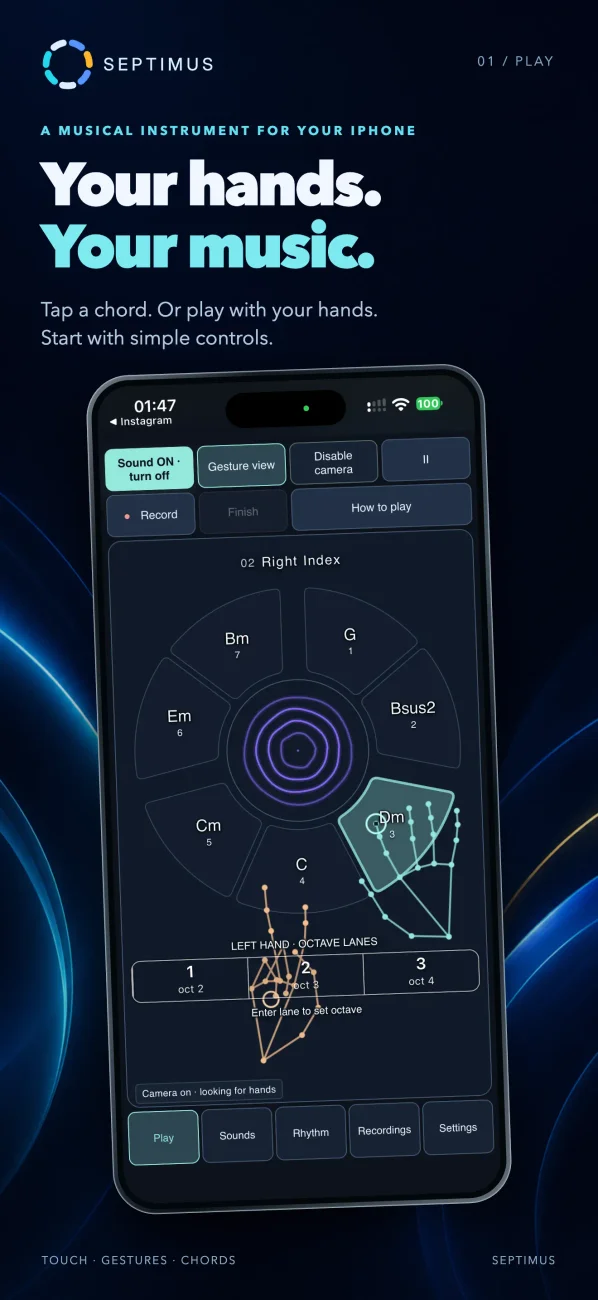
SEPTIMUS turns your iPhone into a touch and gesture instrument. Tap a chord to start making music, or enable the camera and play with your hands. Simple controls and a short How to play guide help you get started; switch to Advanced in Settings when you want more control.
• Pick an instrument and explore different sounds.
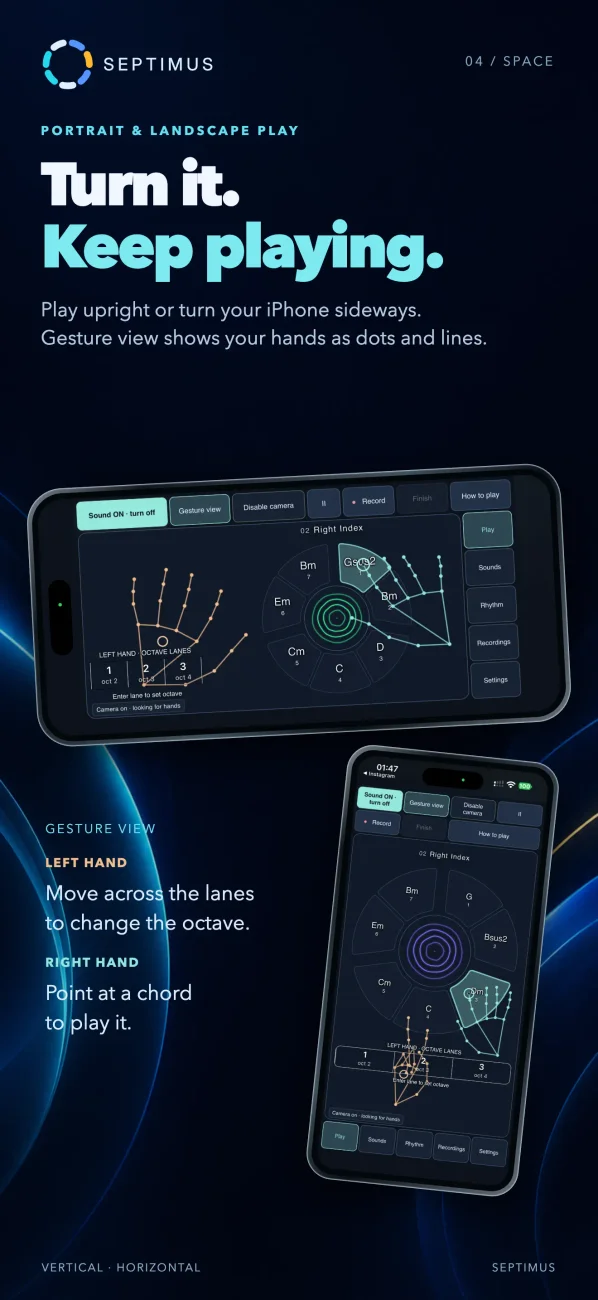
• Use Gesture view to see hand dots and connecting lines on a plain background, or switch to Camera view for the live picture.
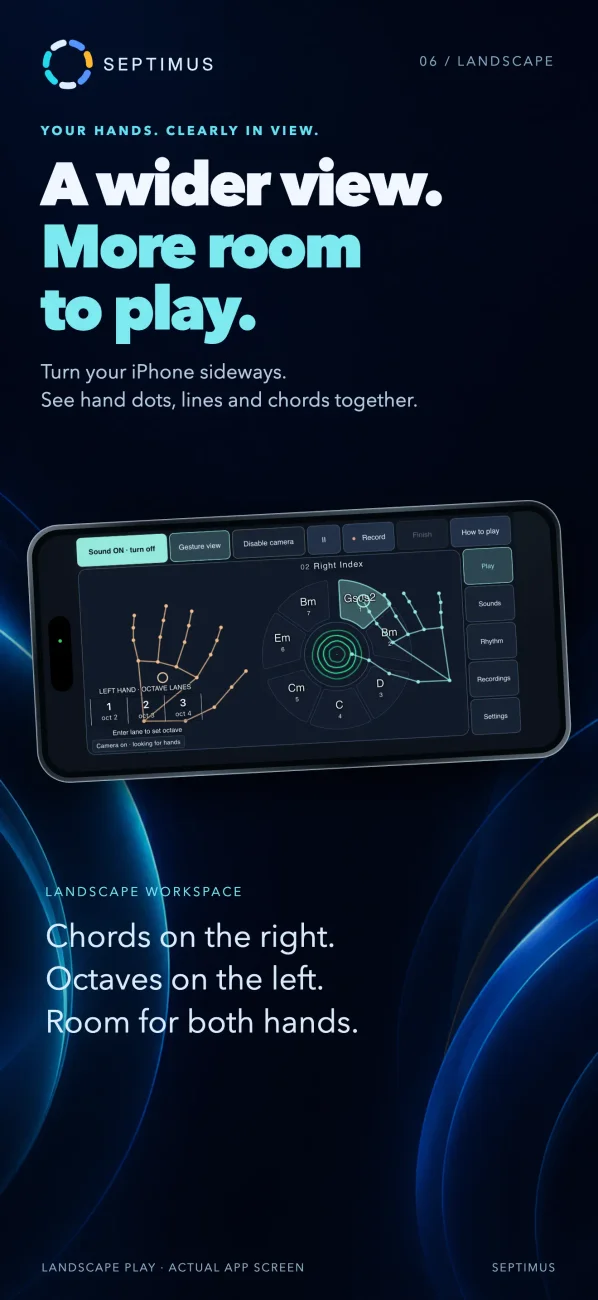
• Play in portrait or landscape. Point with your right index to play chords and use your left hand to change octave.
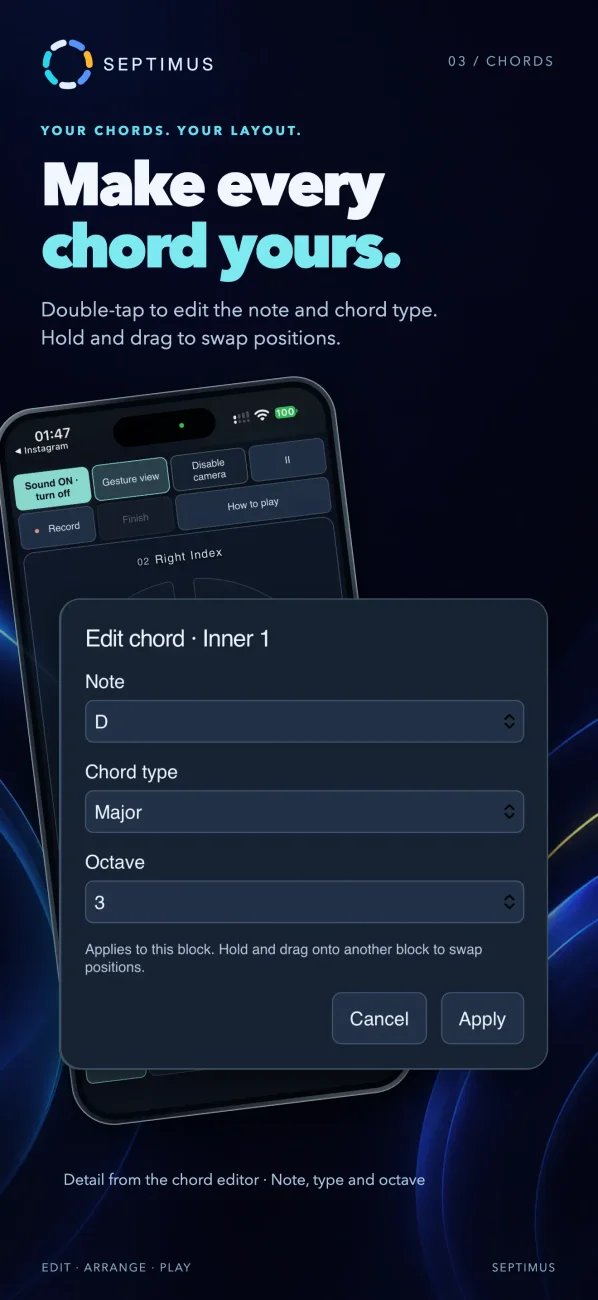
• Double-tap a chord block to edit it, or hold and drag to move it.
• Add drums and bass, record your music, and save WAV audio through the iPhone share sheet.
• Advanced controls include independent instruments for two chord rings, Hall and distortion, loop layers, a metronome, and your own chord charts and rehearsal text.
Camera access is optional. Hand tracking and camera effects run on your device. SEPTIMUS records its generated music, not microphone audio or camera video. No account is required. English and Korean are available in Settings.
For gesture play, prop up your iPhone and keep both hands and fingertips in view with even lighting. Choose your Silent mode preference in Settings > iPhone audio. Save recordings you want to keep before closing the app: working recordings and loops stay in the current session until exported.
新機能
バージョン 1.0.2 · 2026/10/6
• Smoother chord changes when playing the default Soft synth with hand gestures.
• A softly glowing pointer and a brighter, fading light trail make your hand movements easier to follow.
• Tiny twinkling particles show when you play a chord. Open your playing hand for a fuller sparkle, or curl the other fingers for a gentler index-pointer effect.
• Available in Gesture view and Camera view, in portrait and landscape. Reduce Motion keeps a simple pointer without trails or particles.
アプリのプライバシー
このアプリのデータの取り扱いについて、HANMIN YUNがApp Storeで申告している内容です。
-
データの収集なし
開発元はこのアプリからデータを収集しません。
プライバシーの取り扱いは、ご利用の機能やお客様の年齢などに応じて異なる場合があります。
情報
- 販売元
- HANMIN YUN
- カテゴリ
- ミュージック
- バージョン
- 1.0.2
- 更新日
- 2026/10/6
- リリース
- 2026/10/2
- サイズ
- 58.6 MB
- 必要条件
- iOS 17.0以降
- 対象年齢
- 4+
- 価格
- 無料
- 言語
- 韓国語, 英語
- 著作権
- © 2026 Hanmin Yun
こちらもおすすめ
-
 Piano Effect シンセFX解析鍵盤のエフェクトを聴き分ける
-
 Index Thereminミュージック
-
 Motio: モーションシンセジェスチャーシンセ
-
 Ghost Hand Piano手をかざすだけで演奏できるピアノ
-
 Musaic - 多重録音・ハモリ・アカペラ歌ってみた・録音アプリ・歌詞動画を一人で作成
-
 Jam Assist: 音階判定音を聴いてキーとスケールを表示、ギター・ベース指板対応
-
 잠과 음악 사이 (자장가, 명상, 백색소음)ミュージック
-
 Airmony - Gesture Synth空中で弾く楽器アプリ・音楽作成
-
 24-TET Keys: 微分音鍵盤実験的な配列で四分音をすぐ弾ける
-
 Hoverophone: テルミン・シンセ空中で和音を奏でるアンビエントパッド