- Clasificación por edad4+
- CategoríaUtilidades
- DesarrolladorNeel Makhecha
- IdiomasInglés
- Tamaño17,4 MB
Enlaza a la página oficial de App Store
Download.org no aloja ningún archivo de Surface Time. El botón abre la página de la aplicación en App Store, donde la publica Neel Makhecha. Ficha comprobada por última vez el 14/11/2026.
Capturas de pantalla

Acerca de
El desarrollador no ha proporcionado este texto en tu idioma.
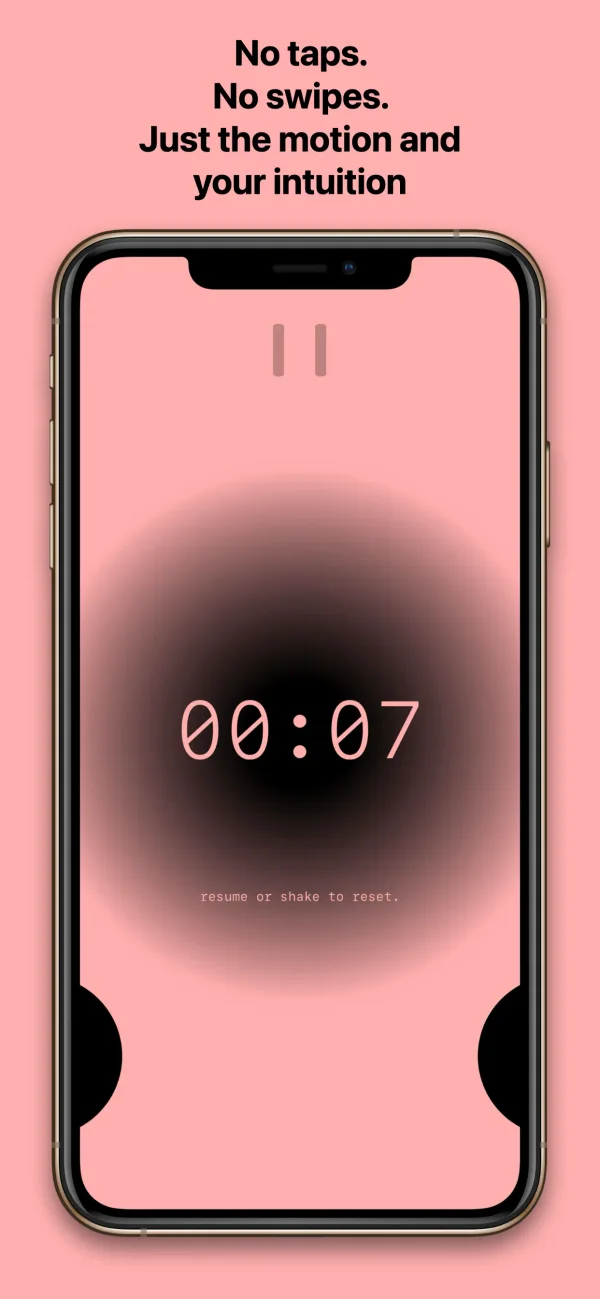
Timer apps are usually always simple with few buttons, but Surface takes this simplicity to the next level. With no buttons, taps, or swipes, the timer just turns on and off. It is designed to intuitively encourage you to put your phone down. The timer values peek from a small circle, and as you move your iPhone across angles, the circle expands with subtle haptics, nudging you to keep going and rest your phone on the surface facing down.
The hidden yet visible options for Settings and Goals are not only designed to prevent opening when you might accidentally touch or swipe when flipping your phone, but are also intentionally uninviting for you to interact. However, the moment you choose to do interact, it transforms itself into a beautiful control. A control that encourages you to make a gesture and intentionally reveal the hidden features.
The app is mainly aimed to help you stay focused in your work while keeping your phone at arms reach. But it is truly versatile, and I personally found myself using this everywhere. For instance in the kitchen, when my hands are dirty and I don't want to touch the screen or shout at my voice assistants, or to monitor my workouts with intervals. I'm sure there are many more ways to use this!
For basic timer features, you'll never have to touch the screen or press any buttons. Just flip your iPhone back up to reveal the screen and the timer pauses. Then, you can shake to reset or flip back down to resume.
Notifications:
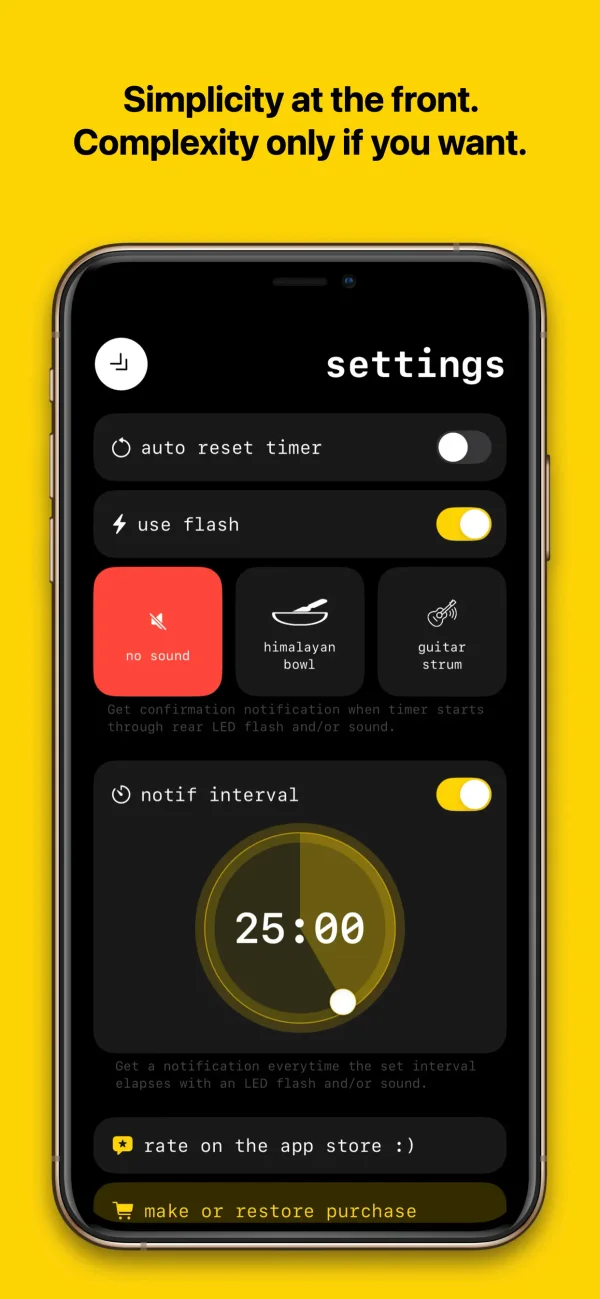
Surface uses backside LED flash to signal when timer begins.
You can also set periodic notifications using LED flash or using calming sounds, such as of Himalayan Bowl or Guitar Strum to keep rough track of duration without looking at your timer.
Goals:
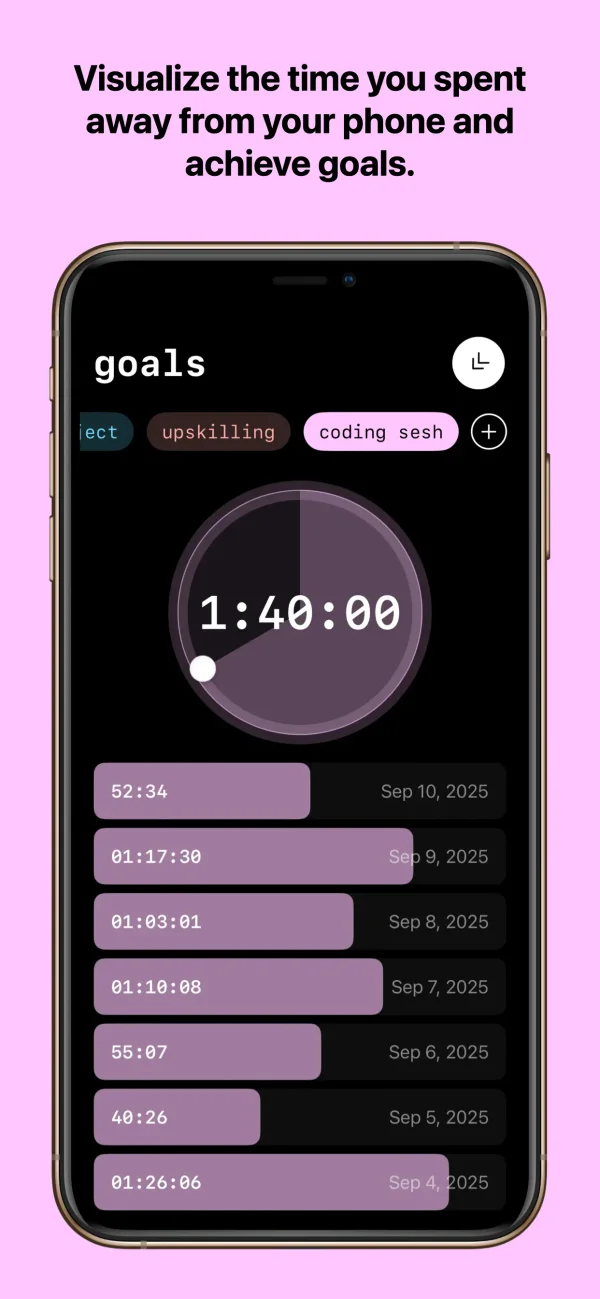
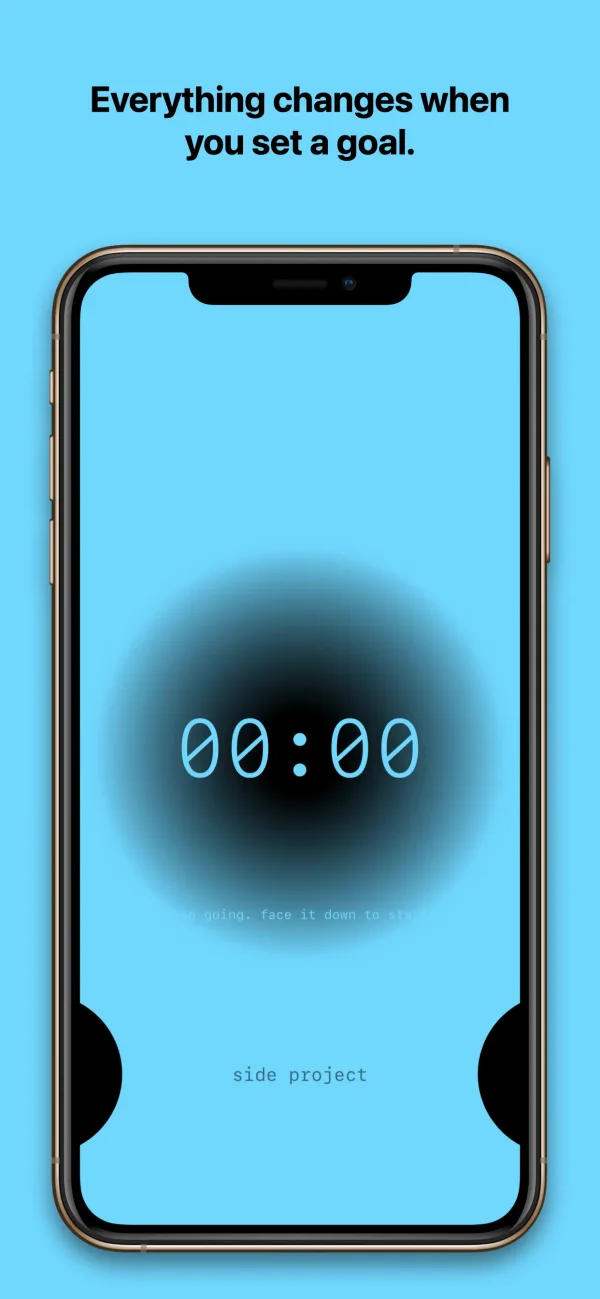
By default, your surface time per day is always saved and visible from the Goals view. You can adjust this goal to whatever duration you want. Plus, you can create custom everyday color-coded goals for different tasks and monitor your everyday progress.
Novedades
Versión 1.1.1 · 16/9/2025
- Bug fixes and minor improvements
Privacidad de la aplicación
Lo que Neel Makhecha declara en App Store sobre cómo esta aplicación gestiona los datos.
-
Datos no vinculados a ti
Pueden recopilarse, pero no se vinculan a tu identidad.
- Compras
Las prácticas de privacidad pueden variar, por ejemplo, según las funciones que uses o tu edad.
Información
- Vendedor
- Neel Makhecha
- Categoría
- Utilidades
- Versión
- 1.1.1
- Actualizado
- 16/9/2025
- Publicado
- 3/9/2025
- Tamaño
- 17,4 MB
- Requiere
- iOS 17.6 o posterior
- Clasificación por edad
- 4+
- Precio
- Gratis
- Idiomas
- Inglés
- Copyright
- © 2025 Neel Makhecha
Quizá también te guste
-
 Fill-TimerUtilidades
-
 Minimal Hourglass - Sand TimerUtilidades
-
 GraphCalcPro2GoGraphing calculator and more!
-
 Taptic d/Deaf SupportUtilidades
-
 FlipTimer - Voltea y EnfocaVoltea el móvil y concéntrate
-
 Onlywins TrackerUtilidades
-
 Real HourglassTemporizador elegante
-
 Tahir BrowserUtilidades
-
 RAR Extractor - Unzip FileUtilidades