- Độ tuổi4+
- Danh mụcTiện Ích
- Nhà phát triểnNeel Makhecha
- Ngôn ngữTiếng Anh
- Kích thước17,4 MB
Liên kết đến trang App Store chính thức
Download.org không lưu trữ tệp nào của Surface Time. Nút này mở trang ứng dụng trên App Store, nơi Neel Makhecha phát hành ứng dụng. Trang được kiểm tra lần cuối: 14/11/2026.
Ảnh chụp màn hình

Giới thiệu
Nhà phát triển chưa cung cấp nội dung này bằng ngôn ngữ của bạn.
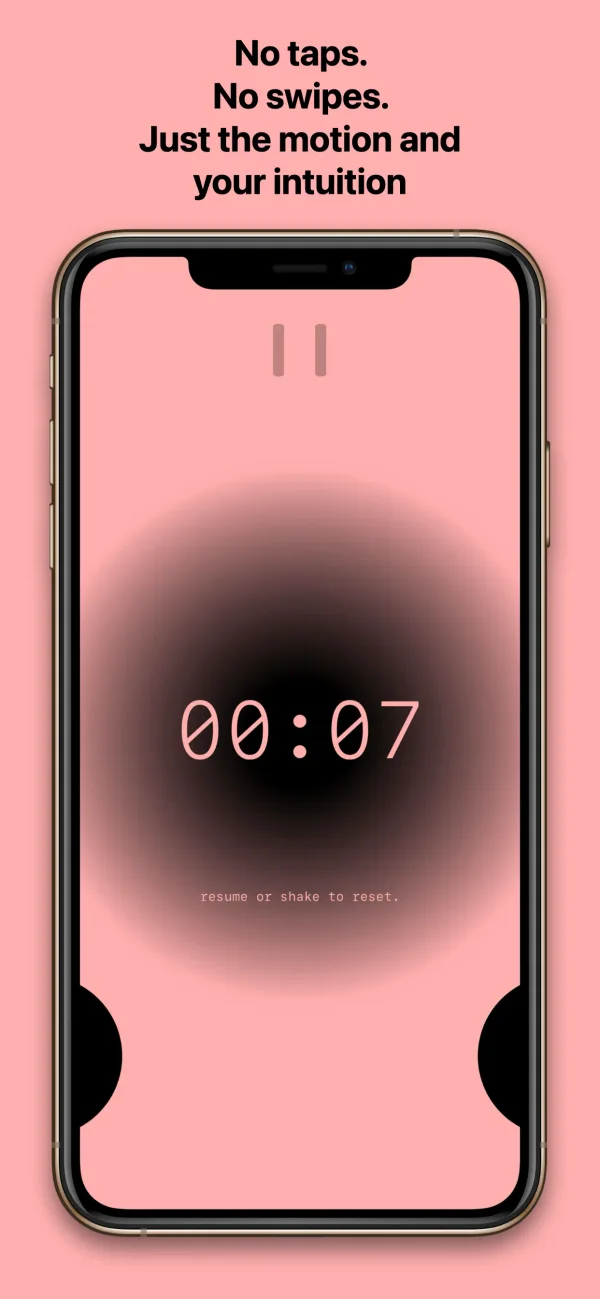
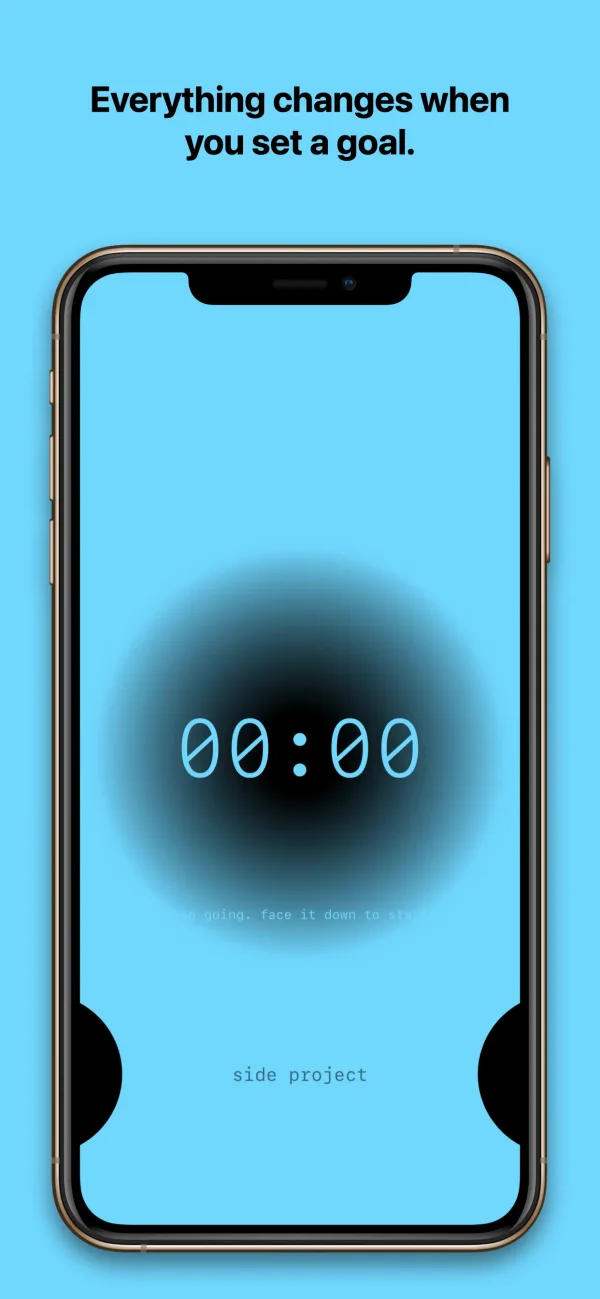
Timer apps are usually always simple with few buttons, but Surface takes this simplicity to the next level. With no buttons, taps, or swipes, the timer just turns on and off. It is designed to intuitively encourage you to put your phone down. The timer values peek from a small circle, and as you move your iPhone across angles, the circle expands with subtle haptics, nudging you to keep going and rest your phone on the surface facing down.
The hidden yet visible options for Settings and Goals are not only designed to prevent opening when you might accidentally touch or swipe when flipping your phone, but are also intentionally uninviting for you to interact. However, the moment you choose to do interact, it transforms itself into a beautiful control. A control that encourages you to make a gesture and intentionally reveal the hidden features.
The app is mainly aimed to help you stay focused in your work while keeping your phone at arms reach. But it is truly versatile, and I personally found myself using this everywhere. For instance in the kitchen, when my hands are dirty and I don't want to touch the screen or shout at my voice assistants, or to monitor my workouts with intervals. I'm sure there are many more ways to use this!
For basic timer features, you'll never have to touch the screen or press any buttons. Just flip your iPhone back up to reveal the screen and the timer pauses. Then, you can shake to reset or flip back down to resume.
Notifications:
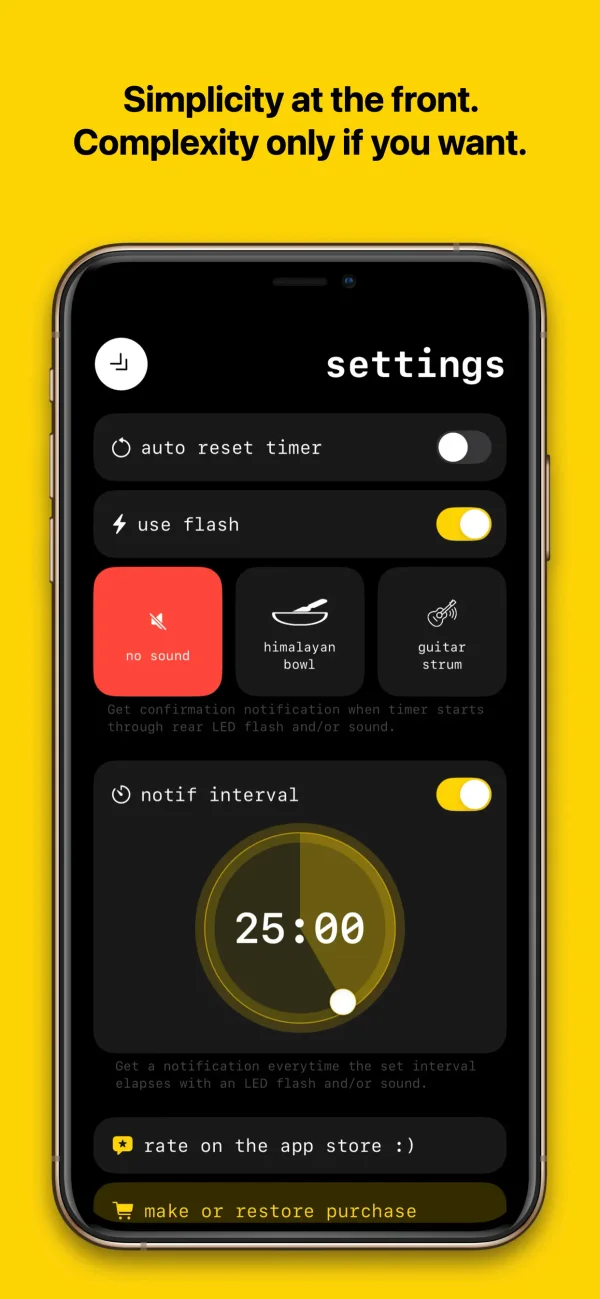
Surface uses backside LED flash to signal when timer begins.
You can also set periodic notifications using LED flash or using calming sounds, such as of Himalayan Bowl or Guitar Strum to keep rough track of duration without looking at your timer.
Goals:
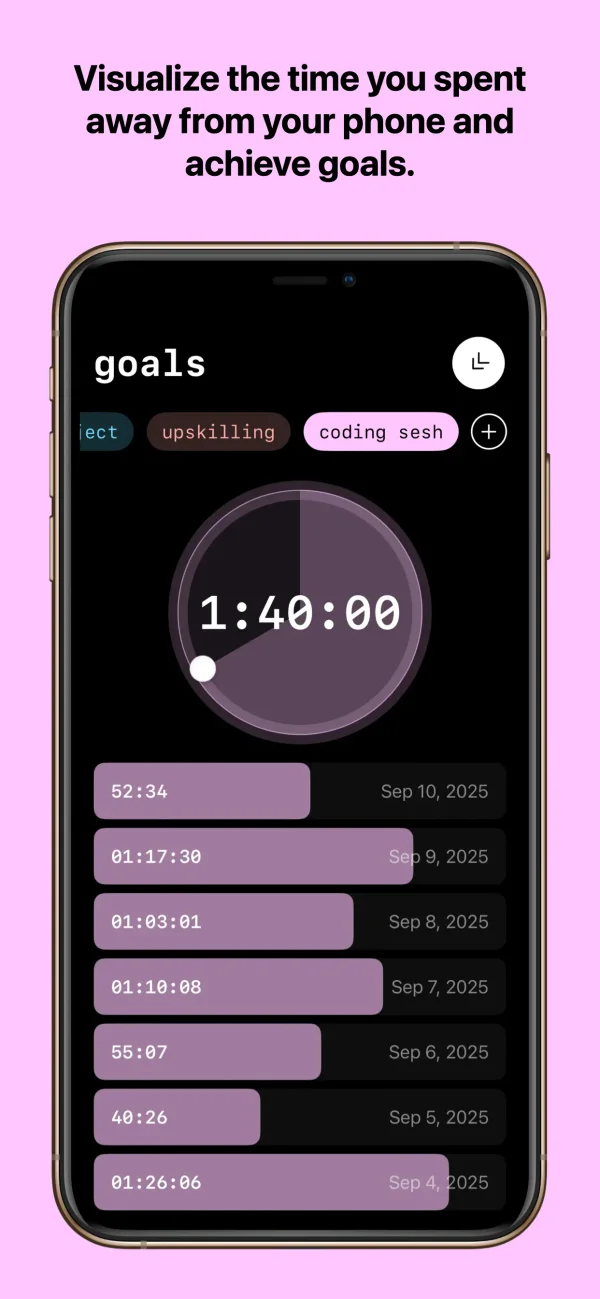
By default, your surface time per day is always saved and visible from the Goals view. You can adjust this goal to whatever duration you want. Plus, you can create custom everyday color-coded goals for different tasks and monitor your everyday progress.
Có gì mới
Phiên bản 1.1.1 · 16/09/2025
- Bug fixes and minor improvements
Quyền riêng tư của ứng dụng
Những gì Neel Makhecha khai báo trên App Store về cách ứng dụng này xử lý dữ liệu.
-
Dữ liệu không liên kết với bạn
Có thể được thu thập nhưng không liên kết với danh tính của bạn.
- Mục mua
Phương thức đảm bảo quyền riêng tư có thể khác nhau, chẳng hạn như tuỳ theo các tính năng bạn sử dụng hoặc độ tuổi của bạn.
Thông tin
- Người bán
- Neel Makhecha
- Danh mục
- Tiện Ích
- Phiên bản
- 1.1.1
- Cập nhật
- 16/09/2025
- Phát hành
- 03/09/2025
- Kích thước
- 17,4 MB
- Yêu cầu
- iOS 17.6 trở lên
- Độ tuổi
- 4+
- Giá
- Miễn phí
- Ngôn ngữ
- Tiếng Anh
- Bản quyền
- © 2025 Neel Makhecha