- 対象年齢4+
- カテゴリユーティリティ
- 開発元Neel Makhecha
- 言語英語
- サイズ17.4 MB
App Storeの公式ページにリンクしています
Download.orgはSurface Timeのファイルを一切ホストしていません。ボタンを押すと、Neel Makhechaが公開しているApp Storeのアプリページが開きます。ページの最終確認:2026/11/14。
スクリーンショット

概要
開発元はこのテキストをお使いの言語で提供していません。
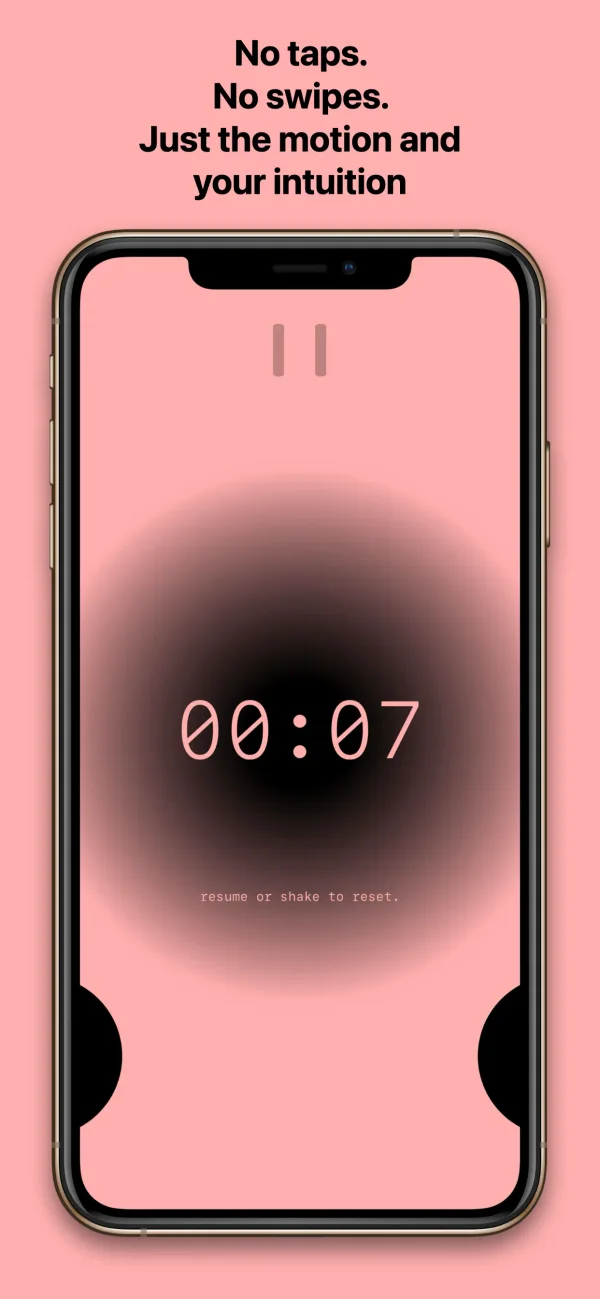
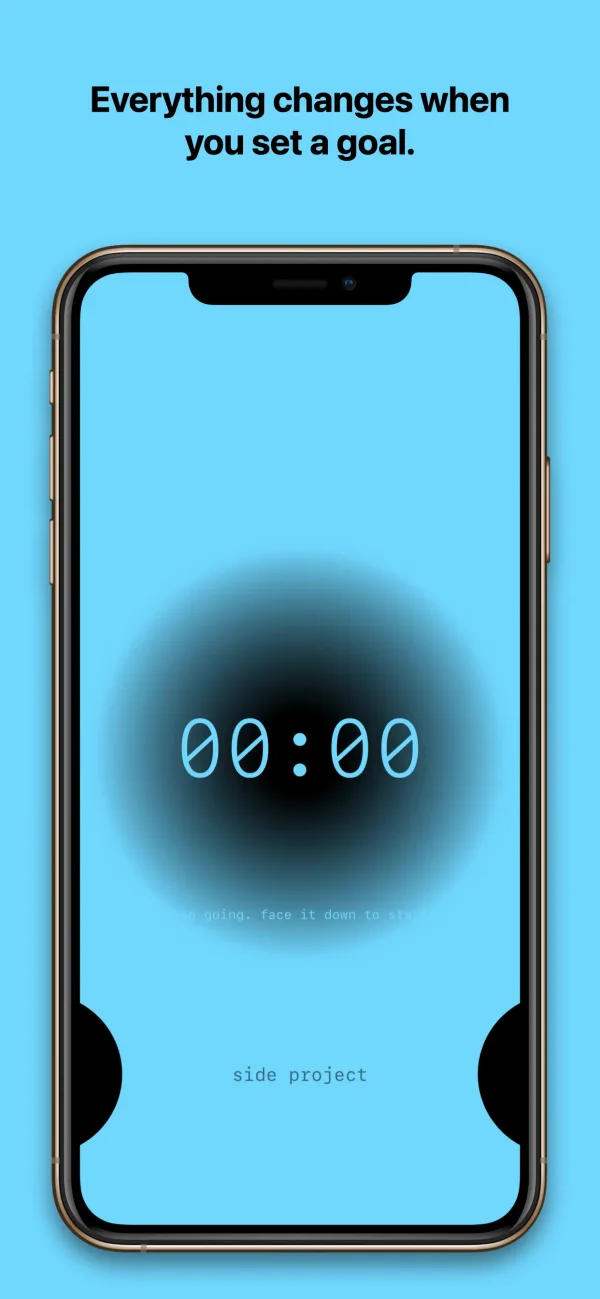
Timer apps are usually always simple with few buttons, but Surface takes this simplicity to the next level. With no buttons, taps, or swipes, the timer just turns on and off. It is designed to intuitively encourage you to put your phone down. The timer values peek from a small circle, and as you move your iPhone across angles, the circle expands with subtle haptics, nudging you to keep going and rest your phone on the surface facing down.
The hidden yet visible options for Settings and Goals are not only designed to prevent opening when you might accidentally touch or swipe when flipping your phone, but are also intentionally uninviting for you to interact. However, the moment you choose to do interact, it transforms itself into a beautiful control. A control that encourages you to make a gesture and intentionally reveal the hidden features.
The app is mainly aimed to help you stay focused in your work while keeping your phone at arms reach. But it is truly versatile, and I personally found myself using this everywhere. For instance in the kitchen, when my hands are dirty and I don't want to touch the screen or shout at my voice assistants, or to monitor my workouts with intervals. I'm sure there are many more ways to use this!
For basic timer features, you'll never have to touch the screen or press any buttons. Just flip your iPhone back up to reveal the screen and the timer pauses. Then, you can shake to reset or flip back down to resume.
Notifications:
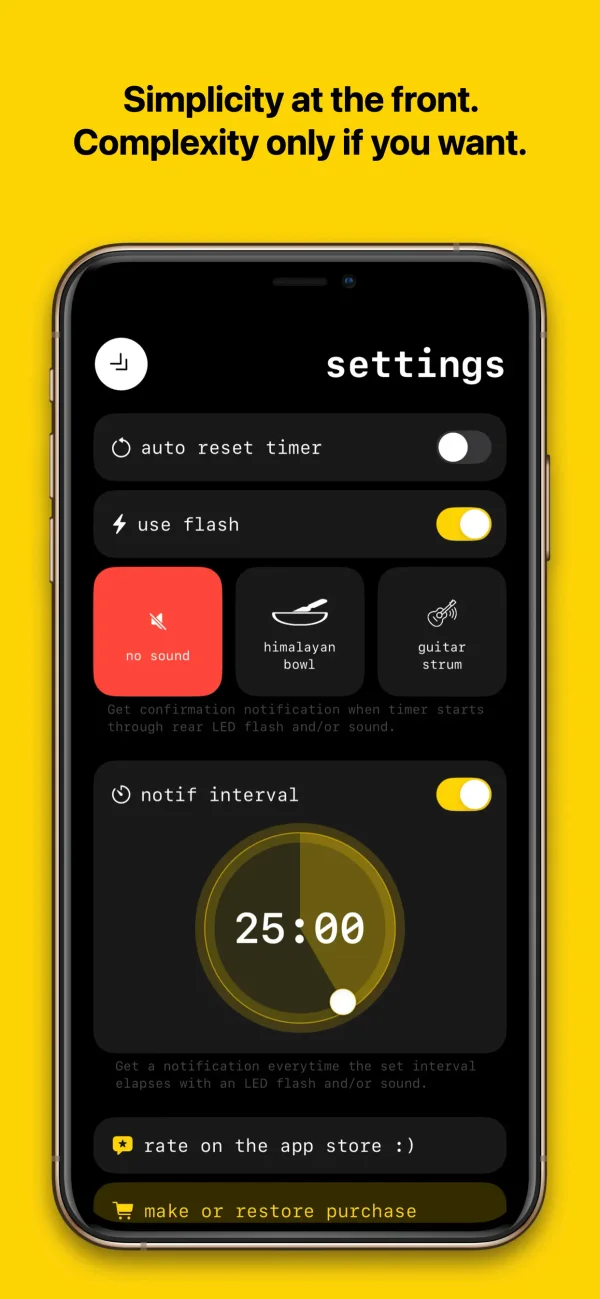
Surface uses backside LED flash to signal when timer begins.
You can also set periodic notifications using LED flash or using calming sounds, such as of Himalayan Bowl or Guitar Strum to keep rough track of duration without looking at your timer.
Goals:
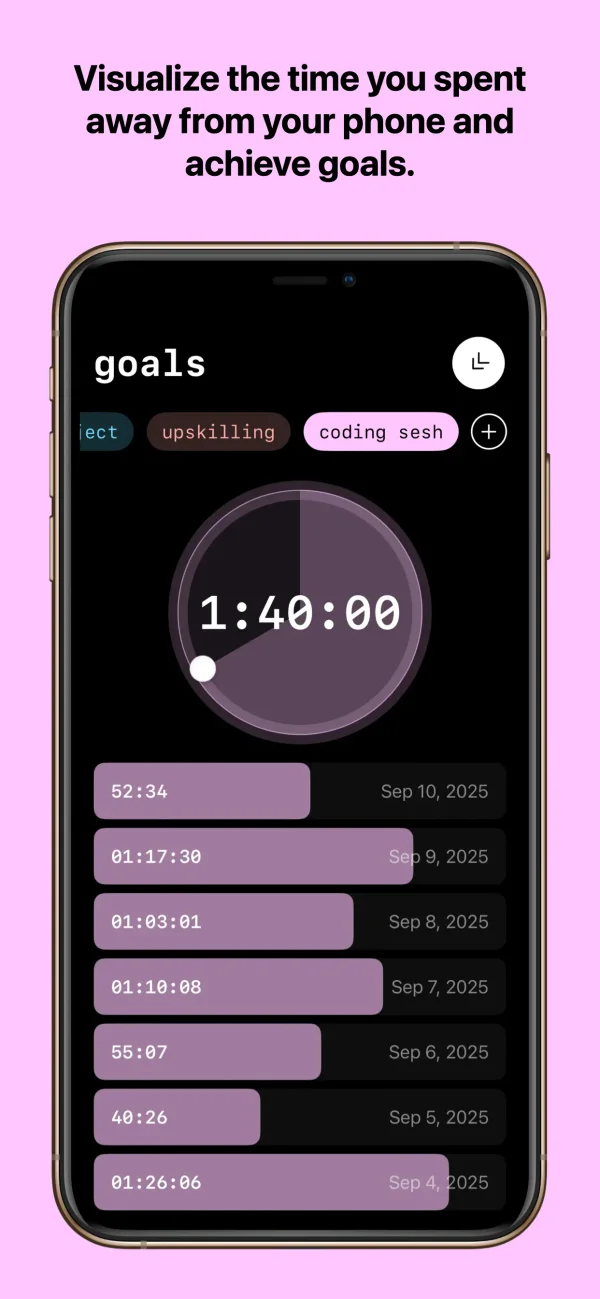
By default, your surface time per day is always saved and visible from the Goals view. You can adjust this goal to whatever duration you want. Plus, you can create custom everyday color-coded goals for different tasks and monitor your everyday progress.
新機能
バージョン 1.1.1 · 2025/9/16
- Bug fixes and minor improvements
アプリのプライバシー
このアプリのデータの取り扱いについて、Neel MakhechaがApp Storeで申告している内容です。
-
ユーザーに関連付けられないデータ
収集される場合がありますが、ユーザーの識別情報には関連付けられません。
- 購入
プライバシーの取り扱いは、ご利用の機能やお客様の年齢などに応じて異なる場合があります。
情報
- 販売元
- Neel Makhecha
- カテゴリ
- ユーティリティ
- バージョン
- 1.1.1
- 更新日
- 2025/9/16
- リリース
- 2025/9/3
- サイズ
- 17.4 MB
- 必要条件
- iOS 17.6以降
- 対象年齢
- 4+
- 価格
- 無料
- 言語
- 英語
- 著作権
- © 2025 Neel Makhecha