
The Task Board
Visually Organize To Do Lists
Diseñada para iPhone, iPad, iPod touch
Gratis
- Clasificación por edad4+
- CategoríaProductividad
- DesarrolladorViva Apps, LLC
- IdiomasInglés
- Tamaño7,3 MB
Enlaza a la página oficial de App Store
Download.org no aloja ningún archivo de The Task Board. El botón abre la página de la aplicación en App Store, donde la publica Viva Apps, LLC. Ficha comprobada por última vez el 12/11/2026.
Capturas de pantalla


Acerca de
El desarrollador no ha proporcionado este texto en tu idioma.
The Task Board is a brand new visual approach to organizing to do lists and
notes.
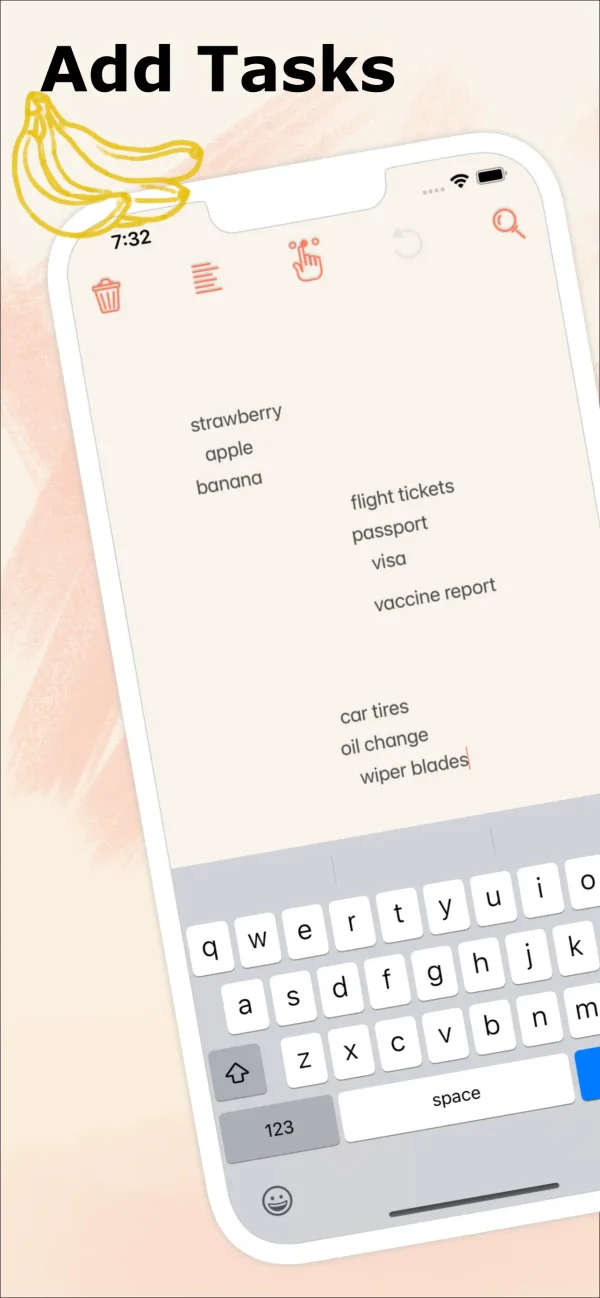
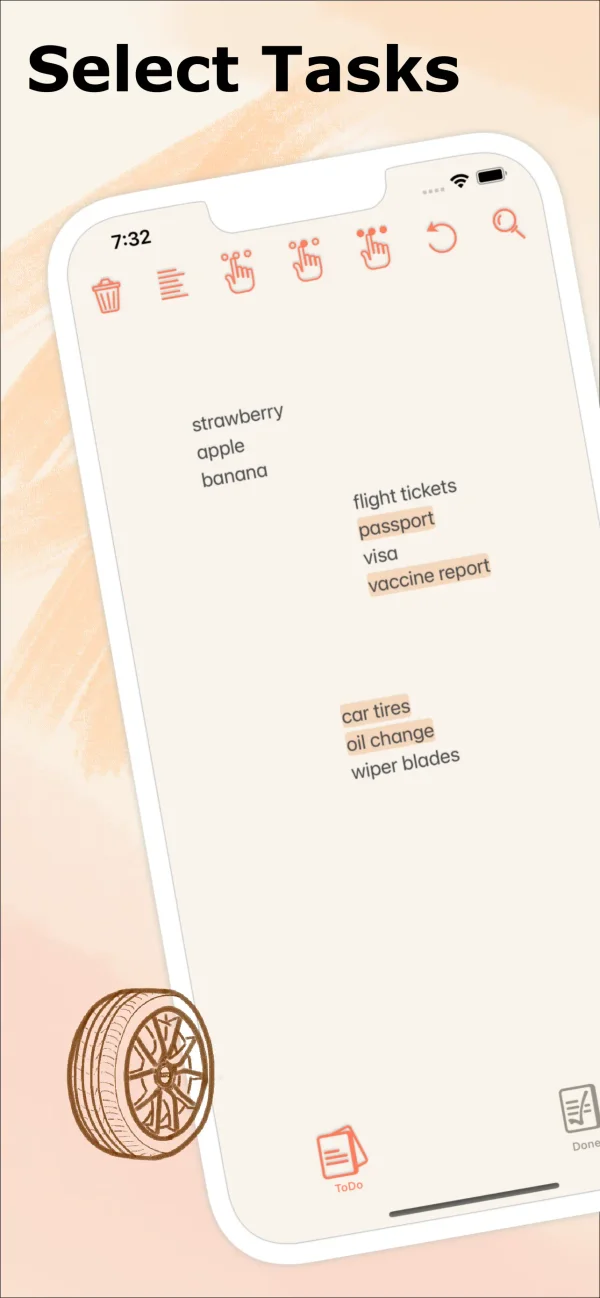
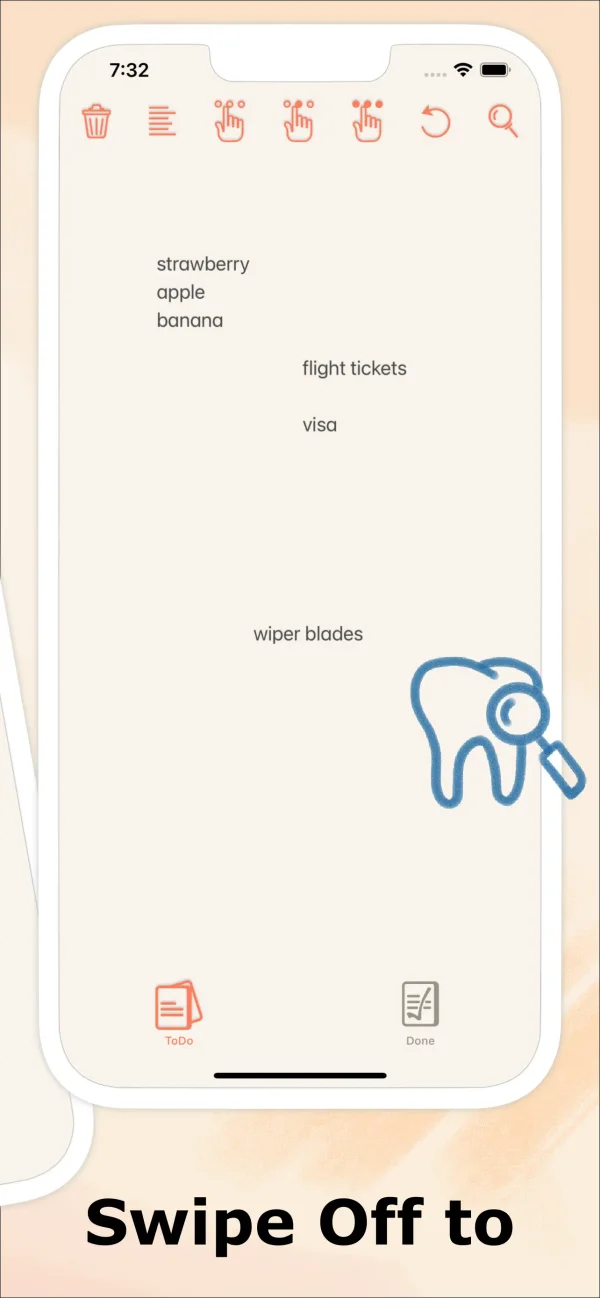
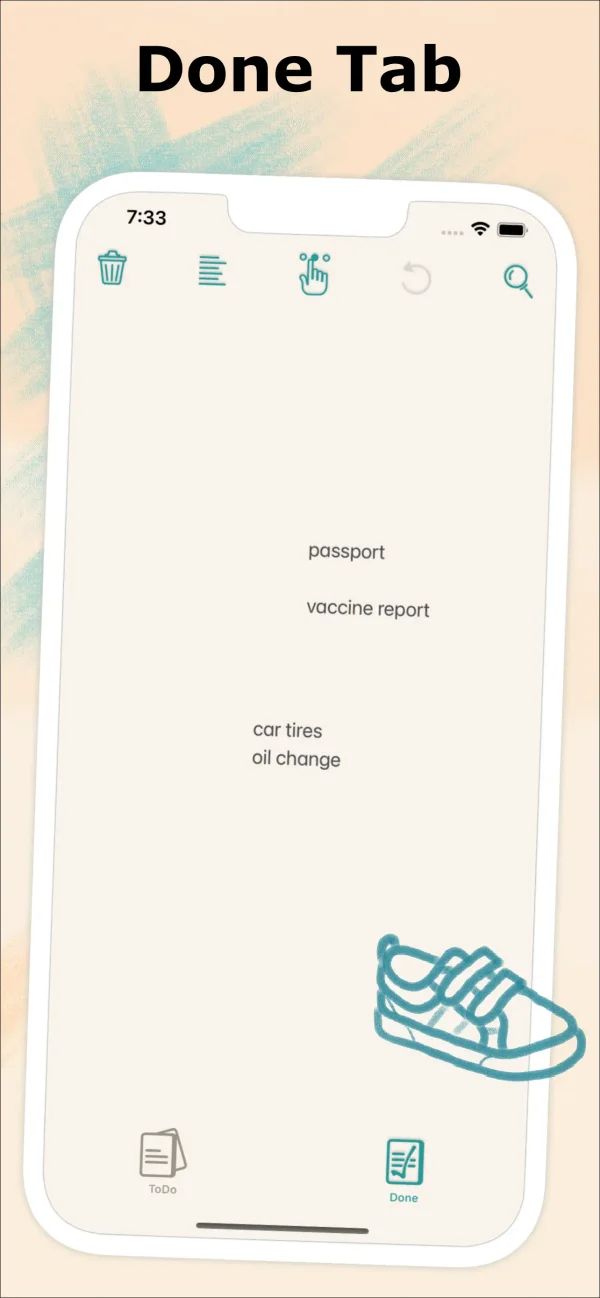
This is where you quickly note down and arrange your day-to-day tasks and easily mark them done. You enter your pending tasks on the "ToDo" tab and swipe-off all the finished ones to the "Done" tab. You can intuitively swipe the items back and forth between the "ToDo" and "Done" tabs.
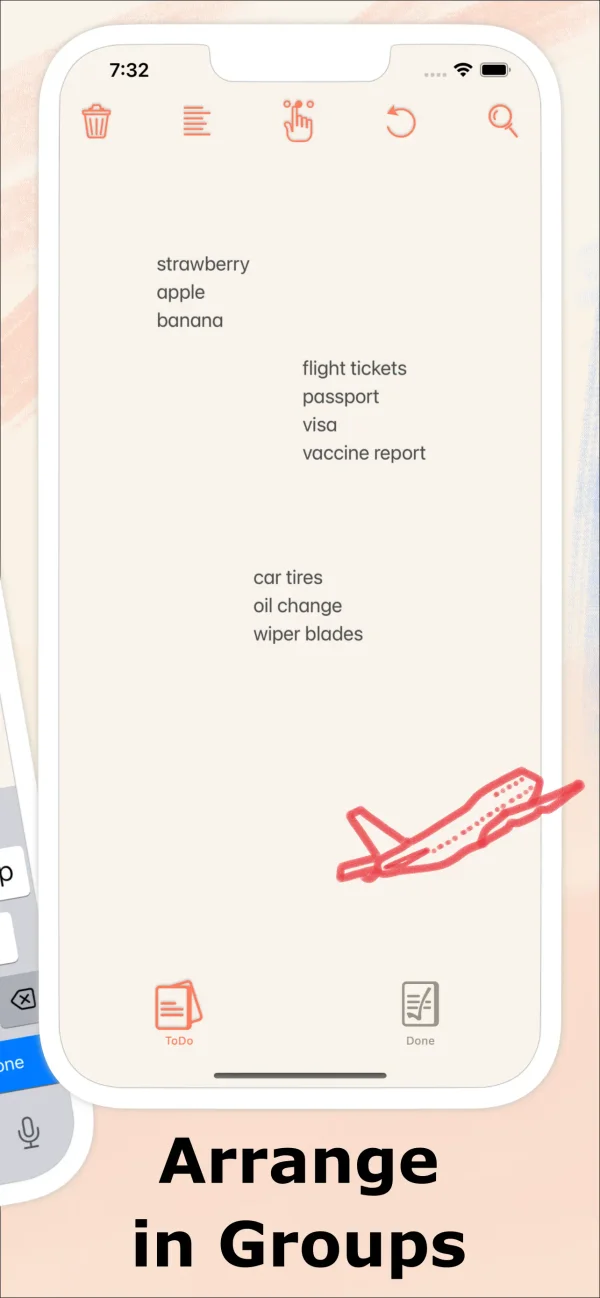
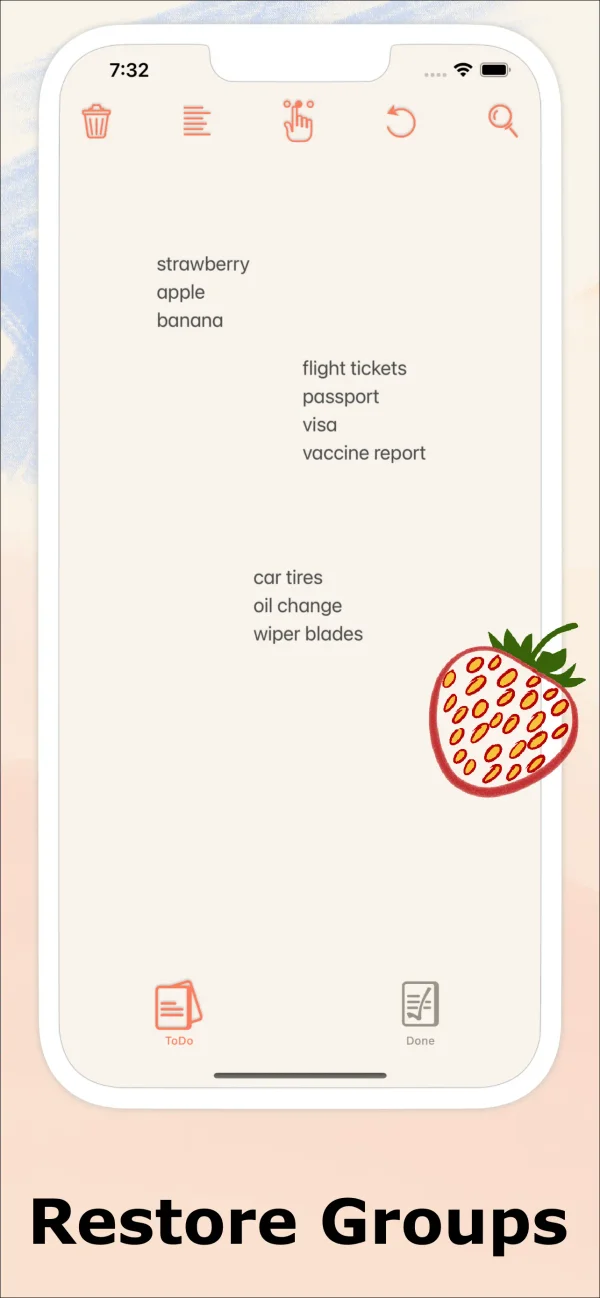
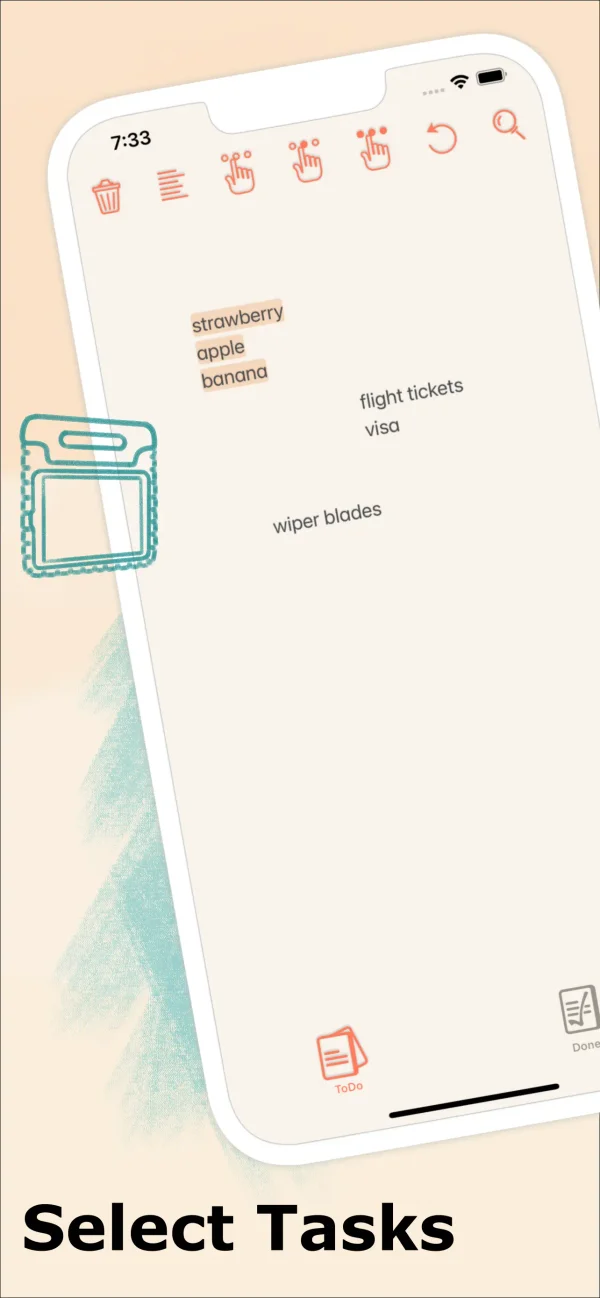
The board gives you a bird's eye view of all the items in one quick glance. It gives you a good idea of how many things are pending and how they're grouped. You can re-group and re-arrange the items as and when you like.
The smooth scroll and pan gives you the feel of a frictionless whiteboard that stretches quite a bit with central area in focus. You can move the board around and bring any group of items in focus. You can also search for an item which brings the item in the central area of focus.
To import a list of text items from any other app, simply copy it there and paste it to the task board. Similarly to do a backup of all the items on the board, select all, copy and paste it in any other app you like. You can do occasional cleanups by selecting and trashing the items.
The undo button is helpful if you accidentally do something unintentionally.
The task board works in both landscape and portrait orientations.
These are some of the things you can do with this task board:
- quick one-touch note taking
- unlimited board space
- swipe-off between the boards/tabs
- easy scroll
- smooth move around
- search
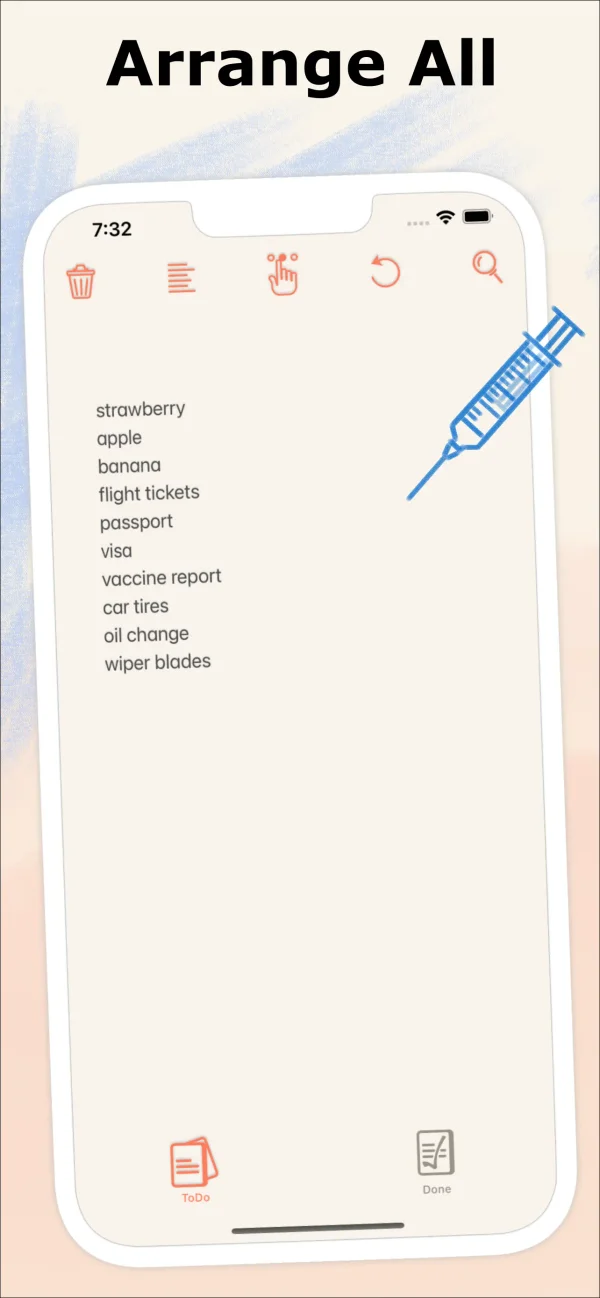
- arrange all
- arrange related (group)
- select on board
- copy from board
- paste on board
- delete from board
- zoom in and out with a pinch gesture
- undo
Enjoy managing your never ending list of day-to-day tasks.
Novedades
Versión 1.1.1 · 1/1/2024
updated subtitle, keywords and other meta data
Privacidad de la aplicación
Lo que Viva Apps, LLC declara en App Store sobre cómo esta aplicación gestiona los datos.
-
No se recopilan datos
El desarrollador no recopila ningún dato de esta aplicación.
Las prácticas de privacidad pueden variar, por ejemplo, según las funciones que uses o tu edad.
Información
- Vendedor
- Viva Apps, LLC
- Categoría
- Productividad
- Versión
- 1.1.1
- Actualizado
- 1/1/2024
- Publicado
- 22/9/2023
- Tamaño
- 7,3 MB
- Requiere
- iOS 12.0 o posterior
- Clasificación por edad
- 4+
- Precio
- Gratis
- Idiomas
- Inglés
- Copyright
- © 2023 Viva Apps, LLC
Quizá también te guste
-
 Corkulous AIPiensa visualmente con IA
-
 Simple ToDo List & TasksProductividad
-
 Clear: To Dos & RemindersProductividad
-
 Actions: Lista de TareasObjetivos, Hábitos & Checklist
-
 Tweek: Agenda Digital y TareasOrganizador y Recordatorios
-
 Smart Tasks: RecordatoriosLista de tareas y widget
-
 Do! – Simple To Do ListProductividad
-
 Daily Planner, To-Do ListProductividad
-
 To Do List - RecordatoriosLista de Tareas con Calendario
-
 Onrise: Habit Tracker & FocusBuild habits, focus & journal