
The Task Board
Visually Organize To Do Lists
Được thiết kế cho iPhone, iPad, iPod touch
Miễn phí
- Độ tuổi4+
- Danh mụcHiệu Suất
- Nhà phát triểnViva Apps, LLC
- Ngôn ngữTiếng Anh
- Kích thước7,3 MB
Liên kết đến trang App Store chính thức
Download.org không lưu trữ tệp nào của The Task Board. Nút này mở trang ứng dụng trên App Store, nơi Viva Apps, LLC phát hành ứng dụng. Trang được kiểm tra lần cuối: 12/11/2026.
Ảnh chụp màn hình


Giới thiệu
Nhà phát triển chưa cung cấp nội dung này bằng ngôn ngữ của bạn.
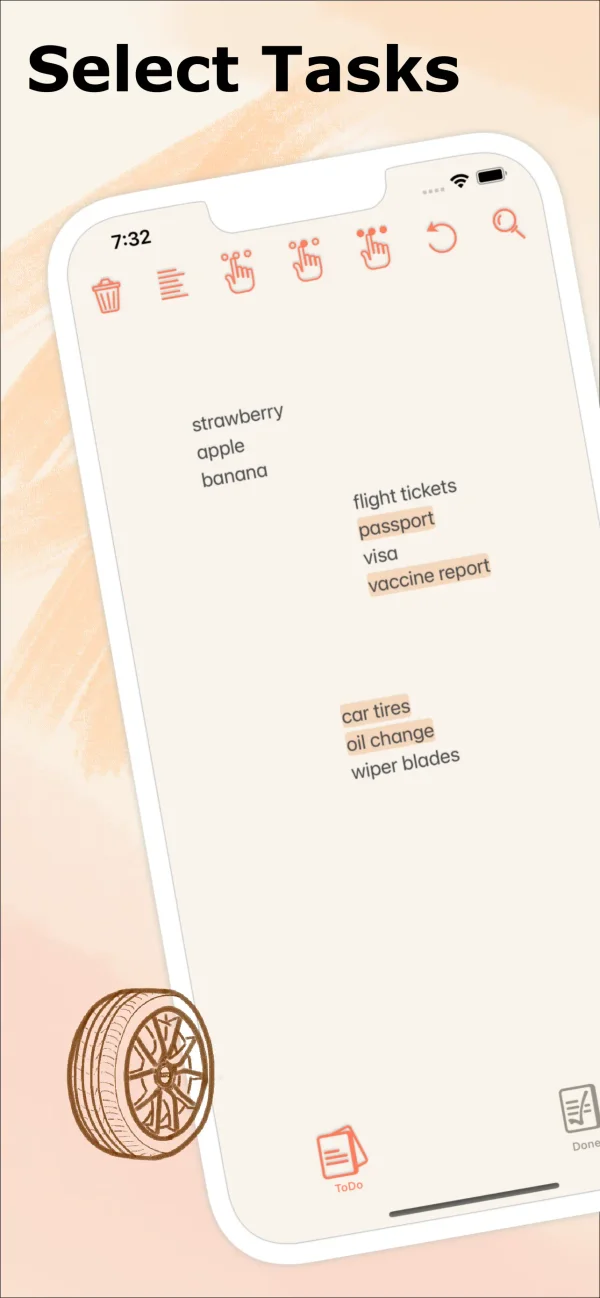
The Task Board is a brand new visual approach to organizing to do lists and
notes.
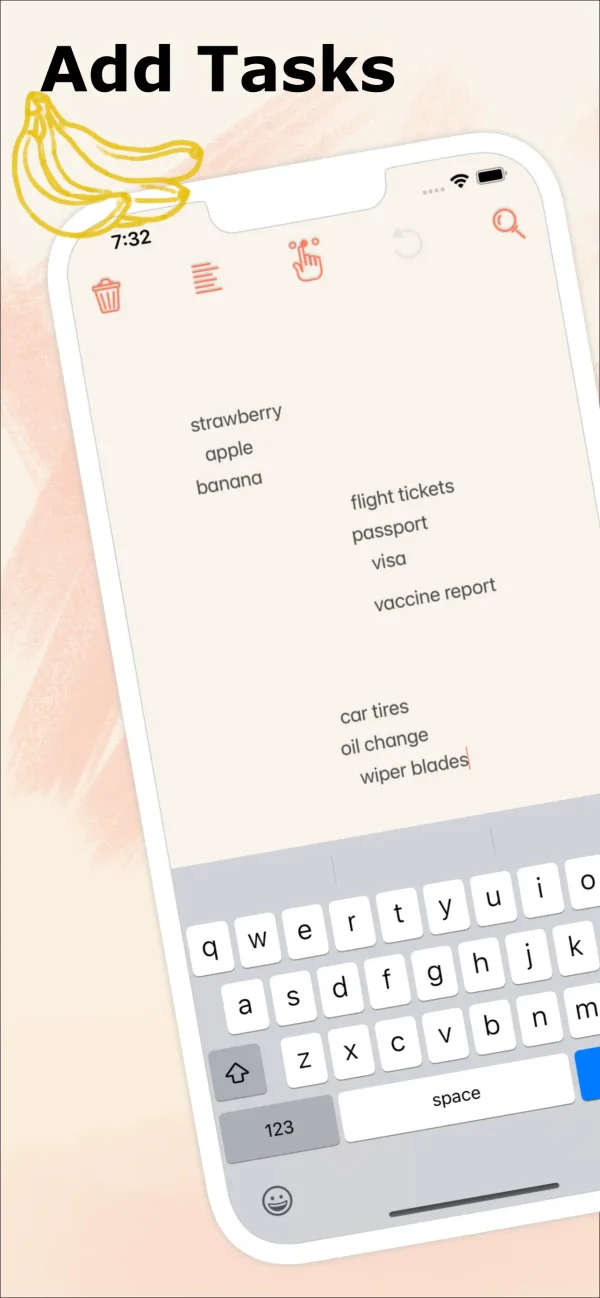
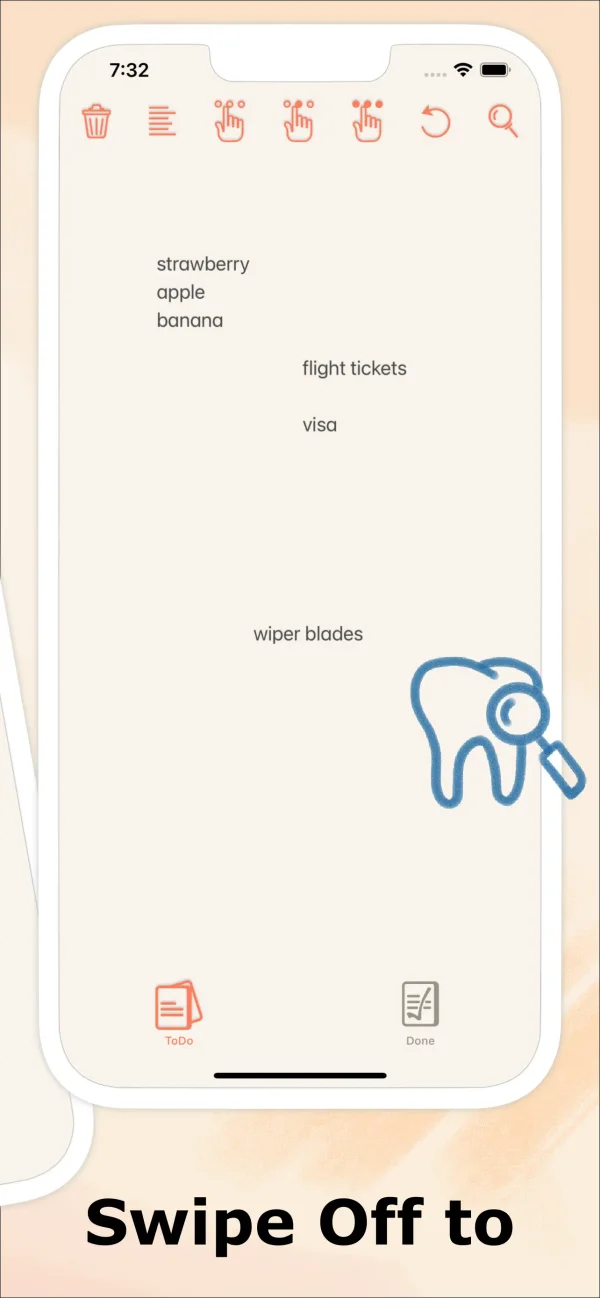
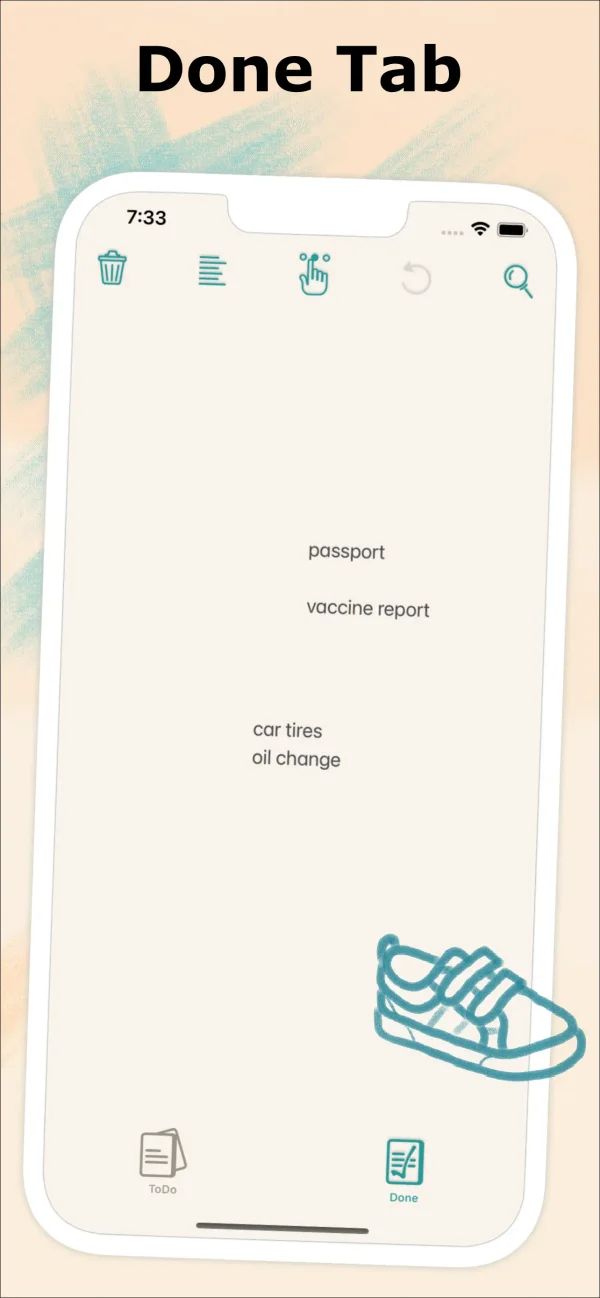
This is where you quickly note down and arrange your day-to-day tasks and easily mark them done. You enter your pending tasks on the "ToDo" tab and swipe-off all the finished ones to the "Done" tab. You can intuitively swipe the items back and forth between the "ToDo" and "Done" tabs.
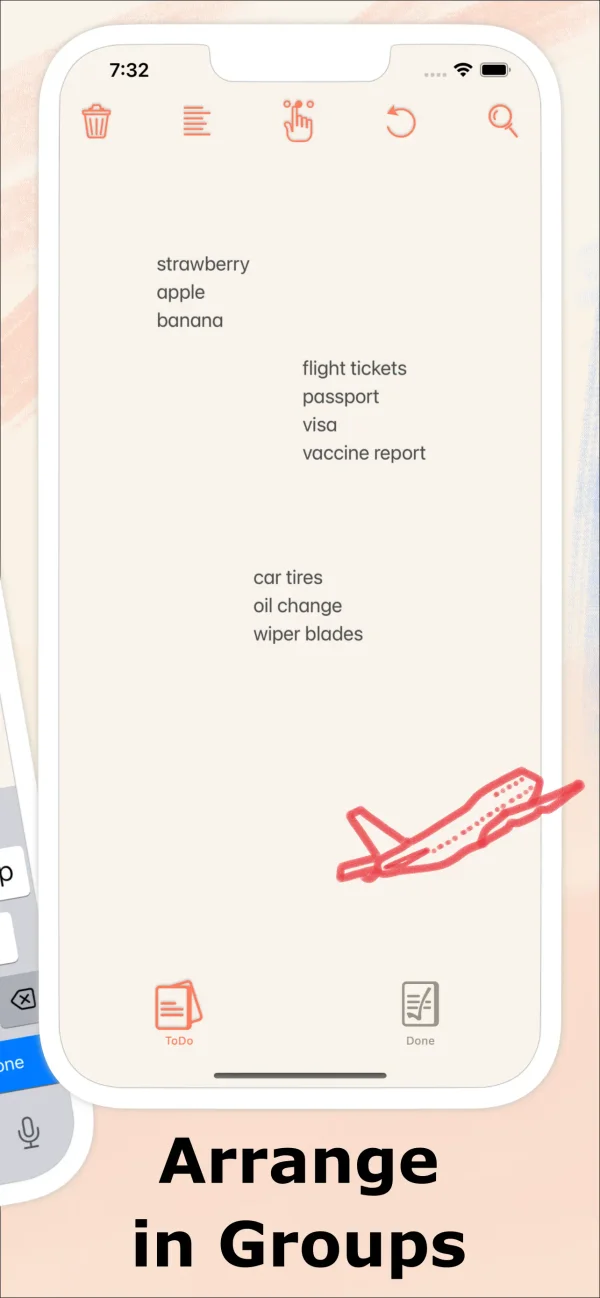
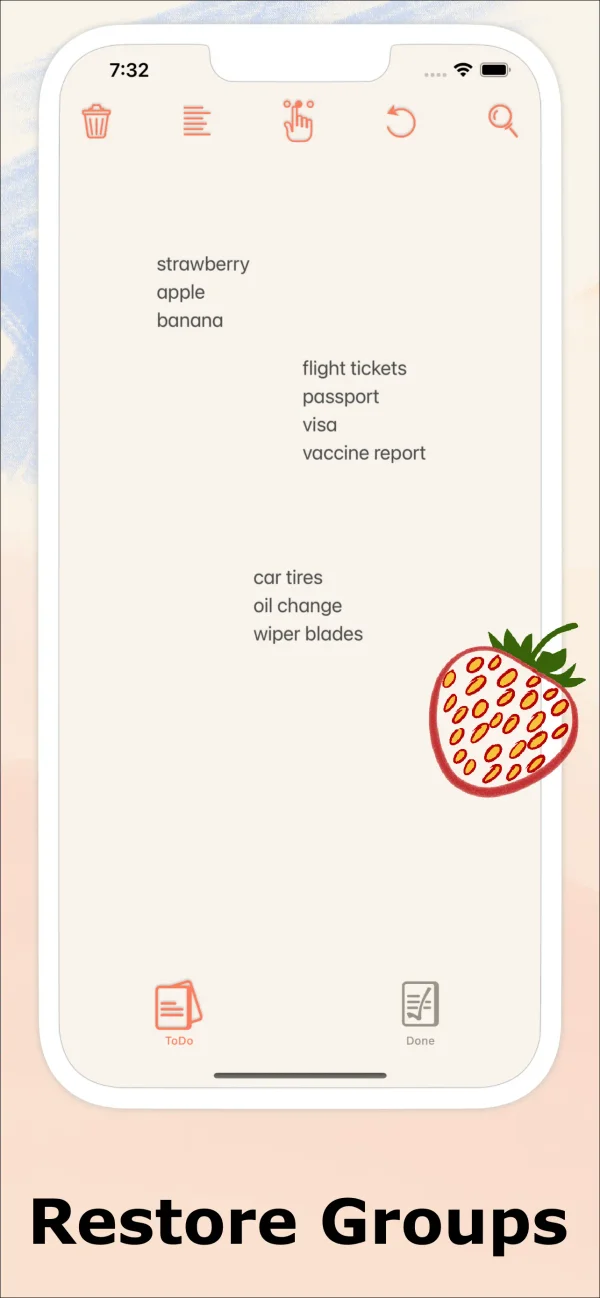
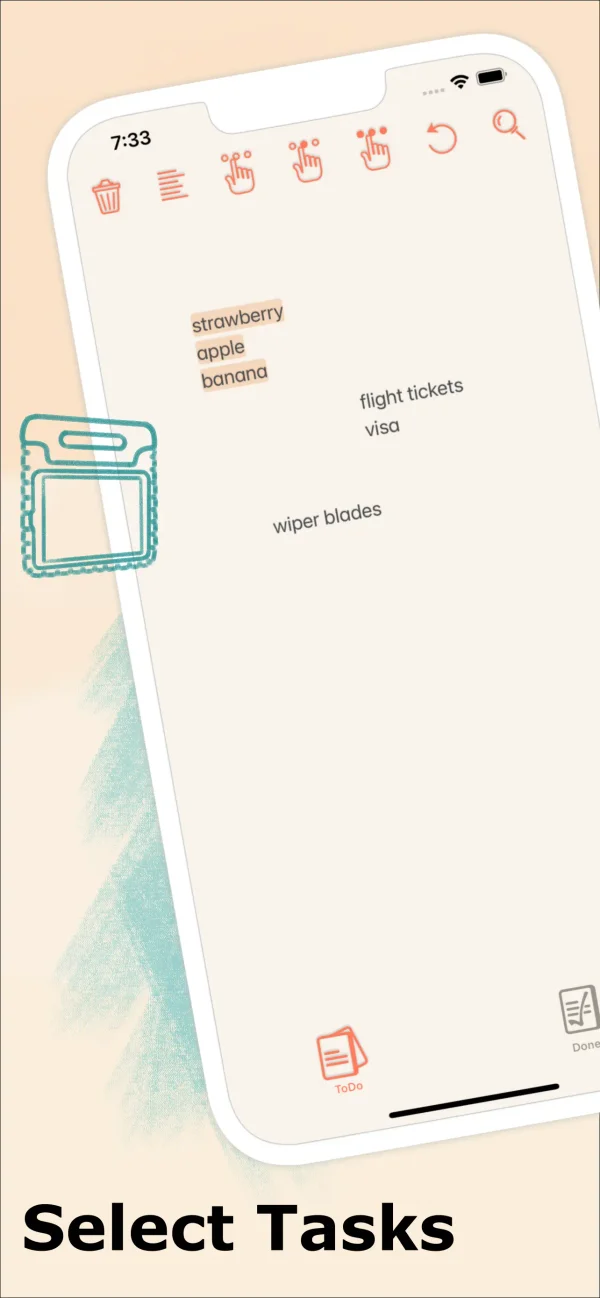
The board gives you a bird's eye view of all the items in one quick glance. It gives you a good idea of how many things are pending and how they're grouped. You can re-group and re-arrange the items as and when you like.
The smooth scroll and pan gives you the feel of a frictionless whiteboard that stretches quite a bit with central area in focus. You can move the board around and bring any group of items in focus. You can also search for an item which brings the item in the central area of focus.
To import a list of text items from any other app, simply copy it there and paste it to the task board. Similarly to do a backup of all the items on the board, select all, copy and paste it in any other app you like. You can do occasional cleanups by selecting and trashing the items.
The undo button is helpful if you accidentally do something unintentionally.
The task board works in both landscape and portrait orientations.
These are some of the things you can do with this task board:
- quick one-touch note taking
- unlimited board space
- swipe-off between the boards/tabs
- easy scroll
- smooth move around
- search
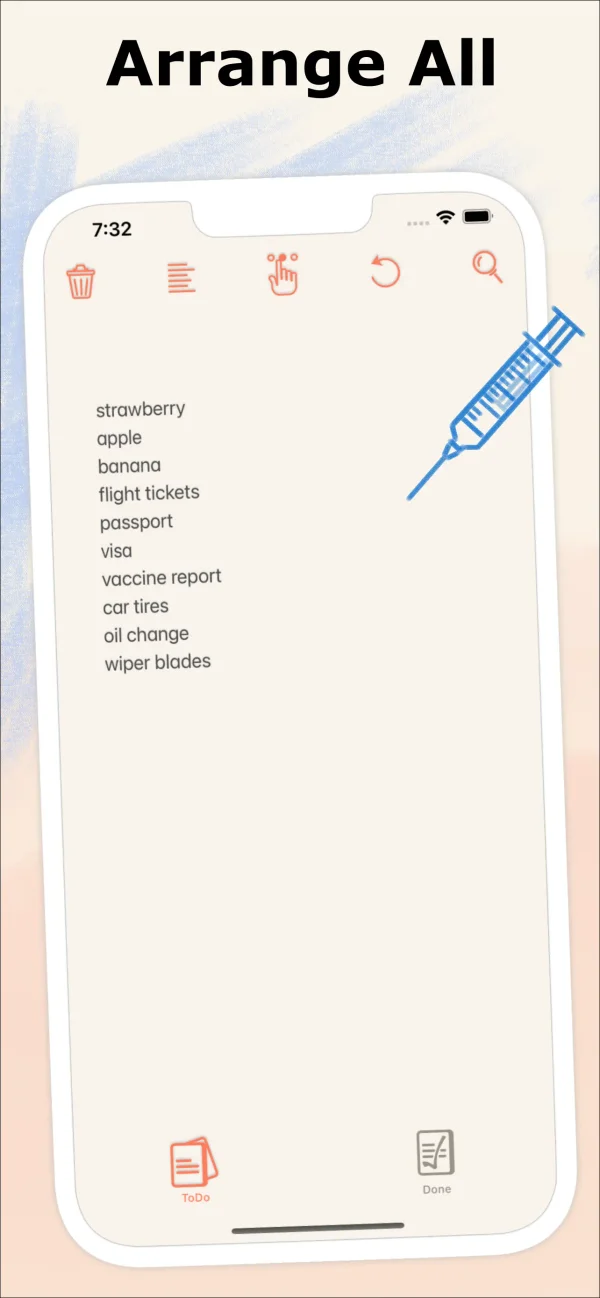
- arrange all
- arrange related (group)
- select on board
- copy from board
- paste on board
- delete from board
- zoom in and out with a pinch gesture
- undo
Enjoy managing your never ending list of day-to-day tasks.
Có gì mới
Phiên bản 1.1.1 · 01/01/2024
updated subtitle, keywords and other meta data
Quyền riêng tư của ứng dụng
Những gì Viva Apps, LLC khai báo trên App Store về cách ứng dụng này xử lý dữ liệu.
-
Dữ liệu không được thu thập
Nhà phát triển không thu thập bất kỳ dữ liệu nào từ ứng dụng này.
Phương thức đảm bảo quyền riêng tư có thể khác nhau, chẳng hạn như tuỳ theo các tính năng bạn sử dụng hoặc độ tuổi của bạn.
Thông tin
- Người bán
- Viva Apps, LLC
- Danh mục
- Hiệu Suất
- Phiên bản
- 1.1.1
- Cập nhật
- 01/01/2024
- Phát hành
- 22/09/2023
- Kích thước
- 7,3 MB
- Yêu cầu
- iOS 12.0 trở lên
- Độ tuổi
- 4+
- Giá
- Miễn phí
- Ngôn ngữ
- Tiếng Anh
- Bản quyền
- © 2023 Viva Apps, LLC
Có thể bạn cũng thích
-
 Corkulous AIHiệu Suất
-
 Simple ToDo List & TasksHiệu Suất
-
 Clear: To Dos & RemindersHiệu Suất
-
 Getting Things Done (Actions)GTD Pomodoro Method Timer
-
 Tweek: Minimal Weekly PlannerHiệu Suất
-
 Smart Tasks: Simple To Do ListHiệu Suất
-
 Do! – Simple To Do ListHiệu Suất
-
 Daily Planner, To-Do ListHiệu Suất
-
 To Do List - Reminders & TasksHiệu Suất
-
 Onrise: Habit Tracker & FocusHiệu Suất