The Task Board
Visually Organize To Do Lists
Designed for iPhone, iPad, iPod touch
Free
- Age rating4+
- CategoryProductivity
- DeveloperViva Apps, LLC
- LanguagesEnglish
- Size7.3 MB
Links to the official App Store page
Download.org hosts no file of The Task Board. The button opens its official App Store page, published by Viva Apps, LLC. Listing last checked on Nov 12, 2026.
Screenshots




About
The Task Board is a brand new visual approach to organizing to do lists and
notes.
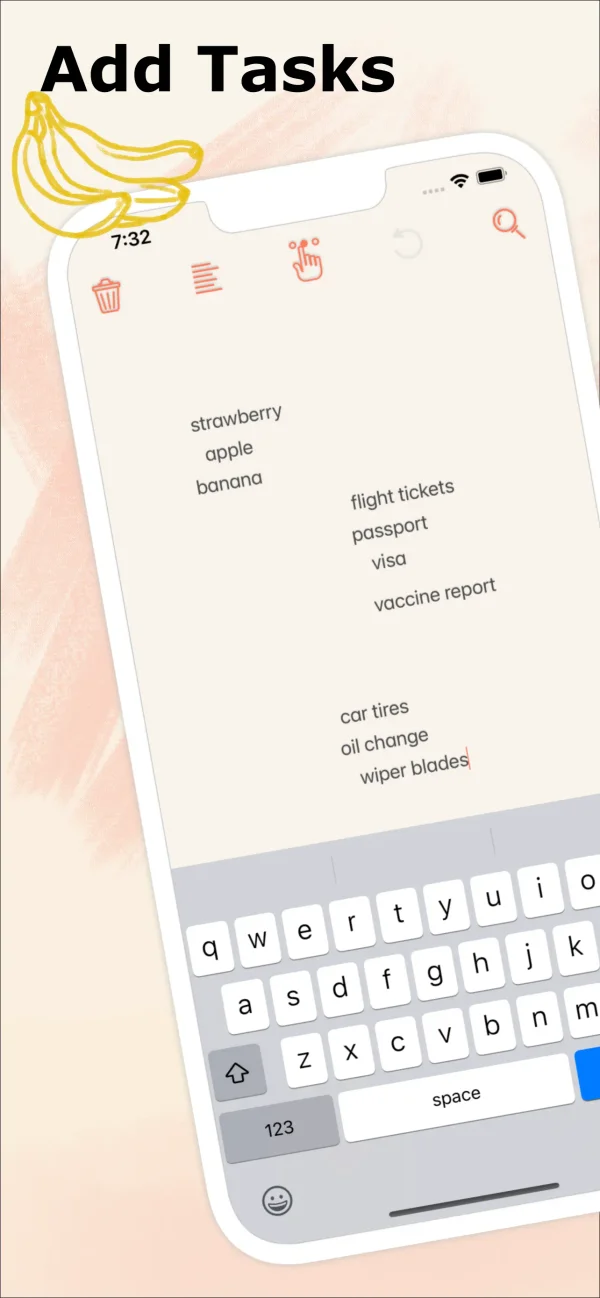
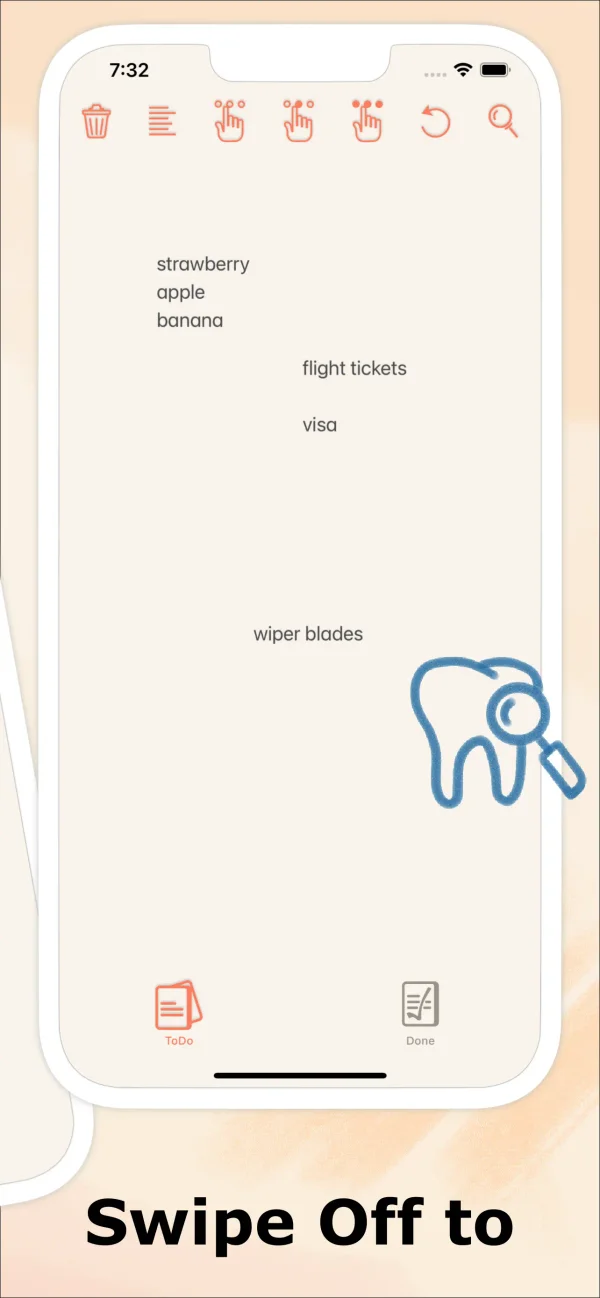
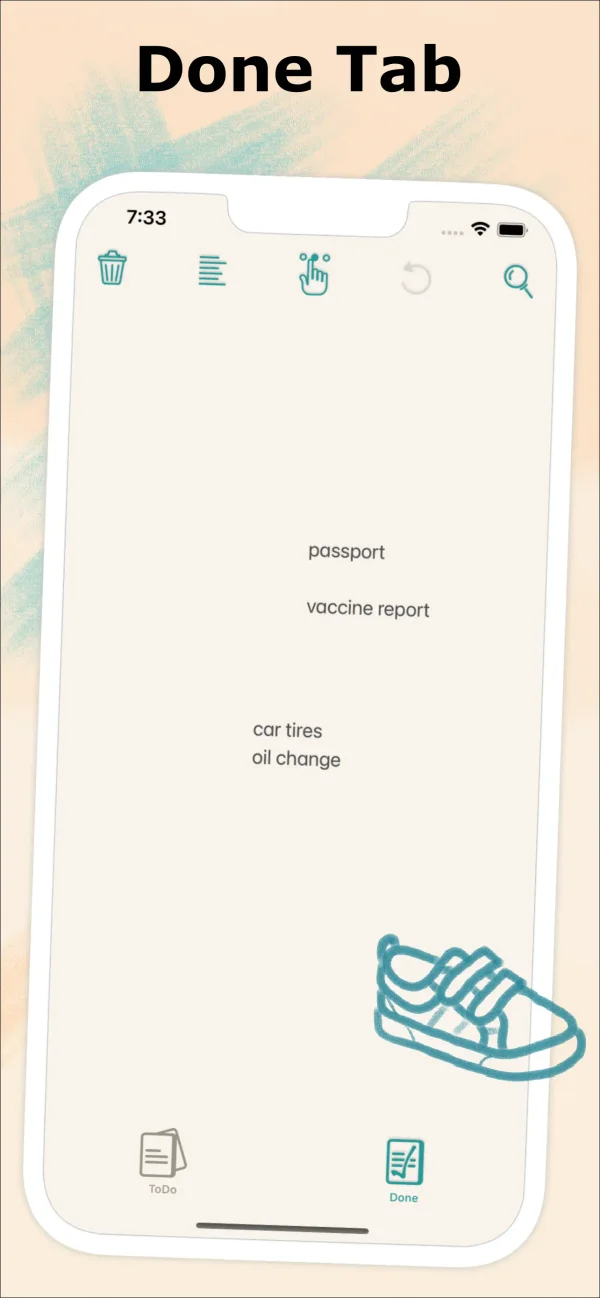
This is where you quickly note down and arrange your day-to-day tasks and easily mark them done. You enter your pending tasks on the "ToDo" tab and swipe-off all the finished ones to the "Done" tab. You can intuitively swipe the items back and forth between the "ToDo" and "Done" tabs.
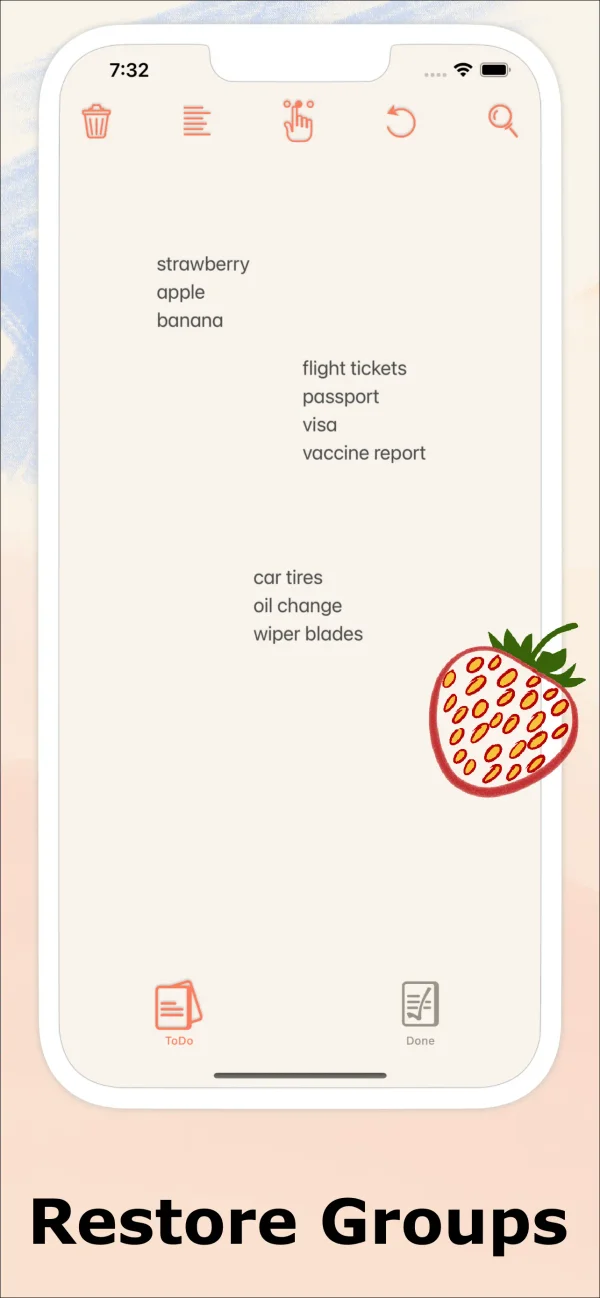
The board gives you a bird's eye view of all the items in one quick glance. It gives you a good idea of how many things are pending and how they're grouped. You can re-group and re-arrange the items as and when you like.
The smooth scroll and pan gives you the feel of a frictionless whiteboard that stretches quite a bit with central area in focus. You can move the board around and bring any group of items in focus. You can also search for an item which brings the item in the central area of focus.
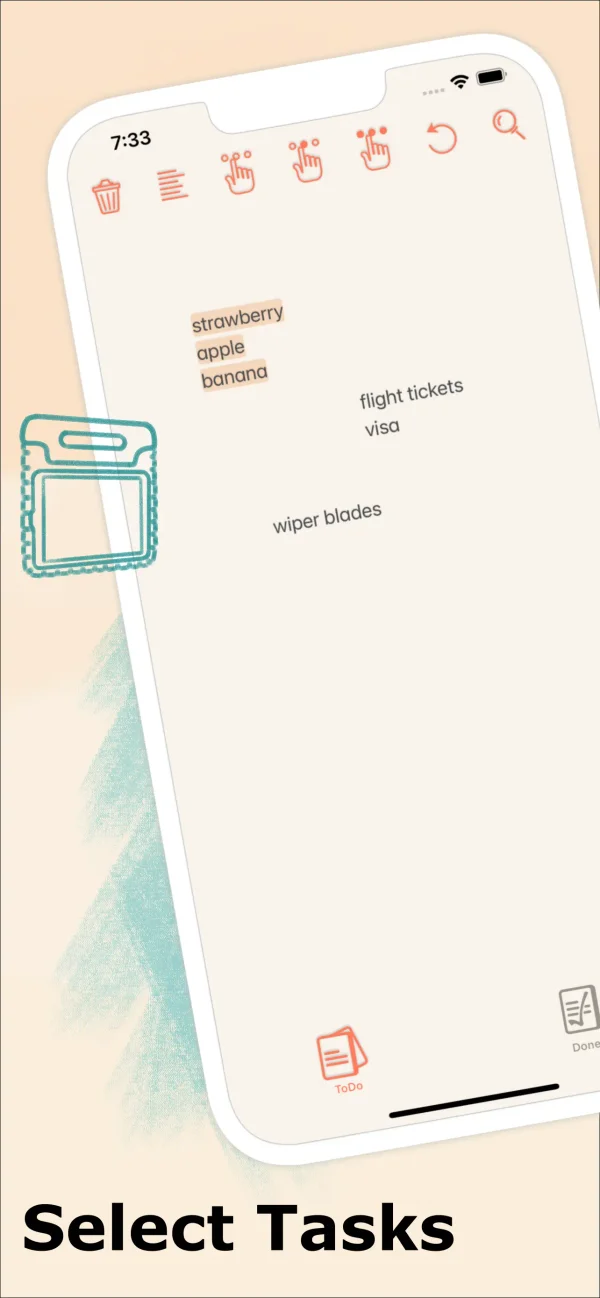
To import a list of text items from any other app, simply copy it there and paste it to the task board. Similarly to do a backup of all the items on the board, select all, copy and paste it in any other app you like. You can do occasional cleanups by selecting and trashing the items.
The undo button is helpful if you accidentally do something unintentionally.
The task board works in both landscape and portrait orientations.
These are some of the things you can do with this task board:
- quick one-touch note taking
- unlimited board space
- swipe-off between the boards/tabs
- easy scroll
- smooth move around
- search
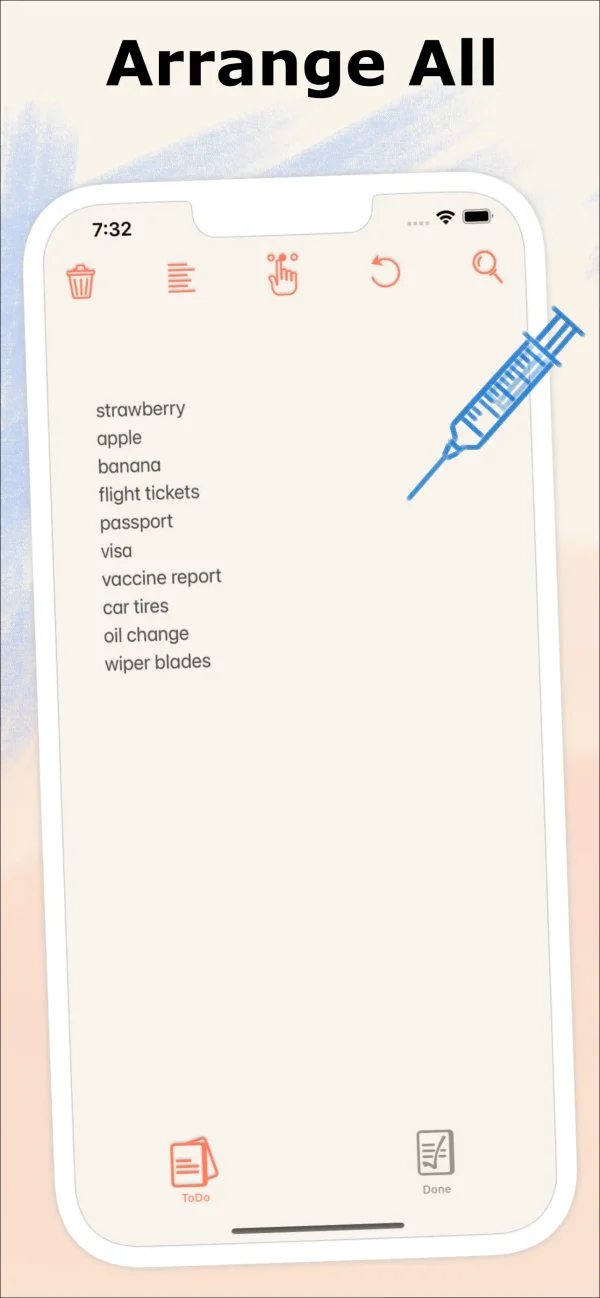
- arrange all
- arrange related (group)
- select on board
- copy from board
- paste on board
- delete from board
- zoom in and out with a pinch gesture
- undo
Enjoy managing your never ending list of day-to-day tasks.
What’s new
Version 1.1.1 · Jan 1, 2024
updated subtitle, keywords and other meta data
App privacy
What Viva Apps, LLC declares on the App Store about how this app handles data.
-
Data not collected
The developer does not collect any data from this app.
Privacy practices may vary, for example with the features you use or your age.
Information
- Seller
- Viva Apps, LLC
- Category
- Productivity
- Version
- 1.1.1
- Updated
- Jan 1, 2024
- Released
- Sep 22, 2023
- Size
- 7.3 MB
- Requires
- iOS 12.0 or later
- Age rating
- 4+
- Price
- Free
- Languages
- English
- Copyright
- © 2023 Viva Apps, LLC
You might also like
-
 Corkulous AIThink Visually with AI
-
 Simple ToDo List & TasksProductivity
-
 Clear: To Dos & RemindersCuriously Productive Lists
-
 Actions: To Do List OrganizerPlanner, Reminders & Goals
-
 Tweek: Minimal Weekly PlannerTo Do List, Reminders & Tasks
-
 Smart Tasks: Simple To Do ListReminders, Checklist & Widget
-
 Do! – Simple To Do ListReminders & widgets, your way
-
 Daily Planner, To-Do ListOrganize Your Day with To-Dos
-
 To Do List - Reminders & TasksTask Manager with Calendar
-
 Onrise: Habit Tracker & FocusBuild habits, focus & journal