- Clasificación por edad4+
- CategoríaUtilidades
- DesarrolladorIS Decisions
- IdiomasInglés+ 1 más
- Tamaño47,9 MB
Enlaza a la página oficial de App Store
Download.org no aloja ningún archivo de UserLock Push. El botón abre la página de la aplicación en App Store, donde la publica IS Decisions. Ficha comprobada por última vez el 22/11/2026.
Capturas de pantalla
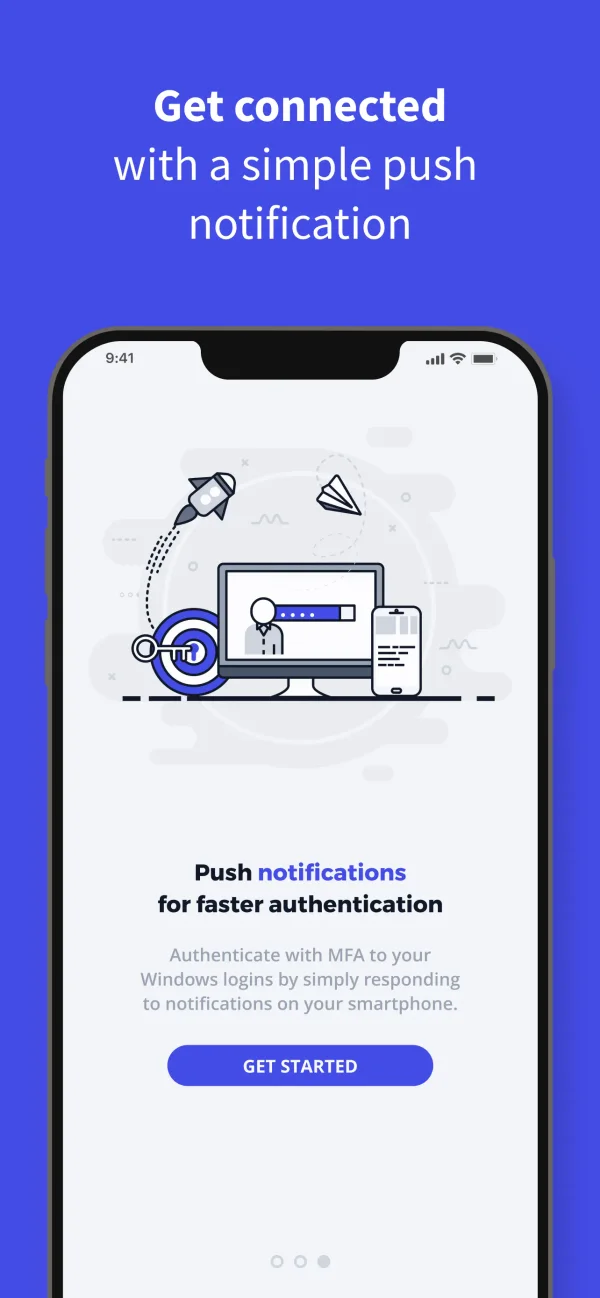
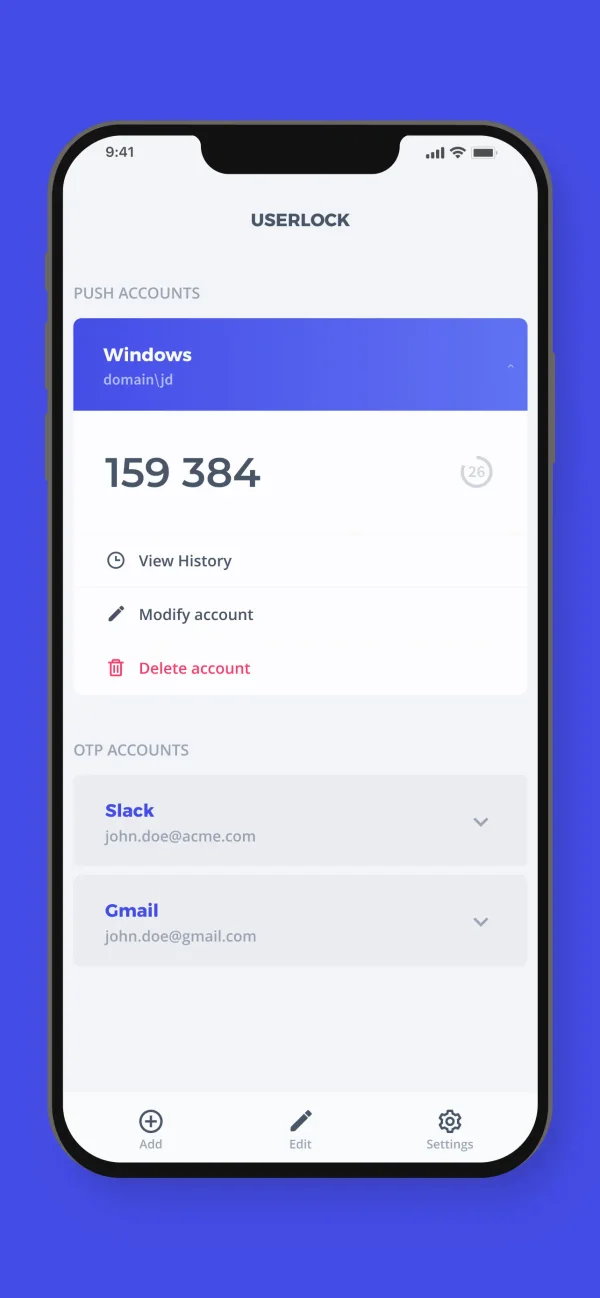


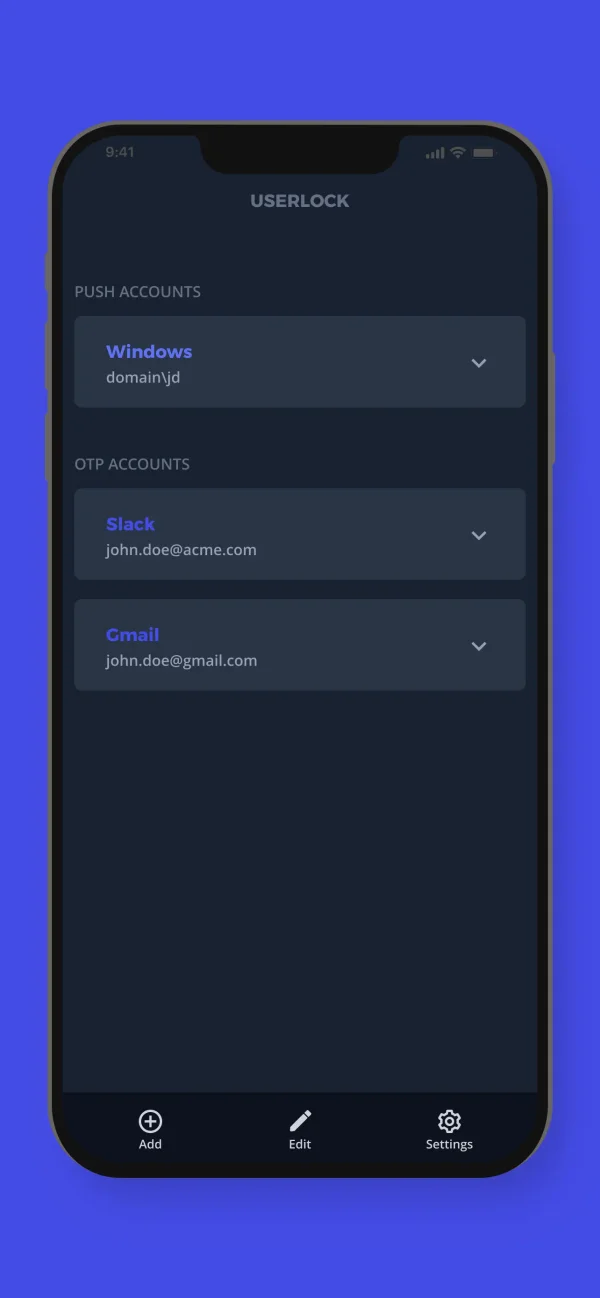
Acerca de
El desarrollador no ha proporcionado este texto en tu idioma.
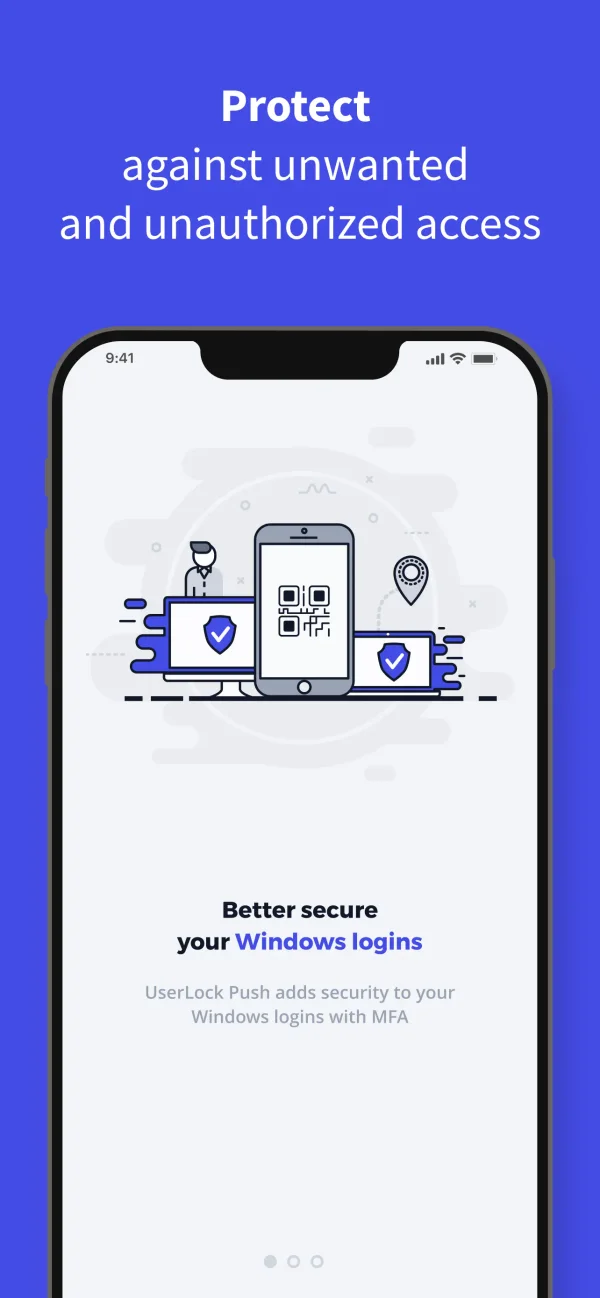
UserLock Push works with UserLock’s two-factor authentication solution to verify Active Directory user identities and secure their access to both on-premise and cloud resources.
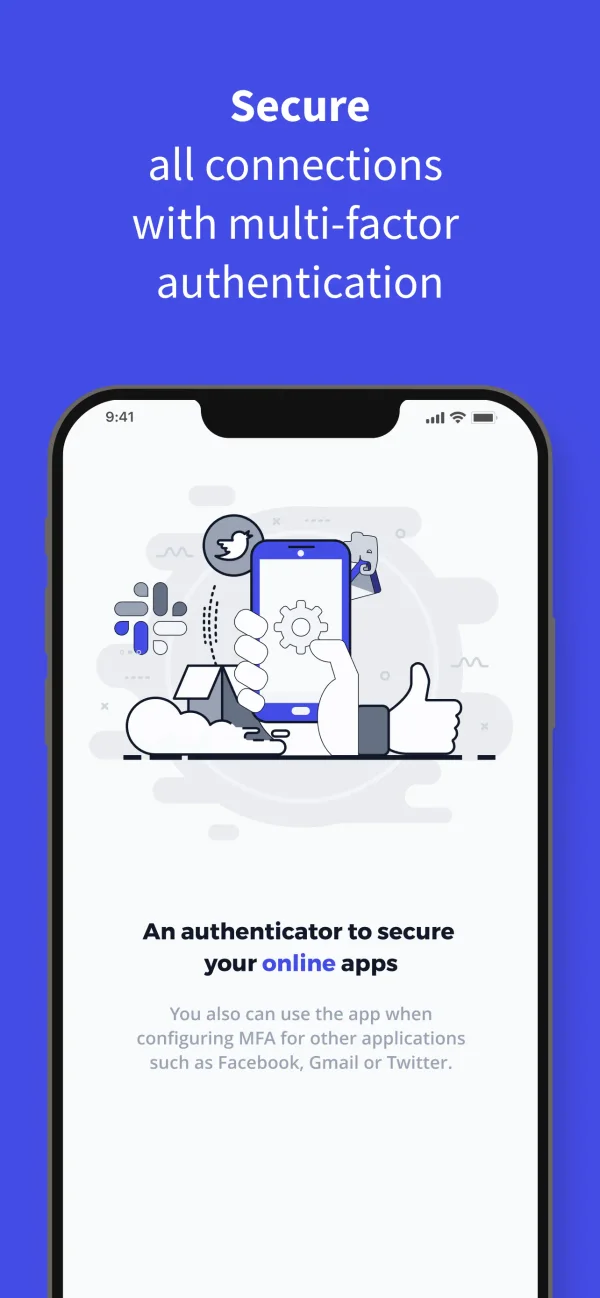
UserLock Push can also work with other services that require two-factor authentication passcodes, such as Gmail and Facebook.
• How the app works
After entering your Active Directory login credentials, UserLock Push gives you two easy options for two-factor authentication:
1. One-Tap: Simply respond to the application’s push notification for easy, one-tap two-factor authentication, or
2. Enter the TOTP code generated by the app.
The app shows the location, device, and time of the login attempt to help ensure you approve the correct request.
To get a passcode for other applications and web services, enter your login credentials and then go to UserLock Push to recover the TOTP code generated by the app.
• Self-enrollment with UserLock Push
Before enrolling with UserLock Push, your organization needs to enable UserLock and activate your account. Once this is done:
1. Install UserLock Push on your smartphone
2. Scan the QR code displayed at login
3. Enter the code generated by the app to confirm activation
4. UserLock Push is now configured as a second authentication method on your Active Directory account
You can add third party accounts at any time for OTP passcodes.
Novedades
Versión 1.6.1 · 13/11/2026
Changes:
- Added support for opening TOTP QR codes scanned with the camera or Google Lens.
- Added a choice of which phone receives logon notifications after restoring a backup.
- Improved the reliability of logon notifications and of sending responses.
- Improved performance.
Privacidad de la aplicación
Lo que IS Decisions declara en App Store sobre cómo esta aplicación gestiona los datos.
-
Datos no vinculados a ti
Pueden recopilarse, pero no se vinculan a tu identidad.
- Datos de uso
- Diagnóstico
Las prácticas de privacidad pueden variar, por ejemplo, según las funciones que uses o tu edad.
Información
- Vendedor
- IS Decisions
- Categoría
- Utilidades
- Versión
- 1.6.1
- Actualizado
- 13/11/2026
- Publicado
- 28/2/2023
- Tamaño
- 47,9 MB
- Requiere
- iOS 16.4 o posterior
- Clasificación por edad
- 4+
- Precio
- Gratis
- Idiomas
- Inglés, Francés
- Copyright
- © 2026 IS Decisions