- Độ tuổi4+
- Danh mụcTiện Ích
- Nhà phát triểnIS Decisions
- Ngôn ngữTiếng Anh+ 1 ngôn ngữ khác
- Kích thước47,9 MB
Liên kết đến trang App Store chính thức
Download.org không lưu trữ tệp nào của UserLock Push. Nút này mở trang ứng dụng trên App Store, nơi IS Decisions phát hành ứng dụng. Trang được kiểm tra lần cuối: 22/11/2026.
Ảnh chụp màn hình


Giới thiệu
Nhà phát triển chưa cung cấp nội dung này bằng ngôn ngữ của bạn.
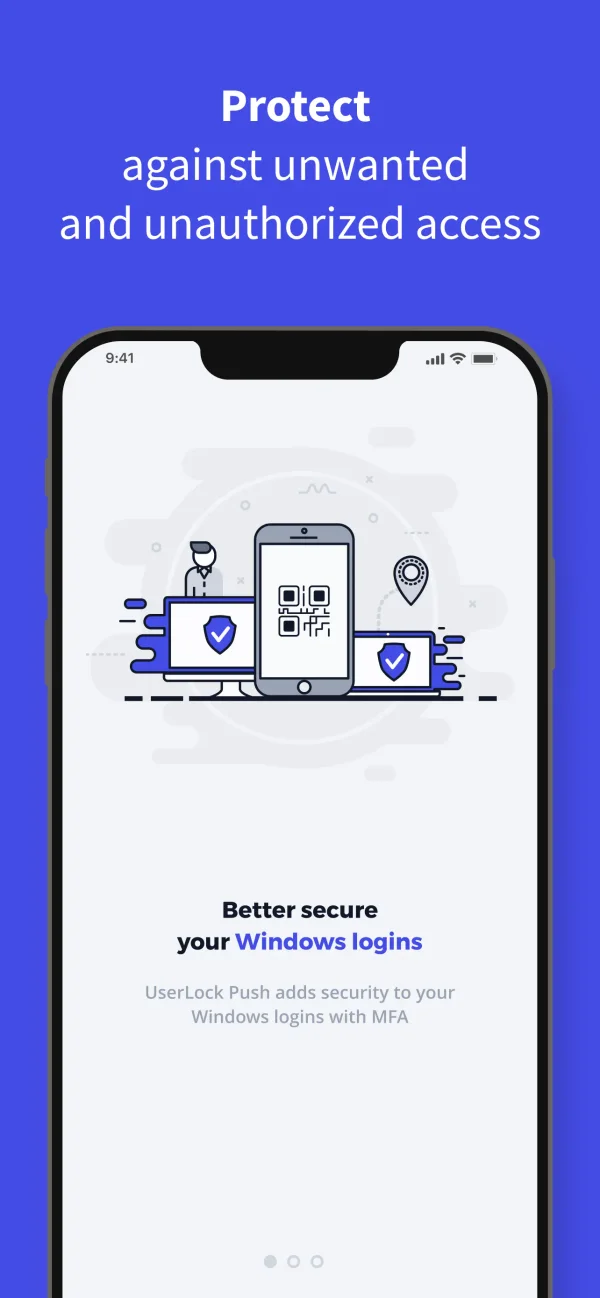
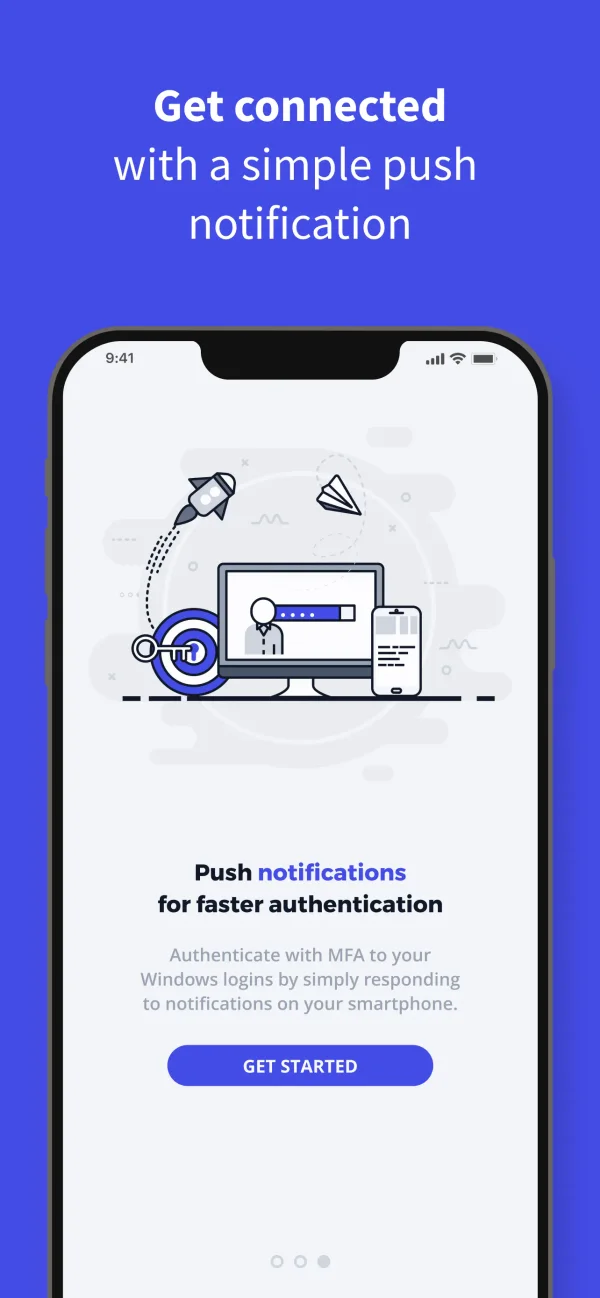
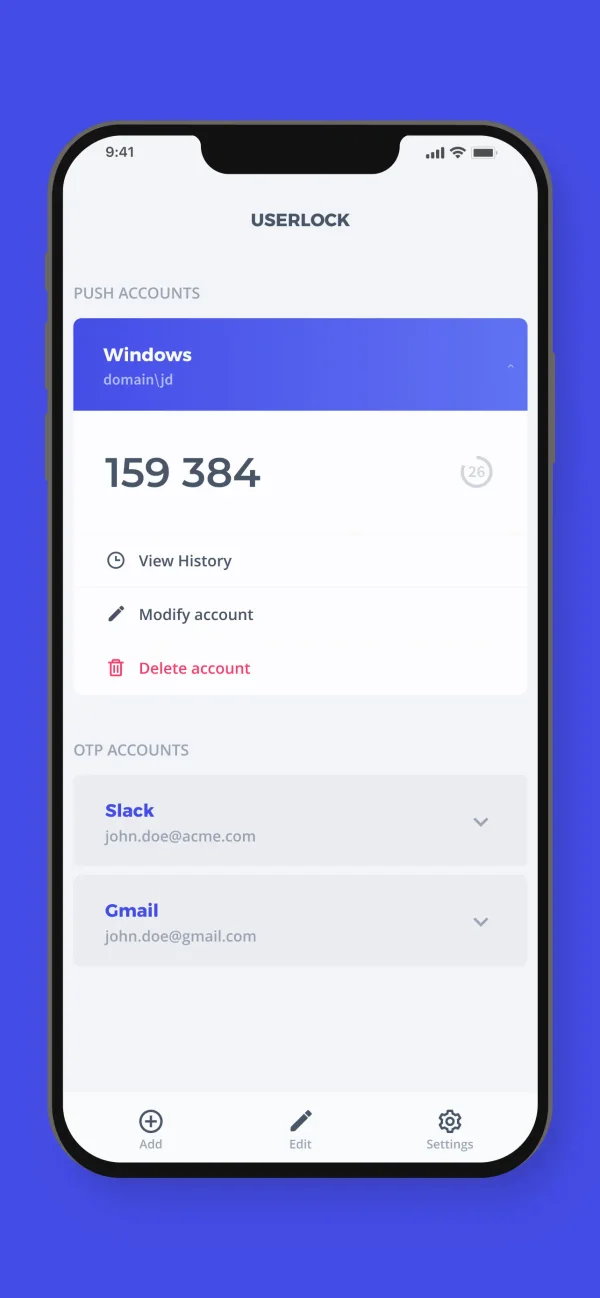
UserLock Push works with UserLock’s two-factor authentication solution to verify Active Directory user identities and secure their access to both on-premise and cloud resources.
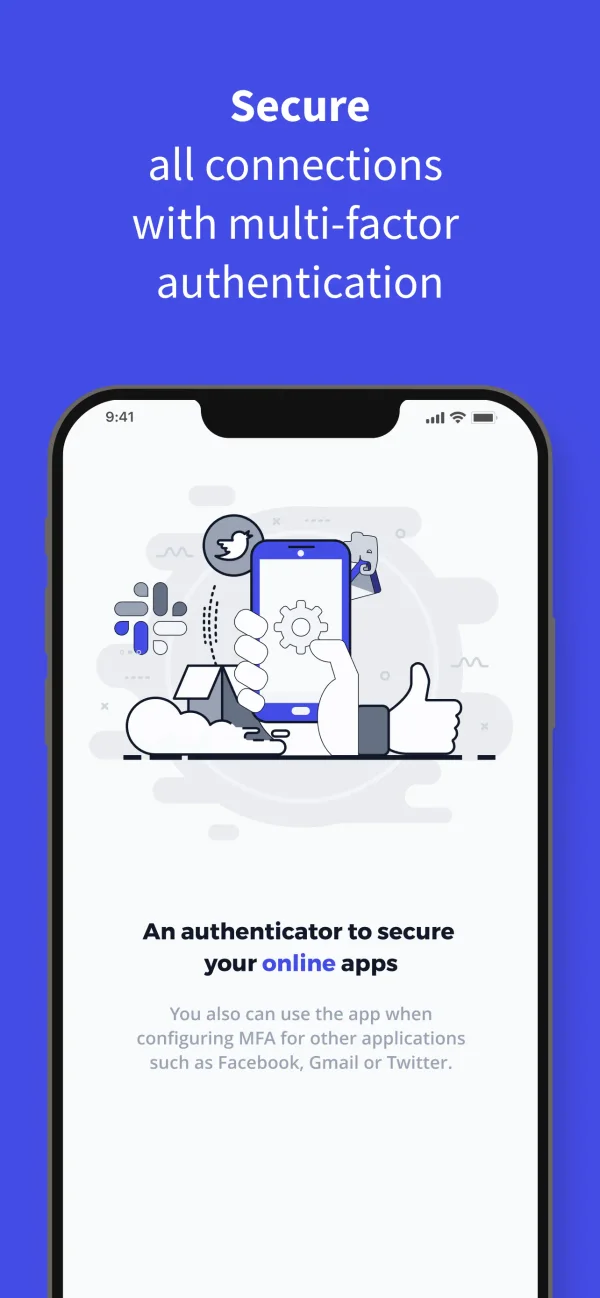
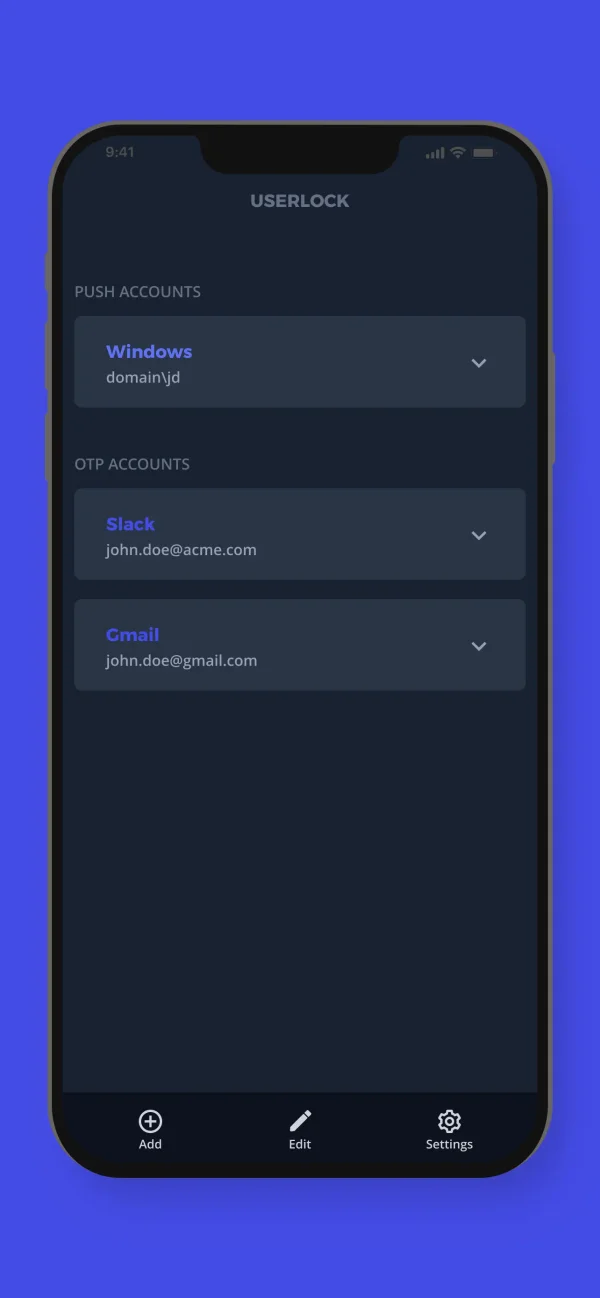
UserLock Push can also work with other services that require two-factor authentication passcodes, such as Gmail and Facebook.
• How the app works
After entering your Active Directory login credentials, UserLock Push gives you two easy options for two-factor authentication:
1. One-Tap: Simply respond to the application’s push notification for easy, one-tap two-factor authentication, or
2. Enter the TOTP code generated by the app.
The app shows the location, device, and time of the login attempt to help ensure you approve the correct request.
To get a passcode for other applications and web services, enter your login credentials and then go to UserLock Push to recover the TOTP code generated by the app.
• Self-enrollment with UserLock Push
Before enrolling with UserLock Push, your organization needs to enable UserLock and activate your account. Once this is done:
1. Install UserLock Push on your smartphone
2. Scan the QR code displayed at login
3. Enter the code generated by the app to confirm activation
4. UserLock Push is now configured as a second authentication method on your Active Directory account
You can add third party accounts at any time for OTP passcodes.
Có gì mới
Phiên bản 1.6.1 · 13/11/2026
Changes:
- Added support for opening TOTP QR codes scanned with the camera or Google Lens.
- Added a choice of which phone receives logon notifications after restoring a backup.
- Improved the reliability of logon notifications and of sending responses.
- Improved performance.
Quyền riêng tư của ứng dụng
Những gì IS Decisions khai báo trên App Store về cách ứng dụng này xử lý dữ liệu.
-
Dữ liệu không liên kết với bạn
Có thể được thu thập nhưng không liên kết với danh tính của bạn.
- Dữ liệu sử dụng
- Chẩn đoán
Phương thức đảm bảo quyền riêng tư có thể khác nhau, chẳng hạn như tuỳ theo các tính năng bạn sử dụng hoặc độ tuổi của bạn.
Thông tin
- Người bán
- IS Decisions
- Danh mục
- Tiện Ích
- Phiên bản
- 1.6.1
- Cập nhật
- 13/11/2026
- Phát hành
- 28/02/2023
- Kích thước
- 47,9 MB
- Yêu cầu
- iOS 16.4 trở lên
- Độ tuổi
- 4+
- Giá
- Miễn phí
- Ngôn ngữ
- Tiếng Anh, Tiếng Pháp
- Bản quyền
- © 2026 IS Decisions