
- Age rating4+
- CategoryUtilities
- DeveloperIS Decisions
- LanguagesEnglish+ 1 more
- Size47.9 MB
Links to the official App Store page
Download.org hosts no file of UserLock Push. The button opens its official App Store page, published by IS Decisions. Listing last checked on Nov 22, 2026.
Screenshots


About
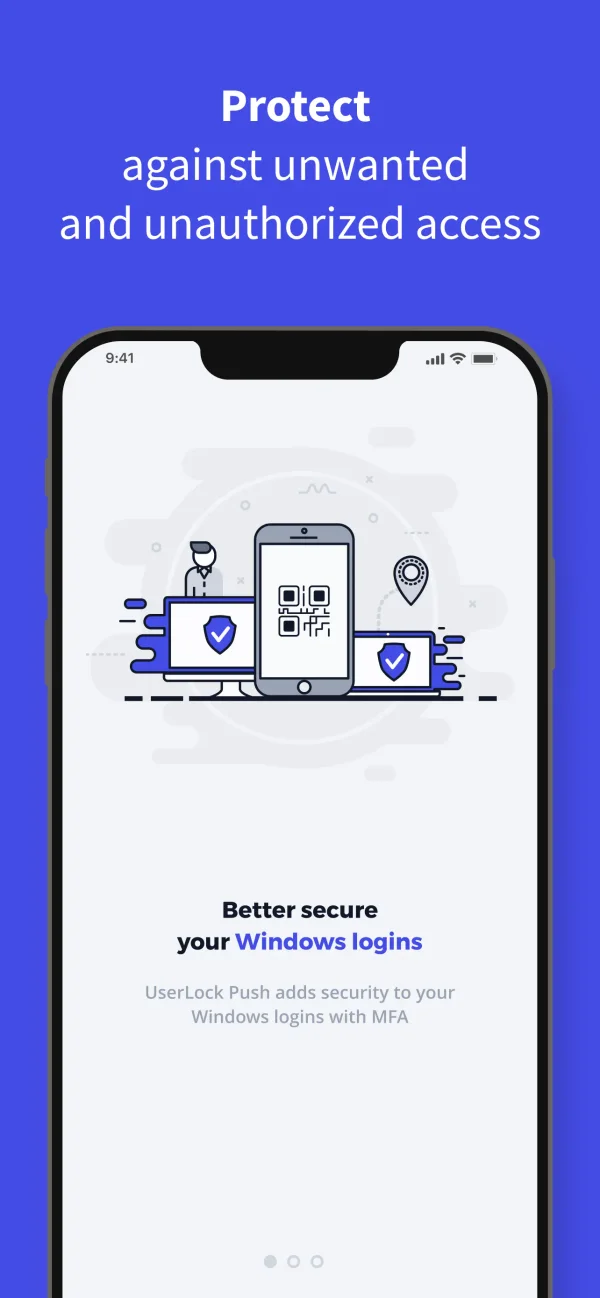
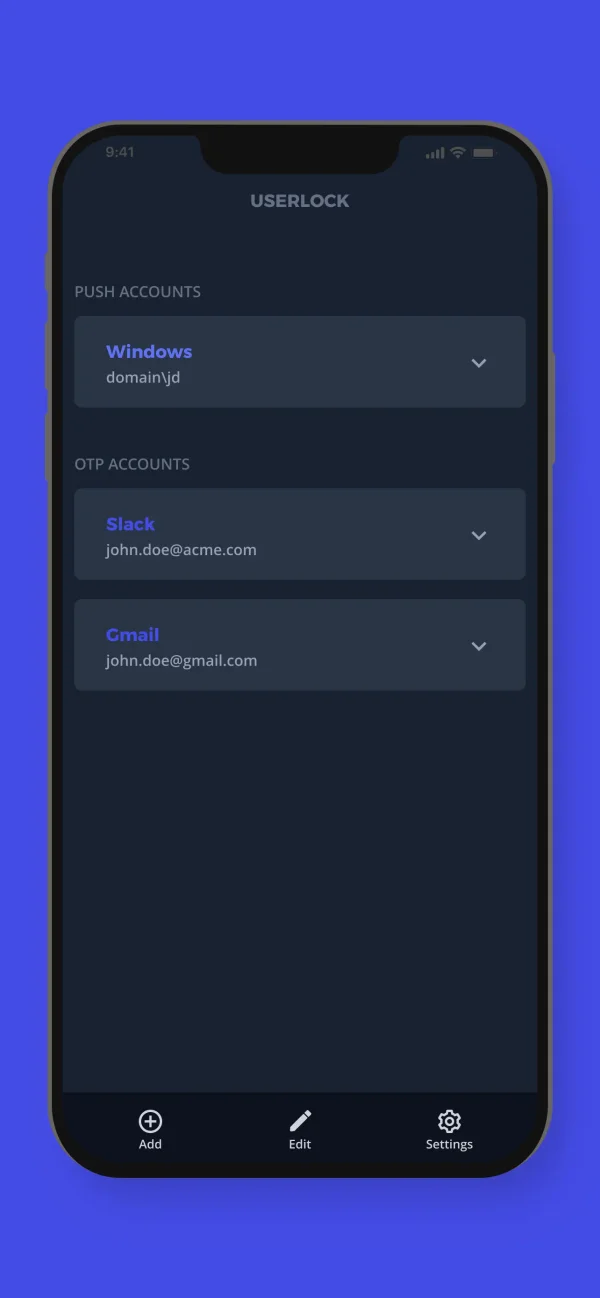
UserLock Push works with UserLock’s two-factor authentication solution to verify Active Directory user identities and secure their access to both on-premise and cloud resources.
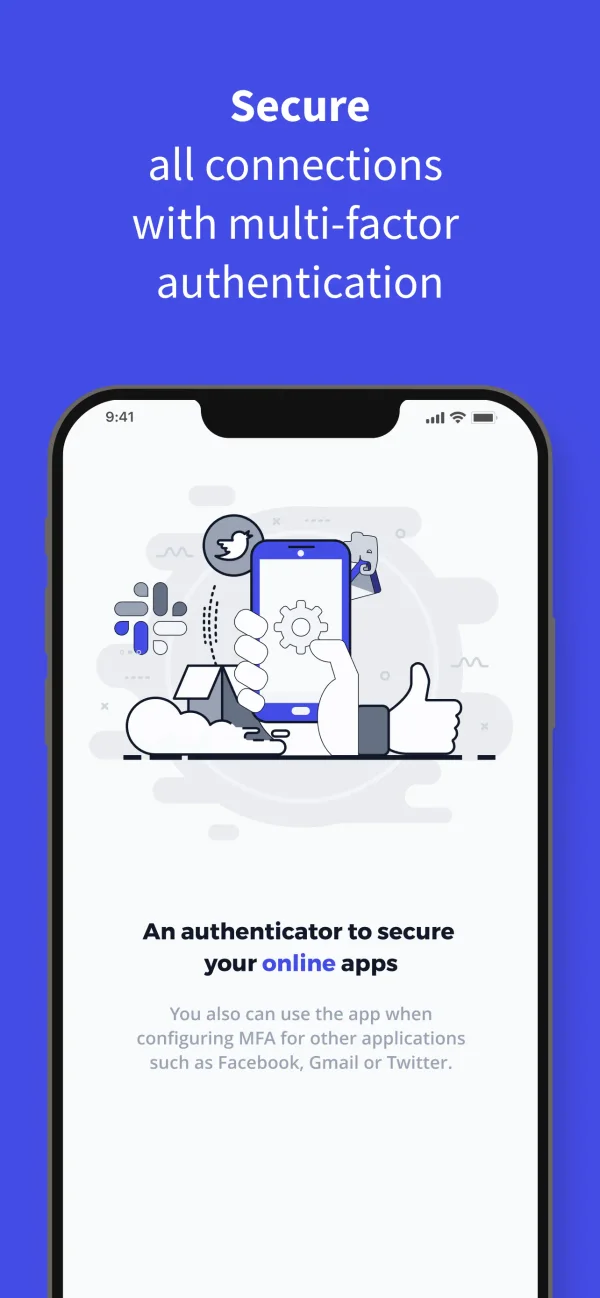
UserLock Push can also work with other services that require two-factor authentication passcodes, such as Gmail and Facebook.
• How the app works
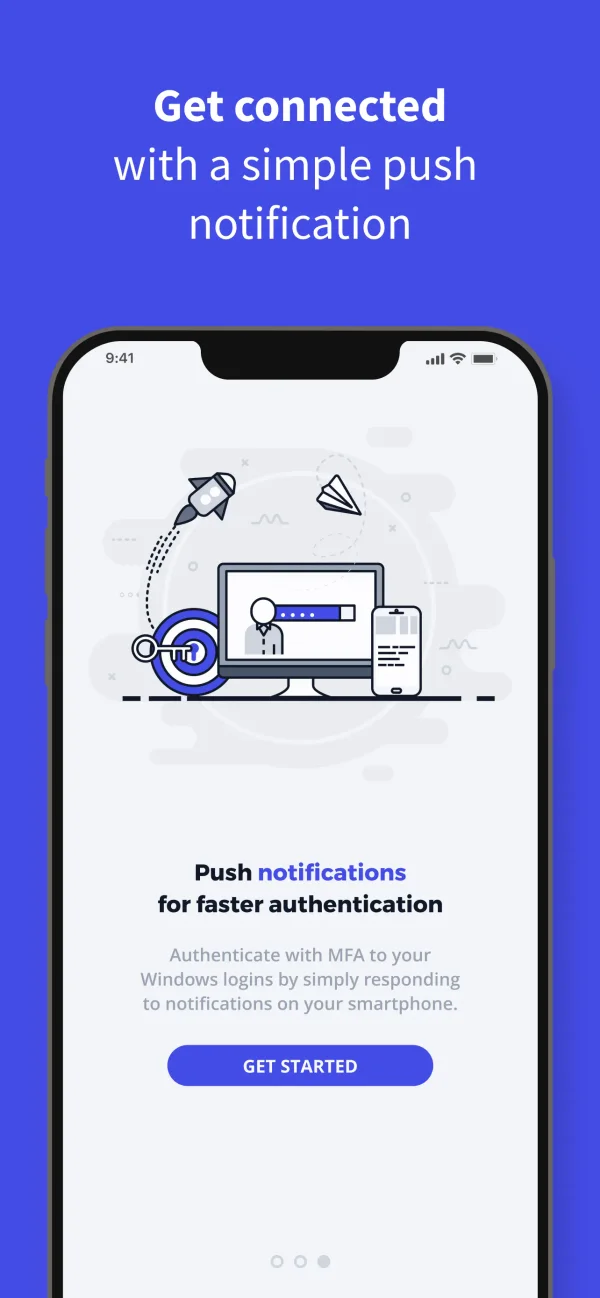
After entering your Active Directory login credentials, UserLock Push gives you two easy options for two-factor authentication:
1. One-Tap: Simply respond to the application’s push notification for easy, one-tap two-factor authentication, or
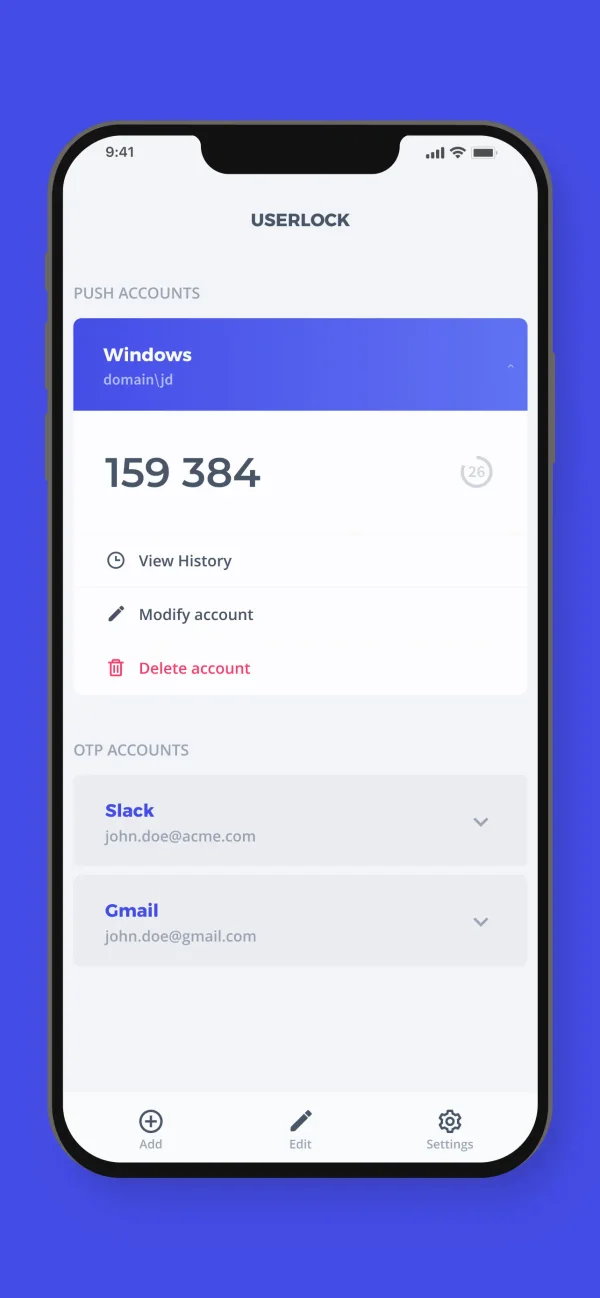
2. Enter the TOTP code generated by the app.
The app shows the location, device, and time of the login attempt to help ensure you approve the correct request.
To get a passcode for other applications and web services, enter your login credentials and then go to UserLock Push to recover the TOTP code generated by the app.
• Self-enrollment with UserLock Push
Before enrolling with UserLock Push, your organization needs to enable UserLock and activate your account. Once this is done:
1. Install UserLock Push on your smartphone
2. Scan the QR code displayed at login
3. Enter the code generated by the app to confirm activation
4. UserLock Push is now configured as a second authentication method on your Active Directory account
You can add third party accounts at any time for OTP passcodes.
What’s new
Version 1.6.1 · Nov 13, 2026
Changes:
- Added support for opening TOTP QR codes scanned with the camera or Google Lens.
- Added a choice of which phone receives logon notifications after restoring a backup.
- Improved the reliability of logon notifications and of sending responses.
- Improved performance.
App privacy
What IS Decisions declares on the App Store about how this app handles data.
-
Data not linked to you
May be collected but is not linked to your identity.
- Usage data
- Diagnostics
Privacy practices may vary, for example with the features you use or your age.
Information
- Seller
- IS Decisions
- Category
- Utilities
- Version
- 1.6.1
- Updated
- Nov 13, 2026
- Released
- Feb 28, 2023
- Size
- 47.9 MB
- Requires
- iOS 16.4 or later
- Age rating
- 4+
- Price
- Free
- Languages
- English, French
- Copyright
- © 2026 IS Decisions
You might also like
-
 LoginTCUtilities
-
 OpenOTP TokenUtilities
-
 TOKEN2 NFC BurnerNFC Burner for TOKEN2 tokens
-
 Evo AuthenticatorMulti-Factor Authentication
-
 Rublon AuthenticatorTwo-Factor Authentication
-
 AteraAtera RMM & PSA software
-
 DIR-SUtilities
-
 E3 SafetyEmergency & Safety App: E3
-
 ThreatLocker AdminUtilities
-
 Gearbag TX: Texas Police ToolsStatutes, Codes & Field Tools