- Yaş sınırı4+
- KategoriYardımcılar
- GeliştiriciIS Decisions
- Dillerİngilizce+ 1 dil daha
- Boyut47,9 MB
Resmi App Store sayfasına bağlanır
Download.org, UserLock Push için hiçbir dosya barındırmaz. Düğme, uygulamanın App Store üzerindeki sayfasını açar; uygulamayı orada IS Decisions yayınlar. Sayfanın son kontrolü: 22.11.2026.
Ekran görüntüleri


Hakkında
Geliştirici bu metni dilinizde sunmamış.
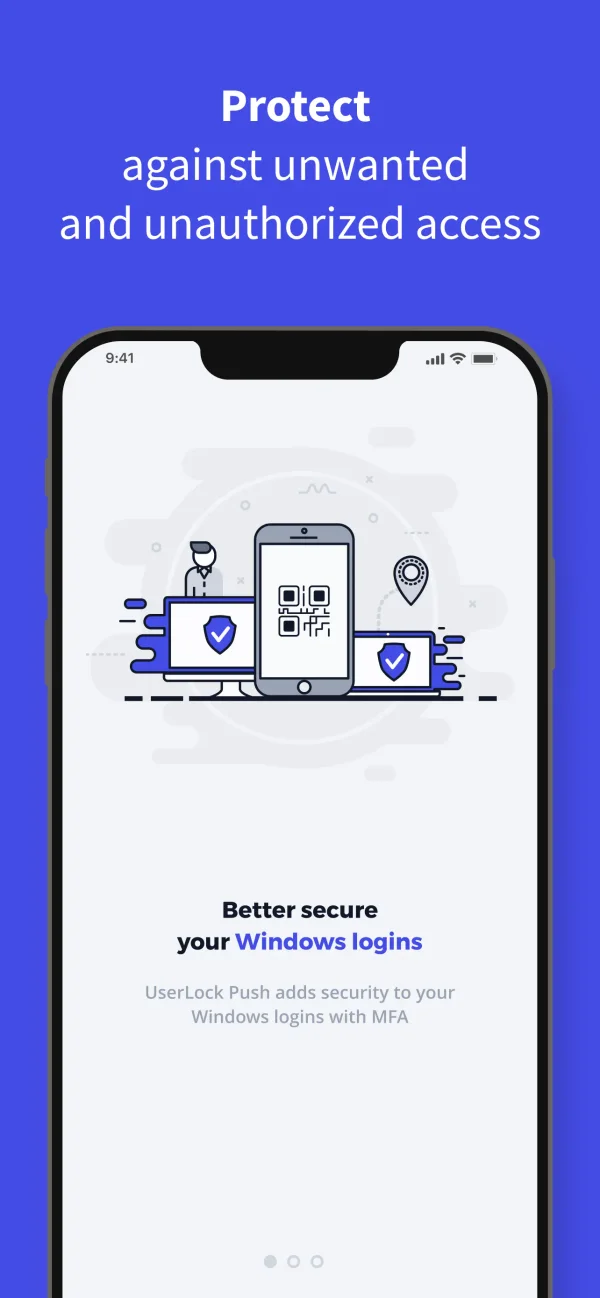
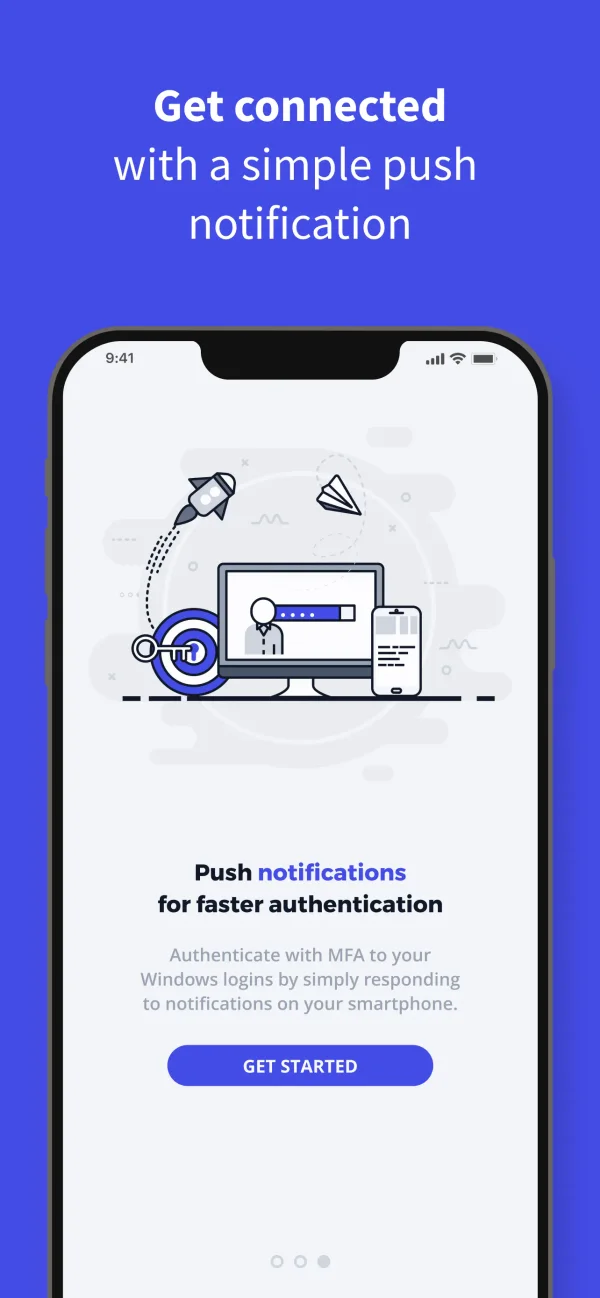
UserLock Push works with UserLock’s two-factor authentication solution to verify Active Directory user identities and secure their access to both on-premise and cloud resources.
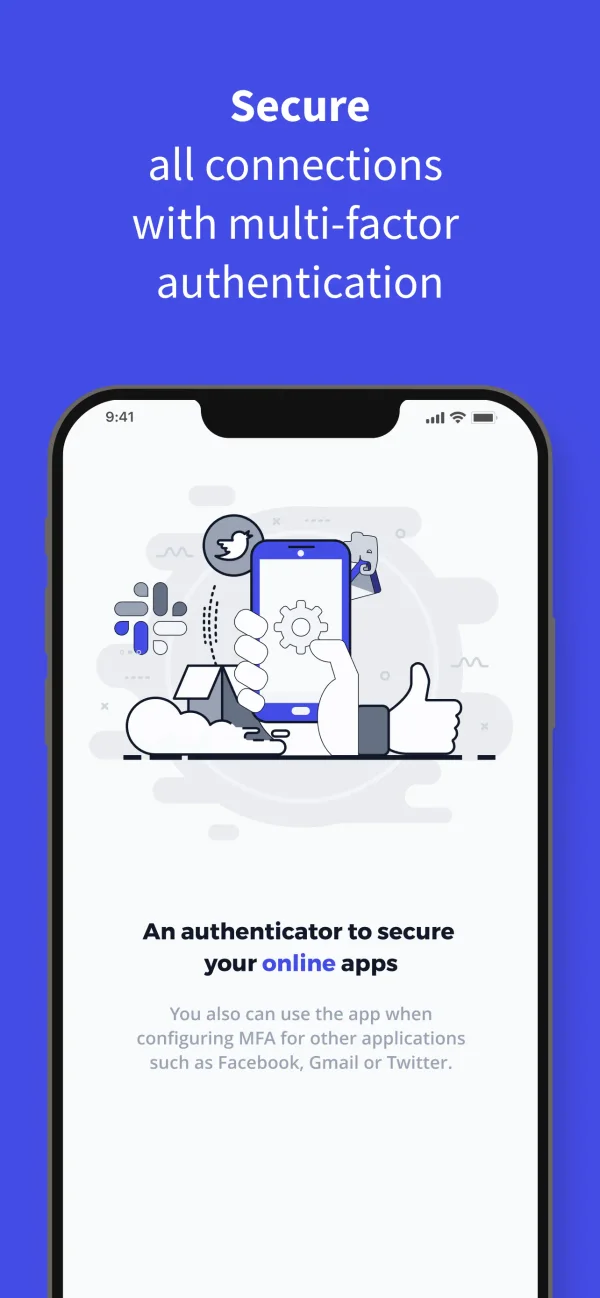
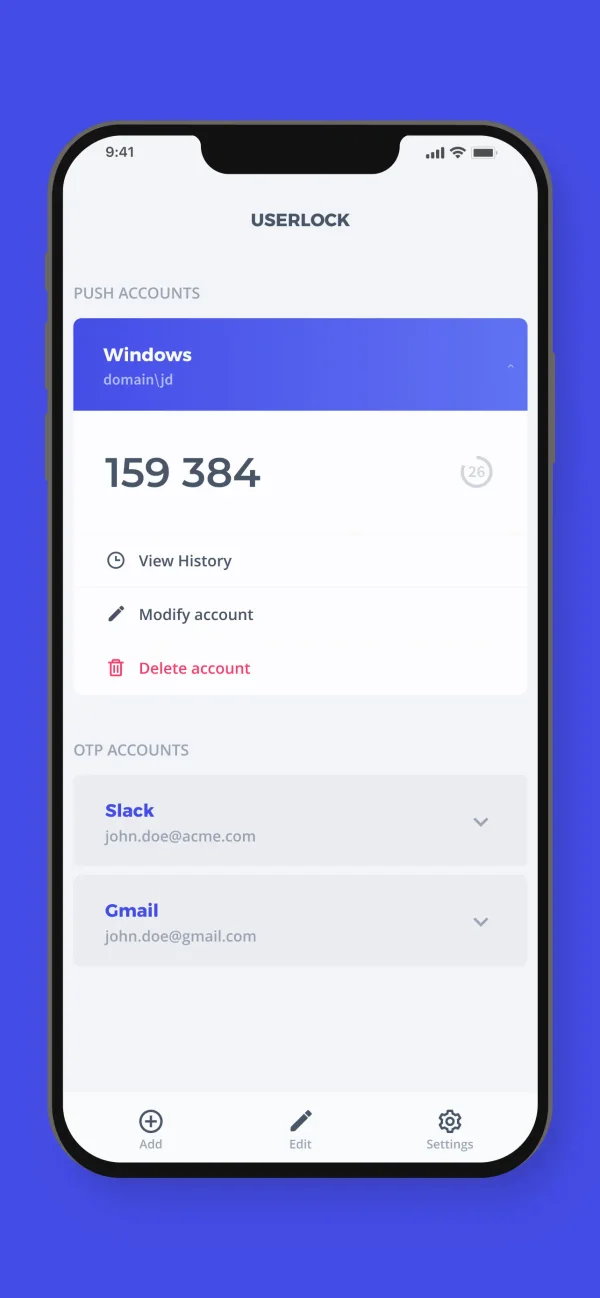
UserLock Push can also work with other services that require two-factor authentication passcodes, such as Gmail and Facebook.
• How the app works
After entering your Active Directory login credentials, UserLock Push gives you two easy options for two-factor authentication:
1. One-Tap: Simply respond to the application’s push notification for easy, one-tap two-factor authentication, or
2. Enter the TOTP code generated by the app.
The app shows the location, device, and time of the login attempt to help ensure you approve the correct request.
To get a passcode for other applications and web services, enter your login credentials and then go to UserLock Push to recover the TOTP code generated by the app.
• Self-enrollment with UserLock Push
Before enrolling with UserLock Push, your organization needs to enable UserLock and activate your account. Once this is done:
1. Install UserLock Push on your smartphone
2. Scan the QR code displayed at login
3. Enter the code generated by the app to confirm activation
4. UserLock Push is now configured as a second authentication method on your Active Directory account
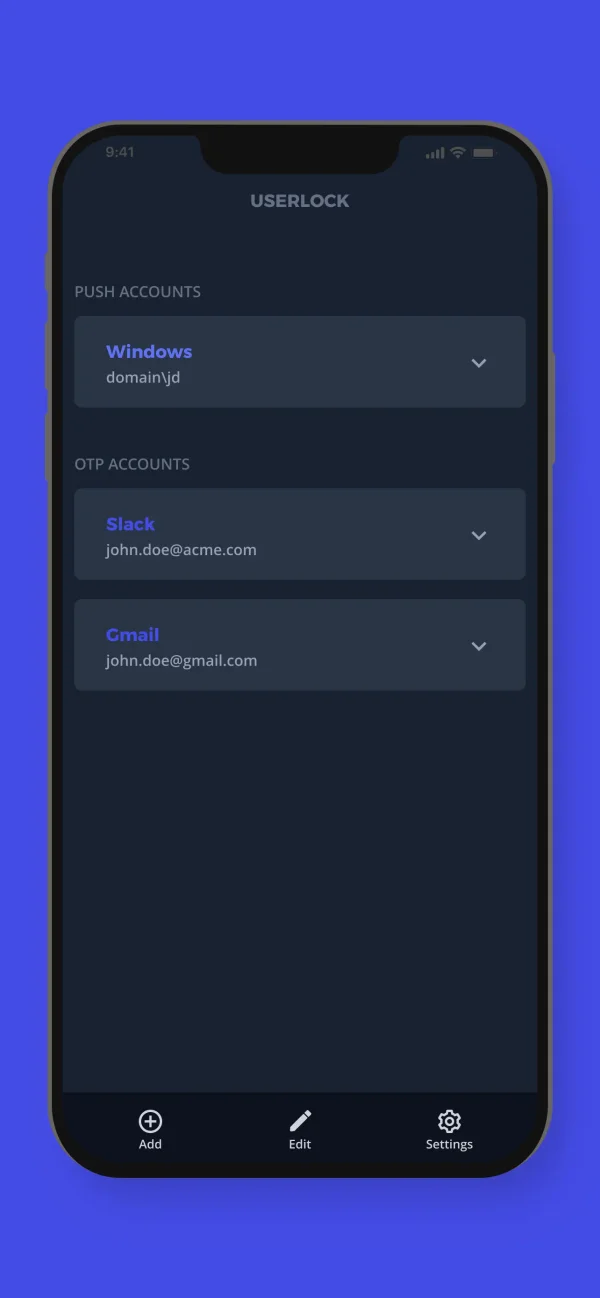
You can add third party accounts at any time for OTP passcodes.
Yenilikler
Sürüm 1.6.1 · 13.11.2026
Changes:
- Added support for opening TOTP QR codes scanned with the camera or Google Lens.
- Added a choice of which phone receives logon notifications after restoring a backup.
- Improved the reliability of logon notifications and of sending responses.
- Improved performance.
Uygulama gizliliği
Bu uygulamanın verileri nasıl işlediği hakkında IS Decisions tarafından App Store üzerinde yapılan beyan.
-
Sizinle ilişkilendirilmeyen veriler
Toplanabilir ancak kimliğinizle ilişkilendirilmez.
- Kullanım verileri
- Tanılama
Gizlilik uygulamaları, örneğin kullandığınız özelliklere veya yaşınıza göre değişiklik gösterebilir.
Bilgiler
- Satıcı
- IS Decisions
- Kategori
- Yardımcılar
- Sürüm
- 1.6.1
- Güncellendi
- 13.11.2026
- Yayın tarihi
- 28.02.2023
- Boyut
- 47,9 MB
- Gereksinim
- iOS 16.4 veya sonrası
- Yaş sınırı
- 4+
- Fiyat
- Ücretsiz
- Diller
- İngilizce, Fransızca
- Telif hakkı
- © 2026 IS Decisions