YooniKey
Unicode browser and keyboard
Diseñada para iPhone, iPad, iPod touch
Gratis
- Clasificación por edad4+
- CategoríaReferencia
- DesarrolladorSteve Mills
- IdiomasInglés
- Tamaño17,3 MB
Enlaza a la página oficial de App Store
Download.org no aloja ningún archivo de YooniKey. El botón abre la página de la aplicación en App Store, donde la publica Steve Mills. Ficha comprobada por última vez el 14/11/2026.
Capturas de pantalla

Acerca de
El desarrollador no ha proporcionado este texto en tu idioma.
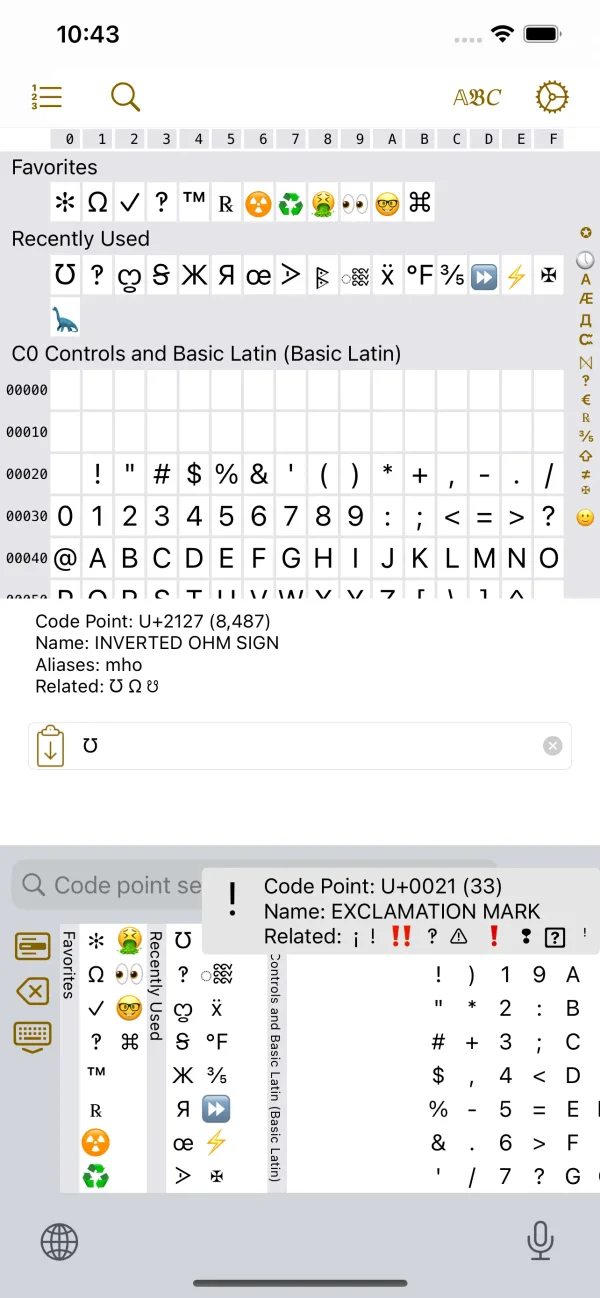
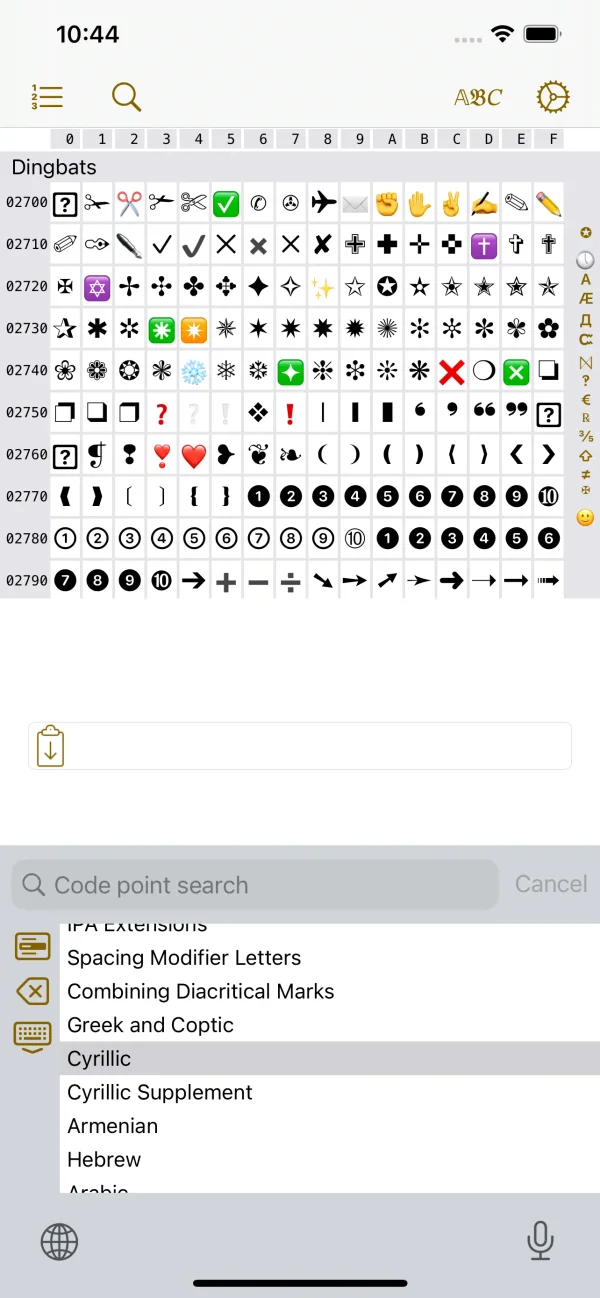
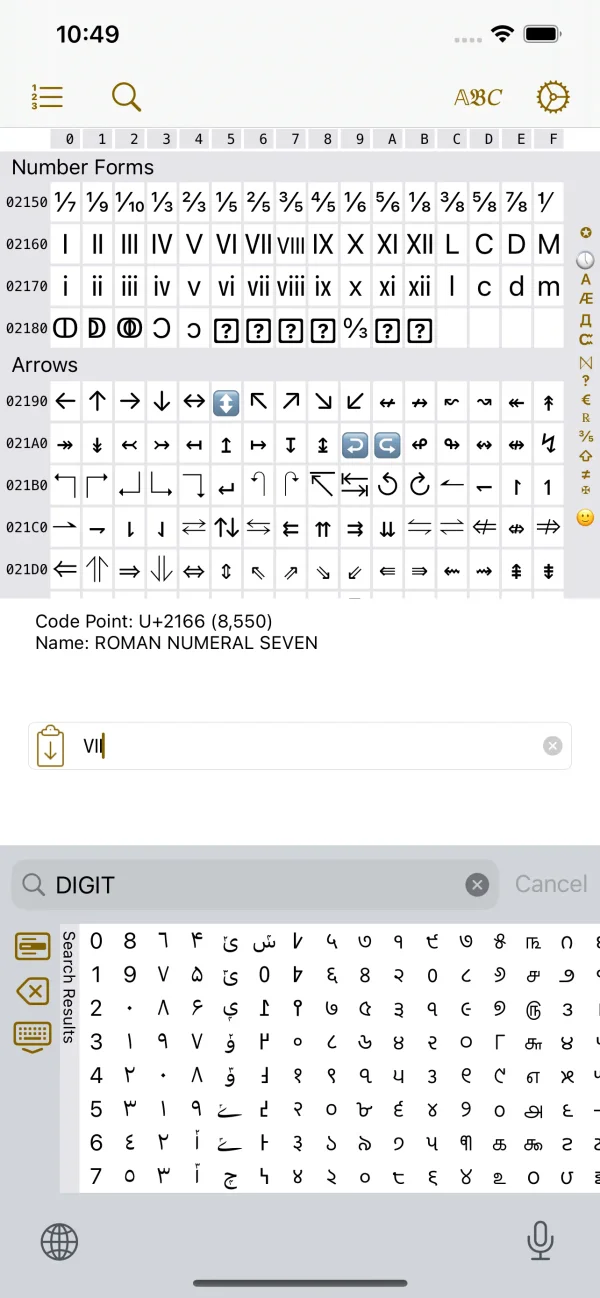
Are you frequently wanting to type characters that aren't in standard keyboards? I know I was, and didn't want to pay extra just to get to the characters I needed. So I wrote YooniKey, a full Unicode® browser application and an embedded keyboard that can be used by any application. Both the app and the keyboard offer a searchable list of Unicode® code blocks and code points.
Keyboard highlights:
⁍Quickly jump to any code block, sorted by name or natural position.
⁍When searching in the keyboard, a simple ASCII keyboard appears that allows you to type the limited characters allowed in code point names.
⁍See and type favorite and recently used code points.
⁍Long-press on a code point for more information about it. Releasing with your finger inside the info balloon will filter on the tapped code point's related code points. That makes for fast, simple exploration without having to visit the app!
App highlights:
⁍Quickly jump to any code block, sorted by name or natural position.
⁍Customize the index shown on the right for even faster access to your favorite code blocks.
⁍Tap on a code point for more information about it, include its hex value, name, aliases, and related characters.
⁍Long-press a code point to add it to or remove it from favorites or to filter on its related code points.
⁍Long-press on a related character in the info area to look up that code point, include its hex value, name, and related characters.
⁍Tap code points to enter them into the edit field, then tap the Copy to Pasteboard button so your text can be pasted elsewhere.
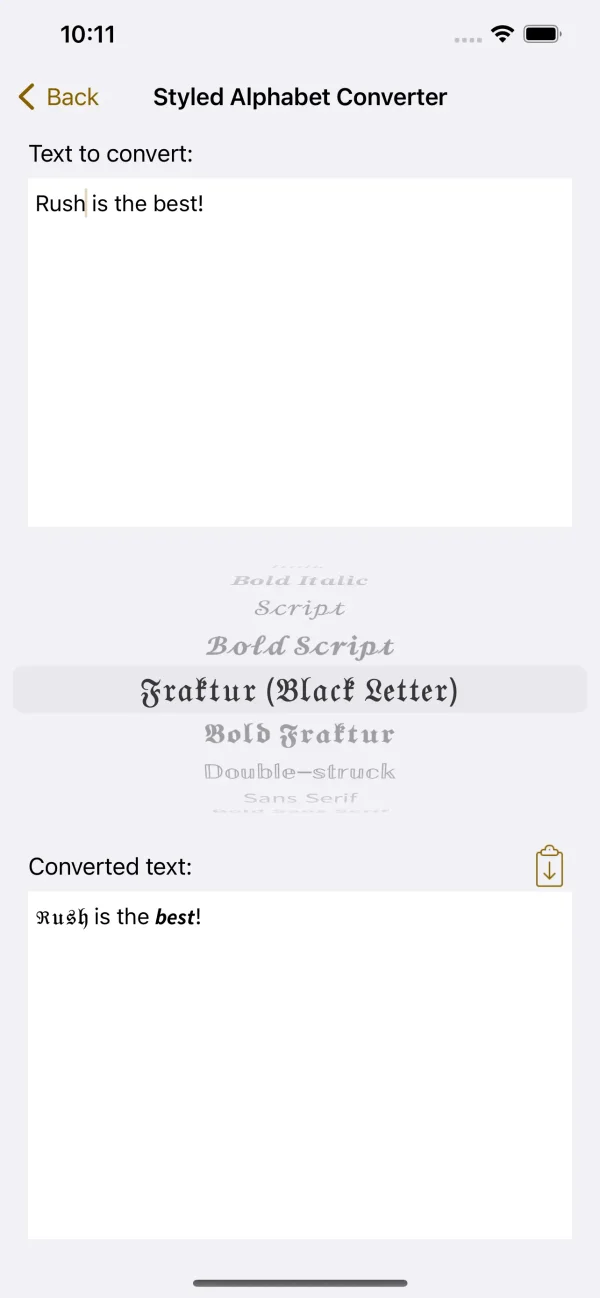
⁍Styled alphabet converter makes it easy to create custom text in assorted typefaces found in the Mathematical Alphanumeric Symbols code block.
Unicode and the Unicode Logo are registered trademarks of Unicode, Inc. in the United States and other countries.
Novedades
Versión 1.1.3 · 14/12/2025
-Slight update for recent OSes that broke how the search bar worked.
-Minimum OS updated.
Privacidad de la aplicación
Lo que Steve Mills declara en App Store sobre cómo esta aplicación gestiona los datos.
-
No se recopilan datos
El desarrollador no recopila ningún dato de esta aplicación.
Las prácticas de privacidad pueden variar, por ejemplo, según las funciones que uses o tu edad.
Información
- Vendedor
- Steve Mills
- Categoría
- Referencia
- Versión
- 1.1.3
- Actualizado
- 14/12/2025
- Publicado
- 27/4/2023
- Tamaño
- 17,3 MB
- Requiere
- iOS 15.6 o posterior
- Clasificación por edad
- 4+
- Precio
- Gratis
- Idiomas
- Inglés
- Copyright
- © 2025 Steve Mills
Quizá también te guste
-
 DeTeXtEducación
-
 UniChar — Unicode KeyboardReferencia
-
 Unicode Map and Code TableReferencia
-
 Random PW GeneratorReferencia
-
 MathMaster - Accuracy & SpeedEducación
-
 GraphMathEducación
-
 Egyptian Hieroglyph DictionaryEducación
-
 English IPA ChartEducación
-
 Focus Simple Habit TrackerMinimalist Mindfulness Inflow
-
 Listen Number - Listen & SpeakEducación