YooniKey
Unicode browser and keyboard
Conçue pour iPhone, iPad, iPod touch
Gratuit
- Classification d’âge4+
- CatégorieRéférences
- DéveloppeurSteve Mills
- LanguesAnglais
- Taille17,3 Mo
Renvoie vers la page App Store officielle
Download.org n’héberge aucun fichier de YooniKey. Le bouton ouvre la page de l’application sur App Store, où Steve Mills la publie. Fiche vérifiée pour la dernière fois le 14/11/2026.
Captures d’écran

À propos
Le développeur n’a pas fourni ce texte dans votre langue.
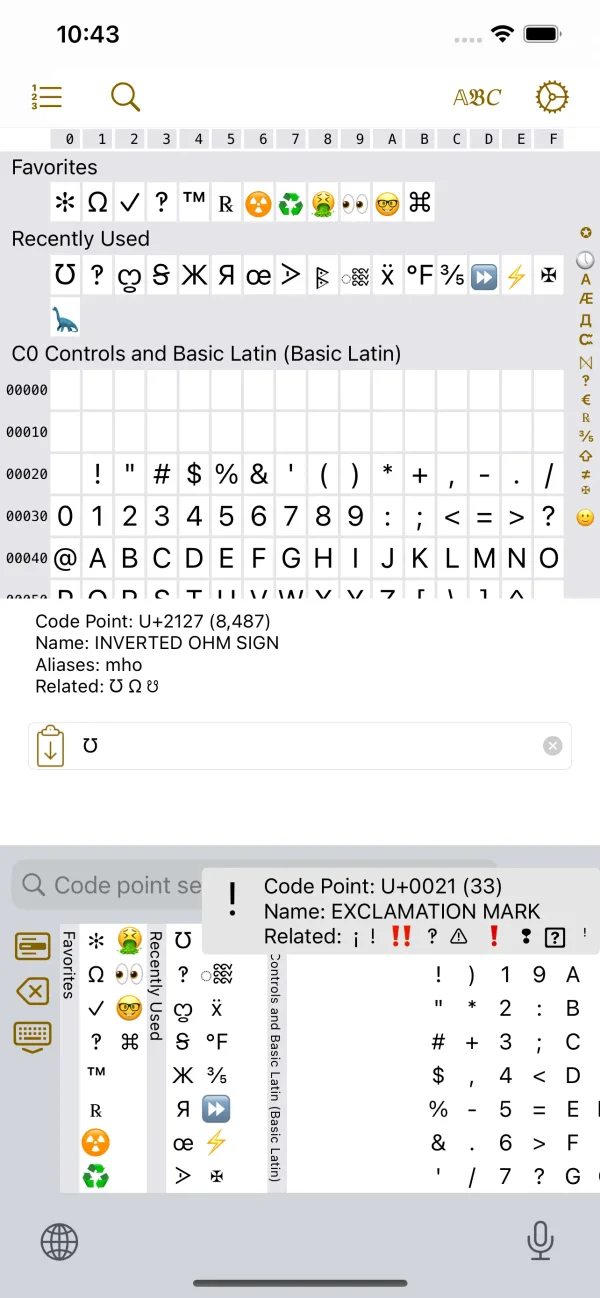
Are you frequently wanting to type characters that aren't in standard keyboards? I know I was, and didn't want to pay extra just to get to the characters I needed. So I wrote YooniKey, a full Unicode® browser application and an embedded keyboard that can be used by any application. Both the app and the keyboard offer a searchable list of Unicode® code blocks and code points.
Keyboard highlights:
⁍Quickly jump to any code block, sorted by name or natural position.
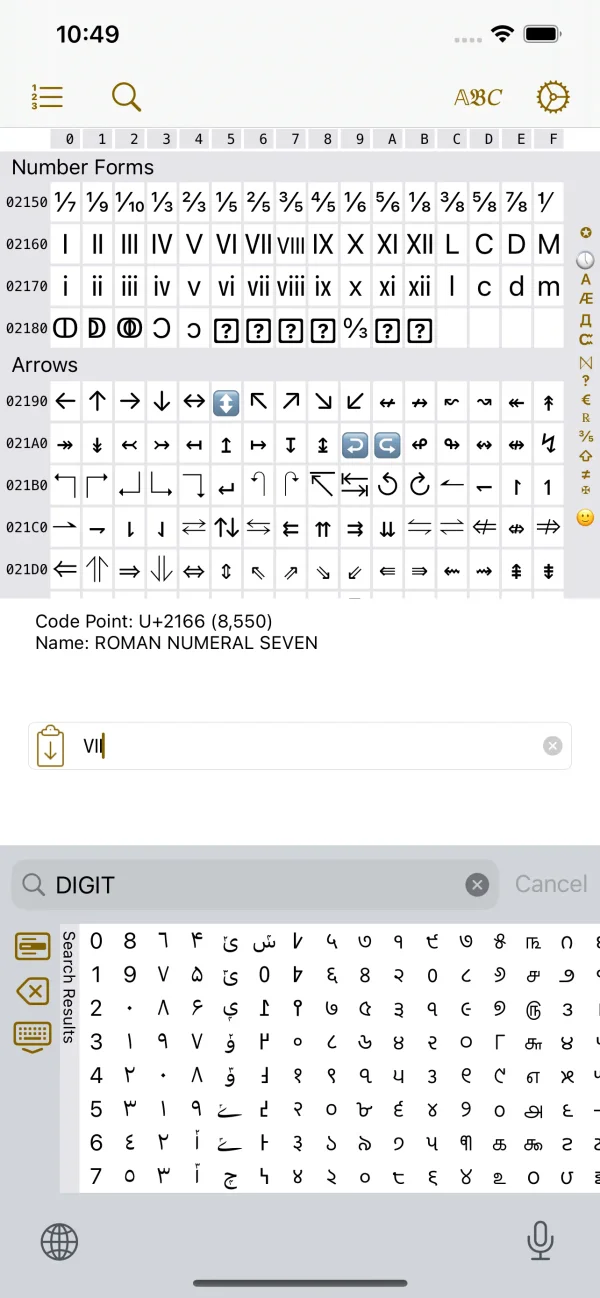
⁍When searching in the keyboard, a simple ASCII keyboard appears that allows you to type the limited characters allowed in code point names.
⁍See and type favorite and recently used code points.
⁍Long-press on a code point for more information about it. Releasing with your finger inside the info balloon will filter on the tapped code point's related code points. That makes for fast, simple exploration without having to visit the app!
App highlights:
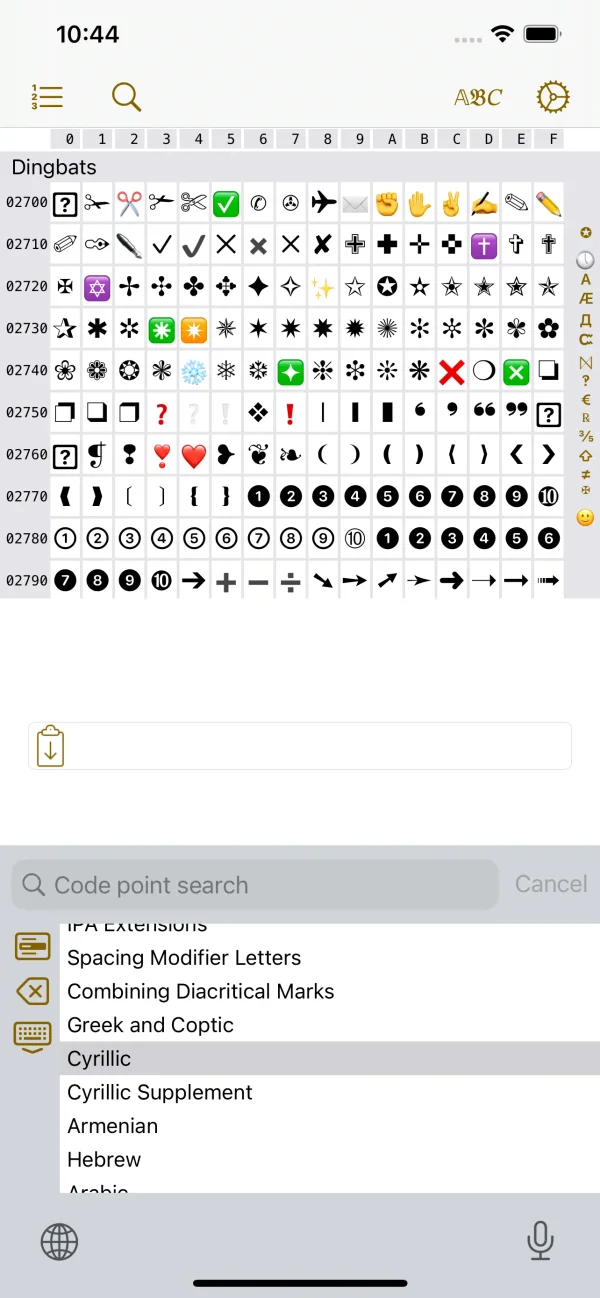
⁍Quickly jump to any code block, sorted by name or natural position.
⁍Customize the index shown on the right for even faster access to your favorite code blocks.
⁍Tap on a code point for more information about it, include its hex value, name, aliases, and related characters.
⁍Long-press a code point to add it to or remove it from favorites or to filter on its related code points.
⁍Long-press on a related character in the info area to look up that code point, include its hex value, name, and related characters.
⁍Tap code points to enter them into the edit field, then tap the Copy to Pasteboard button so your text can be pasted elsewhere.
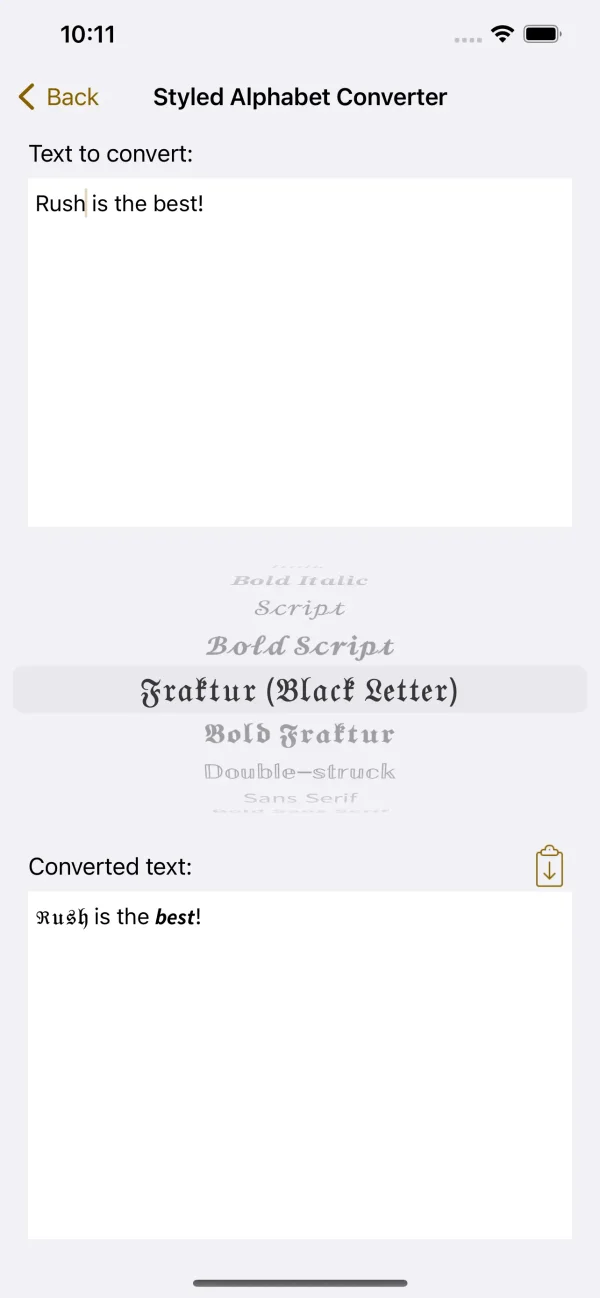
⁍Styled alphabet converter makes it easy to create custom text in assorted typefaces found in the Mathematical Alphanumeric Symbols code block.
Unicode and the Unicode Logo are registered trademarks of Unicode, Inc. in the United States and other countries.
Nouveautés
Version 1.1.3 · 14/12/2025
-Slight update for recent OSes that broke how the search bar worked.
-Minimum OS updated.
Confidentialité de l’application
Ce que Steve Mills déclare sur l’App Store au sujet du traitement des données par cette application.
-
Données non collectées
Le développeur ne collecte aucune donnée à partir de cette application.
Les pratiques en matière de confidentialité peuvent varier, notamment en fonction des fonctionnalités que vous utilisez ou de votre âge.
Informations
- Vendeur
- Steve Mills
- Catégorie
- Références
- Version
- 1.1.3
- Mis à jour
- 14/12/2025
- Publié
- 27/04/2023
- Taille
- 17,3 Mo
- Nécessite
- iOS 15.6 ou version ultérieure
- Classification d’âge
- 4+
- Prix
- Gratuit
- Langues
- Anglais
- Copyright
- © 2025 Steve Mills
Vous aimerez peut-être aussi
-
 DeTeXtÉducation
-
 UniChar — Unicode KeyboardRéférences
-
 Unicode Map and Code TableRéférences
-
 Random PW GeneratorRéférences
-
 MathMaster - Accuracy & SpeedÉducation
-
 GraphMathÉducation
-
 Egyptian Hieroglyph DictionaryÉducation
-
 English IPA ChartÉducation
-
 Focus Habit Routine TrackerProgress Planner/Simple Flow
-
 Listen Number - Listen & SpeakÉducation