YooniKey
Unicode browser and keyboard
Được thiết kế cho iPhone, iPad, iPod touch
Miễn phí
- Độ tuổi4+
- Danh mụcTham Khảo
- Nhà phát triểnSteve Mills
- Ngôn ngữTiếng Anh
- Kích thước17,3 MB
Liên kết đến trang App Store chính thức
Download.org không lưu trữ tệp nào của YooniKey. Nút này mở trang ứng dụng trên App Store, nơi Steve Mills phát hành ứng dụng. Trang được kiểm tra lần cuối: 14/11/2026.
Ảnh chụp màn hình

Giới thiệu
Nhà phát triển chưa cung cấp nội dung này bằng ngôn ngữ của bạn.
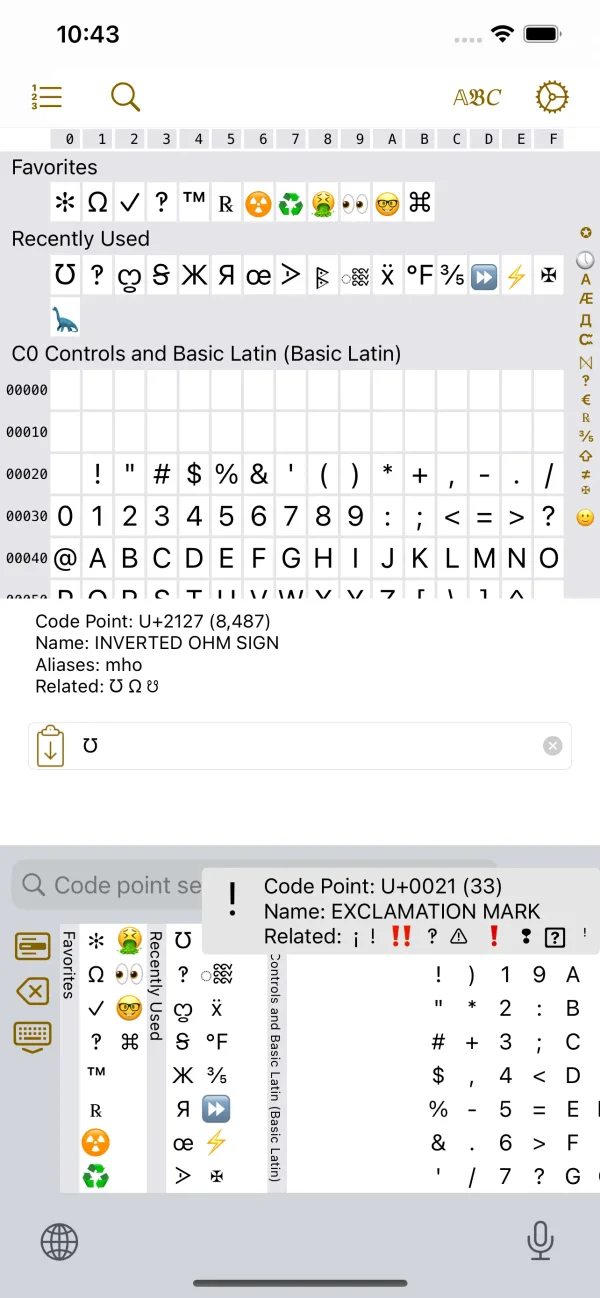
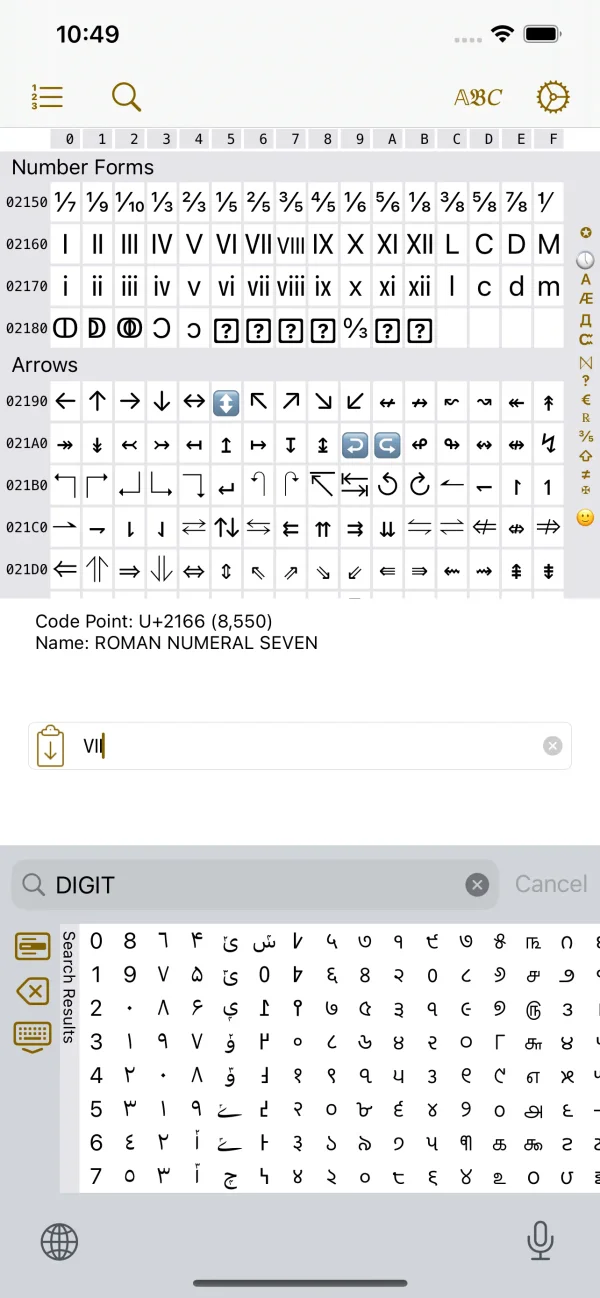
Are you frequently wanting to type characters that aren't in standard keyboards? I know I was, and didn't want to pay extra just to get to the characters I needed. So I wrote YooniKey, a full Unicode® browser application and an embedded keyboard that can be used by any application. Both the app and the keyboard offer a searchable list of Unicode® code blocks and code points.
Keyboard highlights:
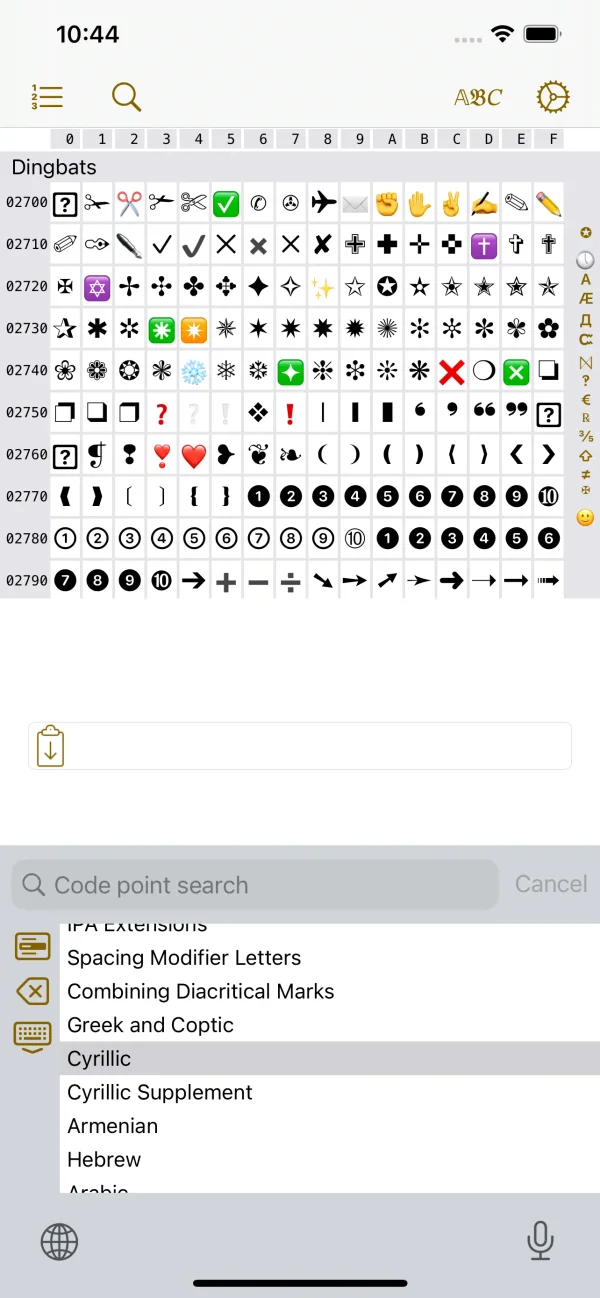
⁍Quickly jump to any code block, sorted by name or natural position.
⁍When searching in the keyboard, a simple ASCII keyboard appears that allows you to type the limited characters allowed in code point names.
⁍See and type favorite and recently used code points.
⁍Long-press on a code point for more information about it. Releasing with your finger inside the info balloon will filter on the tapped code point's related code points. That makes for fast, simple exploration without having to visit the app!
App highlights:
⁍Quickly jump to any code block, sorted by name or natural position.
⁍Customize the index shown on the right for even faster access to your favorite code blocks.
⁍Tap on a code point for more information about it, include its hex value, name, aliases, and related characters.
⁍Long-press a code point to add it to or remove it from favorites or to filter on its related code points.
⁍Long-press on a related character in the info area to look up that code point, include its hex value, name, and related characters.
⁍Tap code points to enter them into the edit field, then tap the Copy to Pasteboard button so your text can be pasted elsewhere.
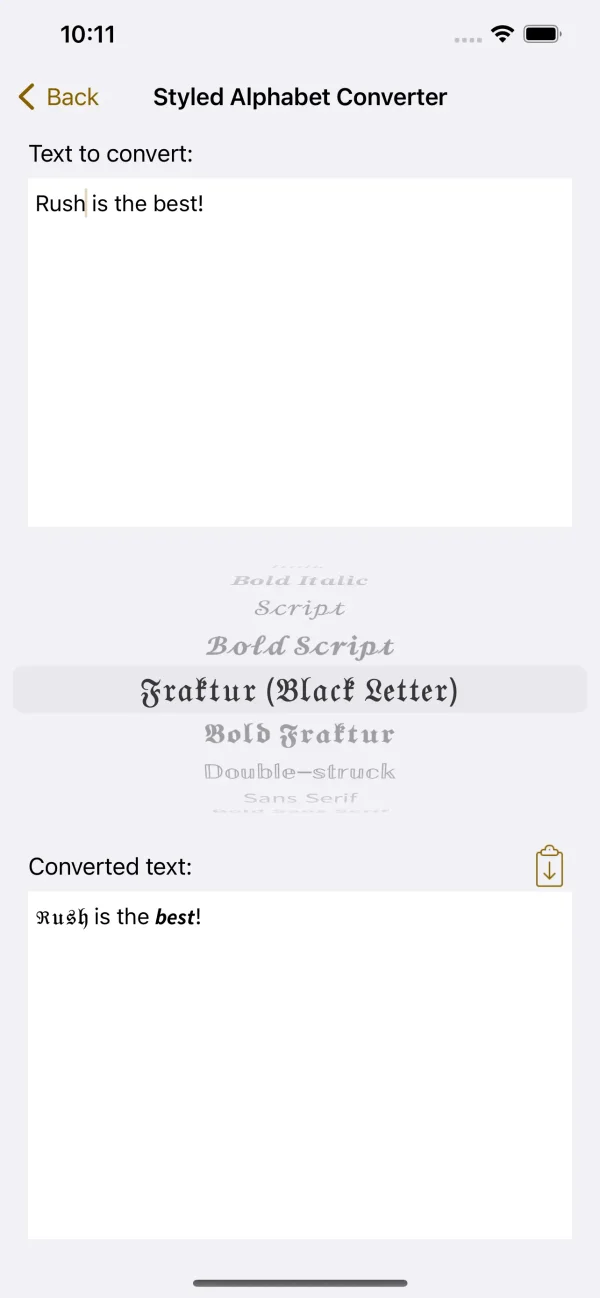
⁍Styled alphabet converter makes it easy to create custom text in assorted typefaces found in the Mathematical Alphanumeric Symbols code block.
Unicode and the Unicode Logo are registered trademarks of Unicode, Inc. in the United States and other countries.
Có gì mới
Phiên bản 1.1.3 · 14/12/2025
-Slight update for recent OSes that broke how the search bar worked.
-Minimum OS updated.
Quyền riêng tư của ứng dụng
Những gì Steve Mills khai báo trên App Store về cách ứng dụng này xử lý dữ liệu.
-
Dữ liệu không được thu thập
Nhà phát triển không thu thập bất kỳ dữ liệu nào từ ứng dụng này.
Phương thức đảm bảo quyền riêng tư có thể khác nhau, chẳng hạn như tuỳ theo các tính năng bạn sử dụng hoặc độ tuổi của bạn.
Thông tin
- Người bán
- Steve Mills
- Danh mục
- Tham Khảo
- Phiên bản
- 1.1.3
- Cập nhật
- 14/12/2025
- Phát hành
- 27/04/2023
- Kích thước
- 17,3 MB
- Yêu cầu
- iOS 15.6 trở lên
- Độ tuổi
- 4+
- Giá
- Miễn phí
- Ngôn ngữ
- Tiếng Anh
- Bản quyền
- © 2025 Steve Mills
Có thể bạn cũng thích
-
 DeTeXtGiáo Dục
-
 UniChar — Unicode KeyboardTham Khảo
-
 Unicode Map and Code TableTham Khảo
-
 Random PW GeneratorTham Khảo
-
 MathMaster - Accuracy & SpeedGiáo Dục
-
 GraphMathGiáo Dục
-
 Egyptian Hieroglyph DictionaryGiáo Dục
-
 English IPA ChartGiáo Dục
-
 Focus Habit TrackerTham Khảo
-
 Listen Number - Listen & SpeakGiáo Dục