YooniKey
Unicode browser and keyboard
Dirancang untuk iPhone, iPad, iPod touch
Gratis
- Batasan usia4+
- KategoriReferensi
- PengembangSteve Mills
- BahasaInggris
- Ukuran17,3 MB
Tertaut ke halaman resmi App Store
Download.org tidak menyimpan file YooniKey apa pun. Tombol ini membuka halaman aplikasi di App Store, tempat Steve Mills menerbitkannya. Halaman terakhir diperiksa pada 14/11/2026.
Tangkapan layar

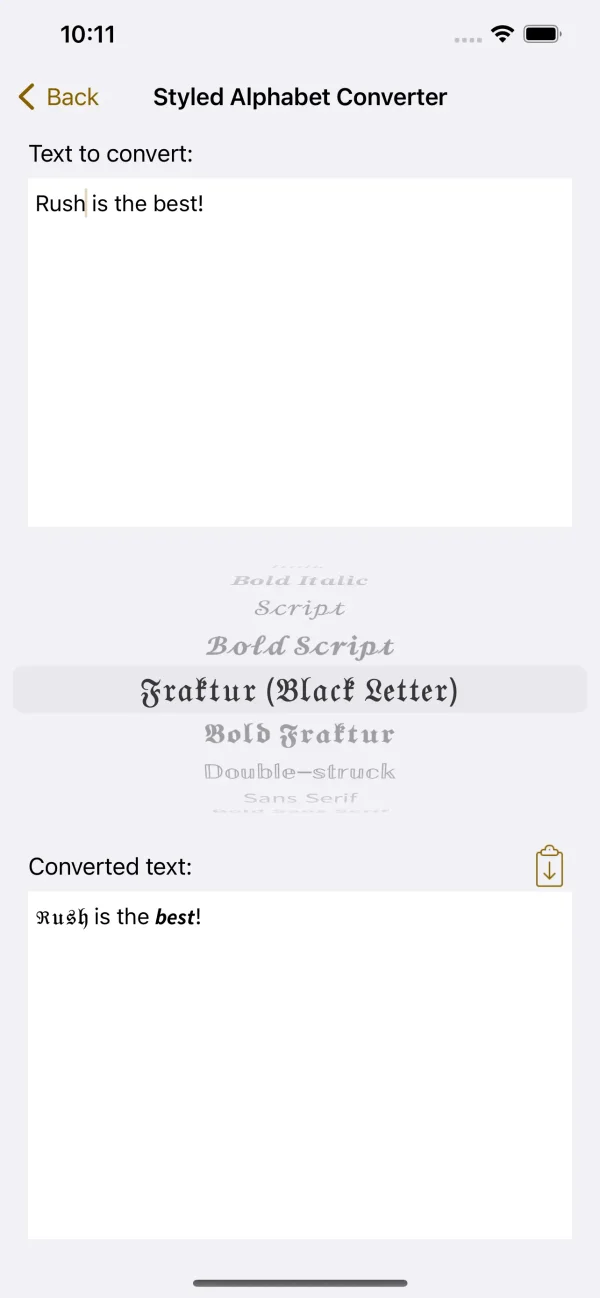
Tentang
Pengembang belum menyediakan teks ini dalam bahasa Anda.
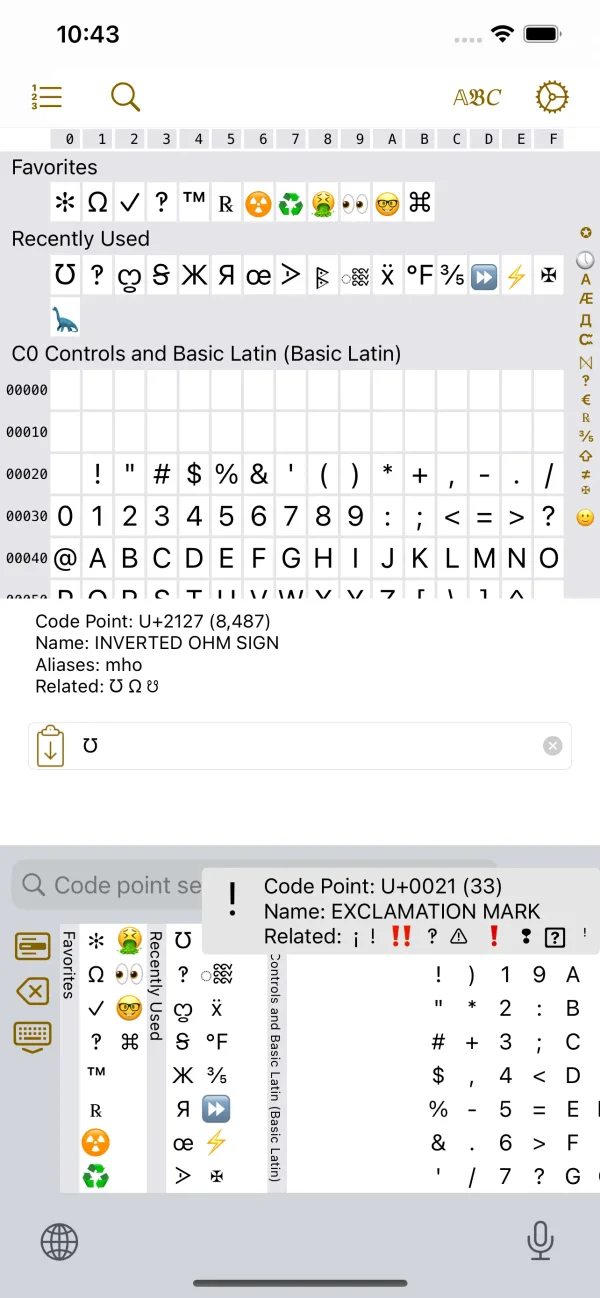
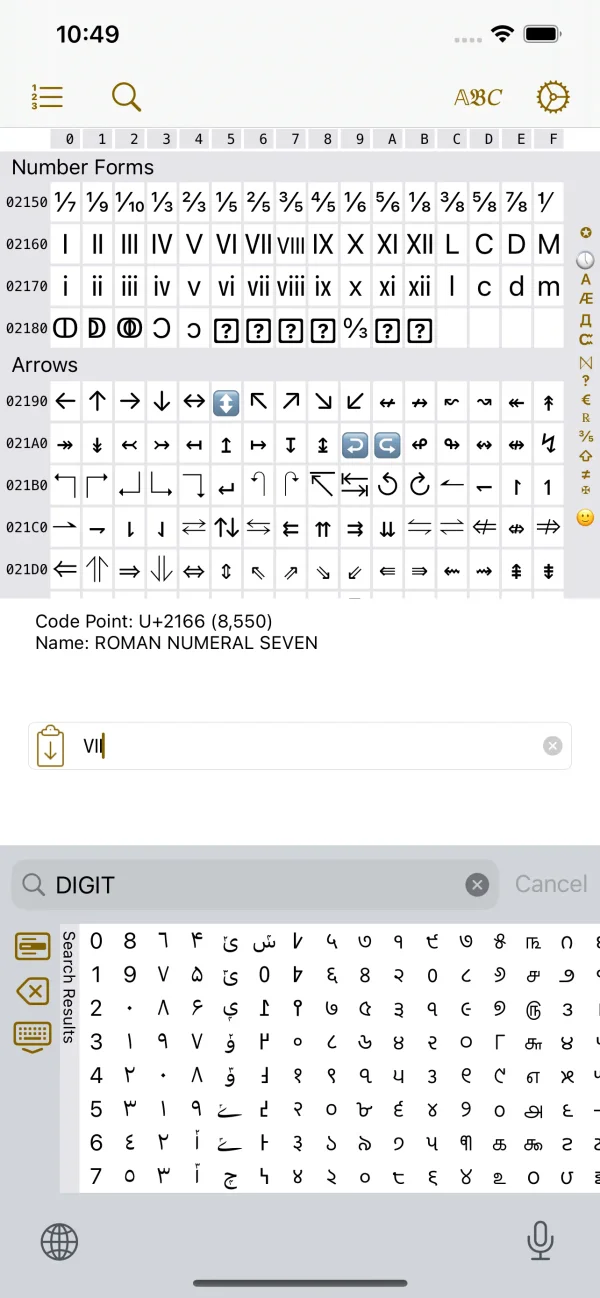
Are you frequently wanting to type characters that aren't in standard keyboards? I know I was, and didn't want to pay extra just to get to the characters I needed. So I wrote YooniKey, a full Unicode® browser application and an embedded keyboard that can be used by any application. Both the app and the keyboard offer a searchable list of Unicode® code blocks and code points.
Keyboard highlights:
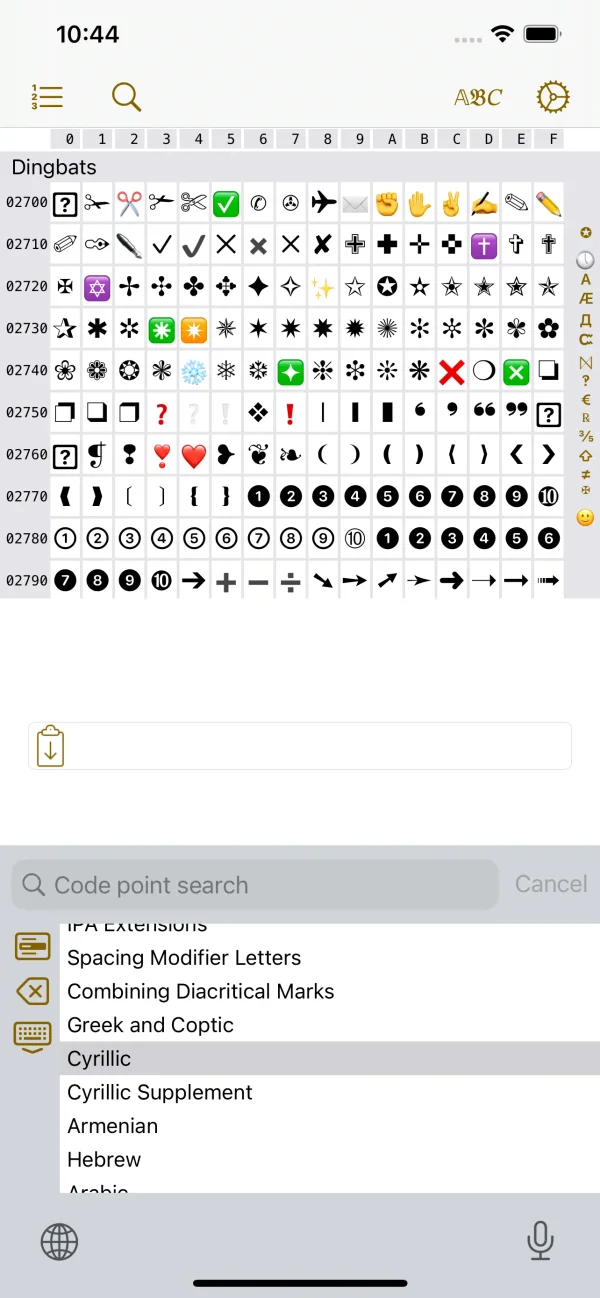
⁍Quickly jump to any code block, sorted by name or natural position.
⁍When searching in the keyboard, a simple ASCII keyboard appears that allows you to type the limited characters allowed in code point names.
⁍See and type favorite and recently used code points.
⁍Long-press on a code point for more information about it. Releasing with your finger inside the info balloon will filter on the tapped code point's related code points. That makes for fast, simple exploration without having to visit the app!
App highlights:
⁍Quickly jump to any code block, sorted by name or natural position.
⁍Customize the index shown on the right for even faster access to your favorite code blocks.
⁍Tap on a code point for more information about it, include its hex value, name, aliases, and related characters.
⁍Long-press a code point to add it to or remove it from favorites or to filter on its related code points.
⁍Long-press on a related character in the info area to look up that code point, include its hex value, name, and related characters.
⁍Tap code points to enter them into the edit field, then tap the Copy to Pasteboard button so your text can be pasted elsewhere.
⁍Styled alphabet converter makes it easy to create custom text in assorted typefaces found in the Mathematical Alphanumeric Symbols code block.
Unicode and the Unicode Logo are registered trademarks of Unicode, Inc. in the United States and other countries.
Yang baru
Versi 1.1.3 · 14/12/2025
-Slight update for recent OSes that broke how the search bar worked.
-Minimum OS updated.
Privasi aplikasi
Yang dinyatakan Steve Mills di App Store tentang cara aplikasi ini menangani data.
-
Data tidak dikumpulkan
Pengembang tidak mengumpulkan data apa pun dari aplikasi ini.
Praktik privasi dapat bervariasi, misalnya berdasarkan fitur yang Anda gunakan atau usia Anda.
Informasi
- Penjual
- Steve Mills
- Kategori
- Referensi
- Versi
- 1.1.3
- Diperbarui
- 14/12/2025
- Dirilis
- 27/4/2023
- Ukuran
- 17,3 MB
- Memerlukan
- iOS 15.6 atau yang lebih baru
- Batasan usia
- 4+
- Harga
- Gratis
- Bahasa
- Inggris
- Hak cipta
- © 2025 Steve Mills
Mungkin Anda juga suka
-
 DeTeXtPendidikan
-
 UniChar — Unicode KeyboardReferensi
-
 Unicode Map and Code TableReferensi
-
 Random PW GeneratorReferensi
-
 MathMaster - Accuracy & SpeedPendidikan
-
 GraphMathPendidikan
-
 Egyptian Hieroglyph DictionaryPendidikan
-
 English IPA ChartPendidikan
-
 Focus Habit TrackerReferensi
-
 Listen Number - Listen & SpeakPendidikan