- Clasificación por edad12+
- CategoríaPara desarrolladores
- DesarrolladorFoshan Zifuhuan Technology Co., Ltd.
- IdiomasInglés+ 5 más
- Tamaño7,5 MB
Enlaza a la página oficial de App Store
Download.org no aloja ningún archivo de zcode connect. El botón abre la página de la aplicación en App Store, donde la publica Foshan Zifuhuan Technology Co., Ltd. Ficha comprobada por última vez el 17/11/2026.
Capturas de pantalla
Acerca de
El desarrollador no ha proporcionado este texto en tu idioma.
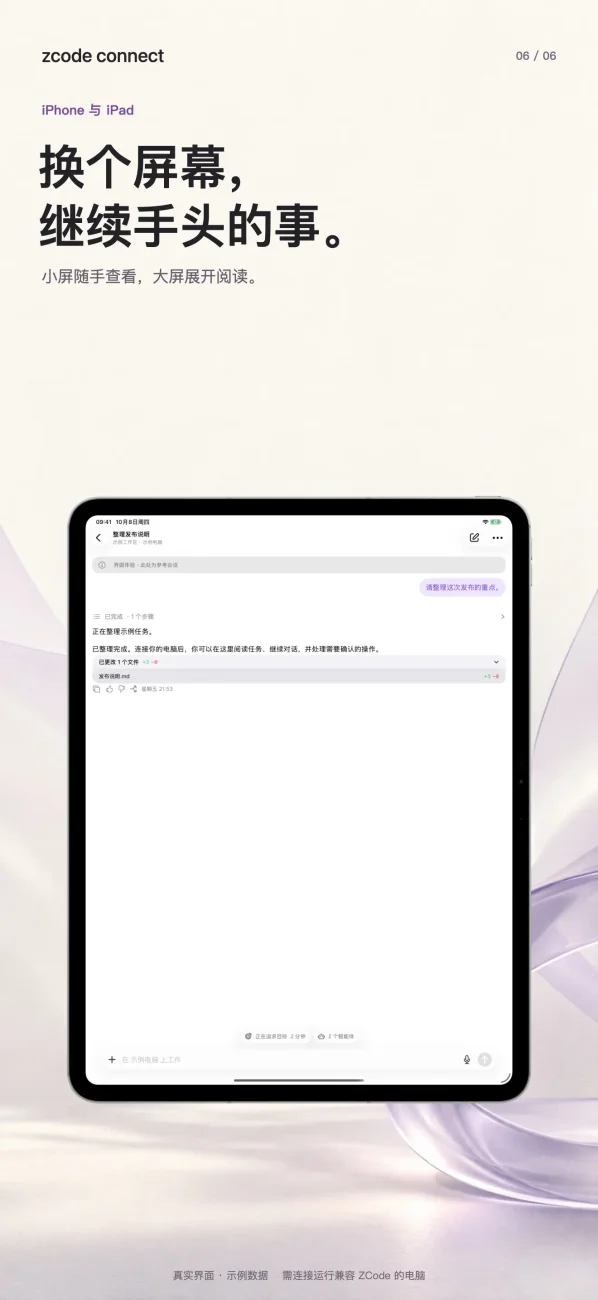
Keep your desktop development tasks within reach on iPhone and iPad.
zcode connect is an independently developed companion for the ZCode desktop application. It is not an official ZCode app. A compatible desktop installation running on your own computer is required. The current app interface is primarily in Simplified Chinese.
FOLLOW YOUR WORK
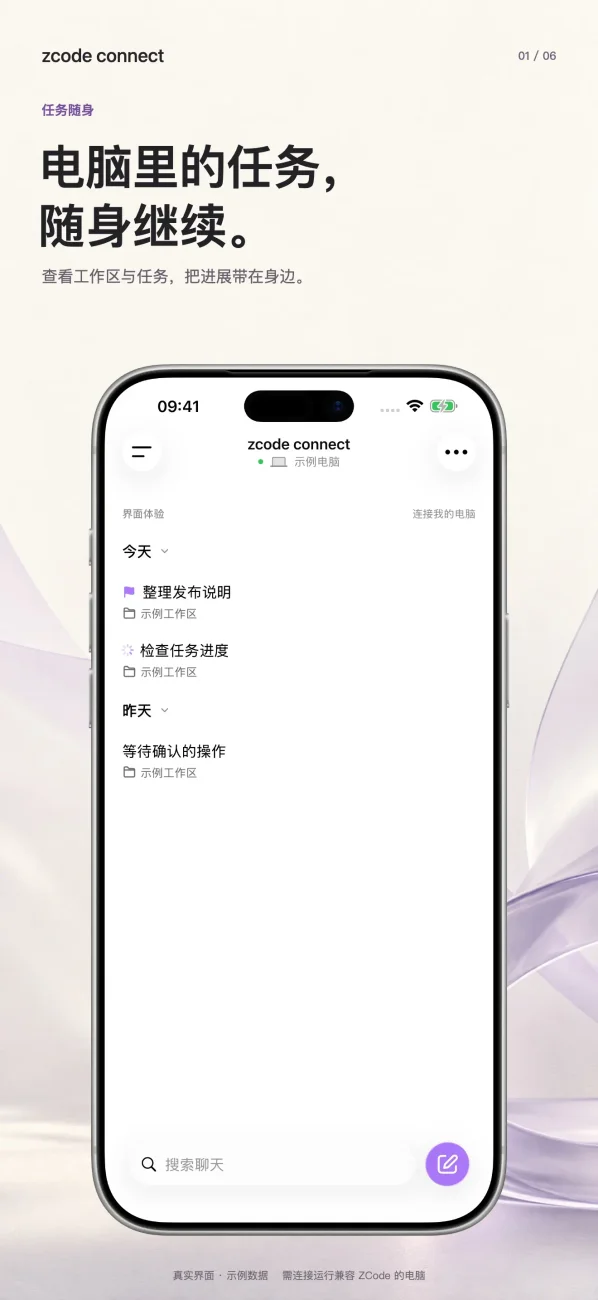
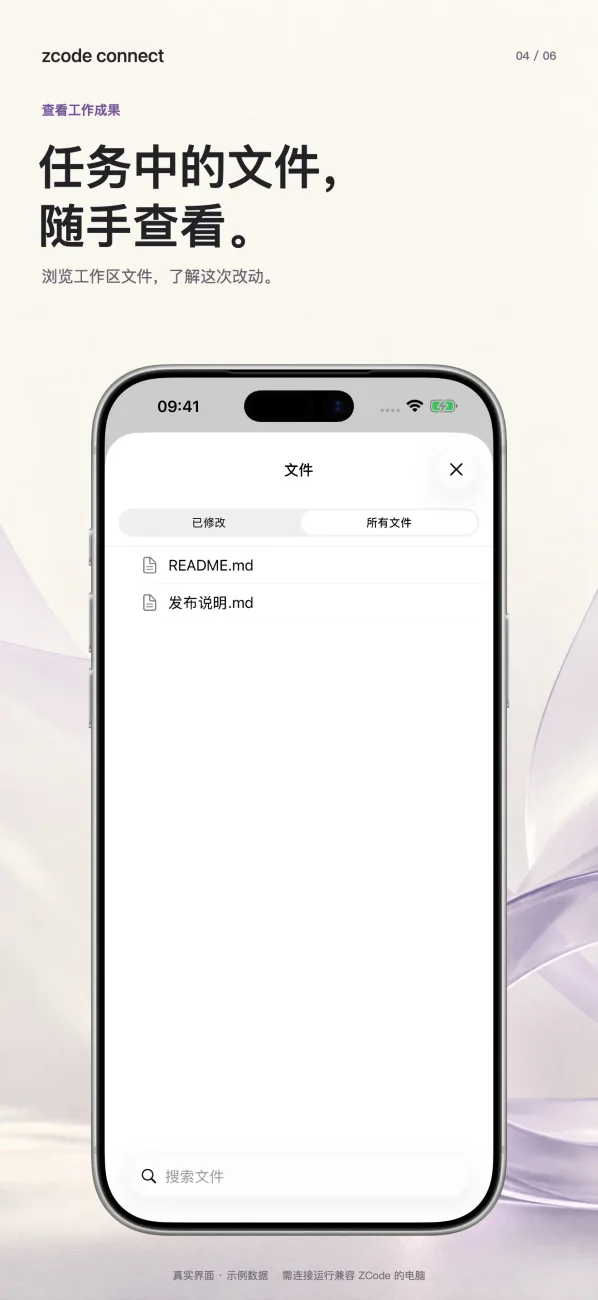
Browse workspaces and tasks. Read conversations, tool activity, and file changes.
CONTINUE A CONVERSATION
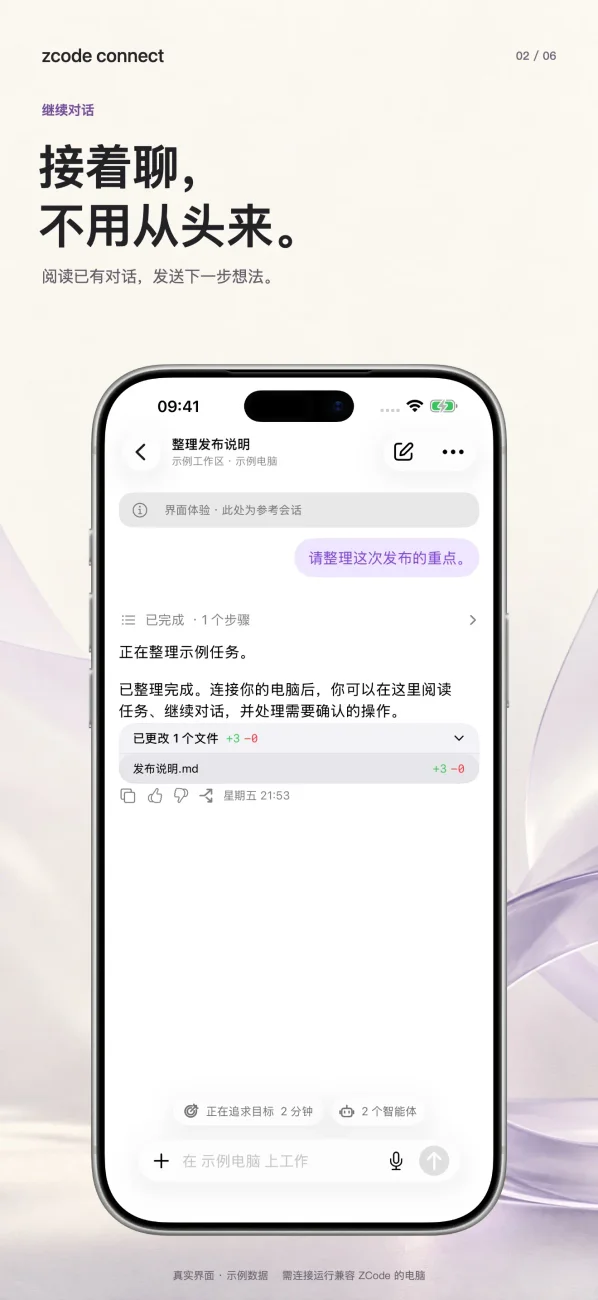
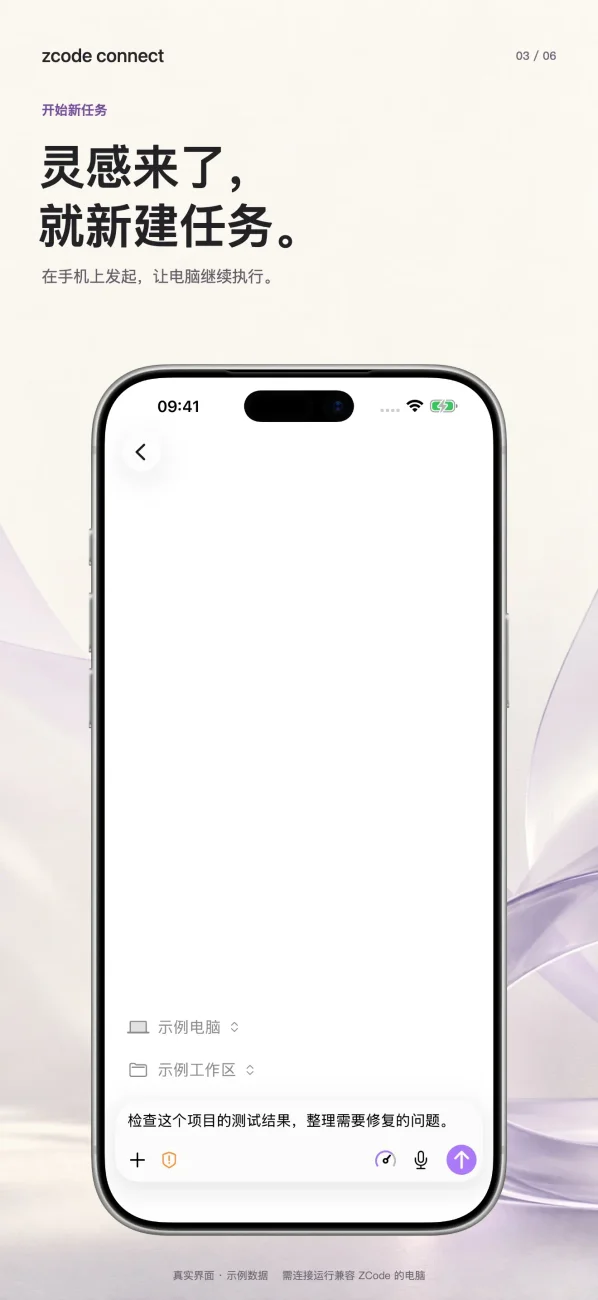
Send follow-up messages, create tasks, and respond to supported approval requests. Models and service accounts are configured on your computer; any associated charges are handled by those services.
CHOOSE HOW TO CONNECT
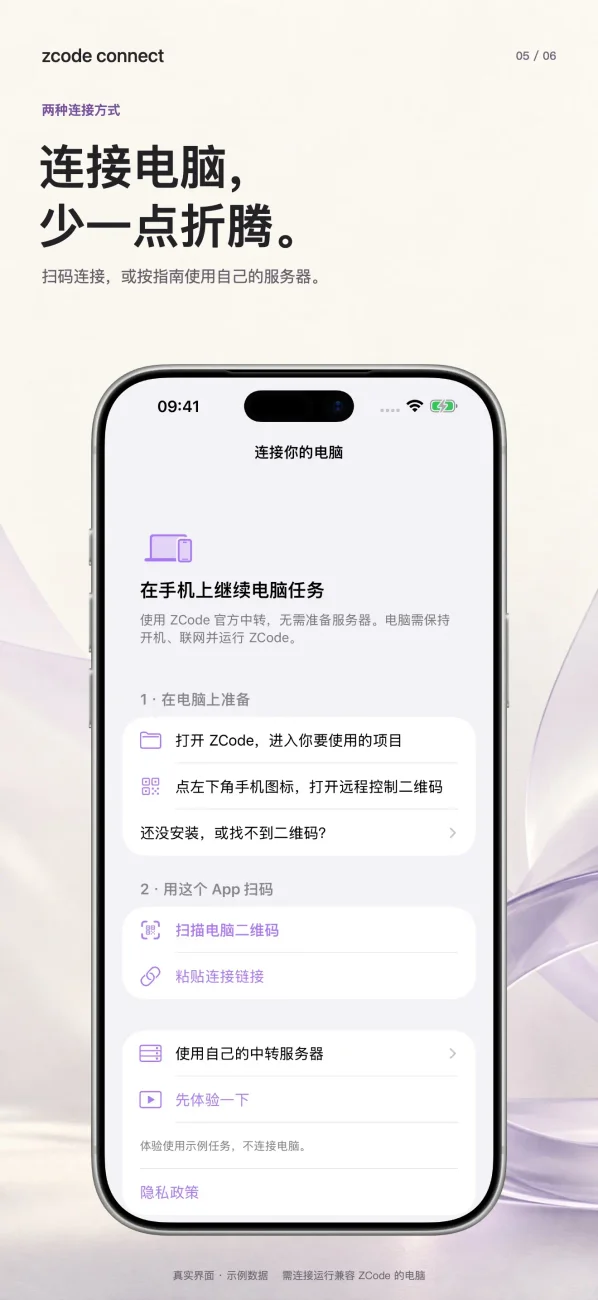
Use ZCode's built-in connection service and follow the in-app instructions to scan or paste your computer's connection link. No self-hosted relay server is required for this route.
For your own server, export the included developer kit and adapt it to your environment with your AI agent.
TRY THE INTERFACE
An offline demo is available before pairing. Its sample data does not connect to your computer.
REQUIREMENTS AND LIMITS
Requires iOS 26 or iPadOS 26 or later. Your computer must stay awake, online, and running compatible desktop software. Available features depend on its version and configuration. Completion alerts require timely receipt of task events and are not guaranteed when the app is suspended or closed.
No advertising or cross-app tracking.
Latest official connection: Sign in on your phone with the same Z.ai or BigModel platform and account as your computer, then scan the computer’s QR code to connect automatically. Authentication for self-hosted connections depends on the selected service.
Novedades
Versión 1.2 · 31/10/2026
• Connect with the latest ZCode service using separate Z.ai and BigModel sign-ins with clear account status.
• Continue from sign-in to scanning, and connect automatically after scanning a QR code.
• Fixed the home screen and saved connections showing the previous computer after connecting a new one.
• Improved account switching and connection recovery.
Privacidad de la aplicación
Lo que Foshan Zifuhuan Technology Co., Ltd. declara en App Store sobre cómo esta aplicación gestiona los datos.
-
Datos vinculados a ti
Pueden recopilarse y vincularse a tu identidad.
- Información de contacto
- Contenido del usuario
- Identificadores
Las prácticas de privacidad pueden variar, por ejemplo, según las funciones que uses o tu edad.
Información
- Vendedor
- Foshan Zifuhuan Technology Co., Ltd.
- Categoría
- Para desarrolladores
- Versión
- 1.2
- Actualizado
- 31/10/2026
- Publicado
- 9/10/2026
- Tamaño
- 7,5 MB
- Requiere
- iOS 26.0 o posterior
- Clasificación por edad
- 12+
- Precio
- Gratis
- Idiomas
- Inglés, Francés, Alemán, Japonés, Coreano, Chino simplificado
- Copyright
- © 2026 Foshan Zifuhuan Technology Co., Ltd.
Quizá también te guste
-
 Zode for ZCodePara desarrolladores
-
 zcode助理Para desarrolladores
-
 Zcode MobilePara desarrolladores
-
 MoonCode - KimiCode远程控制Para desarrolladores
-
 Niro: Coding AgentsPara desarrolladores
-
 Pocket for DSHPara desarrolladores
-
 Vibe42Para desarrolladores
-
 KKCode - OpenCode MobilePara desarrolladores
-
 Codex Tracker: Noticias/resetsUso y límites de agentes de IA
-
 Fish Pocket: DSH AgentPara desarrolladores