zcode connect
Your desktop tasks, on the go
Dirancang untuk iPhone, iPad
Gratis
- Batasan usia12+
- KategoriAlat Pengembang
- PengembangFoshan Zifuhuan Technology Co., Ltd.
- BahasaInggris+ 5 lainnya
- Ukuran7,5 MB
Tertaut ke halaman resmi App Store
Download.org tidak menyimpan file zcode connect apa pun. Tombol ini membuka halaman aplikasi di App Store, tempat Foshan Zifuhuan Technology Co., Ltd. menerbitkannya. Halaman terakhir diperiksa pada 17/11/2026.
Tangkapan layar
Tentang
Pengembang belum menyediakan teks ini dalam bahasa Anda.
Keep your desktop development tasks within reach on iPhone and iPad.
zcode connect is an independently developed companion for the ZCode desktop application. It is not an official ZCode app. A compatible desktop installation running on your own computer is required. The current app interface is primarily in Simplified Chinese.
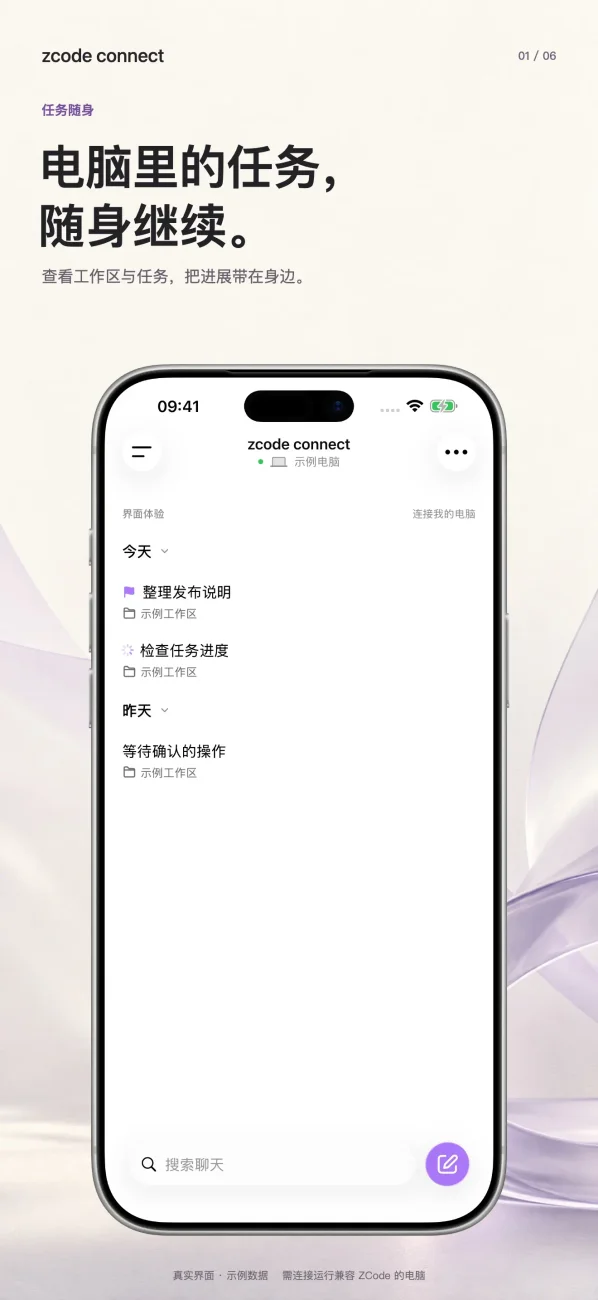
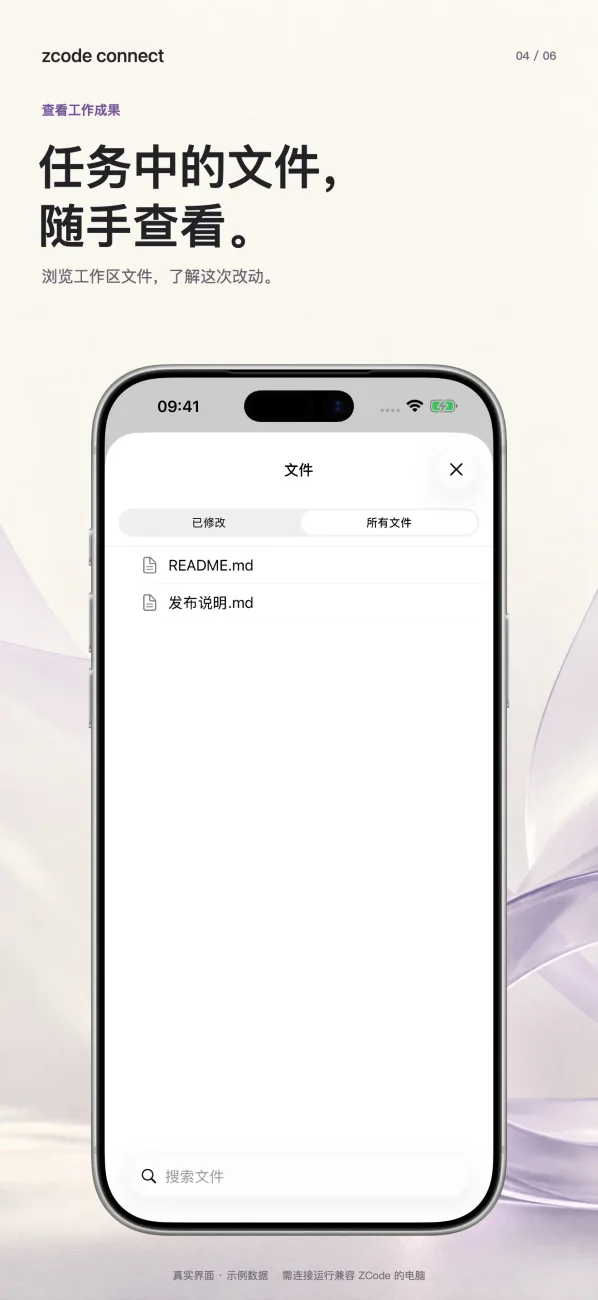
FOLLOW YOUR WORK
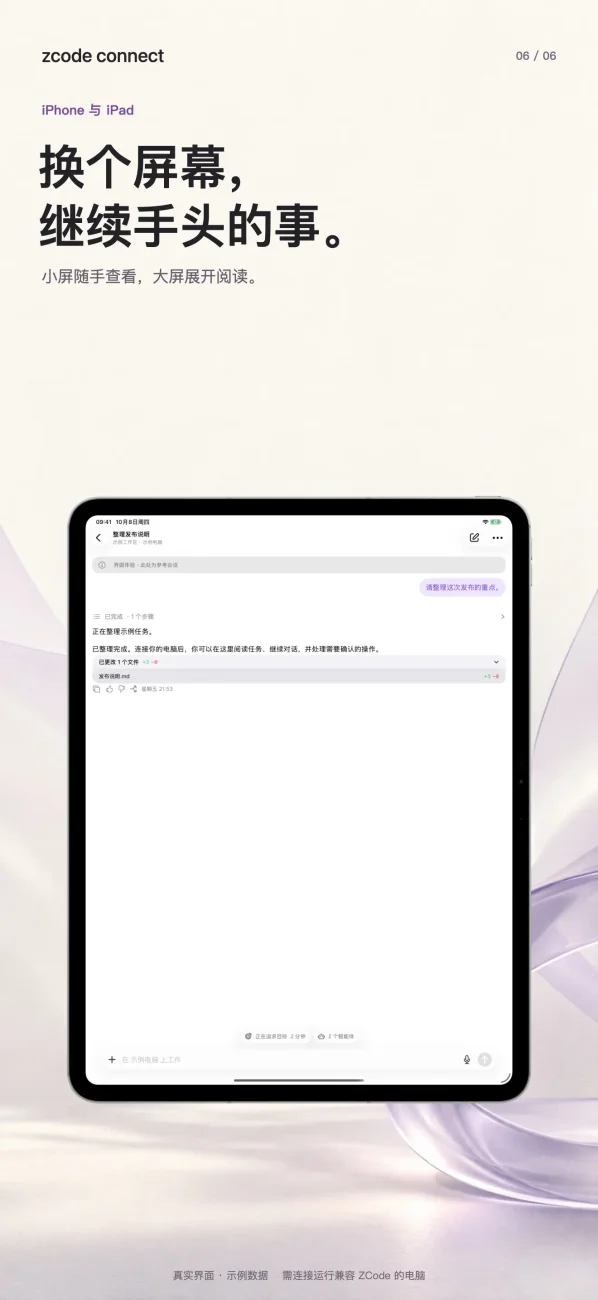
Browse workspaces and tasks. Read conversations, tool activity, and file changes.
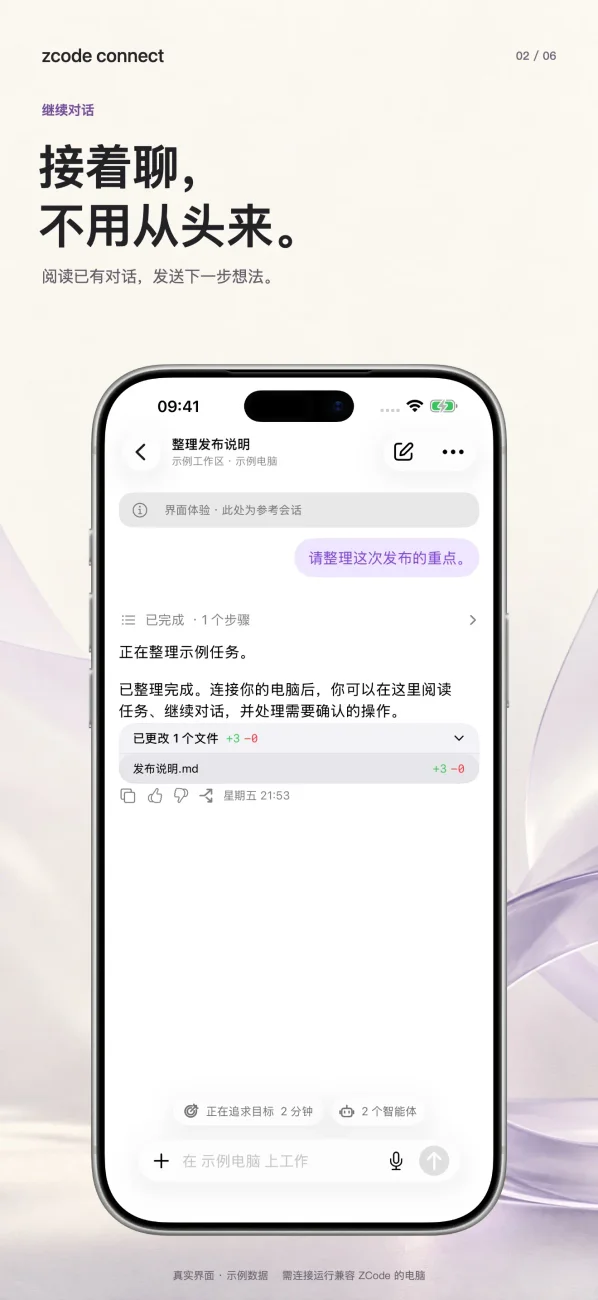
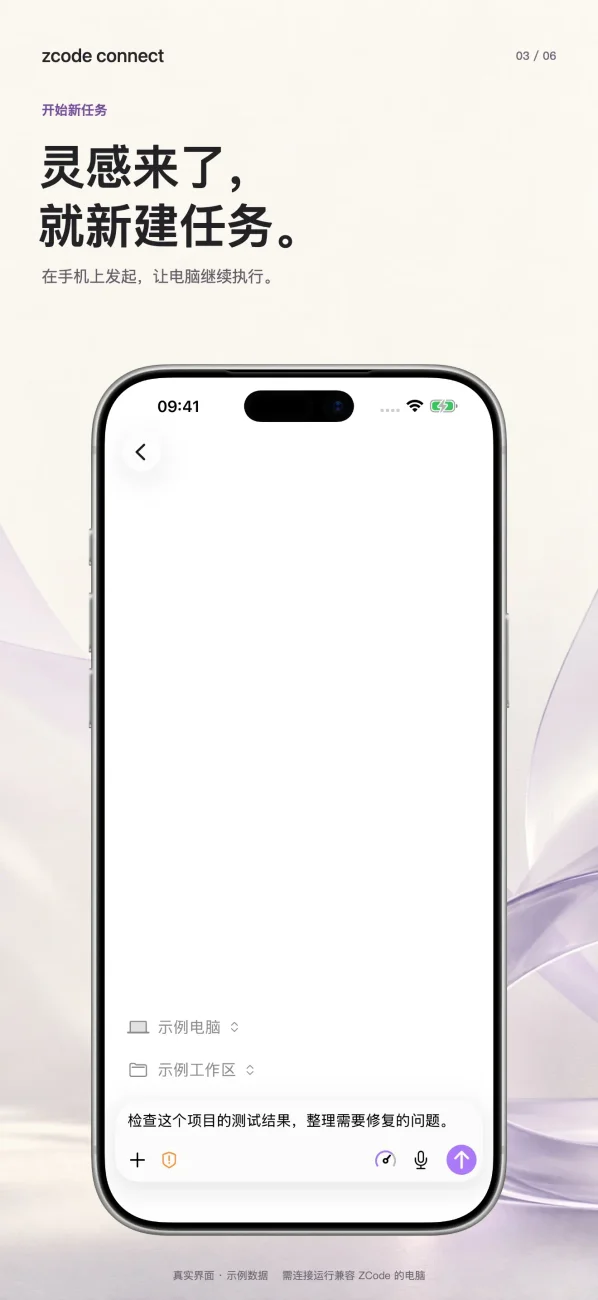
CONTINUE A CONVERSATION
Send follow-up messages, create tasks, and respond to supported approval requests. Models and service accounts are configured on your computer; any associated charges are handled by those services.
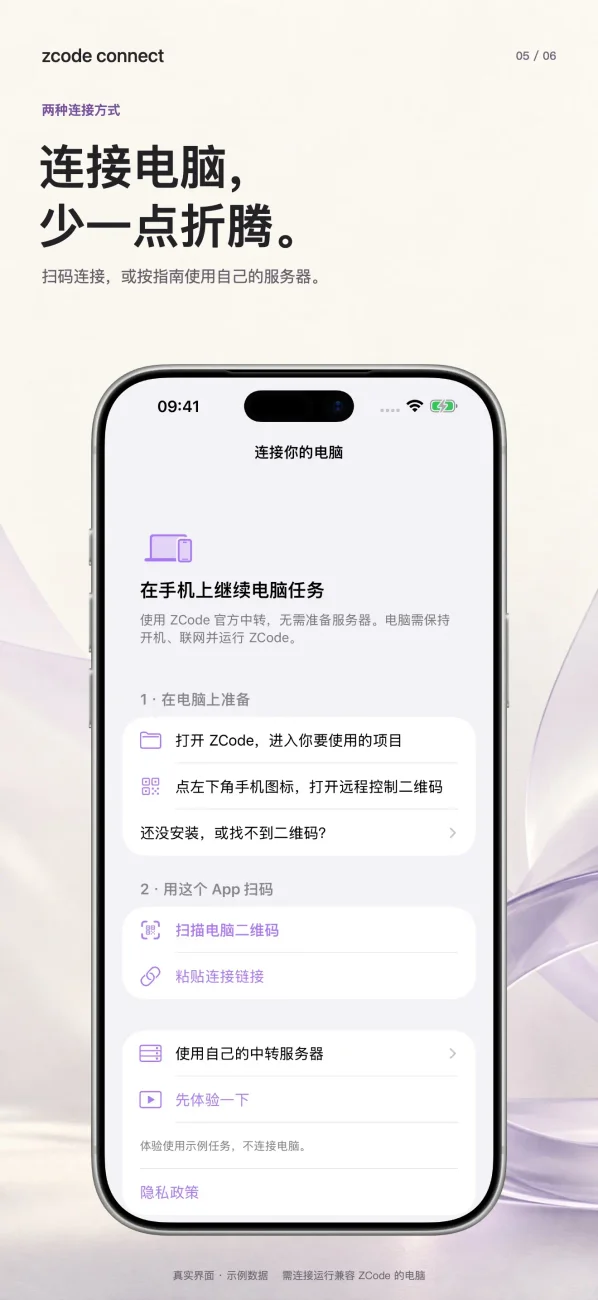
CHOOSE HOW TO CONNECT
Use ZCode's built-in connection service and follow the in-app instructions to scan or paste your computer's connection link. No self-hosted relay server is required for this route.
For your own server, export the included developer kit and adapt it to your environment with your AI agent.
TRY THE INTERFACE
An offline demo is available before pairing. Its sample data does not connect to your computer.
REQUIREMENTS AND LIMITS
Requires iOS 26 or iPadOS 26 or later. Your computer must stay awake, online, and running compatible desktop software. Available features depend on its version and configuration. Completion alerts require timely receipt of task events and are not guaranteed when the app is suspended or closed.
No advertising or cross-app tracking.
Latest official connection: Sign in on your phone with the same Z.ai or BigModel platform and account as your computer, then scan the computer’s QR code to connect automatically. Authentication for self-hosted connections depends on the selected service.
Yang baru
Versi 1.2 · 31/10/2026
• Connect with the latest ZCode service using separate Z.ai and BigModel sign-ins with clear account status.
• Continue from sign-in to scanning, and connect automatically after scanning a QR code.
• Fixed the home screen and saved connections showing the previous computer after connecting a new one.
• Improved account switching and connection recovery.
Privasi aplikasi
Yang dinyatakan Foshan Zifuhuan Technology Co., Ltd. di App Store tentang cara aplikasi ini menangani data.
-
Data yang ditautkan dengan Anda
Dapat dikumpulkan dan ditautkan dengan identitas Anda.
- Info kontak
- Konten pengguna
- Pengenal
Praktik privasi dapat bervariasi, misalnya berdasarkan fitur yang Anda gunakan atau usia Anda.
Informasi
- Penjual
- Foshan Zifuhuan Technology Co., Ltd.
- Kategori
- Alat Pengembang
- Versi
- 1.2
- Diperbarui
- 31/10/2026
- Dirilis
- 9/10/2026
- Ukuran
- 7,5 MB
- Memerlukan
- iOS 26.0 atau yang lebih baru
- Batasan usia
- 12+
- Harga
- Gratis
- Bahasa
- Inggris, Prancis, Jerman, Jepang, Korea, Tionghoa Sederhana
- Hak cipta
- © 2026 Foshan Zifuhuan Technology Co., Ltd.
Mungkin Anda juga suka
-
 Zode for ZCodeAlat Pengembang
-
 zcode助理Alat Pengembang
-
 Zcode MobileAlat Pengembang
-
 MoonCode - KimiCode远程控制Alat Pengembang
-
 Niro: Coding AgentsAlat Pengembang
-
 Pocket for DSHAlat Pengembang
-
 Vibe42Alat Pengembang
-
 KKCode - OpenCode MobileAlat Pengembang
-
 Codex Tracker: Berita & ResetKuota & Batas Agen AI Coding
-
 Fish Pocket: DSH AgentAlat Pengembang