zcode connect
Your desktop tasks, on the go
Entwickelt für iPhone, iPad
Kostenlos
- Altersfreigabe12+
- KategorieEntwickler-Tools
- EntwicklerFoshan Zifuhuan Technology Co., Ltd.
- SprachenEnglisch+ 5 weitere
- Größe7,5 MB
Verlinkt auf die offizielle App Store-Seite
Download.org hostet keine Datei von zcode connect. Die Schaltfläche öffnet die App-Seite bei App Store, wo Foshan Zifuhuan Technology Co., Ltd. die App veröffentlicht. Eintrag zuletzt geprüft am 17.11.2026.
Screenshots
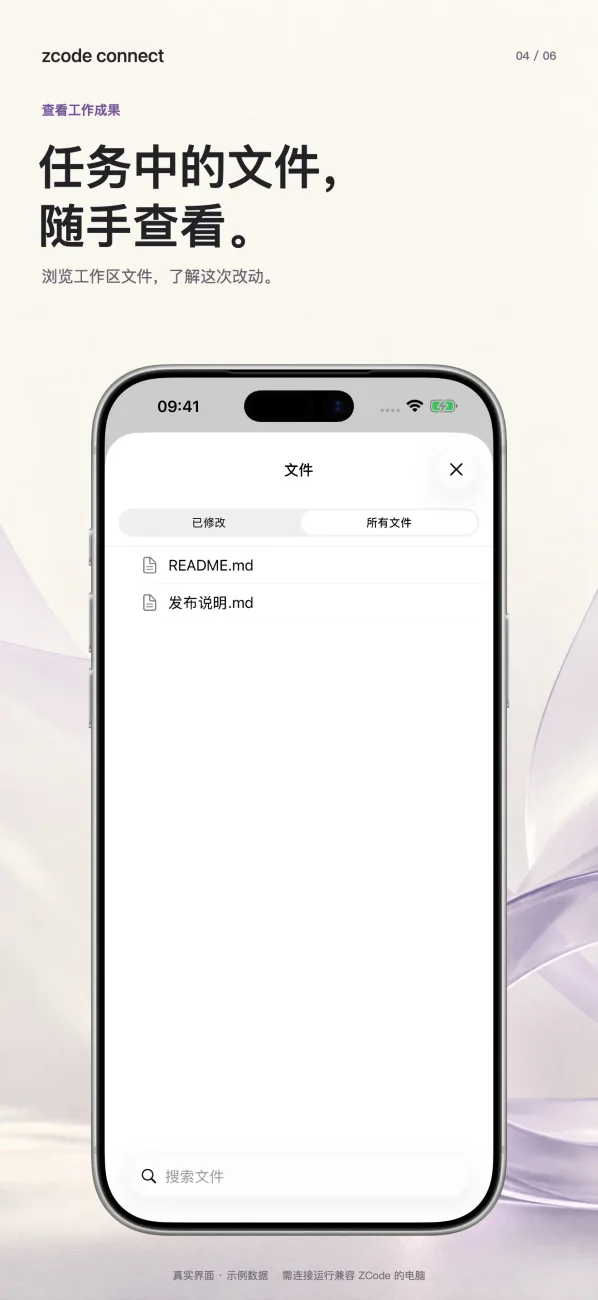
Info
Der Entwickler hat diesen Text nicht in Ihrer Sprache bereitgestellt.
Keep your desktop development tasks within reach on iPhone and iPad.
zcode connect is an independently developed companion for the ZCode desktop application. It is not an official ZCode app. A compatible desktop installation running on your own computer is required. The current app interface is primarily in Simplified Chinese.
FOLLOW YOUR WORK
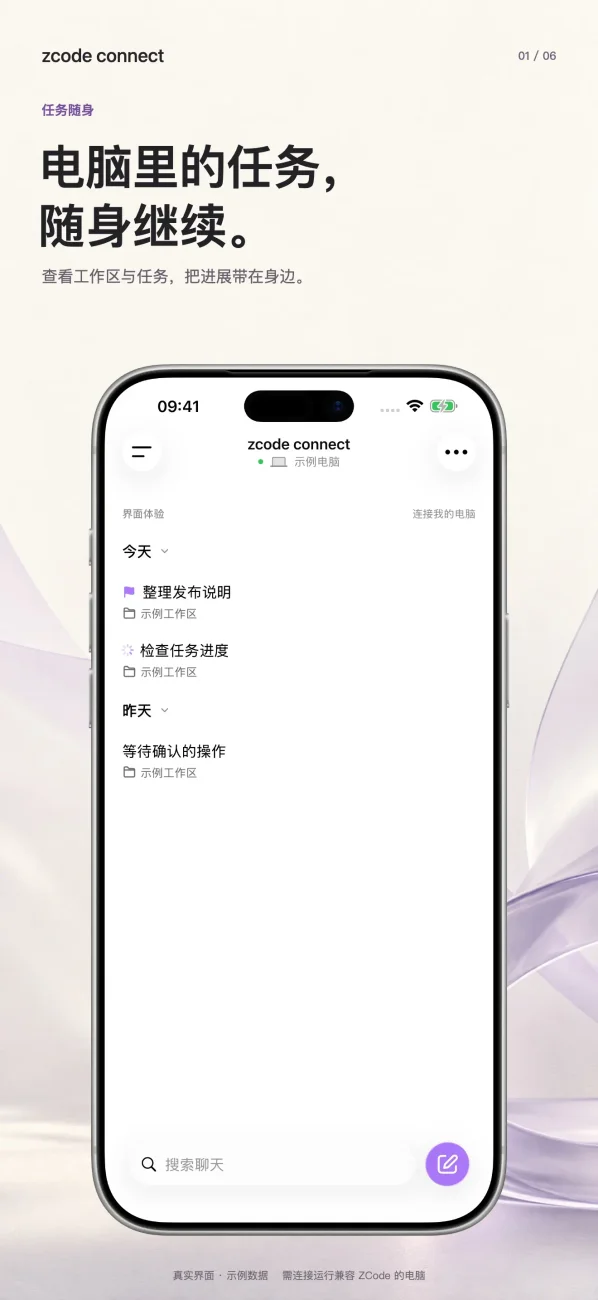
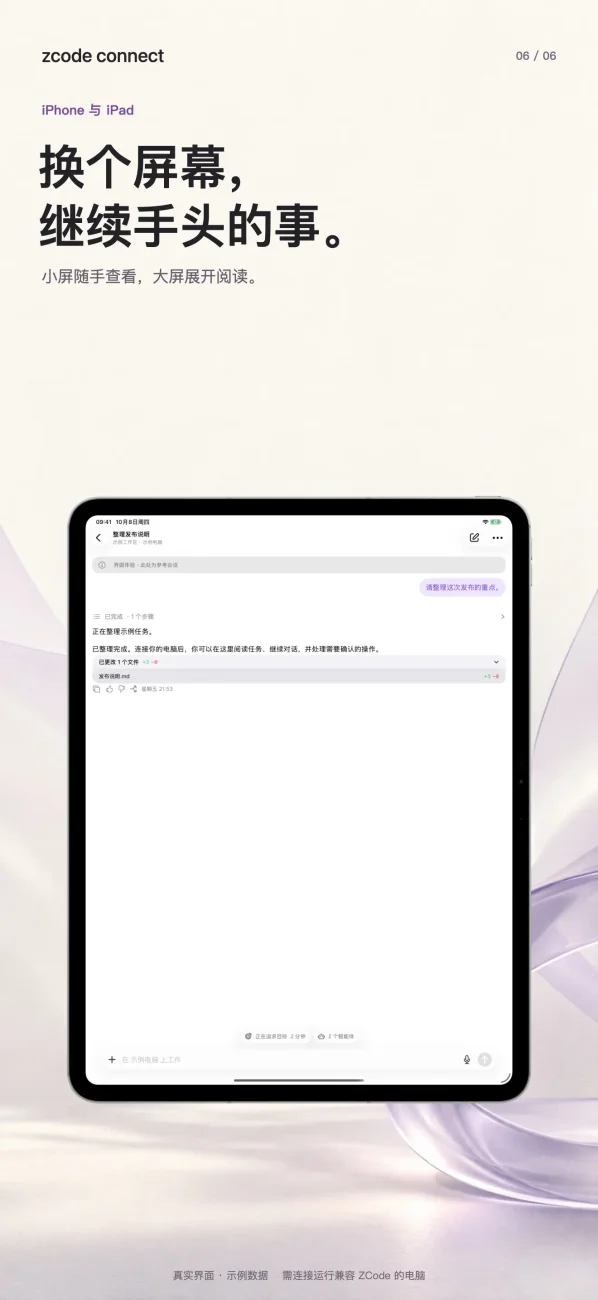
Browse workspaces and tasks. Read conversations, tool activity, and file changes.
CONTINUE A CONVERSATION
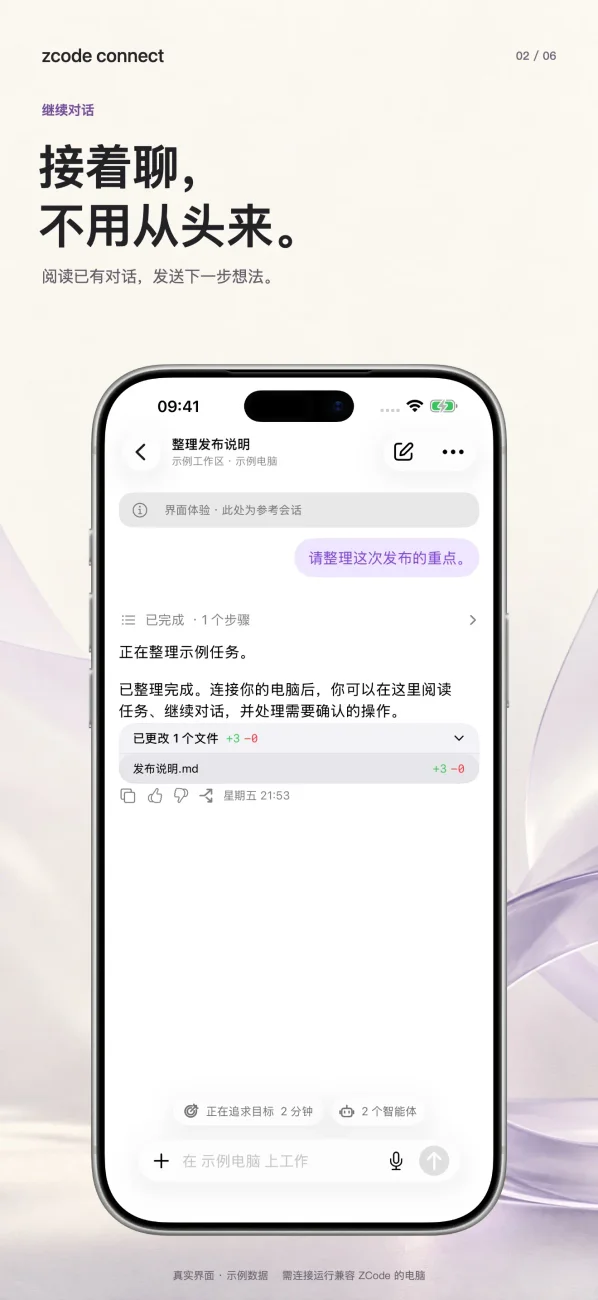
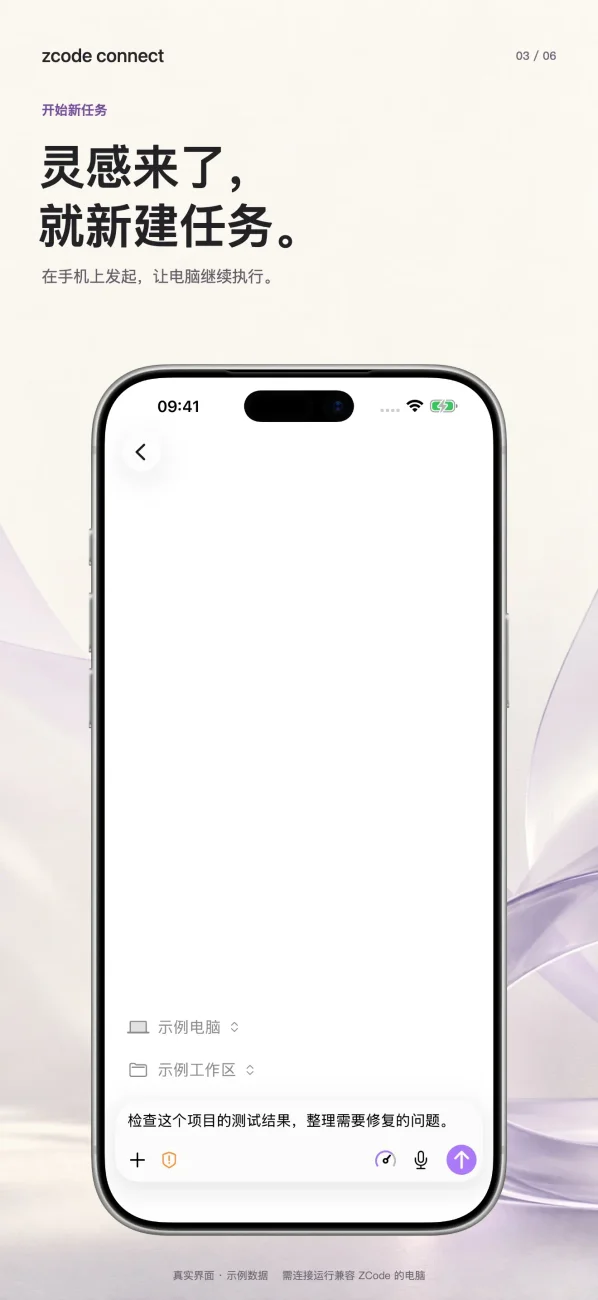
Send follow-up messages, create tasks, and respond to supported approval requests. Models and service accounts are configured on your computer; any associated charges are handled by those services.
CHOOSE HOW TO CONNECT
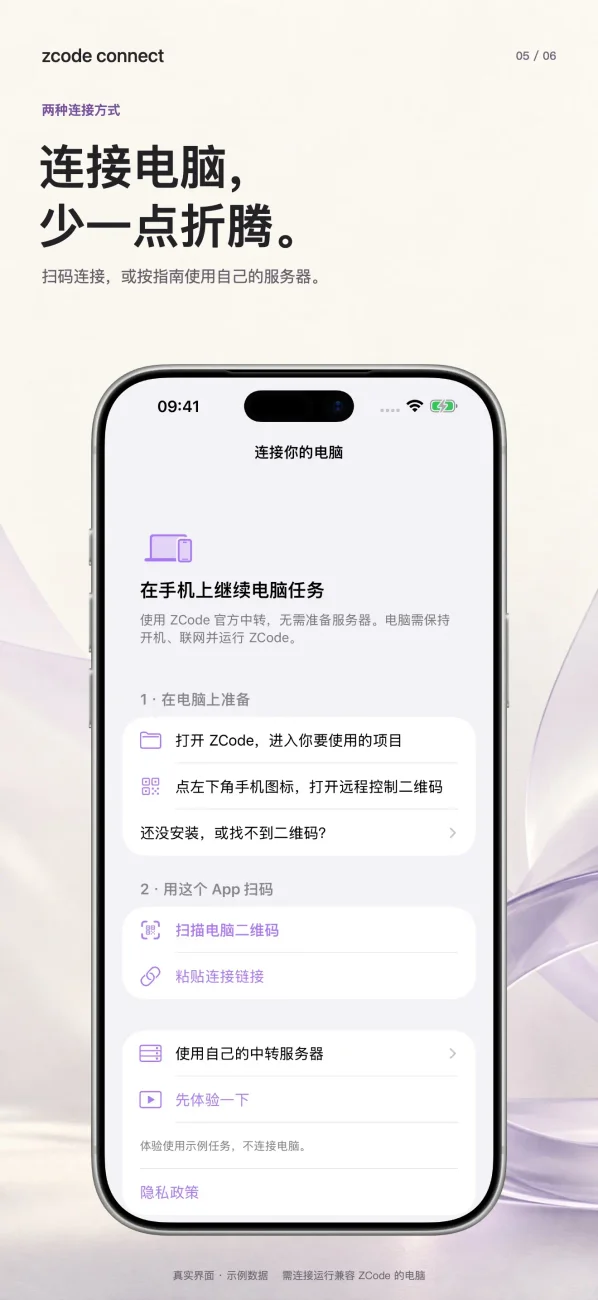
Use ZCode's built-in connection service and follow the in-app instructions to scan or paste your computer's connection link. No self-hosted relay server is required for this route.
For your own server, export the included developer kit and adapt it to your environment with your AI agent.
TRY THE INTERFACE
An offline demo is available before pairing. Its sample data does not connect to your computer.
REQUIREMENTS AND LIMITS
Requires iOS 26 or iPadOS 26 or later. Your computer must stay awake, online, and running compatible desktop software. Available features depend on its version and configuration. Completion alerts require timely receipt of task events and are not guaranteed when the app is suspended or closed.
No advertising or cross-app tracking.
Latest official connection: Sign in on your phone with the same Z.ai or BigModel platform and account as your computer, then scan the computer’s QR code to connect automatically. Authentication for self-hosted connections depends on the selected service.
Neue Funktionen
Version 1.2 · 31.10.2026
• Connect with the latest ZCode service using separate Z.ai and BigModel sign-ins with clear account status.
• Continue from sign-in to scanning, and connect automatically after scanning a QR code.
• Fixed the home screen and saved connections showing the previous computer after connecting a new one.
• Improved account switching and connection recovery.
App-Datenschutz
Was Foshan Zifuhuan Technology Co., Ltd. im App Store zum Umgang dieser App mit Daten angibt.
-
Mit Ihnen verknüpfte Daten
Können erfasst und mit Ihrer Identität verknüpft werden.
- Kontaktinformationen
- Benutzerinhalte
- Kennungen
Die Datenschutzpraktiken können variieren, zum Beispiel je nach den von Ihnen verwendeten Funktionen oder Ihrem Alter.
Informationen
- Anbieter
- Foshan Zifuhuan Technology Co., Ltd.
- Kategorie
- Entwickler-Tools
- Version
- 1.2
- Aktualisiert
- 31.10.2026
- Veröffentlicht
- 09.10.2026
- Größe
- 7,5 MB
- Erfordert
- iOS 26.0 oder neuer
- Altersfreigabe
- 12+
- Preis
- Kostenlos
- Sprachen
- Englisch, Französisch, Deutsch, Japanisch, Koreanisch, Vereinf. Chinesisch
- Copyright
- © 2026 Foshan Zifuhuan Technology Co., Ltd.
Das könnte Ihnen auch gefallen
-
 Zode for ZCodeEntwickler-Tools
-
 zcode助理Entwickler-Tools
-
 Zcode MobileEntwickler-Tools
-
 MoonCode - KimiCode远程控制Entwickler-Tools
-
 Niro: Coding AgentsEntwickler-Tools
-
 Pocket for DSHEntwickler-Tools
-
 Vibe42Entwickler-Tools
-
 KKCode - OpenCode MobileEntwickler-Tools
-
 Codex Tracker: News & ResetsKI-Agenten: Nutzung & Limits
-
 Fish Pocket: DSH AgentEntwickler-Tools