zcode connect
Your desktop tasks, on the go
iPhone, iPad için tasarlandı
Ücretsiz
- Yaş sınırı12+
- KategoriGeliştirici Araçları
- GeliştiriciFoshan Zifuhuan Technology Co., Ltd.
- Dillerİngilizce+ 5 dil daha
- Boyut7,5 MB
Resmi App Store sayfasına bağlanır
Download.org, zcode connect için hiçbir dosya barındırmaz. Düğme, uygulamanın App Store üzerindeki sayfasını açar; uygulamayı orada Foshan Zifuhuan Technology Co., Ltd. yayınlar. Sayfanın son kontrolü: 17.11.2026.
Ekran görüntüleri
Hakkında
Geliştirici bu metni dilinizde sunmamış.
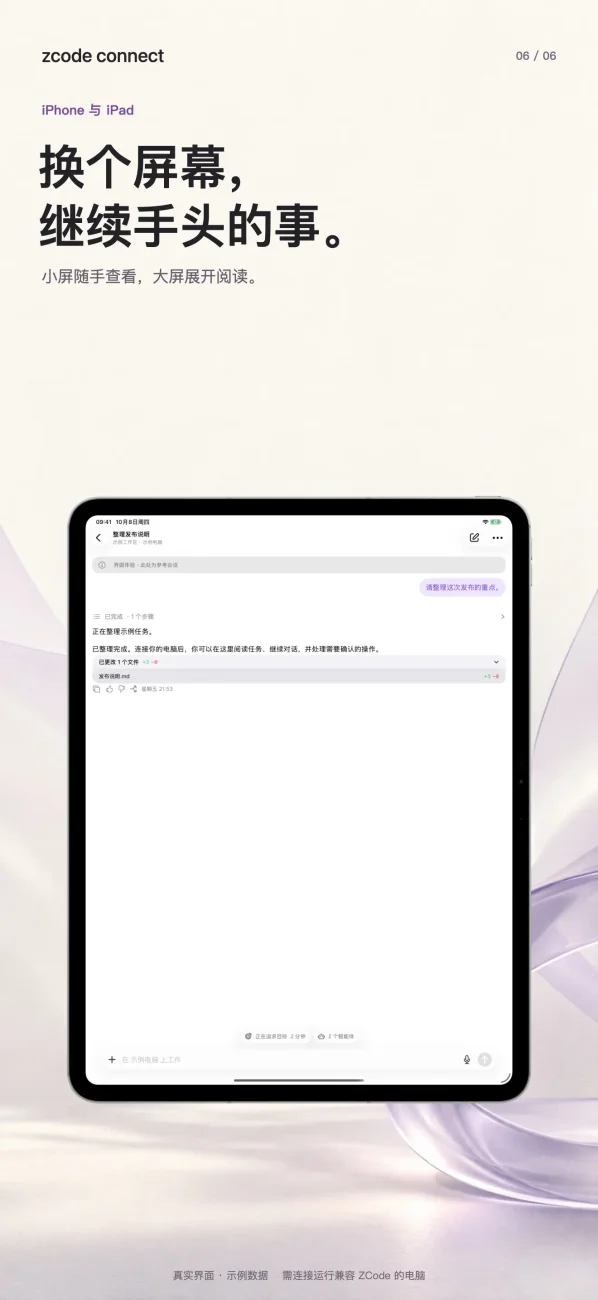
Keep your desktop development tasks within reach on iPhone and iPad.
zcode connect is an independently developed companion for the ZCode desktop application. It is not an official ZCode app. A compatible desktop installation running on your own computer is required. The current app interface is primarily in Simplified Chinese.
FOLLOW YOUR WORK
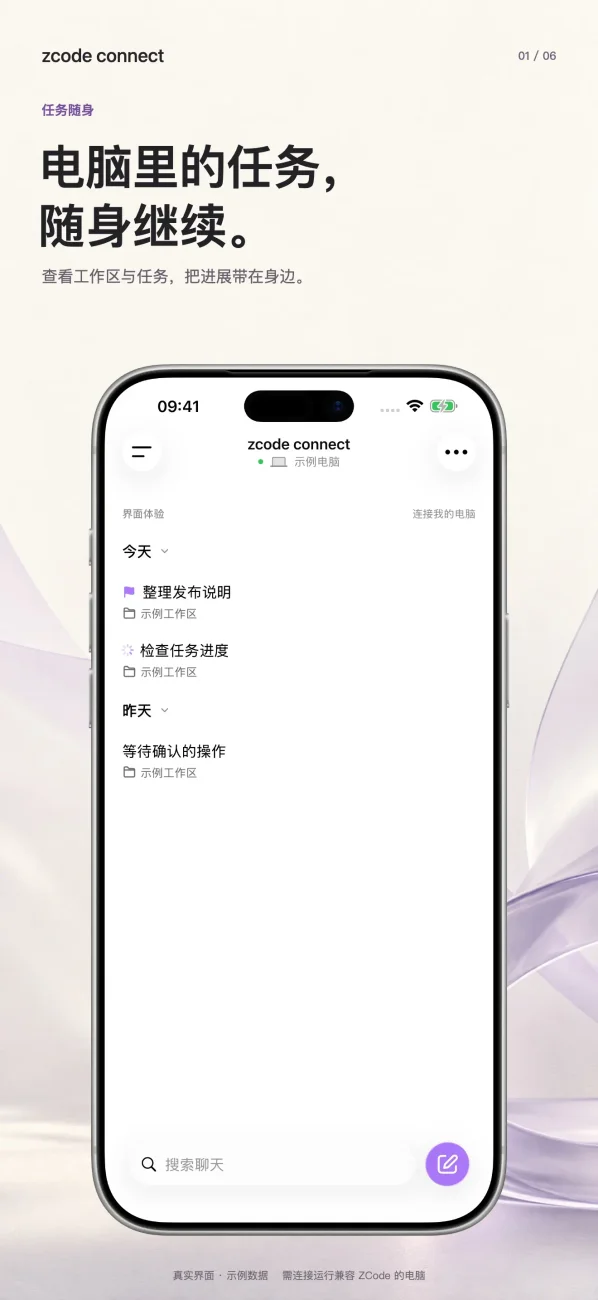
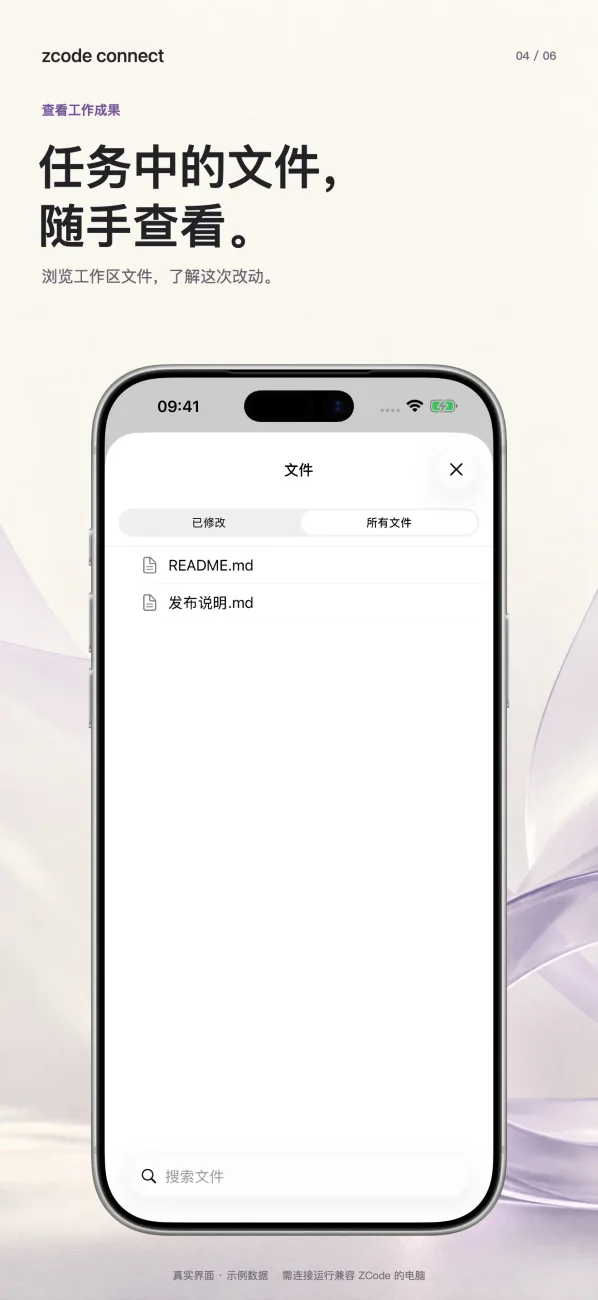
Browse workspaces and tasks. Read conversations, tool activity, and file changes.
CONTINUE A CONVERSATION
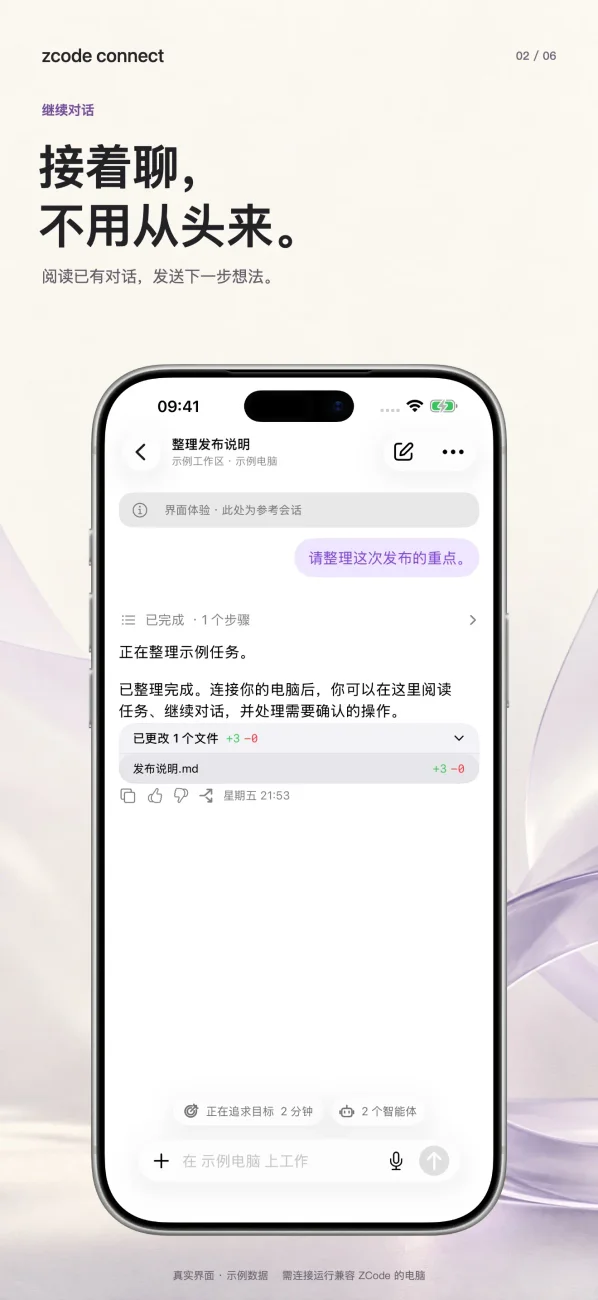
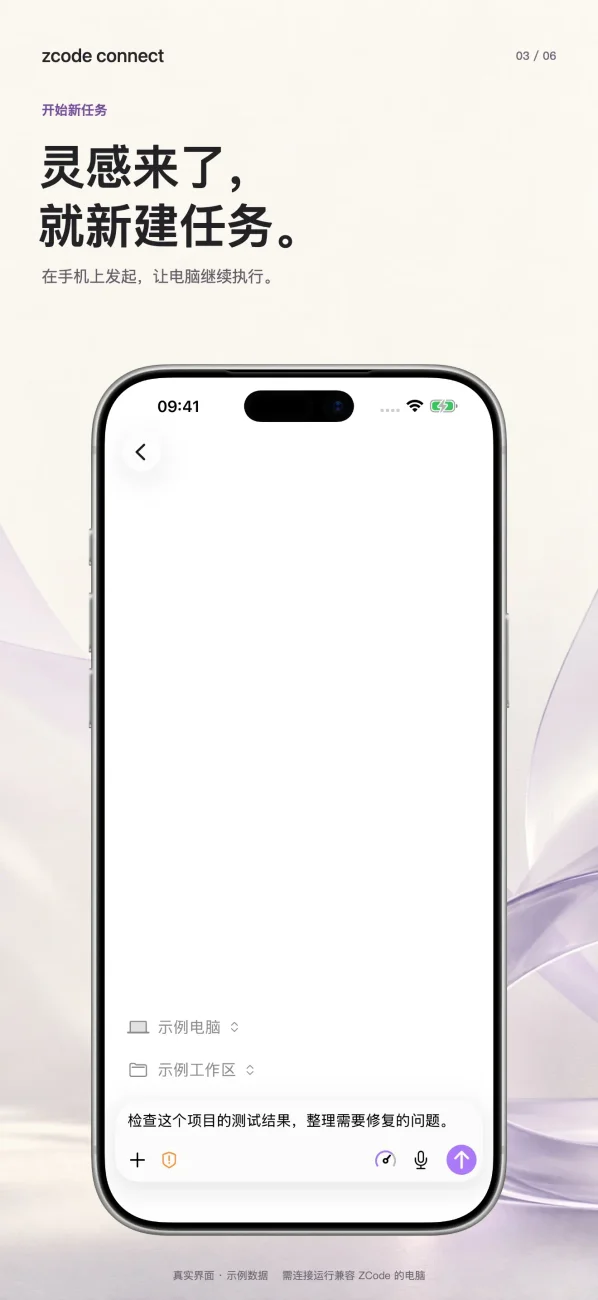
Send follow-up messages, create tasks, and respond to supported approval requests. Models and service accounts are configured on your computer; any associated charges are handled by those services.
CHOOSE HOW TO CONNECT
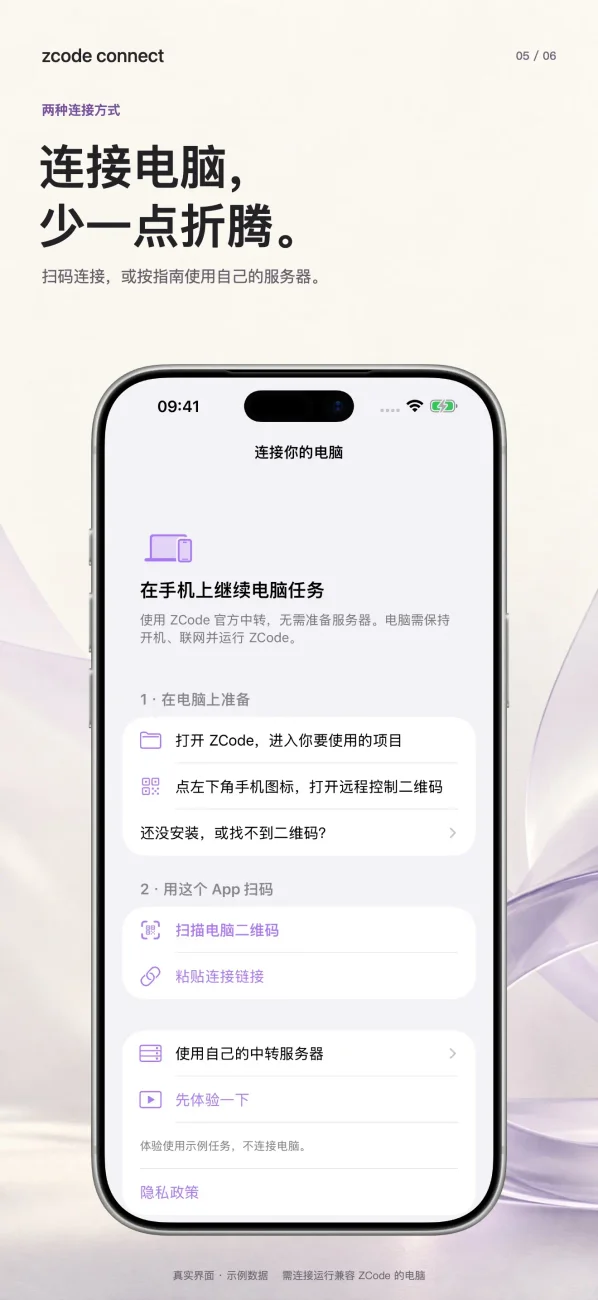
Use ZCode's built-in connection service and follow the in-app instructions to scan or paste your computer's connection link. No self-hosted relay server is required for this route.
For your own server, export the included developer kit and adapt it to your environment with your AI agent.
TRY THE INTERFACE
An offline demo is available before pairing. Its sample data does not connect to your computer.
REQUIREMENTS AND LIMITS
Requires iOS 26 or iPadOS 26 or later. Your computer must stay awake, online, and running compatible desktop software. Available features depend on its version and configuration. Completion alerts require timely receipt of task events and are not guaranteed when the app is suspended or closed.
No advertising or cross-app tracking.
Latest official connection: Sign in on your phone with the same Z.ai or BigModel platform and account as your computer, then scan the computer’s QR code to connect automatically. Authentication for self-hosted connections depends on the selected service.
Yenilikler
Sürüm 1.2 · 31.10.2026
• Connect with the latest ZCode service using separate Z.ai and BigModel sign-ins with clear account status.
• Continue from sign-in to scanning, and connect automatically after scanning a QR code.
• Fixed the home screen and saved connections showing the previous computer after connecting a new one.
• Improved account switching and connection recovery.
Uygulama gizliliği
Bu uygulamanın verileri nasıl işlediği hakkında Foshan Zifuhuan Technology Co., Ltd. tarafından App Store üzerinde yapılan beyan.
-
Sizinle ilişkilendirilen veriler
Toplanabilir ve kimliğinizle ilişkilendirilebilir.
- İletişim bilgileri
- Kullanıcı içeriği
- Tanımlayıcılar
Gizlilik uygulamaları, örneğin kullandığınız özelliklere veya yaşınıza göre değişiklik gösterebilir.
Bilgiler
- Satıcı
- Foshan Zifuhuan Technology Co., Ltd.
- Kategori
- Geliştirici Araçları
- Sürüm
- 1.2
- Güncellendi
- 31.10.2026
- Yayın tarihi
- 09.10.2026
- Boyut
- 7,5 MB
- Gereksinim
- iOS 26.0 veya sonrası
- Yaş sınırı
- 12+
- Fiyat
- Ücretsiz
- Diller
- İngilizce, Fransızca, Almanca, Japonca, Korece, Basitleştirilmiş Çince
- Telif hakkı
- © 2026 Foshan Zifuhuan Technology Co., Ltd.
Bunları da beğenebilirsiniz
-
 Zode for ZCodeGeliştirici Araçları
-
 zcode助理Geliştirici Araçları
-
 Zcode MobileGeliştirici Araçları
-
 MoonCode - KimiCode远程控制Geliştirici Araçları
-
 Niro: Coding AgentsGeliştirici Araçları
-
 Pocket for DSHGeliştirici Araçları
-
 Vibe42Geliştirici Araçları
-
 KKCode - OpenCode MobileGeliştirici Araçları
-
 Codex Tracker: Haber ve ResetAI Kod Ajanı Kullanımı & Limit
-
 Fish Pocket: DSH AgentGeliştirici Araçları