
Dock Float Remote - Control
Desktop launcher in your hand
Conçue pour iPhone, iPad
Gratuit
- Classification d’âge4+
- CatégorieUtilitaires
- DéveloppeurYoungHo Kim
- LanguesAnglais
- Taille6,0 Mo
Renvoie vers la page App Store officielle
Download.org n’héberge aucun fichier de Dock Float Remote - Control. Le bouton ouvre la page de l’application sur App Store, où YoungHo Kim la publie. Fiche vérifiée pour la dernière fois le 12/11/2026.
Captures d’écran
À propos
Le développeur n’a pas fourni ce texte dans votre langue.
[ Note: This app requires 'Dock Float' for Mac to be installed on your Mac. ]
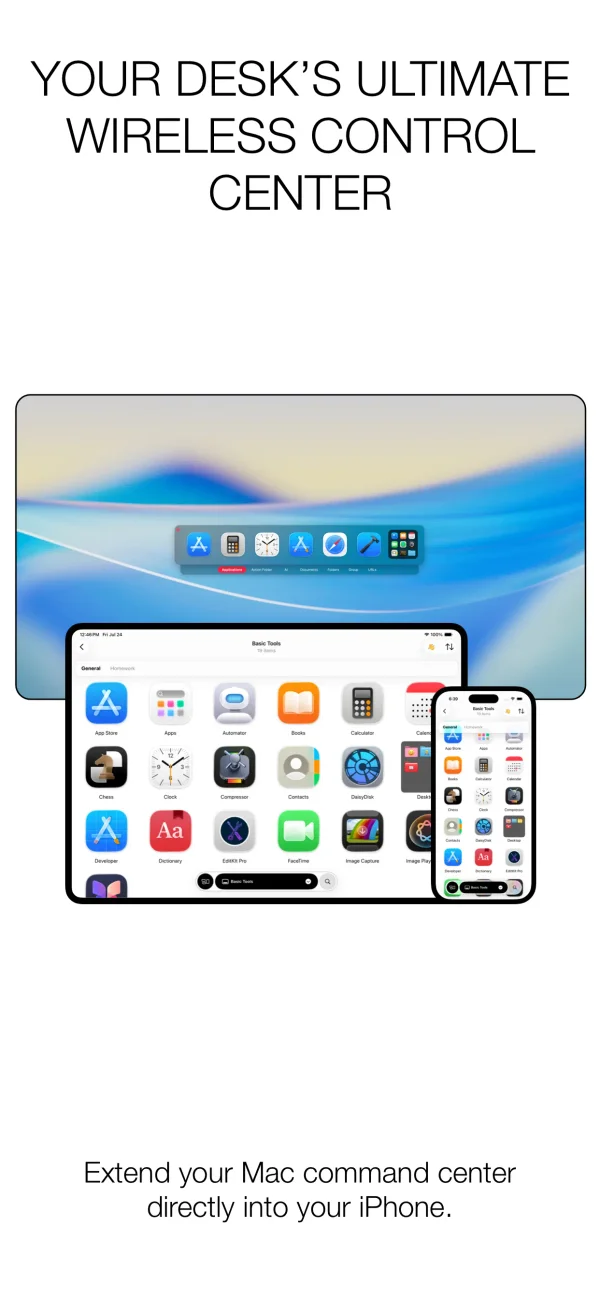
Control 'Dock Float'—the powerful custom launcher for Mac—right at your fingertips.
Dock Float Remote transforms your iPhone and iPad into a dedicated wireless macro pad for your Mac.
No need to buy expensive external hardware. Simply tap your iPad screen on your desk to launch Mac apps and open essential files or folders instantly. Expand your workstation beyond desktop screen limits into a unified mobile ecosystem.
Features
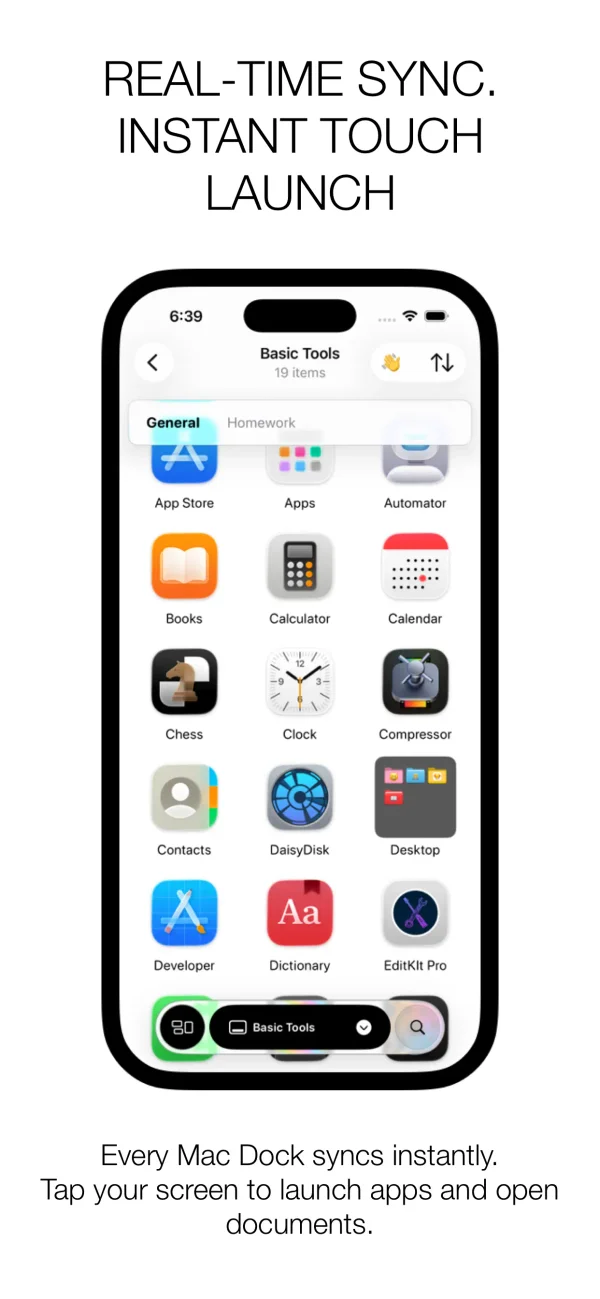
■ All Your Mac Docks in Your Hands
Custom Docks created on your Mac sync to your mobile screen in real time. Effortlessly swipe between multiple Docks to find the exact tools you need.
■ One-Touch Instant Launch
No complex mouse movements or memorizing keyboard shortcuts required. Just tap an icon on your mobile screen to launch Mac apps or open designated documents and folders immediately.
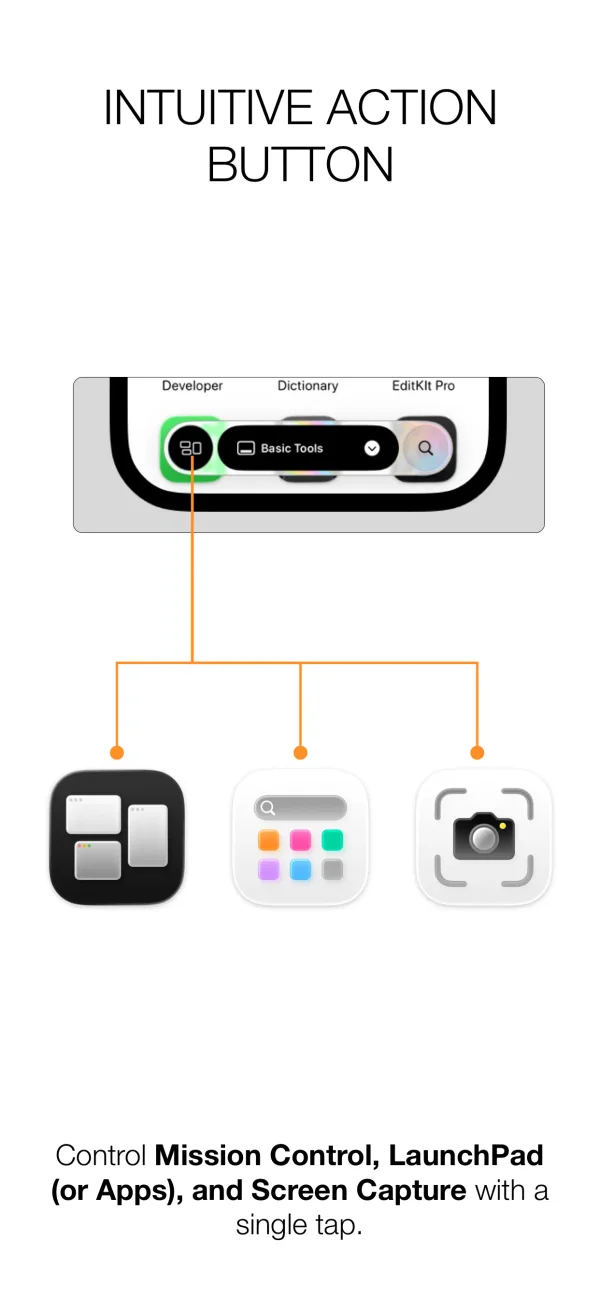
■ Custom Action Buttons
Boost your workflow with dedicated system control 'Action Buttons'. Assign your most frequently used functions to control your Mac intuitively:
- Mission Control
- Launchpad or Apps (supported on macOS 26 or higher)
- Screen Capture
■ Tailored Display Modes
Choose between Standard or Large icon modes to best match your device screen size (iPhone/iPad) and personal touch preference.
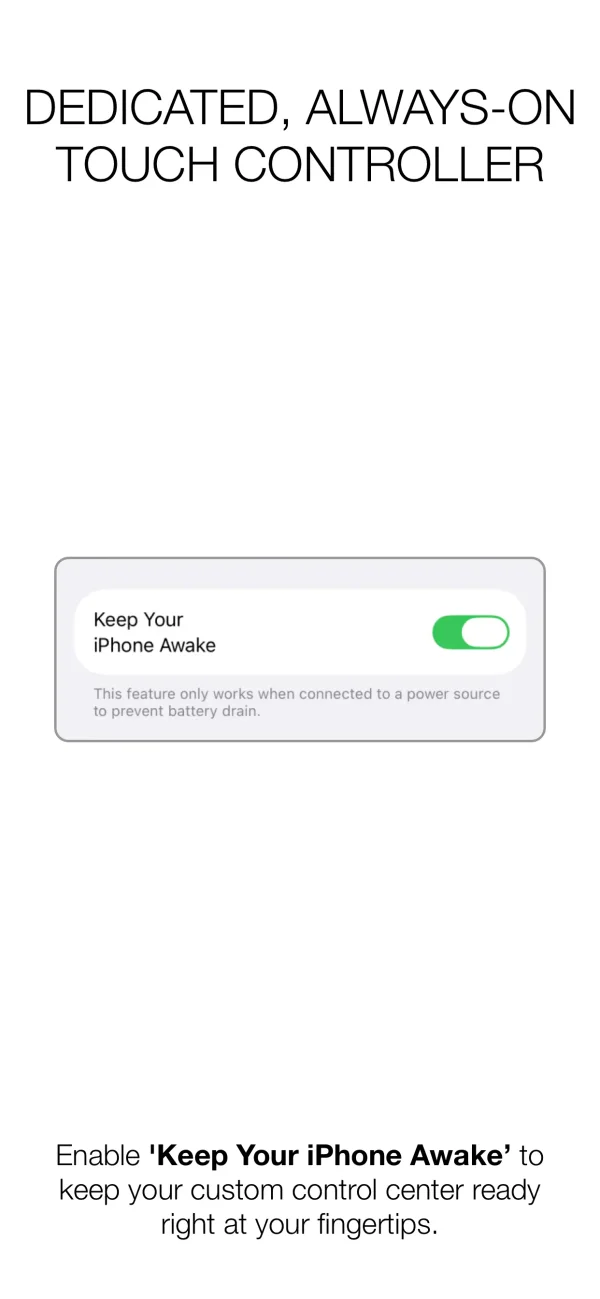
■ Always-On Macro Keypad (Keep Awake Mode)
Enable the 'Keep Your iPhone/iPad Awake' option while connected to power to prevent your screen from turning off. Use it as an always-ready touch control center—just like a high-end hardware macro keypad.
Download Dock Float Remote today and supercharge your Mac workflow!
(This app operates on the same Wi-Fi or local network as your Mac.)
■ System Requirements
- Prerequisite: Requires Dock Float for macOS installed on your Mac.
- Network: Mac and iOS devices must be connected to the same Wi-Fi network.
- Compatibility: Requires iOS/iPadOS 18.6 or higher.
Nouveautés
Version 1.0.3 · 16/10/2026
Minor bug fixes and improvements.
Confidentialité de l’application
Ce que YoungHo Kim déclare sur l’App Store au sujet du traitement des données par cette application.
-
Données non collectées
Le développeur ne collecte aucune donnée à partir de cette application.
Les pratiques en matière de confidentialité peuvent varier, notamment en fonction des fonctionnalités que vous utilisez ou de votre âge.
Informations
- Vendeur
- YoungHo Kim
- Catégorie
- Utilitaires
- Version
- 1.0.3
- Mis à jour
- 16/10/2026
- Publié
- 24/08/2026
- Taille
- 6,0 Mo
- Nécessite
- iOS 18.6 ou version ultérieure
- Classification d’âge
- 4+
- Prix
- Gratuit
- Langues
- Anglais
- Copyright
- © HOHOINC
Vous aimerez peut-être aussi
-
 Still Dock: Verrou Dock+Cmd QLe Dock ne change plus d'écran
-
 BoxPhone PROPlus avec votre téléphone
-
 NetScope : Scanner réseauAnalyse et inventaire réseau
-
 ThypeUtilitaires
-
 ShortSheetsUtilitaires
-
 iDock - App LauncherUtilitaires
-
 Web Live ActivitiesUtilitaires
-
 RemoteX: Remote DesktopUtilitaires
-
 SysUsage: System MonitorPerformances en un coup d'œil
-
 Fleet GPUUtilitaires