
Dock Float Remote - Control
Desktop launcher in your hand
Được thiết kế cho iPhone, iPad
Miễn phí
- Độ tuổi4+
- Danh mụcTiện Ích
- Nhà phát triểnYoungHo Kim
- Ngôn ngữTiếng Anh
- Kích thước6,0 MB
Liên kết đến trang App Store chính thức
Download.org không lưu trữ tệp nào của Dock Float Remote - Control. Nút này mở trang ứng dụng trên App Store, nơi YoungHo Kim phát hành ứng dụng. Trang được kiểm tra lần cuối: 12/11/2026.
Ảnh chụp màn hình
Giới thiệu
Nhà phát triển chưa cung cấp nội dung này bằng ngôn ngữ của bạn.
[ Note: This app requires 'Dock Float' for Mac to be installed on your Mac. ]
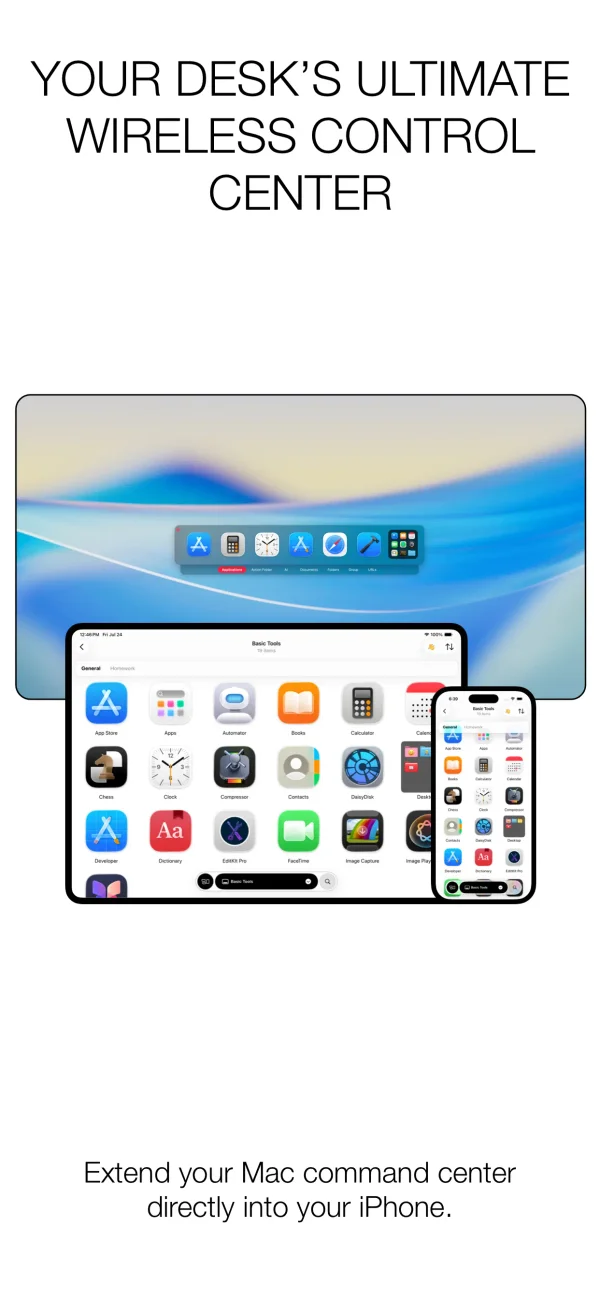
Control 'Dock Float'—the powerful custom launcher for Mac—right at your fingertips.
Dock Float Remote transforms your iPhone and iPad into a dedicated wireless macro pad for your Mac.
No need to buy expensive external hardware. Simply tap your iPad screen on your desk to launch Mac apps and open essential files or folders instantly. Expand your workstation beyond desktop screen limits into a unified mobile ecosystem.
Features
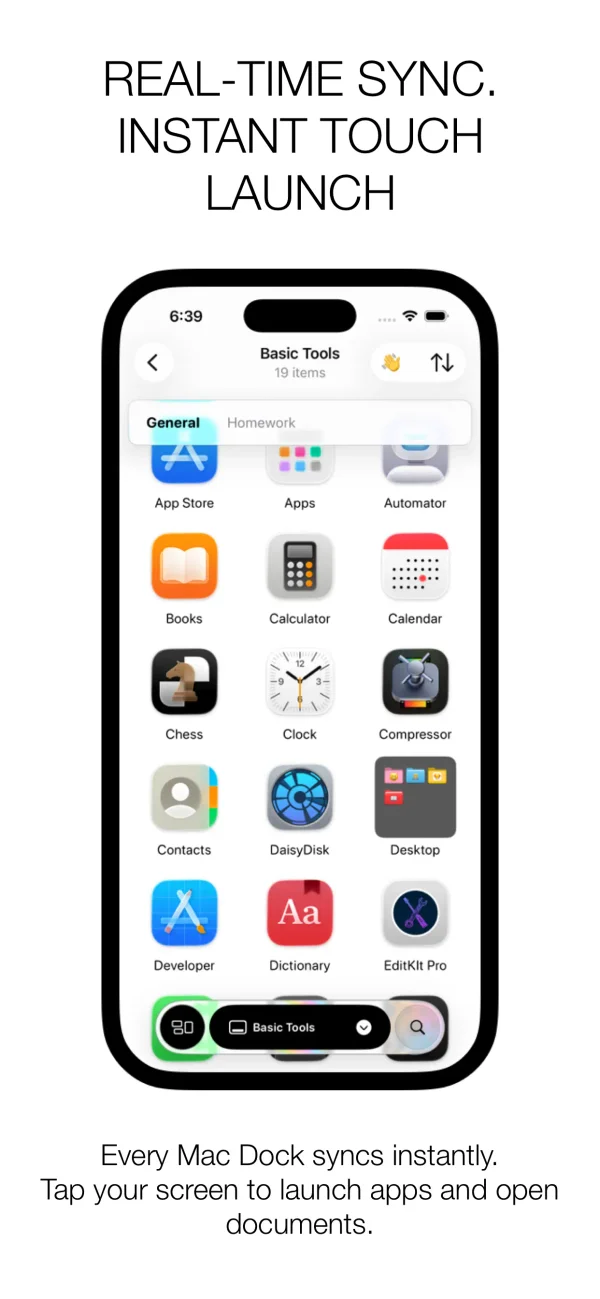
■ All Your Mac Docks in Your Hands
Custom Docks created on your Mac sync to your mobile screen in real time. Effortlessly swipe between multiple Docks to find the exact tools you need.
■ One-Touch Instant Launch
No complex mouse movements or memorizing keyboard shortcuts required. Just tap an icon on your mobile screen to launch Mac apps or open designated documents and folders immediately.
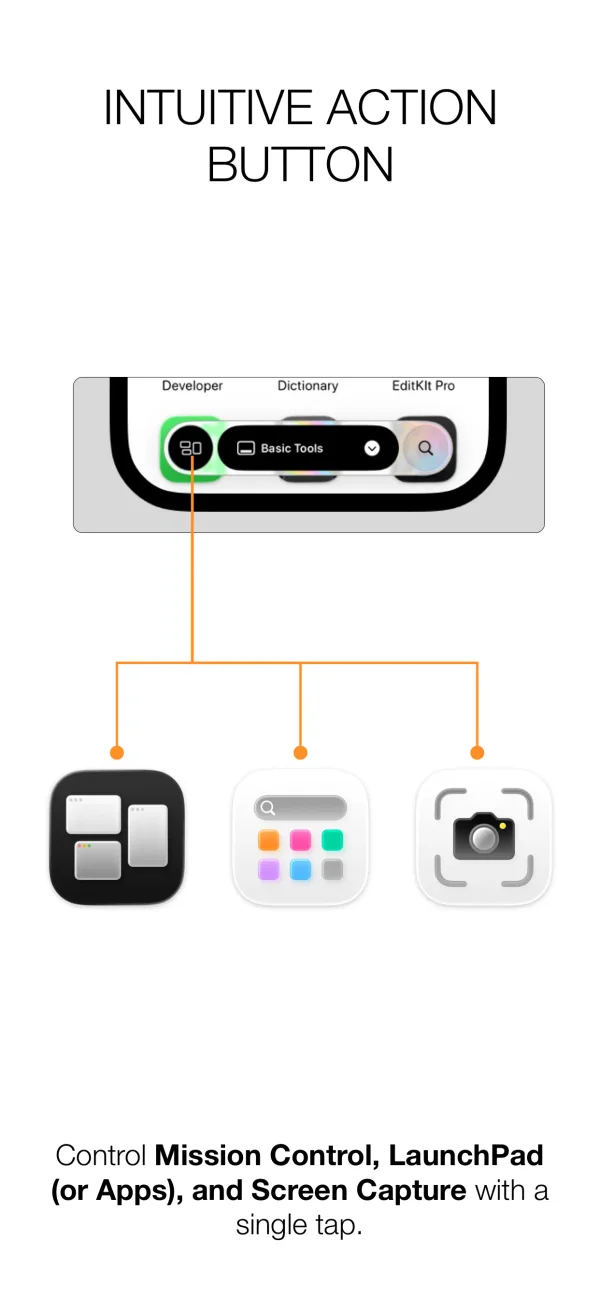
■ Custom Action Buttons
Boost your workflow with dedicated system control 'Action Buttons'. Assign your most frequently used functions to control your Mac intuitively:
- Mission Control
- Launchpad or Apps (supported on macOS 26 or higher)
- Screen Capture
■ Tailored Display Modes
Choose between Standard or Large icon modes to best match your device screen size (iPhone/iPad) and personal touch preference.
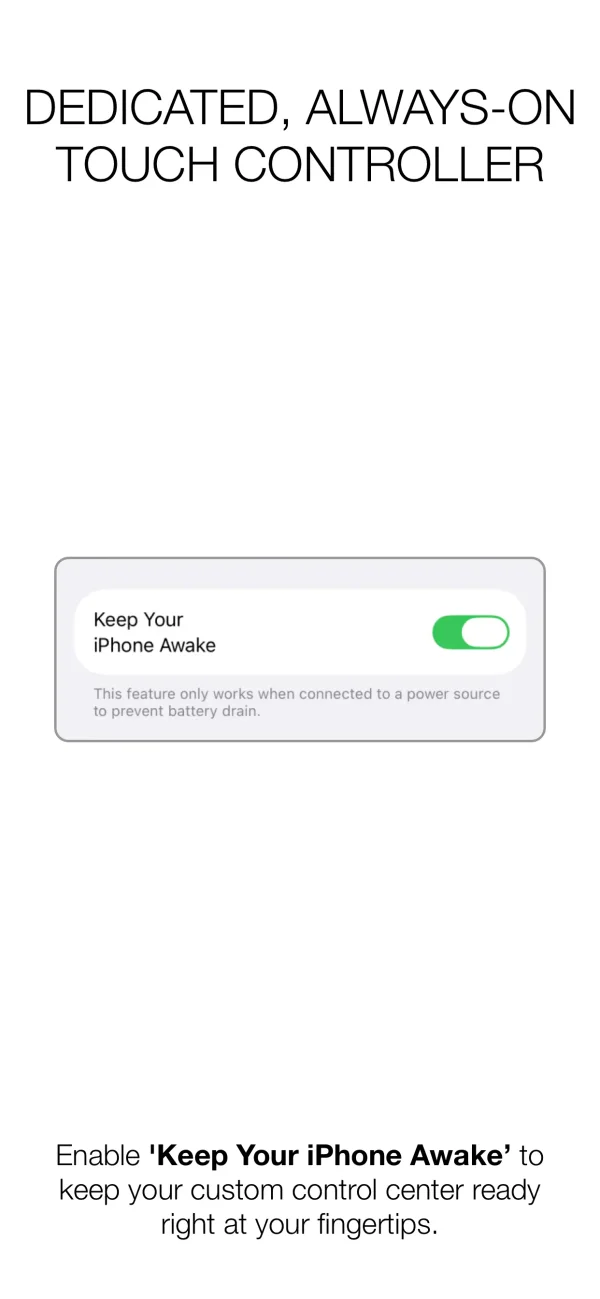
■ Always-On Macro Keypad (Keep Awake Mode)
Enable the 'Keep Your iPhone/iPad Awake' option while connected to power to prevent your screen from turning off. Use it as an always-ready touch control center—just like a high-end hardware macro keypad.
Download Dock Float Remote today and supercharge your Mac workflow!
(This app operates on the same Wi-Fi or local network as your Mac.)
■ System Requirements
- Prerequisite: Requires Dock Float for macOS installed on your Mac.
- Network: Mac and iOS devices must be connected to the same Wi-Fi network.
- Compatibility: Requires iOS/iPadOS 18.6 or higher.
Có gì mới
Phiên bản 1.0.3 · 16/10/2026
Minor bug fixes and improvements.
Quyền riêng tư của ứng dụng
Những gì YoungHo Kim khai báo trên App Store về cách ứng dụng này xử lý dữ liệu.
-
Dữ liệu không được thu thập
Nhà phát triển không thu thập bất kỳ dữ liệu nào từ ứng dụng này.
Phương thức đảm bảo quyền riêng tư có thể khác nhau, chẳng hạn như tuỳ theo các tính năng bạn sử dụng hoặc độ tuổi của bạn.
Thông tin
- Người bán
- YoungHo Kim
- Danh mục
- Tiện Ích
- Phiên bản
- 1.0.3
- Cập nhật
- 16/10/2026
- Phát hành
- 24/08/2026
- Kích thước
- 6,0 MB
- Yêu cầu
- iOS 18.6 trở lên
- Độ tuổi
- 4+
- Giá
- Miễn phí
- Ngôn ngữ
- Tiếng Anh
- Bản quyền
- © HOHOINC
Có thể bạn cũng thích
-
 Still Dock: Khóa Dock+Cmd QDock không còn nhảy màn hình
-
 BoxPhone PROTiện Ích
-
 NetScope: IP & LAN ToolkitTiện Ích
-
 ThypeTiện Ích
-
 ShortSheetsTiện Ích
-
 iDock - App LauncherTiện Ích
-
 Web Live ActivitiesTiện Ích
-
 RemoteX: Remote DesktopTiện Ích
-
 SysUsage: System MonitorHiệu suất trong nháy mắt
-
 Fleet GPUTiện Ích