Dock Float Remote - Control
Desktop launcher in your hand
Dirancang untuk iPhone, iPad
Gratis
- Batasan usia4+
- KategoriKegunaan
- PengembangYoungHo Kim
- BahasaInggris
- Ukuran6,0 MB
Tertaut ke halaman resmi App Store
Download.org tidak menyimpan file Dock Float Remote - Control apa pun. Tombol ini membuka halaman aplikasi di App Store, tempat YoungHo Kim menerbitkannya. Halaman terakhir diperiksa pada 12/11/2026.
Tangkapan layar
Tentang
Pengembang belum menyediakan teks ini dalam bahasa Anda.
[ Note: This app requires 'Dock Float' for Mac to be installed on your Mac. ]
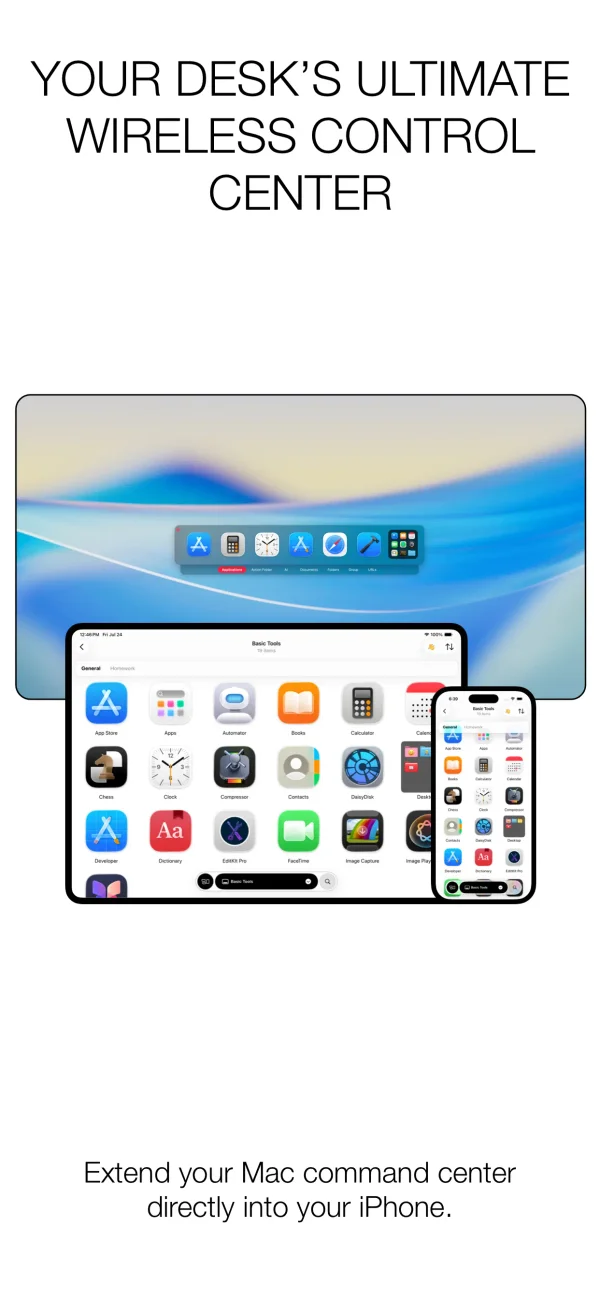
Control 'Dock Float'—the powerful custom launcher for Mac—right at your fingertips.
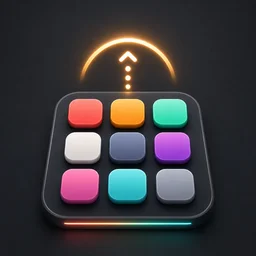
Dock Float Remote transforms your iPhone and iPad into a dedicated wireless macro pad for your Mac.
No need to buy expensive external hardware. Simply tap your iPad screen on your desk to launch Mac apps and open essential files or folders instantly. Expand your workstation beyond desktop screen limits into a unified mobile ecosystem.
Features
■ All Your Mac Docks in Your Hands
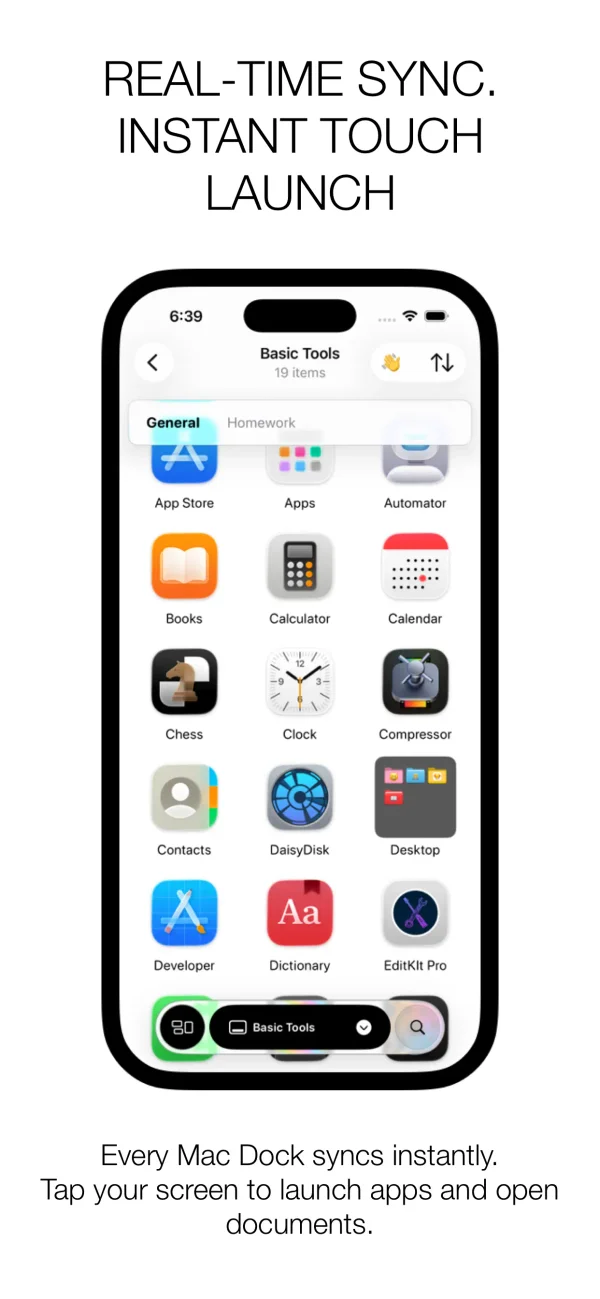
Custom Docks created on your Mac sync to your mobile screen in real time. Effortlessly swipe between multiple Docks to find the exact tools you need.
■ One-Touch Instant Launch
No complex mouse movements or memorizing keyboard shortcuts required. Just tap an icon on your mobile screen to launch Mac apps or open designated documents and folders immediately.
■ Custom Action Buttons
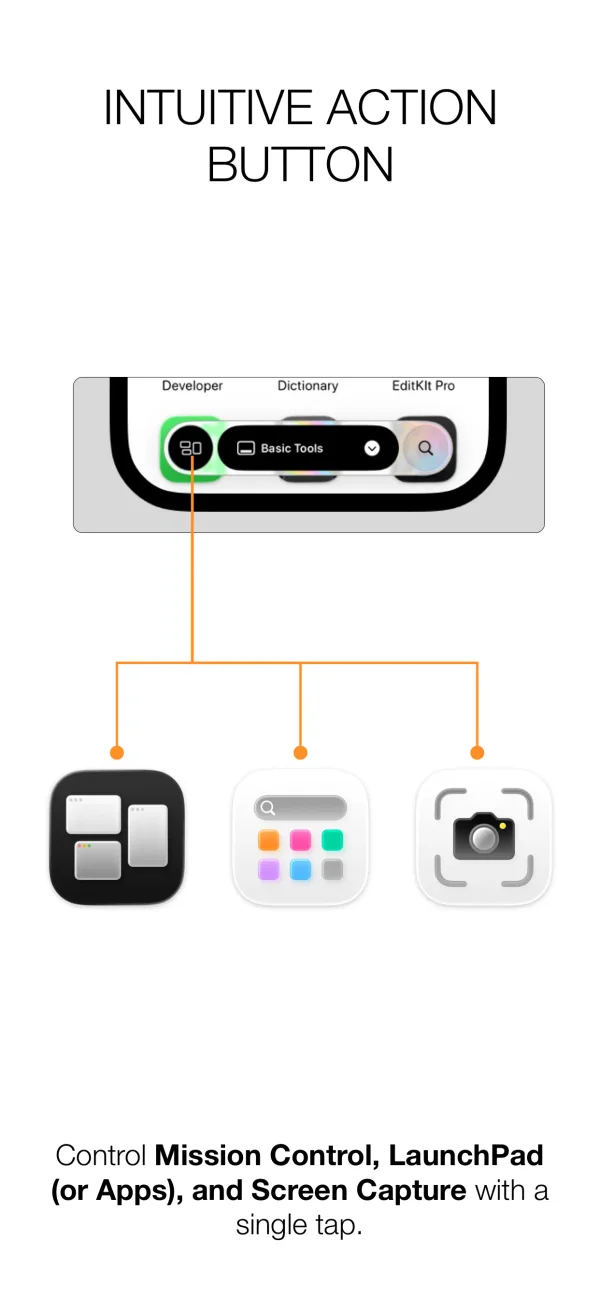
Boost your workflow with dedicated system control 'Action Buttons'. Assign your most frequently used functions to control your Mac intuitively:
- Mission Control
- Launchpad or Apps (supported on macOS 26 or higher)
- Screen Capture
■ Tailored Display Modes
Choose between Standard or Large icon modes to best match your device screen size (iPhone/iPad) and personal touch preference.
■ Always-On Macro Keypad (Keep Awake Mode)
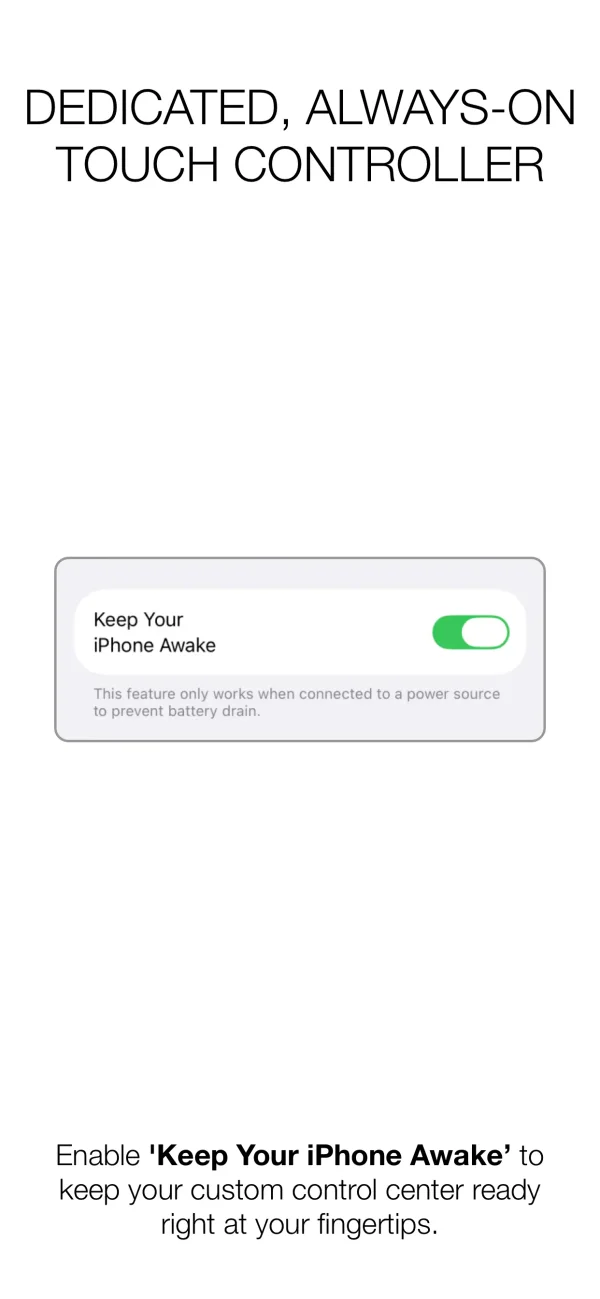
Enable the 'Keep Your iPhone/iPad Awake' option while connected to power to prevent your screen from turning off. Use it as an always-ready touch control center—just like a high-end hardware macro keypad.
Download Dock Float Remote today and supercharge your Mac workflow!
(This app operates on the same Wi-Fi or local network as your Mac.)
■ System Requirements
- Prerequisite: Requires Dock Float for macOS installed on your Mac.
- Network: Mac and iOS devices must be connected to the same Wi-Fi network.
- Compatibility: Requires iOS/iPadOS 18.6 or higher.
Yang baru
Versi 1.0.3 · 16/10/2026
Minor bug fixes and improvements.
Privasi aplikasi
Yang dinyatakan YoungHo Kim di App Store tentang cara aplikasi ini menangani data.
-
Data tidak dikumpulkan
Pengembang tidak mengumpulkan data apa pun dari aplikasi ini.
Praktik privasi dapat bervariasi, misalnya berdasarkan fitur yang Anda gunakan atau usia Anda.
Informasi
- Penjual
- YoungHo Kim
- Kategori
- Kegunaan
- Versi
- 1.0.3
- Diperbarui
- 16/10/2026
- Dirilis
- 24/8/2026
- Ukuran
- 6,0 MB
- Memerlukan
- iOS 18.6 atau yang lebih baru
- Batasan usia
- 4+
- Harga
- Gratis
- Bahasa
- Inggris
- Hak cipta
- © HOHOINC