
Dock Float Remote - Control
Desktop launcher in your hand
Designed for iPhone, iPad
Free
- Age rating4+
- CategoryUtilities
- DeveloperYoungHo Kim
- LanguagesEnglish
- Size6.0 MB
Links to the official App Store page
Download.org hosts no file of Dock Float Remote - Control. The button opens its official App Store page, published by YoungHo Kim. Listing last checked on Nov 12, 2026.
Screenshots
About
[ Note: This app requires 'Dock Float' for Mac to be installed on your Mac. ]
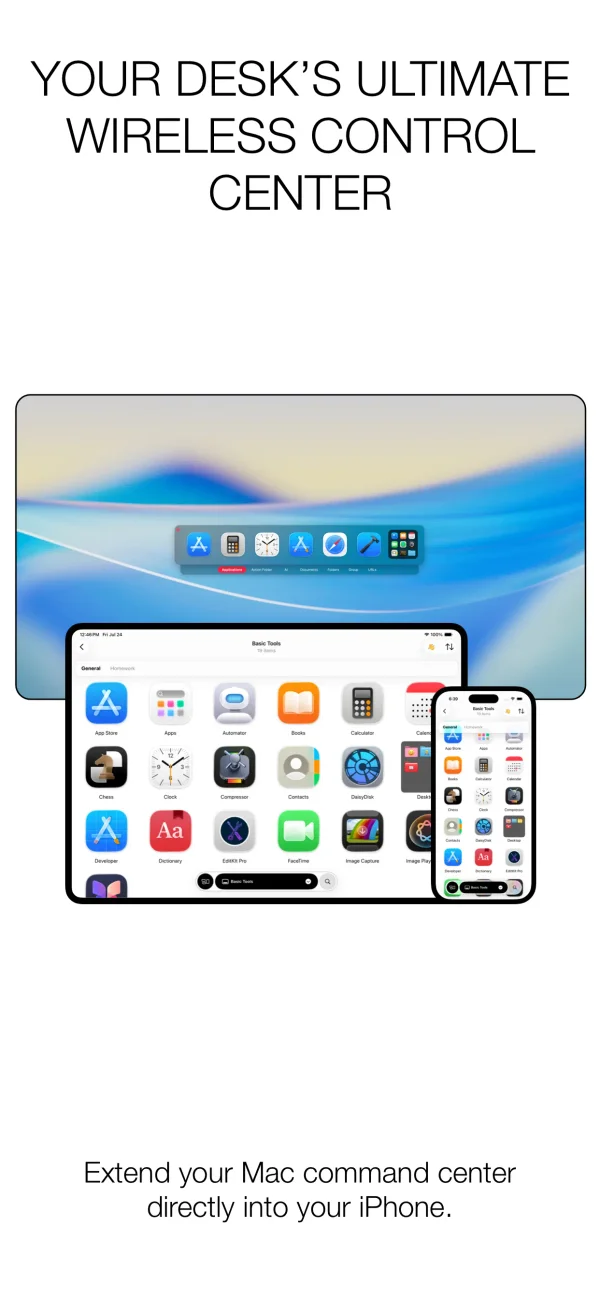
Control 'Dock Float'—the powerful custom launcher for Mac—right at your fingertips.
Dock Float Remote transforms your iPhone and iPad into a dedicated wireless macro pad for your Mac.
No need to buy expensive external hardware. Simply tap your iPad screen on your desk to launch Mac apps and open essential files or folders instantly. Expand your workstation beyond desktop screen limits into a unified mobile ecosystem.
Features
■ All Your Mac Docks in Your Hands
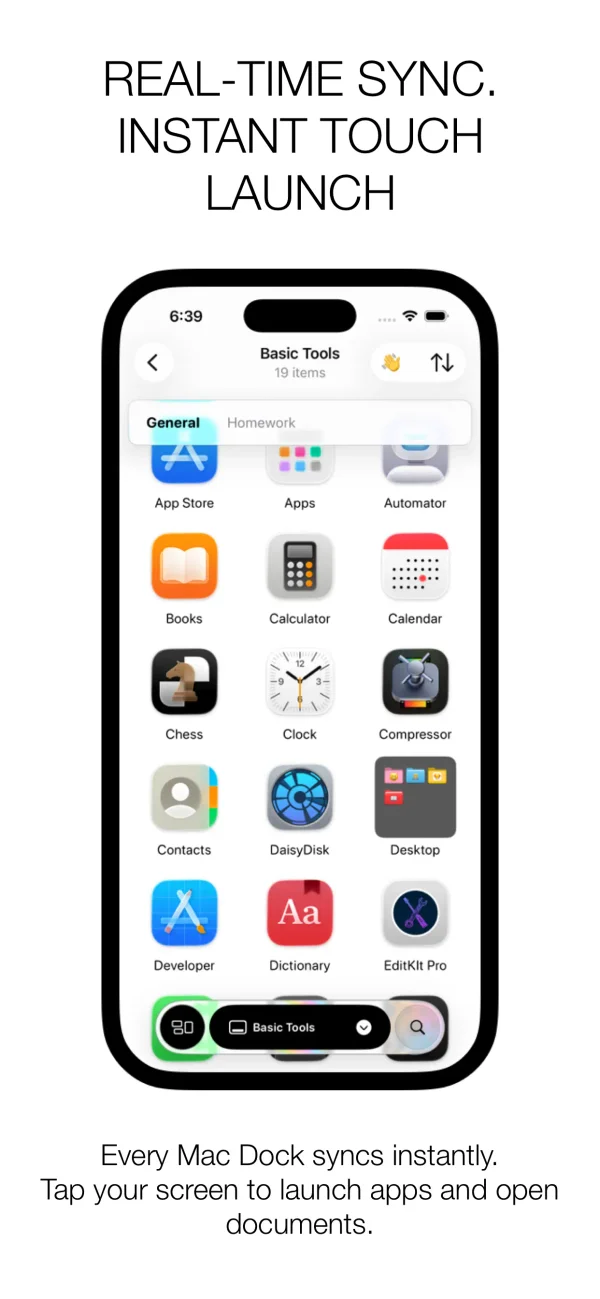
Custom Docks created on your Mac sync to your mobile screen in real time. Effortlessly swipe between multiple Docks to find the exact tools you need.
■ One-Touch Instant Launch
No complex mouse movements or memorizing keyboard shortcuts required. Just tap an icon on your mobile screen to launch Mac apps or open designated documents and folders immediately.
■ Custom Action Buttons
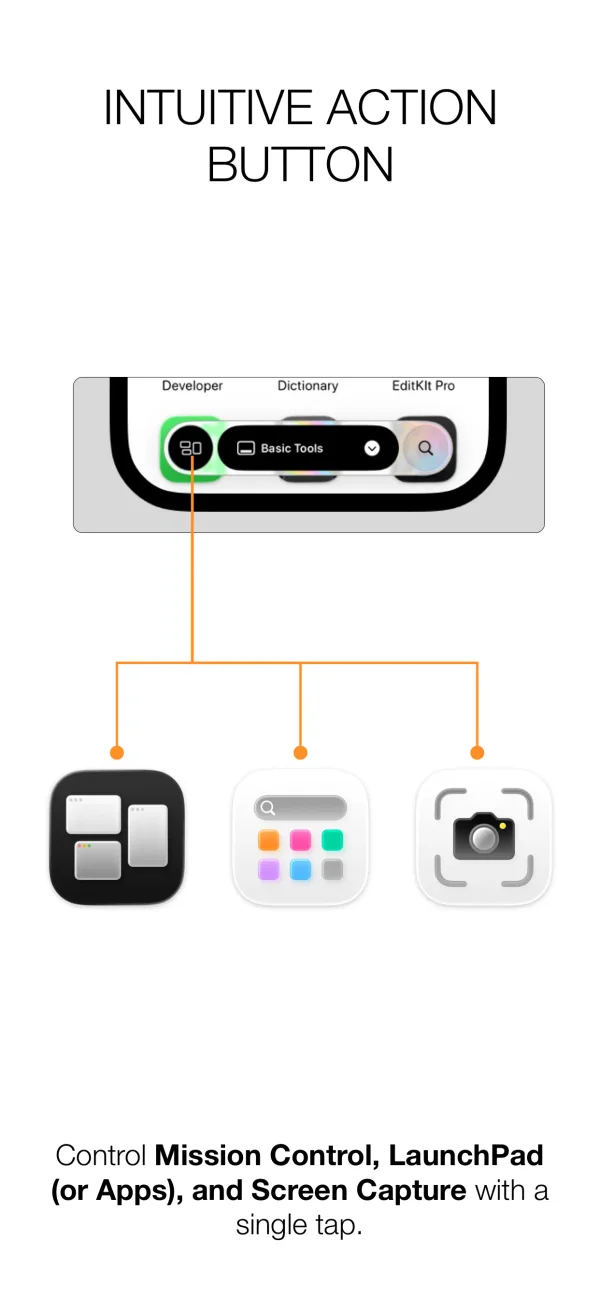
Boost your workflow with dedicated system control 'Action Buttons'. Assign your most frequently used functions to control your Mac intuitively:
- Mission Control
- Launchpad or Apps (supported on macOS 26 or higher)
- Screen Capture
■ Tailored Display Modes
Choose between Standard or Large icon modes to best match your device screen size (iPhone/iPad) and personal touch preference.
■ Always-On Macro Keypad (Keep Awake Mode)
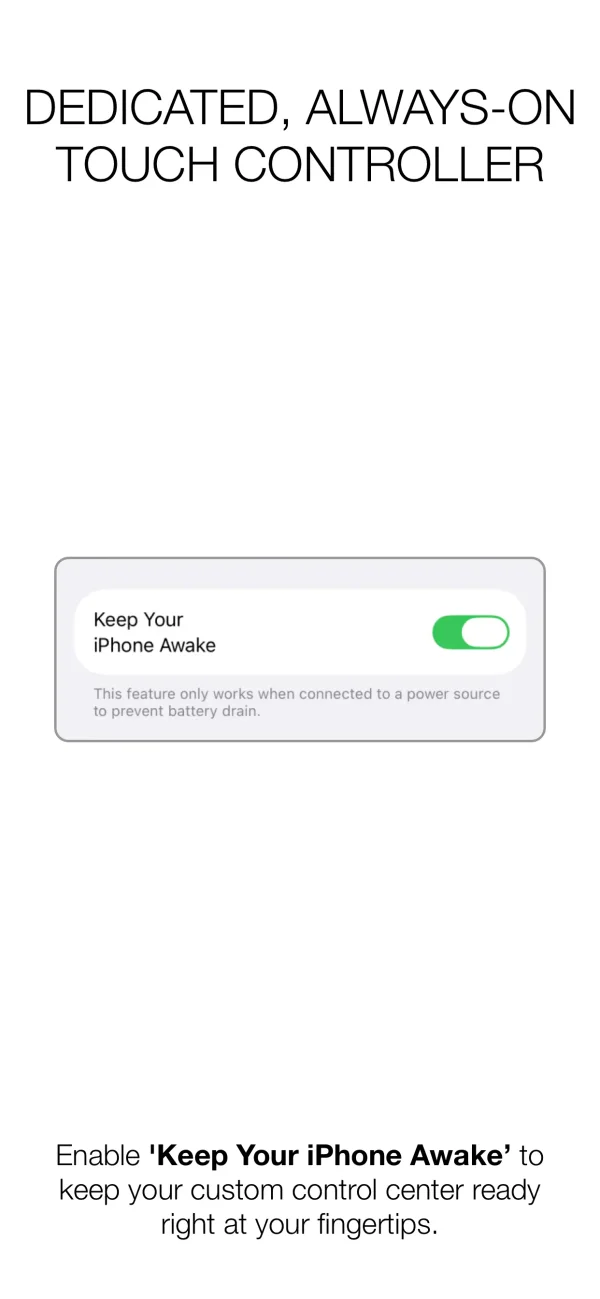
Enable the 'Keep Your iPhone/iPad Awake' option while connected to power to prevent your screen from turning off. Use it as an always-ready touch control center—just like a high-end hardware macro keypad.
Download Dock Float Remote today and supercharge your Mac workflow!
(This app operates on the same Wi-Fi or local network as your Mac.)
■ System Requirements
- Prerequisite: Requires Dock Float for macOS installed on your Mac.
- Network: Mac and iOS devices must be connected to the same Wi-Fi network.
- Compatibility: Requires iOS/iPadOS 18.6 or higher.
What’s new
Version 1.0.3 · Oct 16, 2026
Minor bug fixes and improvements.
App privacy
What YoungHo Kim declares on the App Store about how this app handles data.
-
Data not collected
The developer does not collect any data from this app.
Privacy practices may vary, for example with the features you use or your age.
Information
- Seller
- YoungHo Kim
- Category
- Utilities
- Version
- 1.0.3
- Updated
- Oct 16, 2026
- Released
- Aug 24, 2026
- Size
- 6.0 MB
- Requires
- iOS 18.6 or later
- Age rating
- 4+
- Price
- Free
- Languages
- English
- Copyright
- © HOHOINC
You might also like
-
 Still Dock: Lock Dock+Cmd QStop the Dock jumping screens
-
 BoxPhone PRODo more with your phone
-
 NetScope: IP & LAN ToolkitScan, diagnose and inventory
-
 ThypeType Thai the way it sounds
-
 ShortSheetsG Drive & Sheets in Shortcuts
-
 iDock - App LauncherSeamless device control
-
 Web Live ActivitiesWeb Powered Live Activities
-
 RemoteX: Remote DesktopRemote desktop, both ways
-
 SysUsage: System MonitorSystem performance at a glance
-
 Fleet GPUReal-Time GPU Monitoring