
Electro Sim
Circuit Simulator
Conçue pour iPhone, iPad
Gratuit · Achats intégrés
- Classification d’âge4+
- CatégorieÉducation
- Développeur剑龙 刘
- LanguesAnglais+ 2 de plus
- Taille19,1 Mo
Renvoie vers la page App Store officielle
Download.org n’héberge aucun fichier de Electro Sim. Le bouton ouvre la page de l’application sur App Store, où 剑龙 刘 la publie. Fiche vérifiée pour la dernière fois le 17/11/2026.
Captures d’écran
À propos
Le développeur n’a pas fourni ce texte dans votre langue.
Build a circuit. See current flow. Understand how it works.
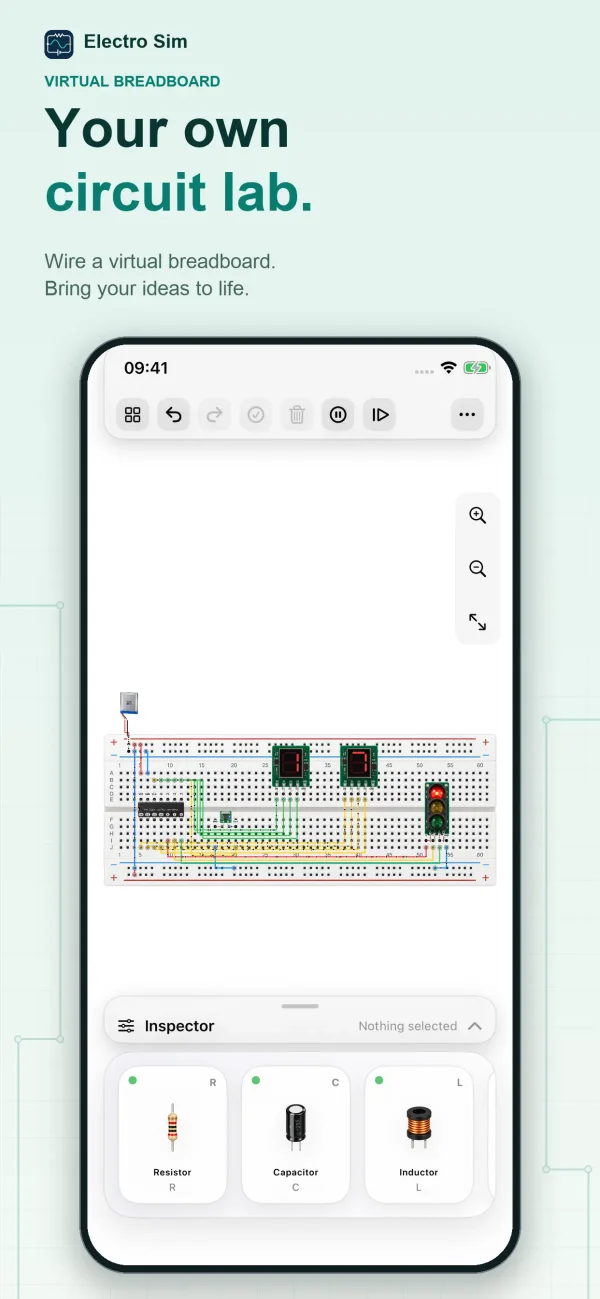
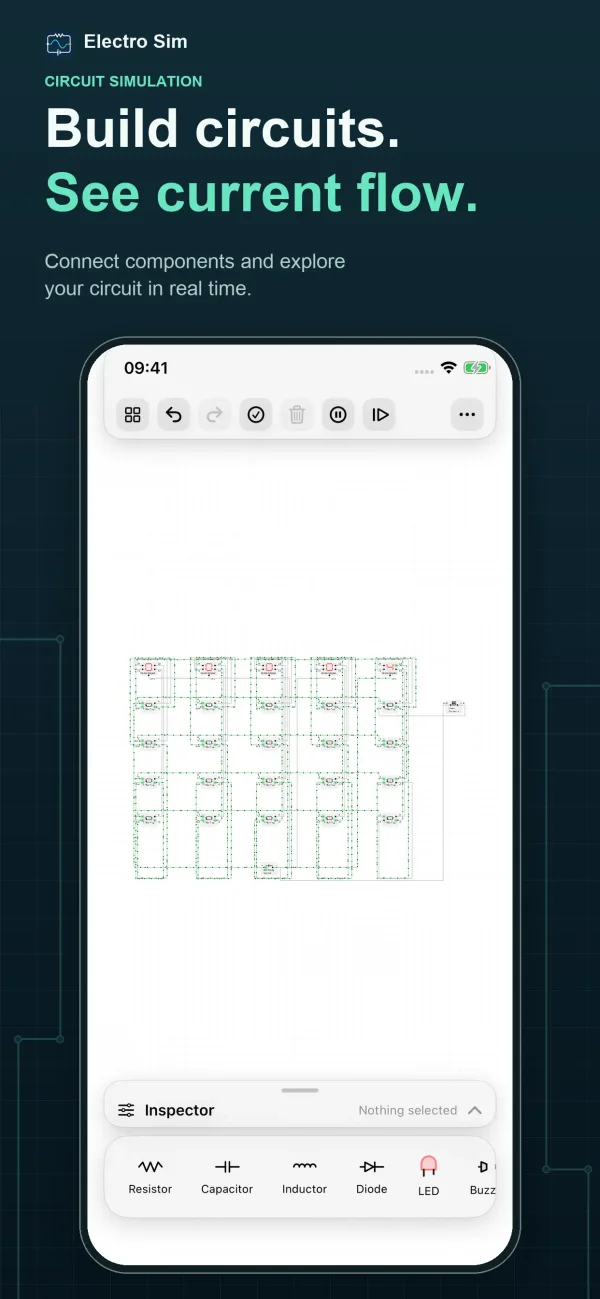
Electro Sim turns electronics into something you can explore on your iPhone or iPad. Place components, connect wires, and run a simulation to see how your circuit responds. Whether you are learning the basics, preparing a classroom demonstration, or testing an idea, start with a working example or build your own.
BUILD ON A CANVAS OR A BREADBOARD
Create schematic circuits with drag-and-drop components and flexible wiring, or try a virtual breadboard with components and jumper wires. Zoom in to make connections, rotate parts, and use undo and redo as you experiment.
SEE WHAT CHANGES WHEN YOU CHANGE THE CIRCUIT
Follow animated current flow, inspect voltage and current readings, and use a virtual multimeter to explore circuit behavior. Adjust component values, toggle switches, or advance the simulation one step at a time to connect cause and effect.
LEARN THROUGH WORKING EXAMPLES
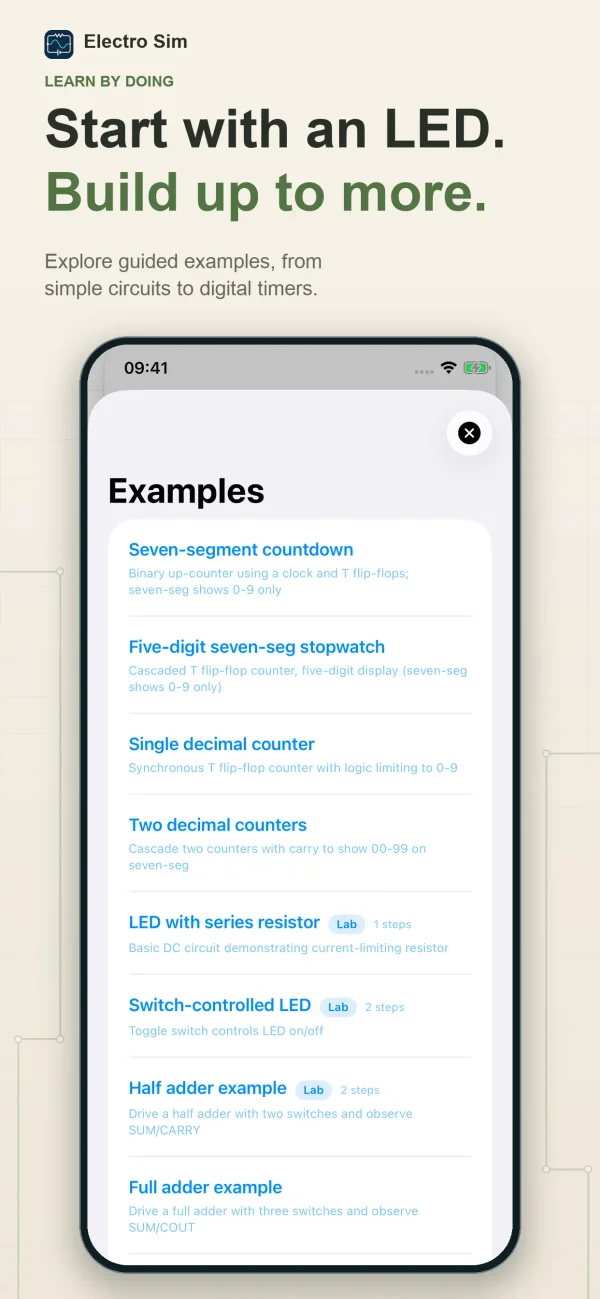
Explore LED circuits, capacitor charging, logic gates, adders, counters, seven-segment displays, and traffic lights. Selected examples include guided steps that help you investigate the circuit and check your understanding.
FIND THE PARTS YOU NEED
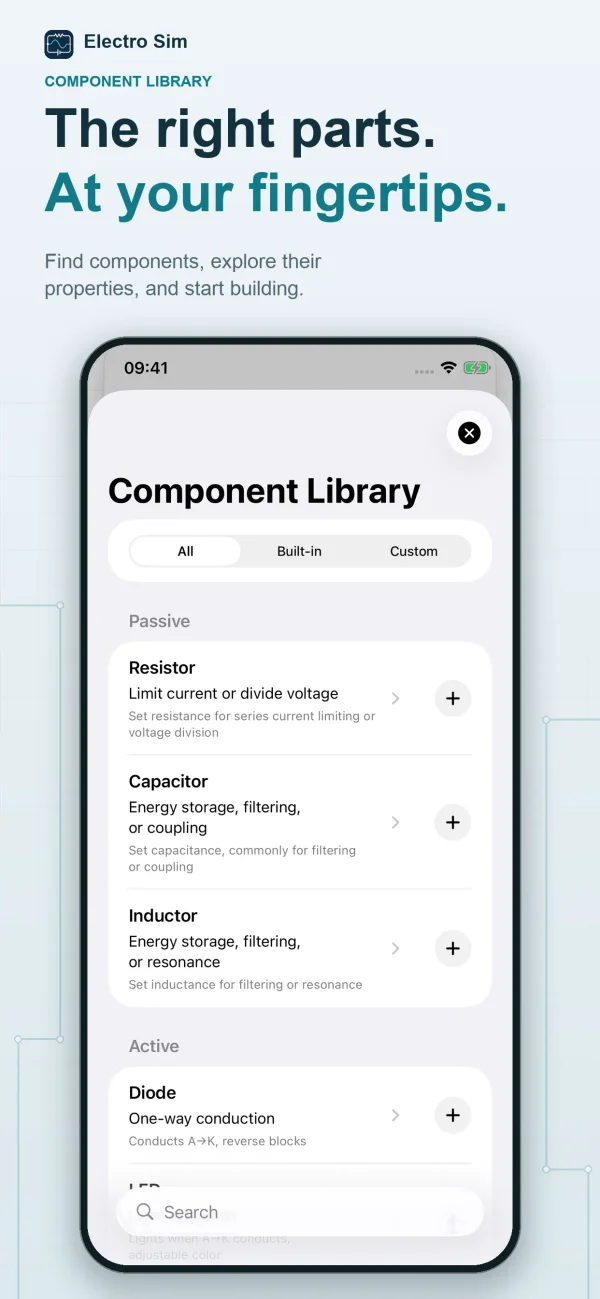
Browse a searchable component library with resistors, capacitors, inductors, diodes, LEDs, transistors, switches, buzzers, logic gates, and signal sources. Component descriptions and pin information help you decide what to use and how to connect it.
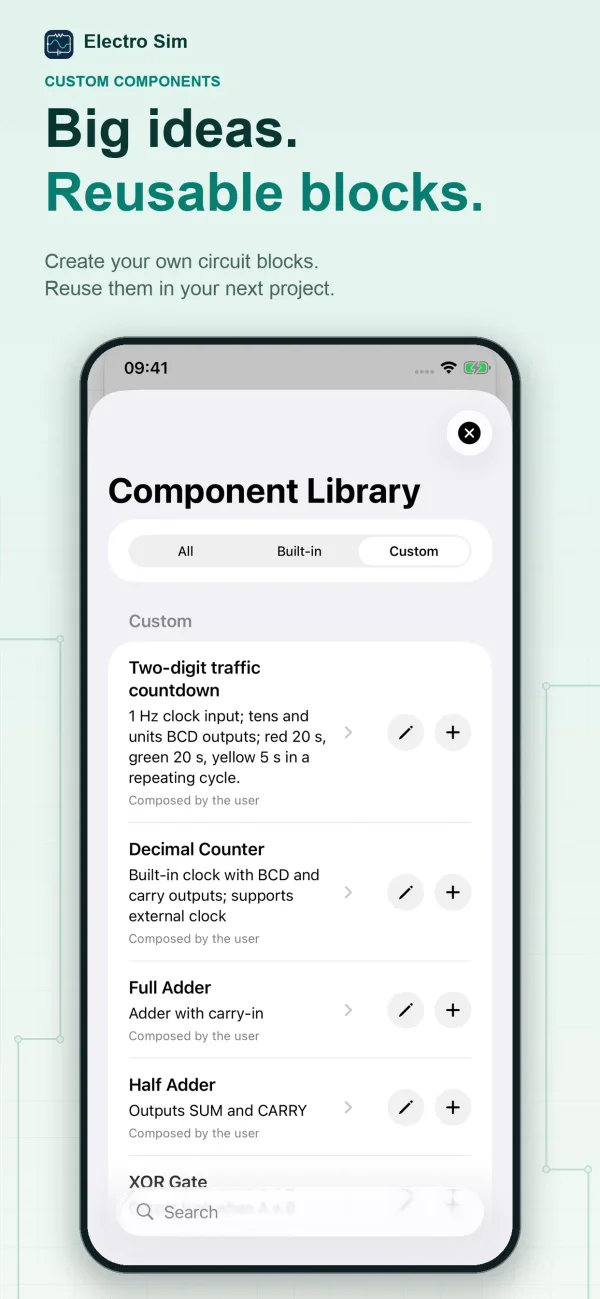
TURN CIRCUIT BLOCKS INTO REUSABLE MODULES
With Pro, create custom components from circuit blocks, define their pins, and reuse them in new projects. Build up a collection of modules as your ideas grow. Custom component creation and use require an active Pro subscription.
SAVE AND SHARE YOUR WORK
Save projects to revisit later, exchange circuit files in JSON format, and export circuit snapshots or PDF reports with readings and notes for learning and discussion.
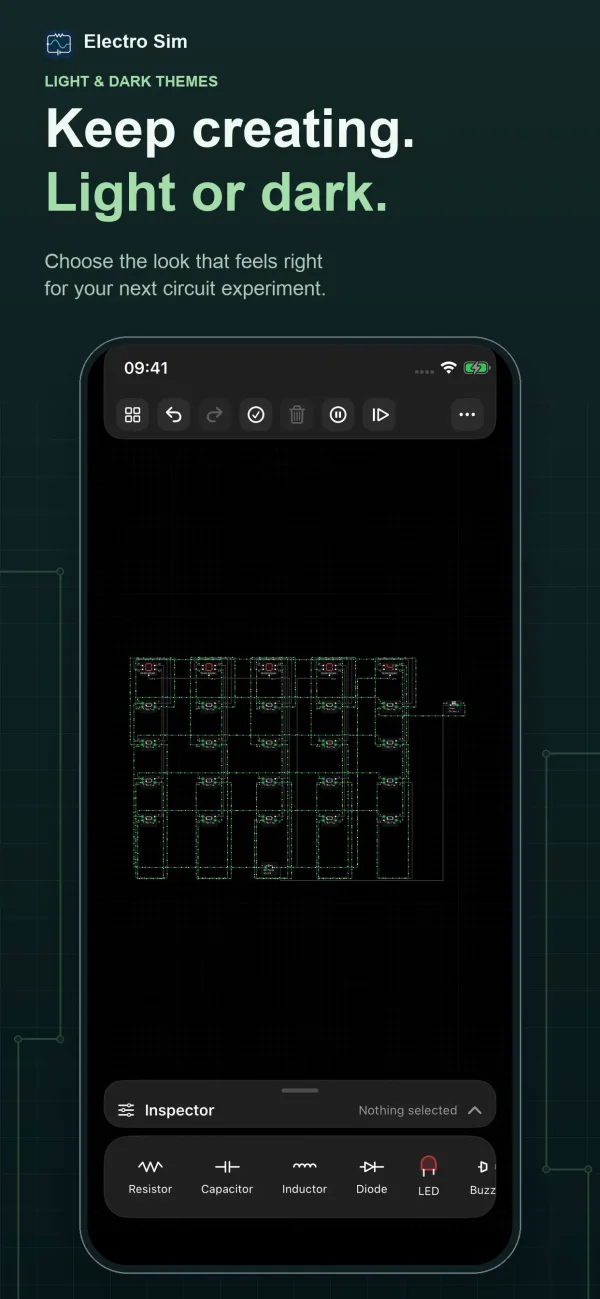
Designed for iPhone and iPad, with light and dark appearances and English, Simplified Chinese, and Traditional Chinese interfaces.
Start with one LED, then see where your curiosity takes you.
Nouveautés
Version 1.1.3 · 22/10/2026
Added more current-flow animation styles and fixed known issues for a smoother, more reliable simulation experience.
Confidentialité de l’application
Ce que 剑龙 刘 déclare sur l’App Store au sujet du traitement des données par cette application.
-
Données non collectées
Le développeur ne collecte aucune donnée à partir de cette application.
Les pratiques en matière de confidentialité peuvent varier, notamment en fonction des fonctionnalités que vous utilisez ou de votre âge.
Informations
- Vendeur
- 剑龙 刘
- Catégorie
- Éducation
- Version
- 1.1.3
- Mis à jour
- 22/10/2026
- Publié
- 29/01/2026
- Taille
- 19,1 Mo
- Nécessite
- iOS 17.6 ou version ultérieure
- Classification d’âge
- 4+
- Prix
- Gratuit
- Achats intégrés
- Oui
- Langues
- Anglais, Chinois simplifié, Chinois traditionnel
- Copyright
- © jianlong liu
Vous aimerez peut-être aussi
-
 CircuitWay - Circuit SimulatorÉducation
-
 Singular: Circuit SimulatorÉducation
-
 Circuit Design & SimulationÉducation
-
 Perfboard LabSimulateur d’électronique
-
 CloudLabs Mixed CircuitÉducation
-
 EveryPanelÉducation
-
 LogicalArt: Circuit NumériqueSimulateur de portes logiques
-
 Circuit DesignÉducation
-
 Ohmira : Simulateur CircuitApprendre l'électronique
-
 Simulateur de Circuits LogiquePortes logiques & algèbre bool