
Electro Sim
Circuit Simulator
Được thiết kế cho iPhone, iPad
Miễn phí · Mua hàng trong ứng dụng
- Độ tuổi4+
- Danh mụcGiáo Dục
- Nhà phát triển剑龙 刘
- Ngôn ngữTiếng Anh+ 2 ngôn ngữ khác
- Kích thước19,1 MB
Liên kết đến trang App Store chính thức
Download.org không lưu trữ tệp nào của Electro Sim. Nút này mở trang ứng dụng trên App Store, nơi 剑龙 刘 phát hành ứng dụng. Trang được kiểm tra lần cuối: 17/11/2026.
Ảnh chụp màn hình
Giới thiệu
Nhà phát triển chưa cung cấp nội dung này bằng ngôn ngữ của bạn.
Build a circuit. See current flow. Understand how it works.
Electro Sim turns electronics into something you can explore on your iPhone or iPad. Place components, connect wires, and run a simulation to see how your circuit responds. Whether you are learning the basics, preparing a classroom demonstration, or testing an idea, start with a working example or build your own.
BUILD ON A CANVAS OR A BREADBOARD
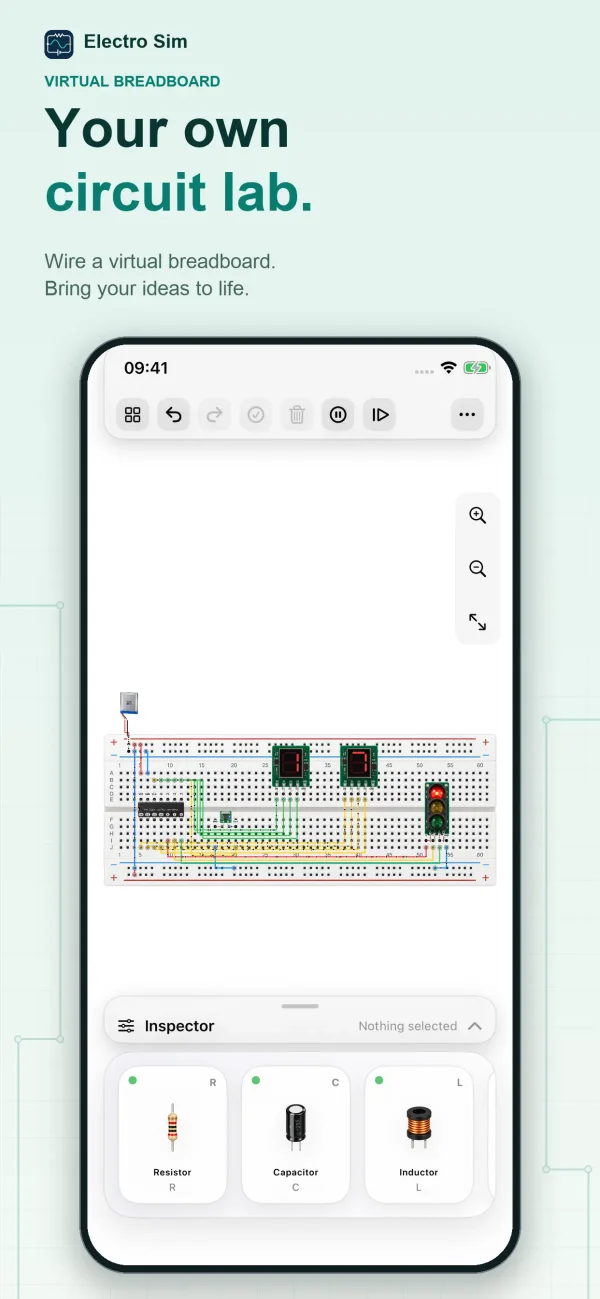
Create schematic circuits with drag-and-drop components and flexible wiring, or try a virtual breadboard with components and jumper wires. Zoom in to make connections, rotate parts, and use undo and redo as you experiment.
SEE WHAT CHANGES WHEN YOU CHANGE THE CIRCUIT
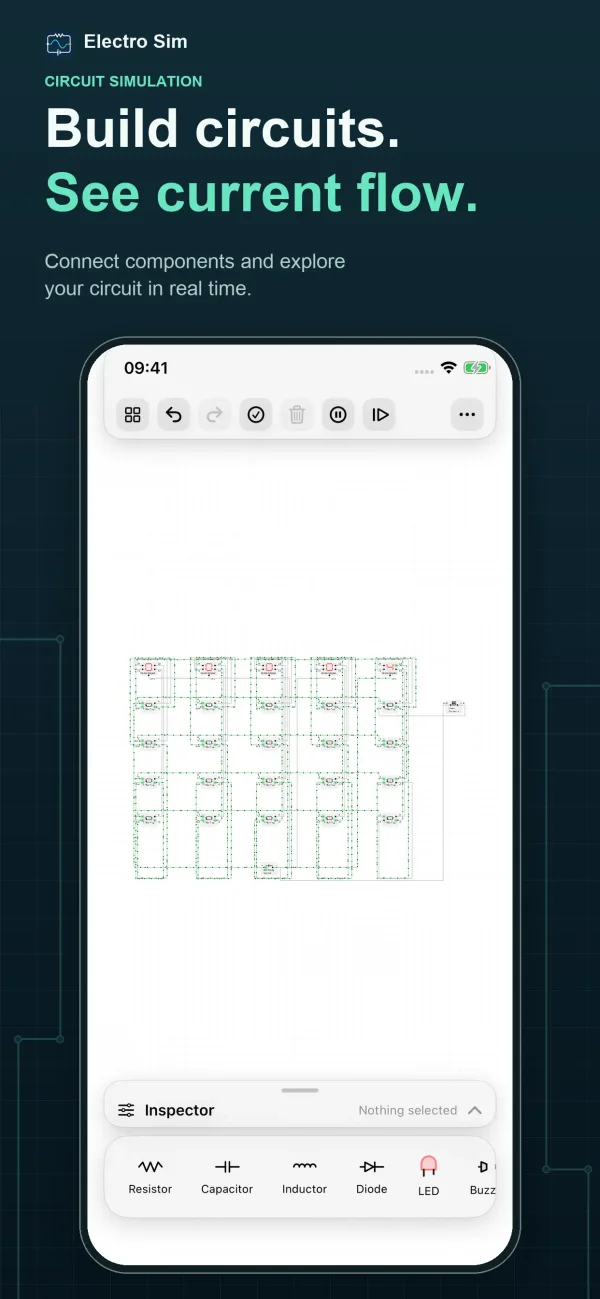
Follow animated current flow, inspect voltage and current readings, and use a virtual multimeter to explore circuit behavior. Adjust component values, toggle switches, or advance the simulation one step at a time to connect cause and effect.
LEARN THROUGH WORKING EXAMPLES
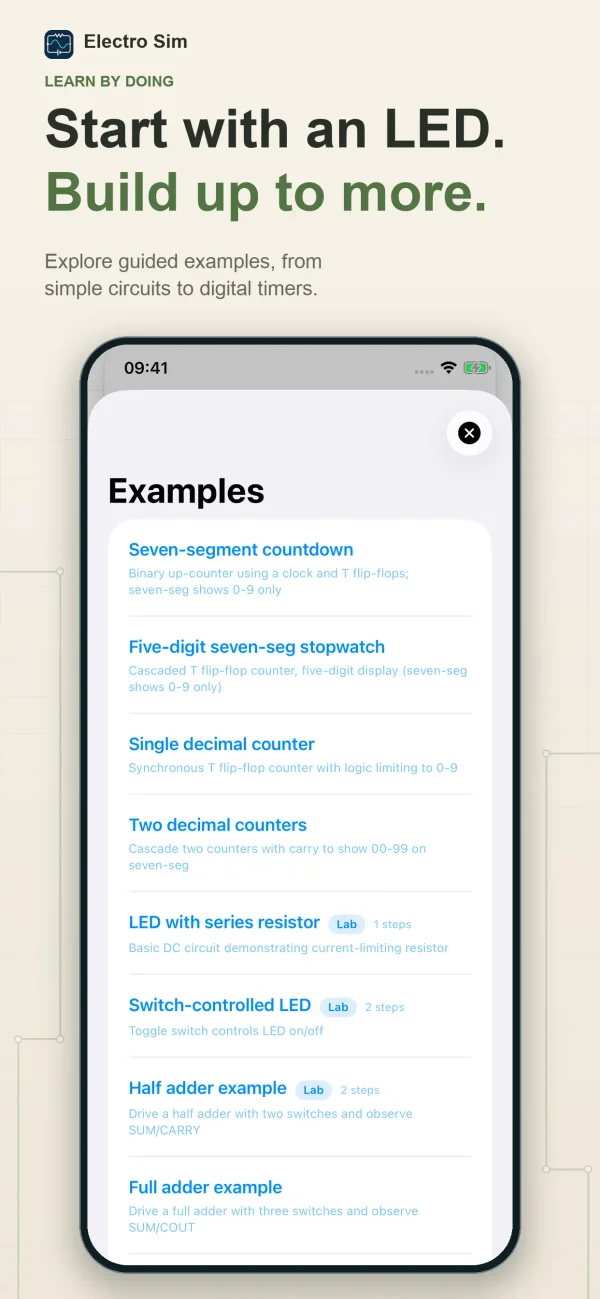
Explore LED circuits, capacitor charging, logic gates, adders, counters, seven-segment displays, and traffic lights. Selected examples include guided steps that help you investigate the circuit and check your understanding.
FIND THE PARTS YOU NEED
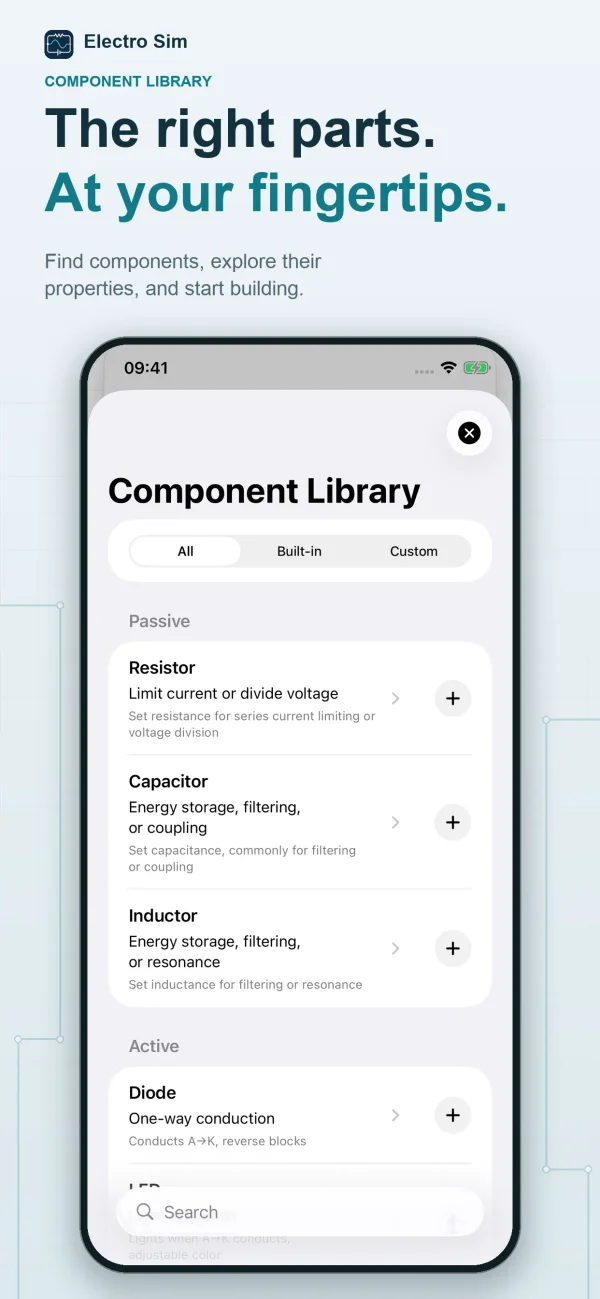
Browse a searchable component library with resistors, capacitors, inductors, diodes, LEDs, transistors, switches, buzzers, logic gates, and signal sources. Component descriptions and pin information help you decide what to use and how to connect it.
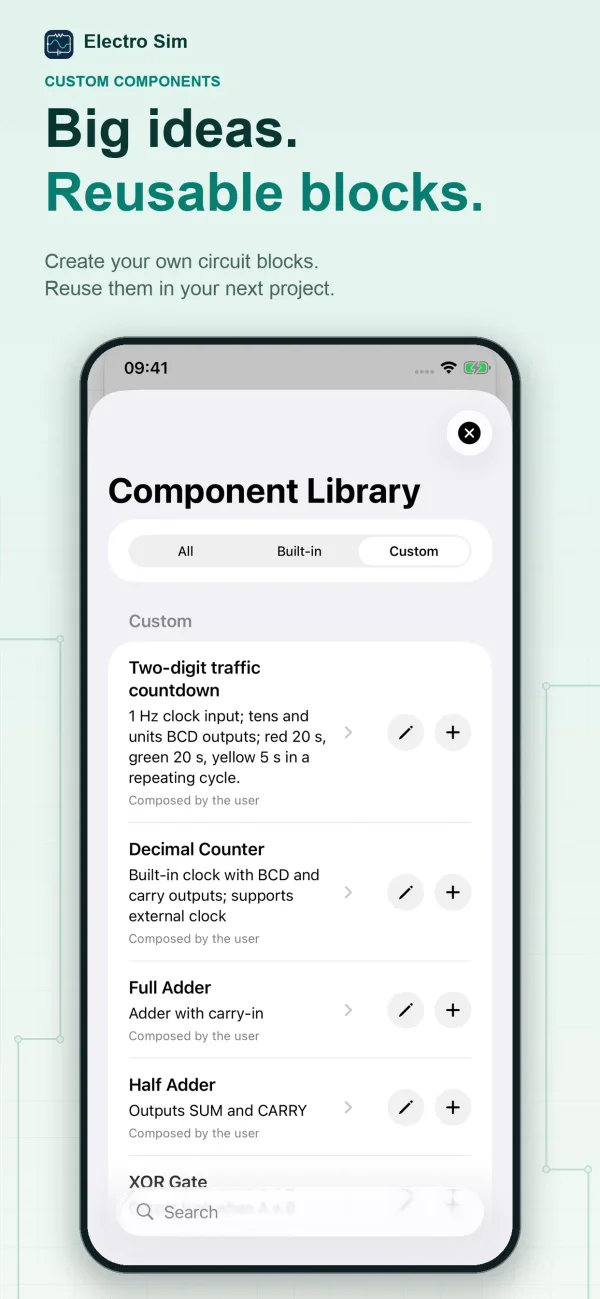
TURN CIRCUIT BLOCKS INTO REUSABLE MODULES
With Pro, create custom components from circuit blocks, define their pins, and reuse them in new projects. Build up a collection of modules as your ideas grow. Custom component creation and use require an active Pro subscription.
SAVE AND SHARE YOUR WORK
Save projects to revisit later, exchange circuit files in JSON format, and export circuit snapshots or PDF reports with readings and notes for learning and discussion.
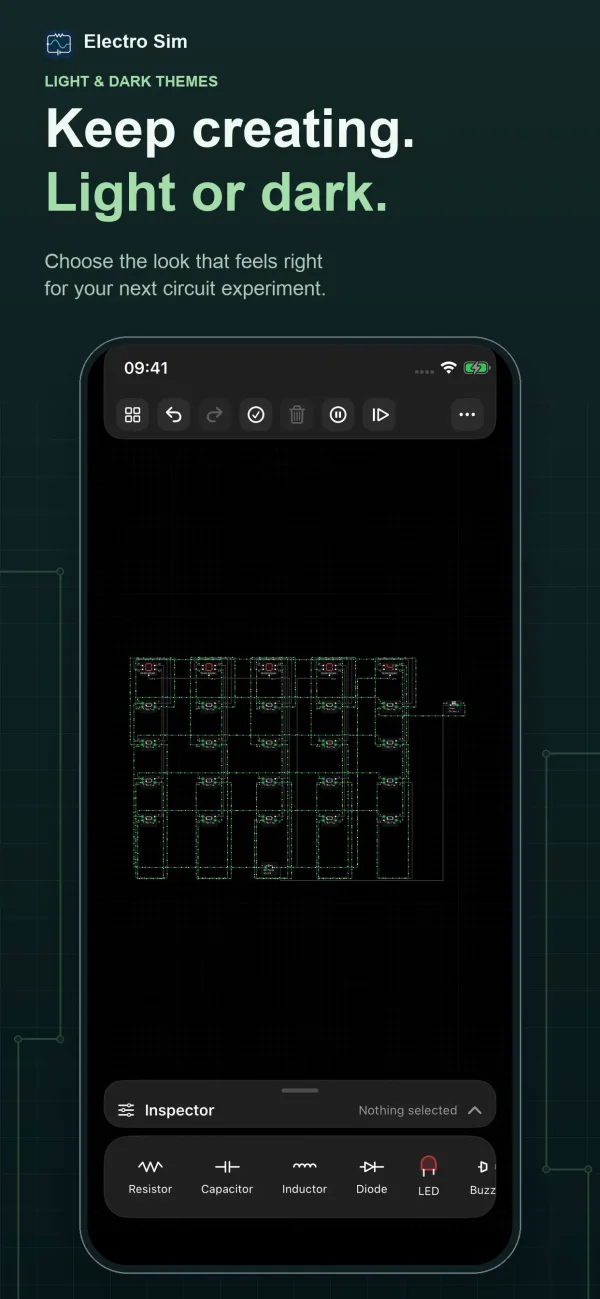
Designed for iPhone and iPad, with light and dark appearances and English, Simplified Chinese, and Traditional Chinese interfaces.
Start with one LED, then see where your curiosity takes you.
Có gì mới
Phiên bản 1.1.3 · 22/10/2026
Added more current-flow animation styles and fixed known issues for a smoother, more reliable simulation experience.
Quyền riêng tư của ứng dụng
Những gì 剑龙 刘 khai báo trên App Store về cách ứng dụng này xử lý dữ liệu.
-
Dữ liệu không được thu thập
Nhà phát triển không thu thập bất kỳ dữ liệu nào từ ứng dụng này.
Phương thức đảm bảo quyền riêng tư có thể khác nhau, chẳng hạn như tuỳ theo các tính năng bạn sử dụng hoặc độ tuổi của bạn.
Thông tin
- Người bán
- 剑龙 刘
- Danh mục
- Giáo Dục
- Phiên bản
- 1.1.3
- Cập nhật
- 22/10/2026
- Phát hành
- 29/01/2026
- Kích thước
- 19,1 MB
- Yêu cầu
- iOS 17.6 trở lên
- Độ tuổi
- 4+
- Giá
- Miễn phí
- Mua hàng trong ứng dụng
- Có
- Ngôn ngữ
- Tiếng Anh, Tiếng Trung Giản thể, Tiếng Trung Phồn thể
- Bản quyền
- © jianlong liu
Có thể bạn cũng thích
-
 CircuitWay - Circuit SimulatorGiáo Dục
-
 Singular: Circuit SimulatorGiáo Dục
-
 Circuit Design & SimulationGiáo Dục
-
 Perfboard LabMô phỏng & học điện tử
-
 CloudLabs Mixed CircuitGiáo Dục
-
 EveryPanelGiáo Dục
-
 Mô phỏng mạch số LogicalArtTự làm CPU từ cổng logic
-
 Circuit DesignGiáo Dục
-
 Ohmira: Circuit SimulatorGiáo Dục
-
 LogicGate: Circuit SimulatorGiáo Dục