- 対象年齢4+
- カテゴリ教育
- 開発元剑龙 刘
- 言語英語ほか2言語
- サイズ19.1 MB
App Storeの公式ページにリンクしています
Download.orgはElectro Simのファイルを一切ホストしていません。ボタンを押すと、剑龙 刘が公開しているApp Storeのアプリページが開きます。ページの最終確認:2026/11/17。
スクリーンショット
概要
開発元はこのテキストをお使いの言語で提供していません。
Build a circuit. See current flow. Understand how it works.
Electro Sim turns electronics into something you can explore on your iPhone or iPad. Place components, connect wires, and run a simulation to see how your circuit responds. Whether you are learning the basics, preparing a classroom demonstration, or testing an idea, start with a working example or build your own.
BUILD ON A CANVAS OR A BREADBOARD
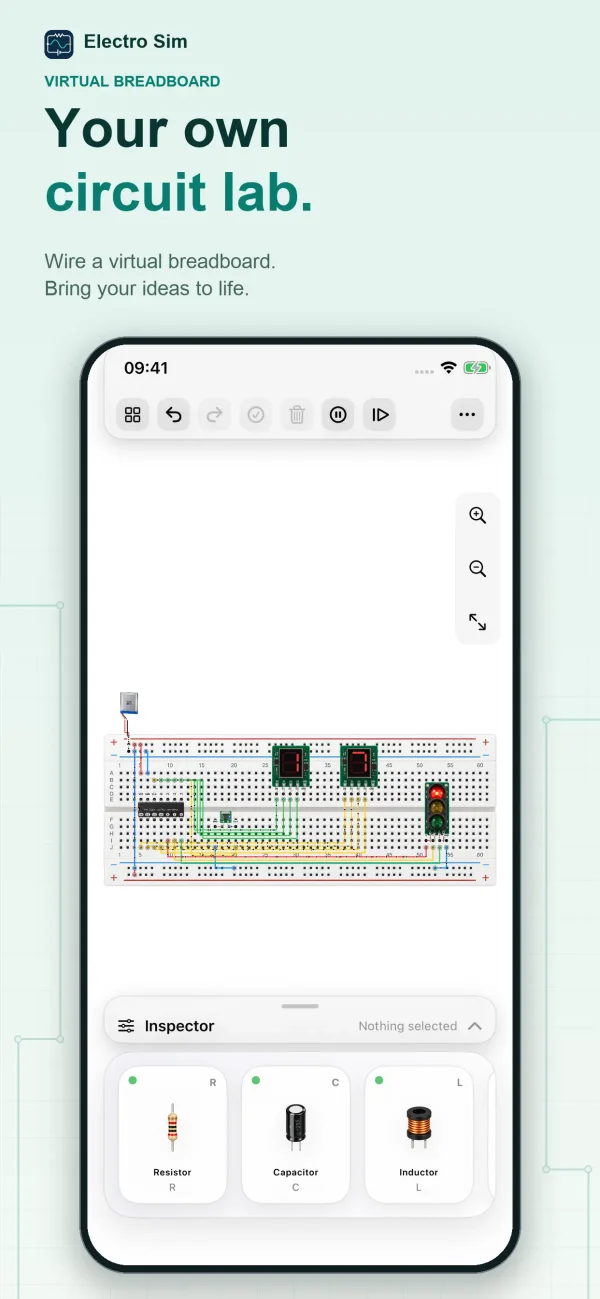
Create schematic circuits with drag-and-drop components and flexible wiring, or try a virtual breadboard with components and jumper wires. Zoom in to make connections, rotate parts, and use undo and redo as you experiment.
SEE WHAT CHANGES WHEN YOU CHANGE THE CIRCUIT
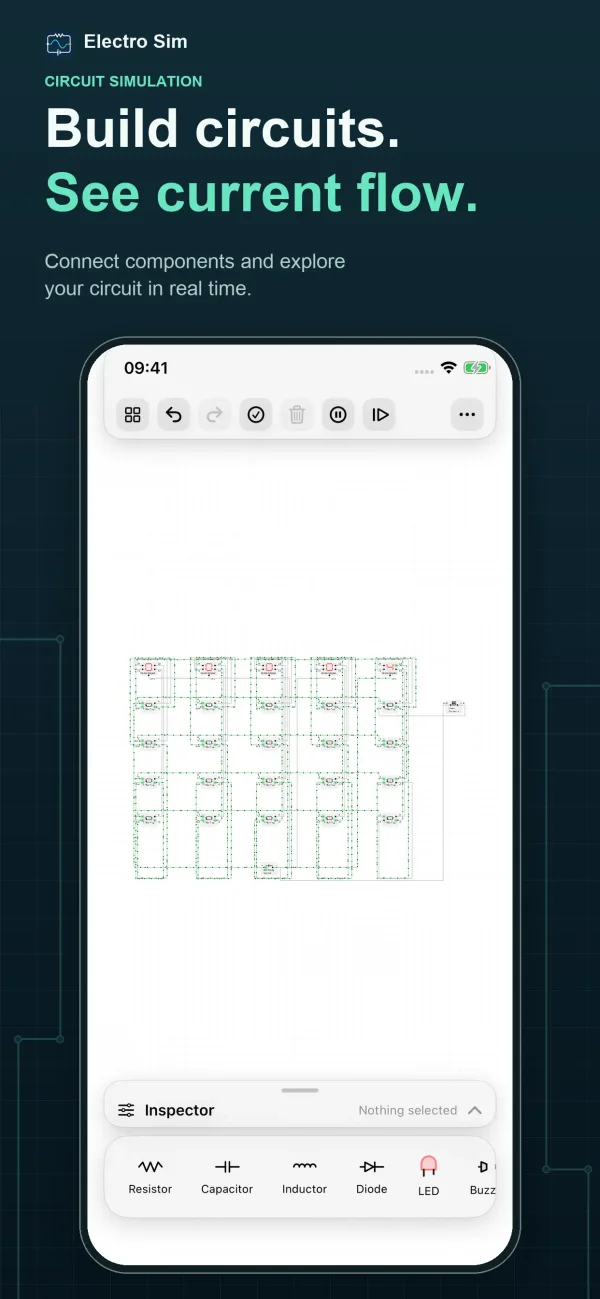
Follow animated current flow, inspect voltage and current readings, and use a virtual multimeter to explore circuit behavior. Adjust component values, toggle switches, or advance the simulation one step at a time to connect cause and effect.
LEARN THROUGH WORKING EXAMPLES
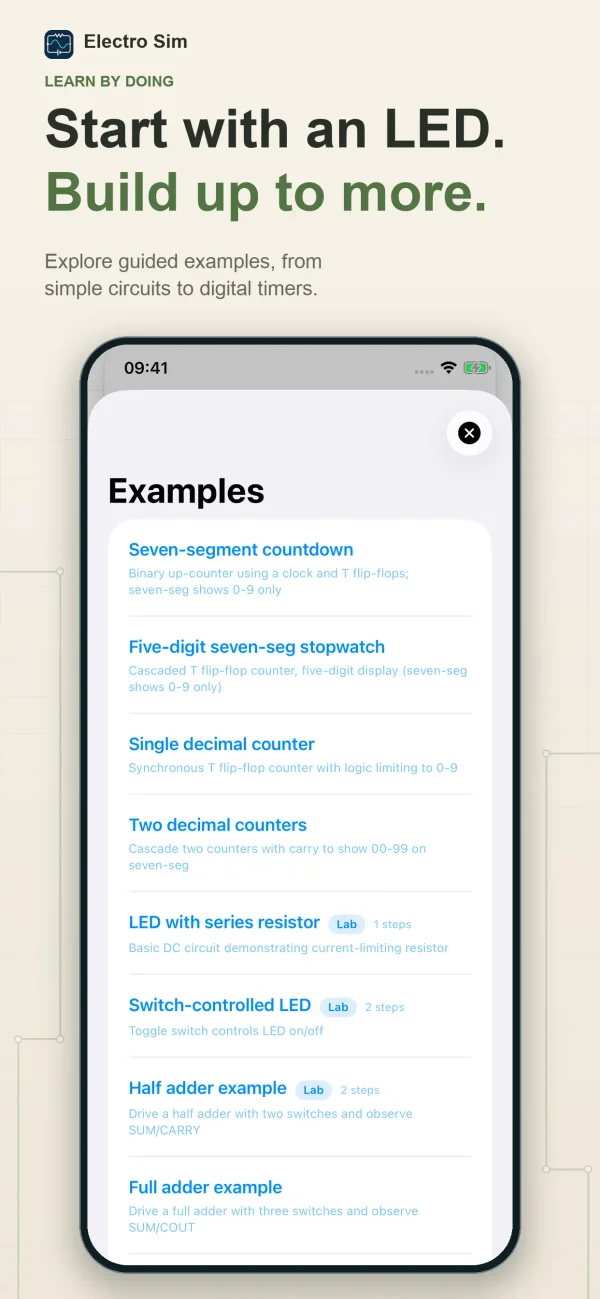
Explore LED circuits, capacitor charging, logic gates, adders, counters, seven-segment displays, and traffic lights. Selected examples include guided steps that help you investigate the circuit and check your understanding.
FIND THE PARTS YOU NEED
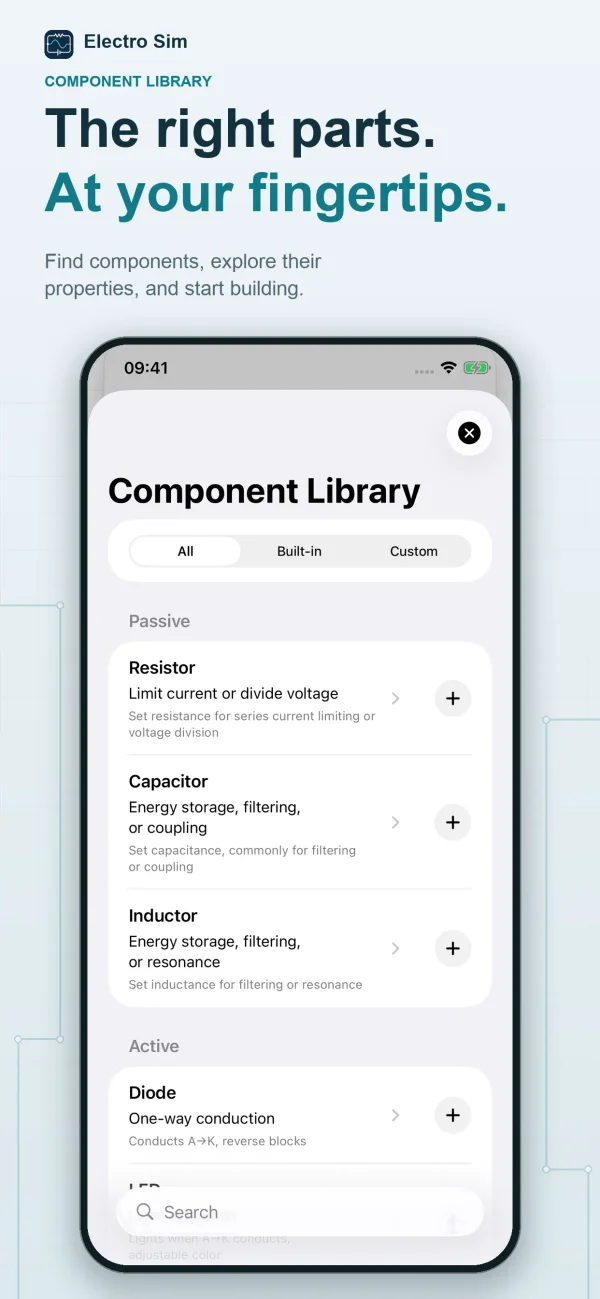
Browse a searchable component library with resistors, capacitors, inductors, diodes, LEDs, transistors, switches, buzzers, logic gates, and signal sources. Component descriptions and pin information help you decide what to use and how to connect it.
TURN CIRCUIT BLOCKS INTO REUSABLE MODULES
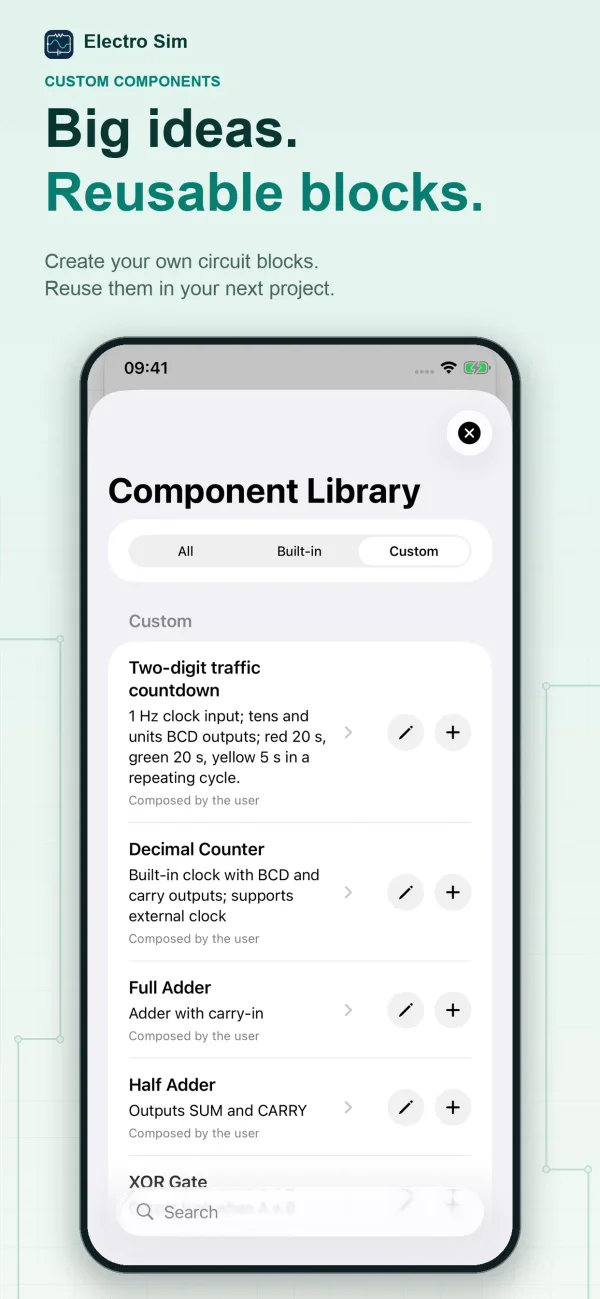
With Pro, create custom components from circuit blocks, define their pins, and reuse them in new projects. Build up a collection of modules as your ideas grow. Custom component creation and use require an active Pro subscription.
SAVE AND SHARE YOUR WORK
Save projects to revisit later, exchange circuit files in JSON format, and export circuit snapshots or PDF reports with readings and notes for learning and discussion.
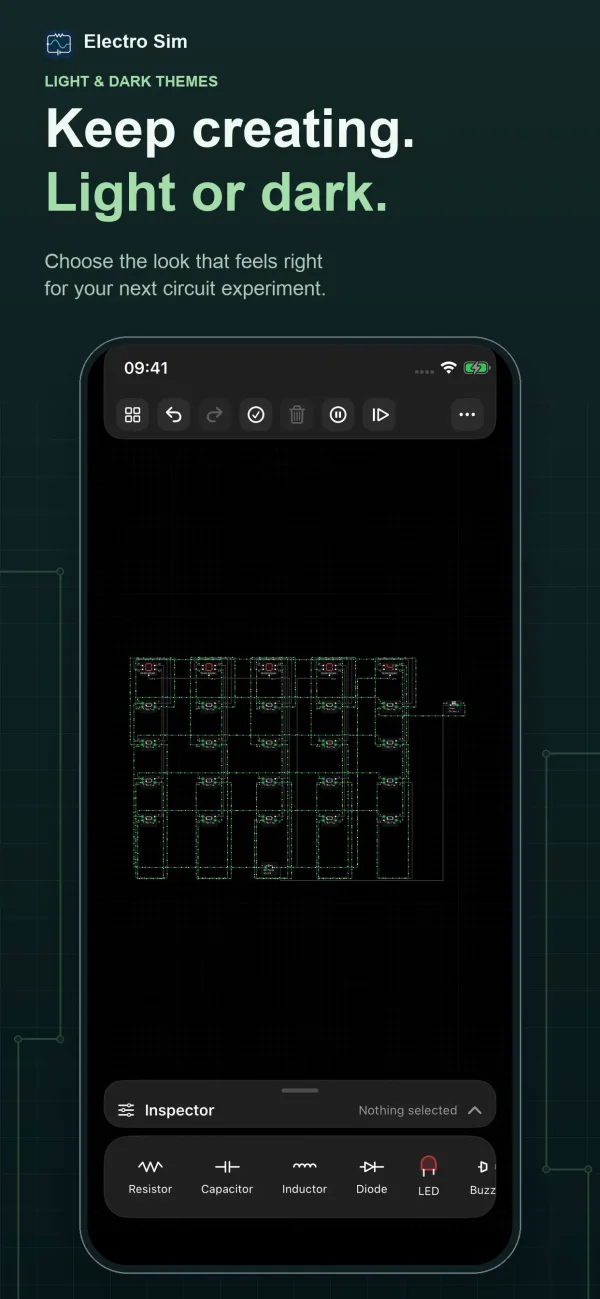
Designed for iPhone and iPad, with light and dark appearances and English, Simplified Chinese, and Traditional Chinese interfaces.
Start with one LED, then see where your curiosity takes you.
新機能
バージョン 1.1.3 · 2026/10/22
Added more current-flow animation styles and fixed known issues for a smoother, more reliable simulation experience.
アプリのプライバシー
このアプリのデータの取り扱いについて、剑龙 刘がApp Storeで申告している内容です。
-
データの収集なし
開発元はこのアプリからデータを収集しません。
プライバシーの取り扱いは、ご利用の機能やお客様の年齢などに応じて異なる場合があります。
情報
- 販売元
- 剑龙 刘
- カテゴリ
- 教育
- バージョン
- 1.1.3
- 更新日
- 2026/10/22
- リリース
- 2026/1/29
- サイズ
- 19.1 MB
- 必要条件
- iOS 17.6以降
- 対象年齢
- 4+
- 価格
- 無料
- アプリ内課金
- あり
- 言語
- 英語, 簡体字中国語, 繁体字中国語
- 著作権
- © jianlong liu
こちらもおすすめ
-
 CircuitWay - Circuit Simulator教育
-
 Singular: Circuit Simulator教育
-
 Circuit Design & Simulation教育
-
 Perfboard Lab電子回路をシミュレーションして学ぶ
-
 CloudLabs Mixed Circuit教育
-
 EveryPanel教育
-
 LogicalArt 論理回路シミュレータデジタル回路と論理ゲートでCPU自作
-
 Circuit Design教育
-
 Ohmira: Circuit Simulator教育
-
 論理回路シミュレータ:デジタル論理ゲート設計とブール代数フリップフロップ・波形・真理値表・ブール代数を自動解析