
Electro Sim
Circuit Simulator
Projetado para iPhone, iPad
Grátis · Compras no app
- Classificação etária4+
- CategoriaEducação
- Desenvolvedor剑龙 刘
- IdiomasInglêse mais 2
- Tamanho19,1 MB
Leva à página oficial na App Store
O Download.org não hospeda nenhum arquivo de Electro Sim. O botão abre a página do app na App Store, onde 剑龙 刘 o publica. Página verificada pela última vez em 17/11/2026.
Capturas de tela
Sobre
O desenvolvedor não forneceu este texto no seu idioma.
Build a circuit. See current flow. Understand how it works.
Electro Sim turns electronics into something you can explore on your iPhone or iPad. Place components, connect wires, and run a simulation to see how your circuit responds. Whether you are learning the basics, preparing a classroom demonstration, or testing an idea, start with a working example or build your own.
BUILD ON A CANVAS OR A BREADBOARD
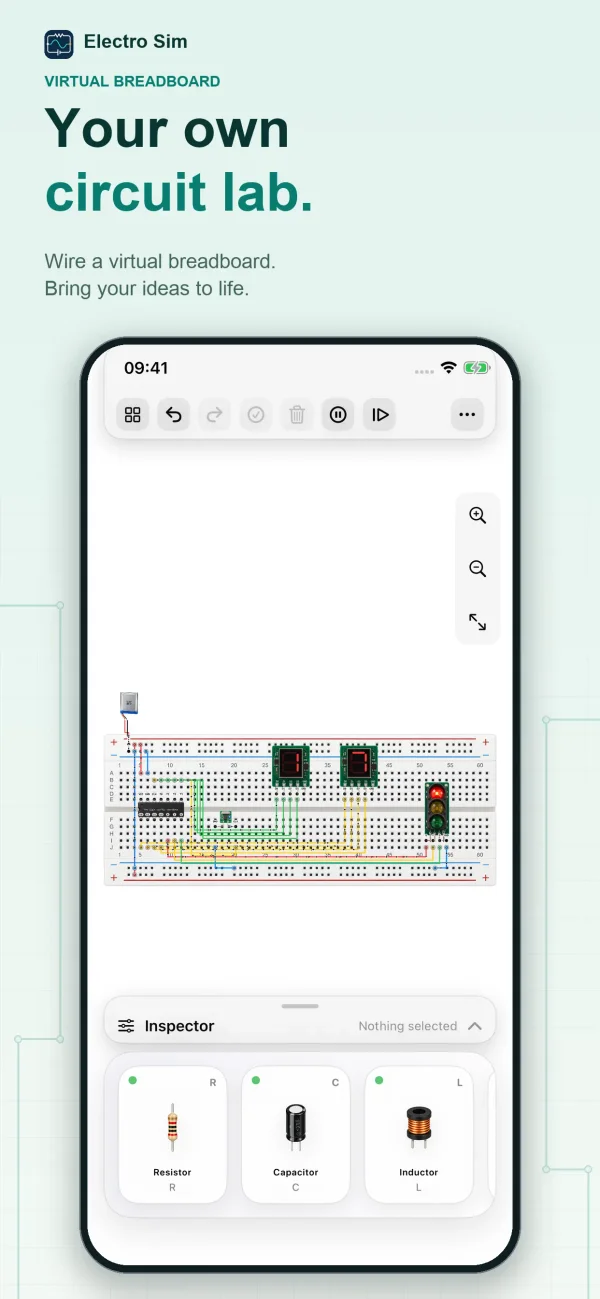
Create schematic circuits with drag-and-drop components and flexible wiring, or try a virtual breadboard with components and jumper wires. Zoom in to make connections, rotate parts, and use undo and redo as you experiment.
SEE WHAT CHANGES WHEN YOU CHANGE THE CIRCUIT
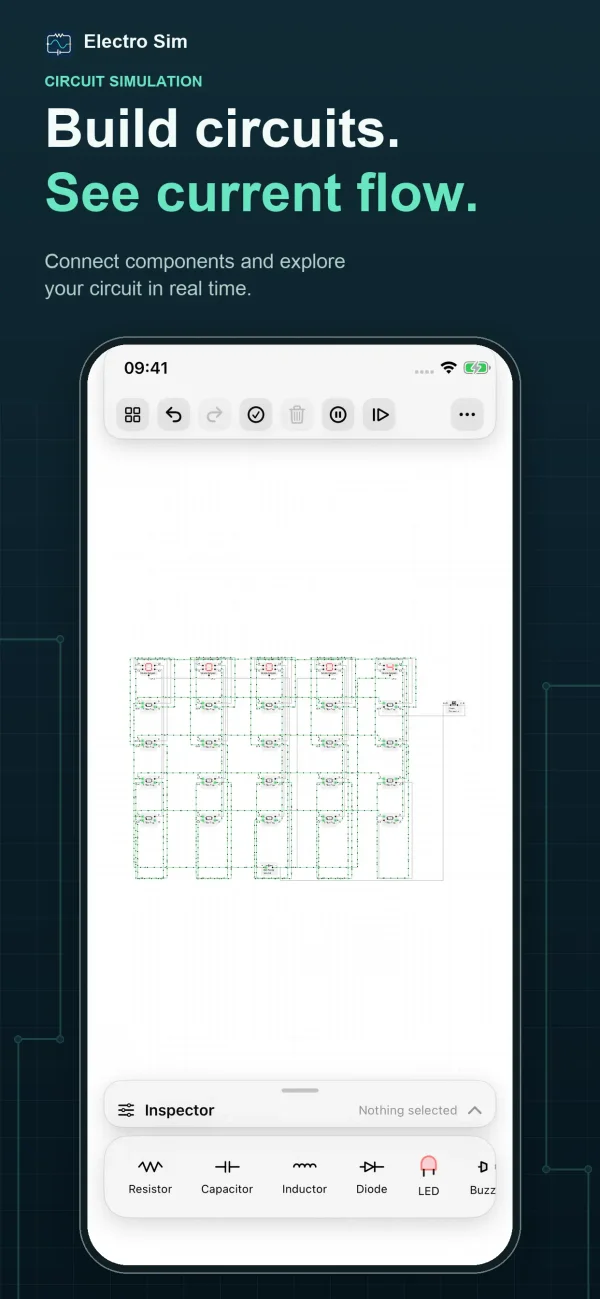
Follow animated current flow, inspect voltage and current readings, and use a virtual multimeter to explore circuit behavior. Adjust component values, toggle switches, or advance the simulation one step at a time to connect cause and effect.
LEARN THROUGH WORKING EXAMPLES
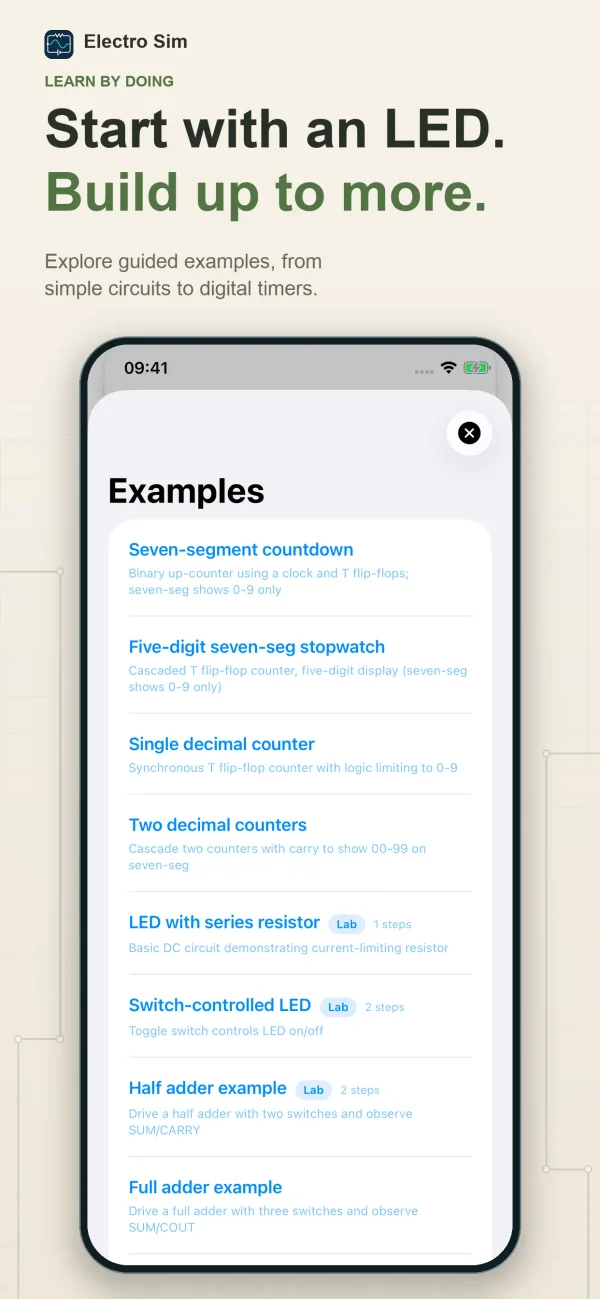
Explore LED circuits, capacitor charging, logic gates, adders, counters, seven-segment displays, and traffic lights. Selected examples include guided steps that help you investigate the circuit and check your understanding.
FIND THE PARTS YOU NEED
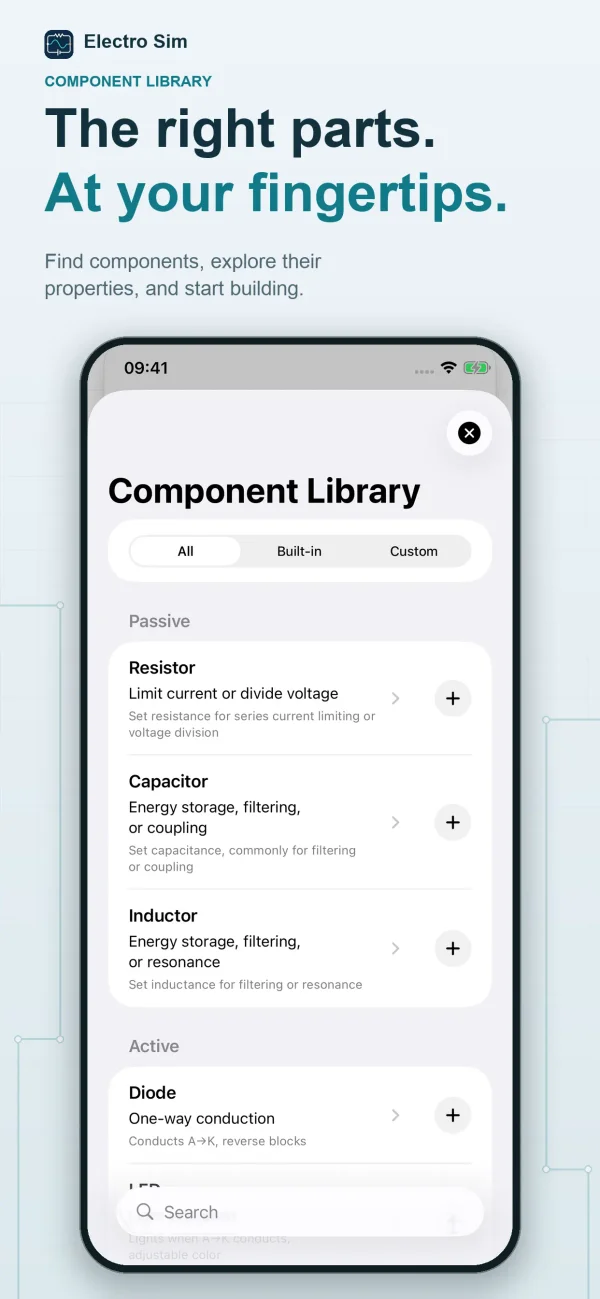
Browse a searchable component library with resistors, capacitors, inductors, diodes, LEDs, transistors, switches, buzzers, logic gates, and signal sources. Component descriptions and pin information help you decide what to use and how to connect it.
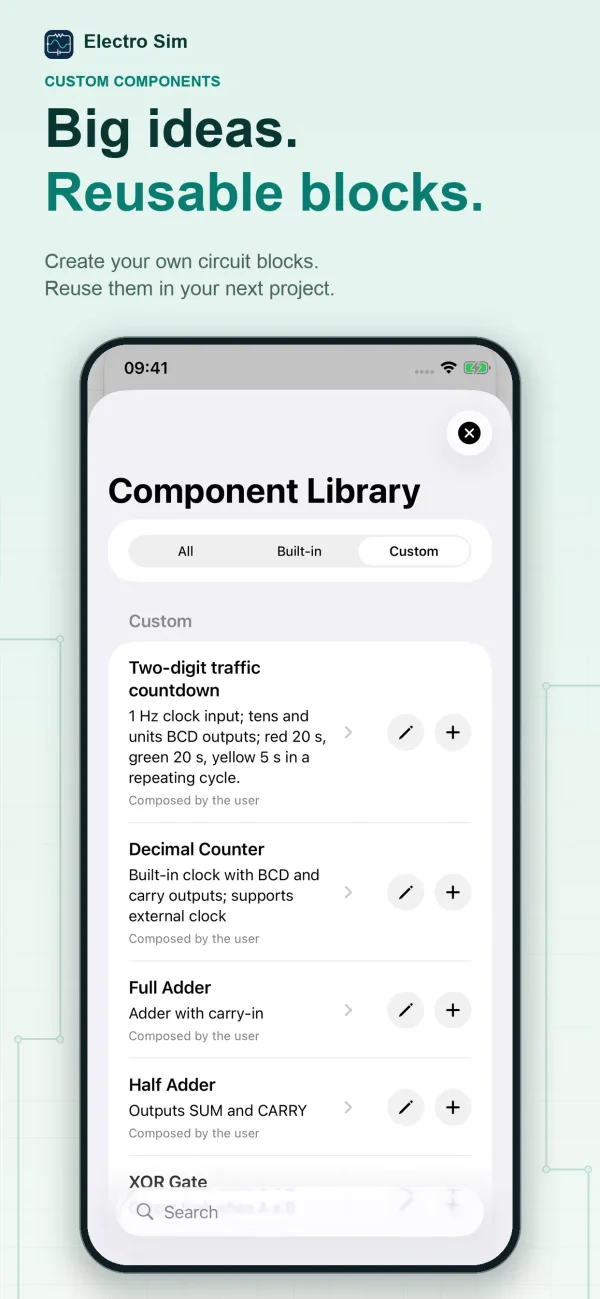
TURN CIRCUIT BLOCKS INTO REUSABLE MODULES
With Pro, create custom components from circuit blocks, define their pins, and reuse them in new projects. Build up a collection of modules as your ideas grow. Custom component creation and use require an active Pro subscription.
SAVE AND SHARE YOUR WORK
Save projects to revisit later, exchange circuit files in JSON format, and export circuit snapshots or PDF reports with readings and notes for learning and discussion.
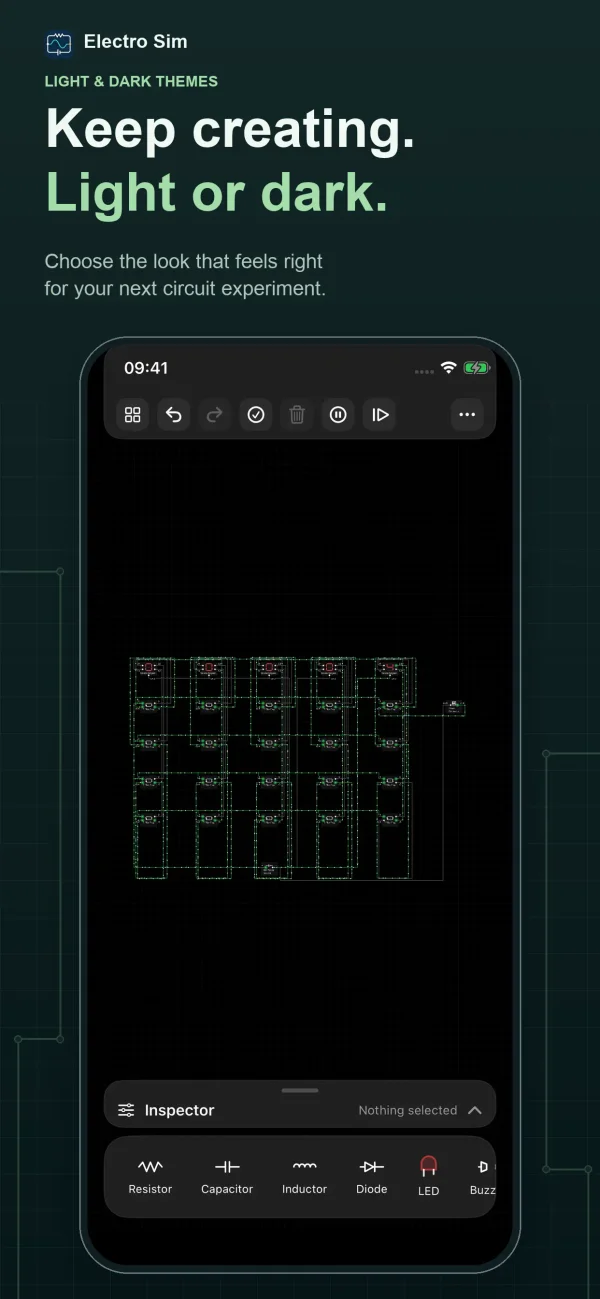
Designed for iPhone and iPad, with light and dark appearances and English, Simplified Chinese, and Traditional Chinese interfaces.
Start with one LED, then see where your curiosity takes you.
Novidades
Versão 1.1.3 · 22/10/2026
Added more current-flow animation styles and fixed known issues for a smoother, more reliable simulation experience.
Privacidade do app
O que 剑龙 刘 declara na App Store sobre como este app lida com os dados.
-
Dados não coletados
O desenvolvedor não coleta nenhum dado deste app.
As práticas de privacidade podem variar, por exemplo, com base nos recursos que você usa ou na sua idade.
Informações
- Vendedor
- 剑龙 刘
- Categoria
- Educação
- Versão
- 1.1.3
- Atualizado
- 22/10/2026
- Lançamento
- 29/01/2026
- Tamanho
- 19,1 MB
- Requer
- iOS 17.6 ou posterior
- Classificação etária
- 4+
- Preço
- Grátis
- Compras no app
- Sim
- Idiomas
- Inglês, Chinês simplificado, Chinês tradicional
- Copyright
- © jianlong liu
Você também pode gostar
-
 CircuitWay - Circuit SimulatorEducação
-
 Singular: Circuit SimulatorEducação
-
 Circuit Design & SimulationEducação
-
 Perfboard LabSimule e aprenda eletrônica
-
 CloudLabs Mixed CircuitEducação
-
 EveryPanelEducação
-
 LogicalArt - Circuitos LógicosSimulador de Portas Lógicas
-
 Circuit DesignEducação
-
 Ohmira: Simulador CircuitosAprende eletrónica a criar
-
 Simulador de Circuitos LógicosPortas lógicas e álgebra bool