Floating Clock - Server Time
See seconds over other apps
Conçue pour iPhone, iPad
Gratuit
- Classification d’âge4+
- CatégorieUtilitaires
- DéveloppeurMoongil Jeon
- LanguesAnglais+ 4 de plus
- Taille12,8 Mo
Renvoie vers la page App Store officielle
Download.org n’héberge aucun fichier de Floating Clock - Server Time. Le bouton ouvre la page de l’application sur App Store, où Moongil Jeon la publie. Fiche vérifiée pour la dernière fois le 17/11/2026.
Captures d’écran


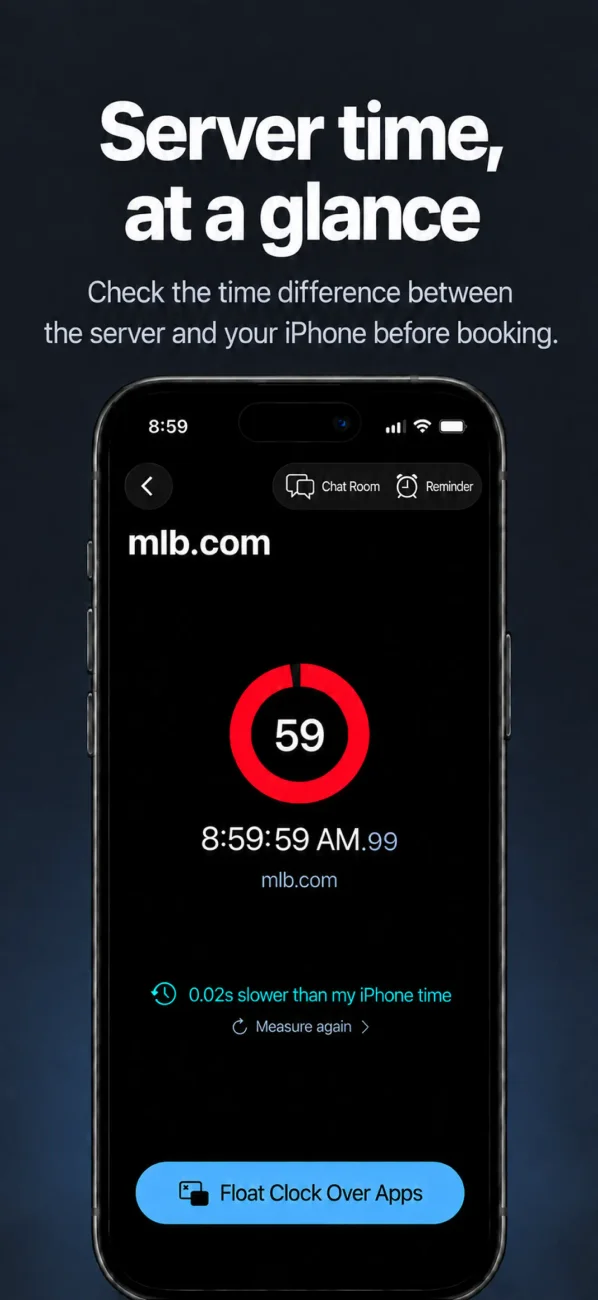

À propos
Le développeur n’a pas fourni ce texte dans votre langue.
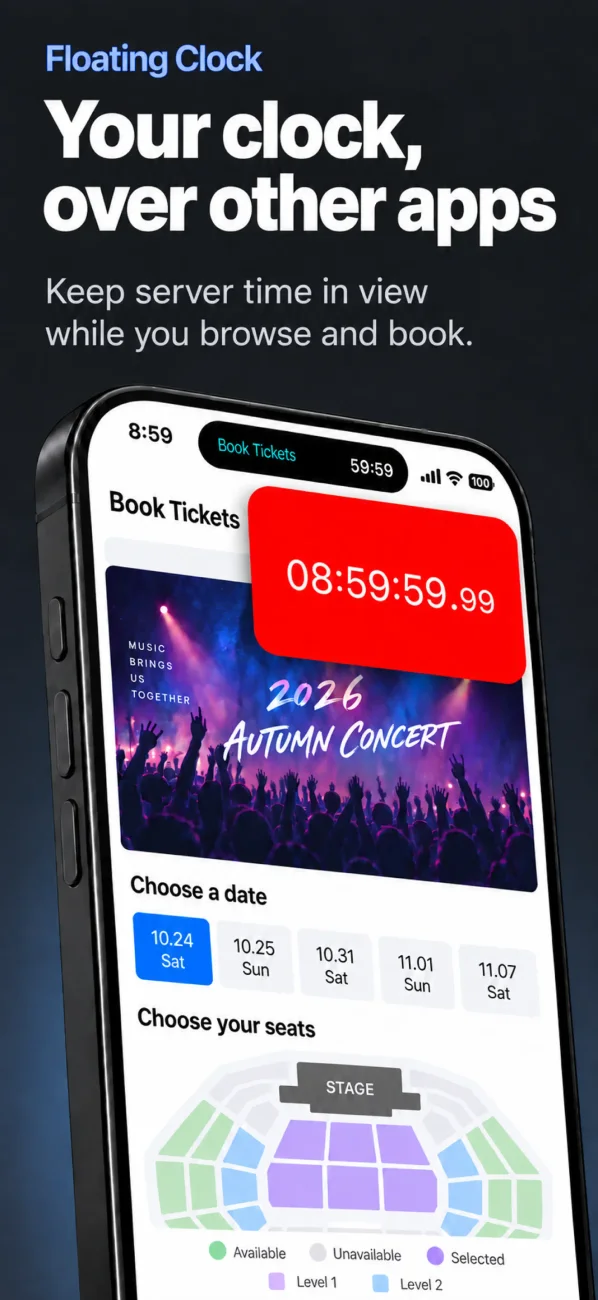
Keep a clock with seconds visible over other apps. Browse, buy tickets or wait for a product drop without switching back to check the time. You can also compare a website's server time with your iPhone's clock.
Keep a floating clock over other apps
• Use Picture in Picture (PiP) to keep a clock with seconds visible over another app.
• Choose your iPhone's current time or a website's measured server time.
• Choose how often the clock alerts you, with sound and color cues starting 10 seconds beforehand.
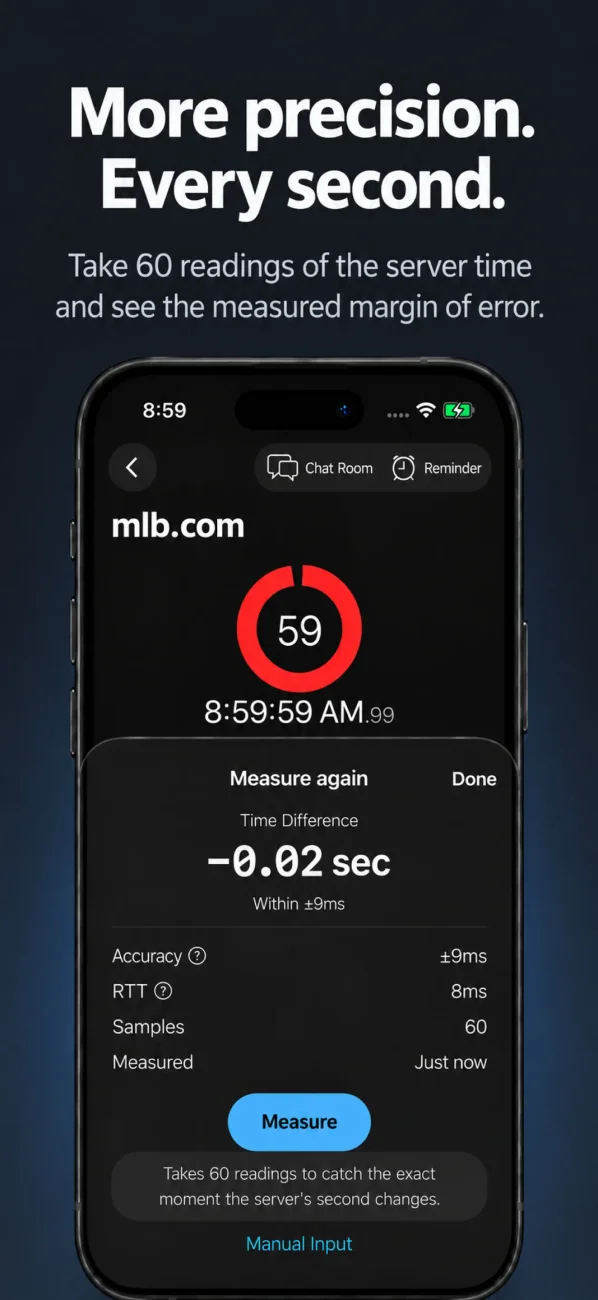
Check server time and the time difference
• When you open a site for the first time, the app measures its server time and shows how it differs from your iPhone's clock.
• Time is displayed in hundredths of a second. You can also check the estimated measurement error.
See the time on your Lock Screen and Dynamic Island
• Use Live Activities to see server time, down to the second, on your Lock Screen.
• On compatible iPhones, Dynamic Island shows the site's name and time.
Schedule reminders by server time
• Set a reminder for the top of the next hour or midnight tonight.
• Get a reminder beforehand or at the scheduled time.
iPhone Duo and iPad support
• Stand your Duo on a desk to view server time on a large clock.
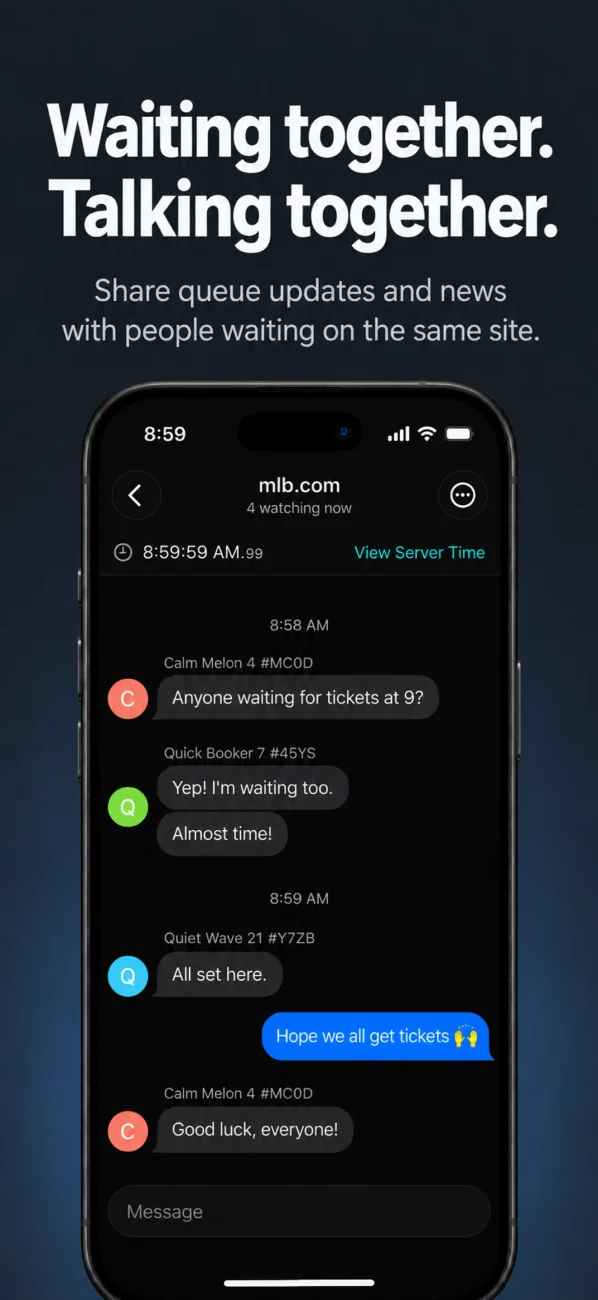
Chat while you wait
• Share queue numbers and server status in the chat room for your site, and react to messages with emoji.
• Join the Lounge to talk with other app users.
Nouveautés
Version 1.5.0 · 04/11/2026
• Added iPhone Duo and iPad support
• Added an option to keep the screen on while viewing the clock
• Usability and stability improvements
Confidentialité de l’application
Ce que Moongil Jeon déclare sur l’App Store au sujet du traitement des données par cette application.
-
Données établissant un lien avec vous
Peuvent être collectées et liées à votre identité.
- Emplacement
- Contenu utilisateur
- Identifiants
- Données d’utilisation
-
Données n’établissant aucun lien avec vous
Peuvent être collectées, mais ne sont pas liées à votre identité.
- Diagnostic
Les pratiques en matière de confidentialité peuvent varier, notamment en fonction des fonctionnalités que vous utilisez ou de votre âge.
Informations
- Vendeur
- Moongil Jeon
- Catégorie
- Utilitaires
- Version
- 1.5.0
- Mis à jour
- 04/11/2026
- Publié
- 08/07/2024
- Taille
- 12,8 Mo
- Nécessite
- iOS 16.4 ou version ultérieure
- Classification d’âge
- 4+
- Prix
- Gratuit
- Langues
- Anglais, Japonais, Coréen, Chinois simplifié, Chinois traditionnel
- Copyright
- Copyright © 2024-2025 Moongil Jeon
Vous aimerez peut-être aussi
-
 Second-SyncPiP pour le moment clé
-
 Floatory : horloge flottanteHorloge PiP et débit réseau
-
 Floating Clock &StopWatchUtilitaires
-
 더치트 - 사기피해 정보공유 공식 앱Utilitaires
-
 Clutter - Screenshot OrganizerUtilitaires
-
 iFloating Clock - RealtimeUtilitaires
-
 Mobile IDentification AppUtilitaires
-
 b.stageUtilitaires
-
 悬浮时间-悬浮秒表悬浮窗控时助手Utilitaires
-
 LED Banner - LED Scroller AppUtilitaires