Huecast
RAL Color Match, Convert & 3D
Conçue pour iPhone, iPad
Gratuit · Achats intégrés
- Classification d’âge4+
- CatégorieGraphisme et design
- DéveloppeurEymen Varilci
- LanguesAnglais+ 2 de plus
- Taille44,3 Mo
Renvoie vers la page App Store officielle
Download.org n’héberge aucun fichier de Huecast. Le bouton ouvre la page de l’application sur App Store, où Eymen Varilci la publie. Fiche vérifiée pour la dernière fois le 25/11/2026.
Captures d’écran


À propos
Le développeur n’a pas fourni ce texte dans votre langue.
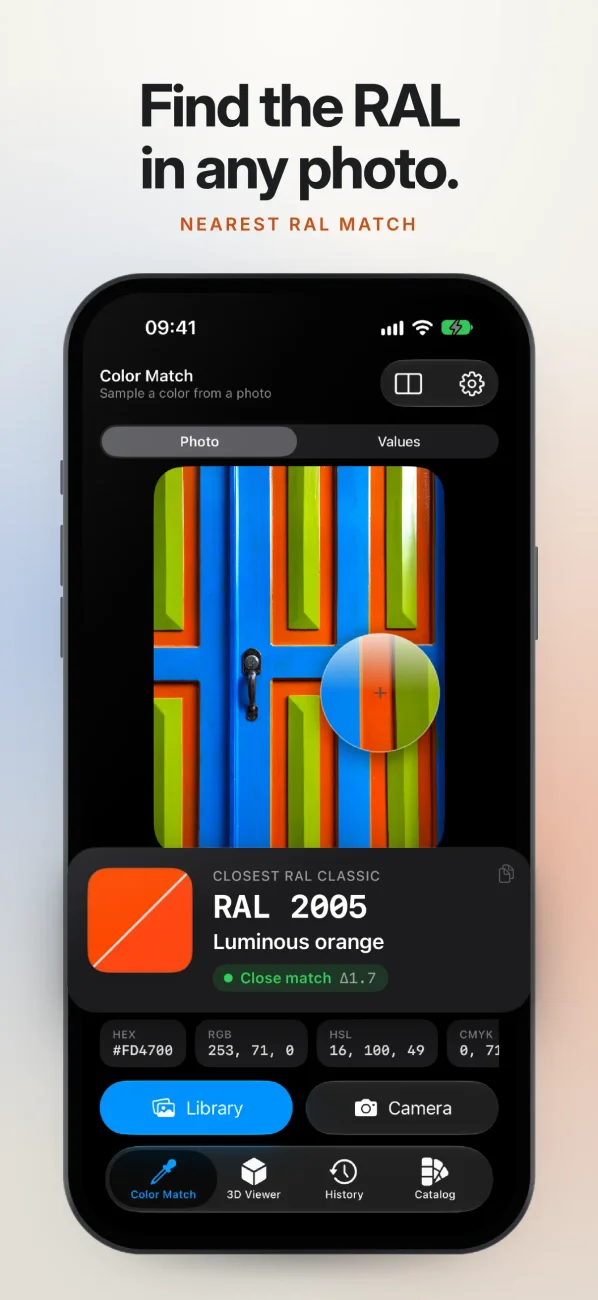
FIND THE RAL IN ANY PHOTO
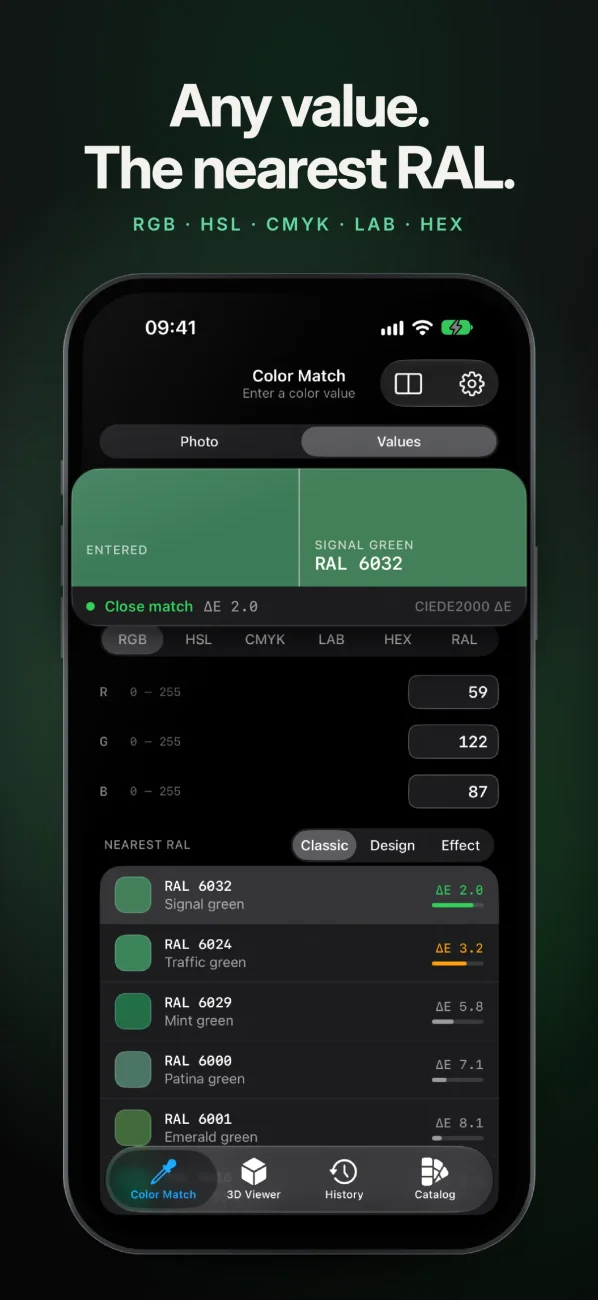
Pick a photo or take one, then drag across it: Huecast reads the color under your finger and shows the closest RAL shade with its ΔE, HEX, RGB, HSL and CMYK.
CONVERT BETWEEN COLOR FORMATS
Enter an RGB, HSL, CMYK, LAB or HEX value, or a RAL code, and instantly get the closest matching colors from the RAL catalogs, ranked by ΔE — no more guessing or manual lookup tables.
FULL COLOR CATALOGS
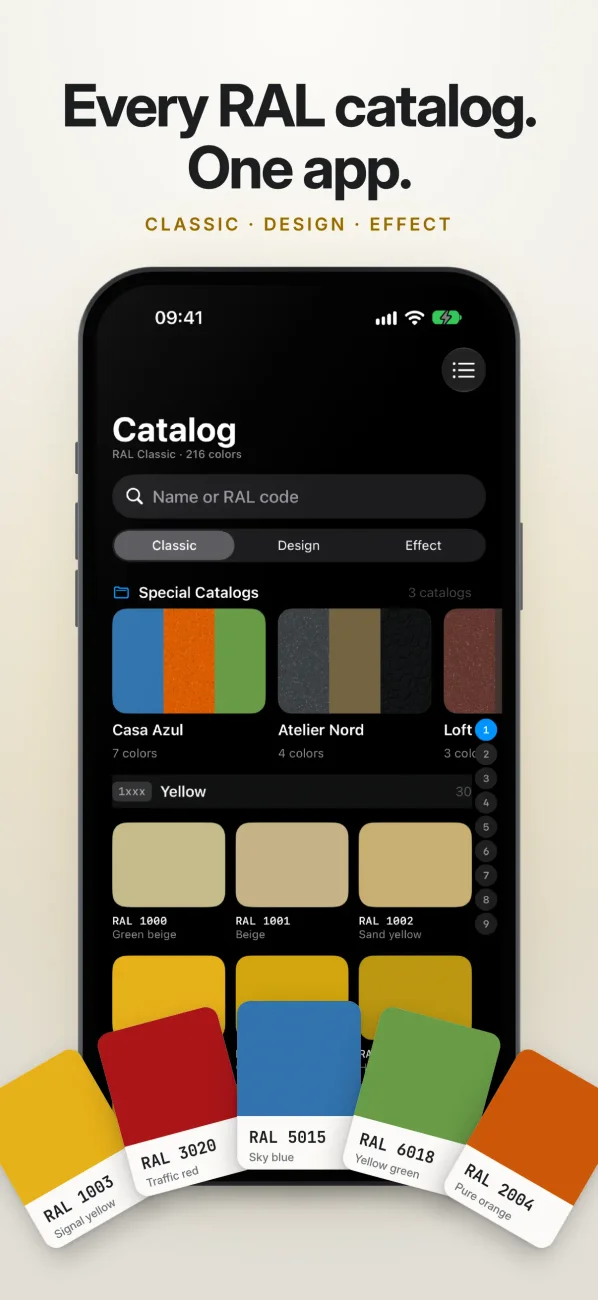
Browse and search all of RAL Classic, plus RAL DESIGN plus and RAL EFFECT with Huecast Pro. Save your own selections as special catalogs.
MADE FOR iPAD
On iPad, every screen gets its own layout with a sidebar, a menu bar with keyboard shortcuts, trackpad and mouse support, Apple Pencil hover and drag and drop. Split View and Stage Manager are supported.
Nouveautés
Version 1.3.0 · 23/11/2026
Huecast, now made for iPad.
Every screen has a layout of its own on iPad: the sidebar on the left, your work in the middle, the details beside it.
• Color Match: your photo or values with the nearest RAL in a panel beside them, upright or on its side.
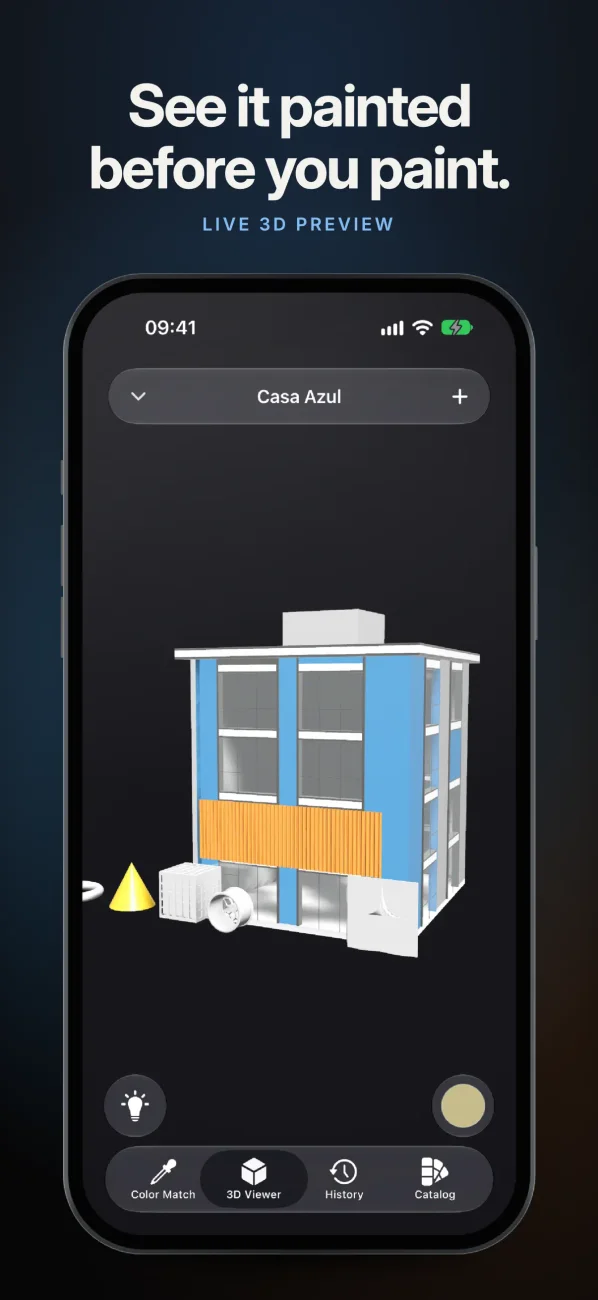
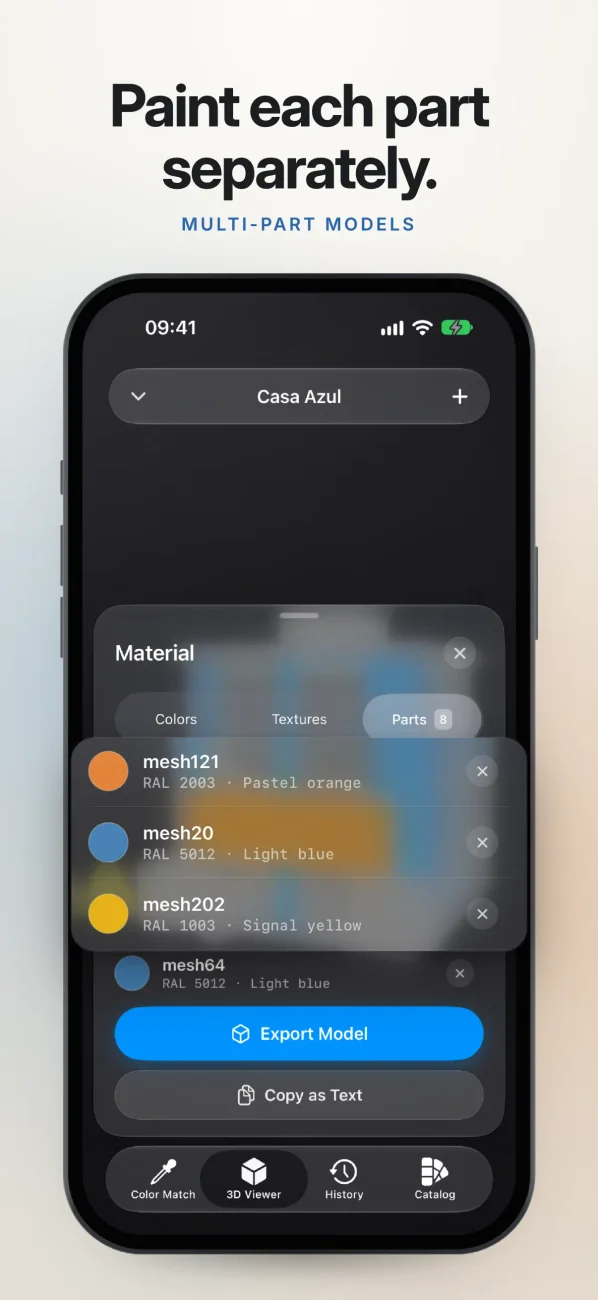
• 3D Viewer: the model fills the screen, with materials and lighting in a panel next to it. Upright, the model sits on top and the panel below.
• Catalog: the swatch grid with the selected color's card beside it.
• History: your models as a gallery, with the details alongside.
• Settings: a place of its own in the sidebar.
• Menu bar and keyboard shortcuts: ⌘1–⌘5 to switch screens, ⌘O to import a model, ⌘F to find a color, ⇧⌘C to copy the HEX, ⌘Z to undo painting, and more.
• Trackpad and mouse: scroll to orbit the model, pinch or use the scroll wheel to zoom, hover over a part to see its name, and right-click matches and swatches for quick actions.
• Apple Pencil: hover over a photo to preview the color under the tip.
• Drag and drop: drop a USDZ from Files into the 3D Viewer or a photo into Color Match, and drag RAL swatches into other apps.
• Split View and Stage Manager: in a narrow window, Huecast switches to its iPhone layout.
Already a Huecast Pro subscriber on iPhone? It works on iPad with the same Apple ID — tap Restore Purchases if you need to.
Also in this update:
• The camera now opens full screen.
• Pasting text such as "RAL 6032 Signal green #3B7A57" into Color Match now picks up the HEX value.
• Fixed: if importing a model with the same name as one in your library failed, the original could be removed. It now stays exactly as it was.
Confidentialité de l’application
Ce que Eymen Varilci déclare sur l’App Store au sujet du traitement des données par cette application.
-
Données établissant un lien avec vous
Peuvent être collectées et liées à votre identité.
- Identifiants
-
Données n’établissant aucun lien avec vous
Peuvent être collectées, mais ne sont pas liées à votre identité.
- Données d’utilisation
- Diagnostic
Les pratiques en matière de confidentialité peuvent varier, notamment en fonction des fonctionnalités que vous utilisez ou de votre âge.
Informations
- Vendeur
- Eymen Varilci
- Catégorie
- Graphisme et design
- Version
- 1.3.0
- Mis à jour
- 23/11/2026
- Publié
- 18/08/2026
- Taille
- 44,3 Mo
- Nécessite
- iOS 26.0 ou version ultérieure
- Classification d’âge
- 4+
- Prix
- Gratuit
- Achats intégrés
- Oui
- Langues
- Anglais, Allemand, Turc
- Copyright
- © Eymen Varilci
Vous aimerez peut-être aussi
-
 Colour DetectiveGraphisme et design
-
 Color Picker: Camera ScannerHEX RGB Palette IA Nuancier
-
 ColorsScanGraphisme et design
-
 Palette UpGraphisme et design
-
 TattooLab: AI Tattoo MakerGraphisme et design
-
 AI Garden Design - LandscapingGraphisme et design
-
 Bead StudioPhotos en motifs de perles
-
 Ink AI: Tatouage & EssayageGénérateur IA, idées de tattoo
-
 AI Interior & Home DesignGraphisme et design