Hyper PDF: PDF Editor, Reader
Sign PDFs, Scan PDF, Lock PDF
Conçue pour iPhone, iPad, iPod touch
Gratuit
- Classification d’âge+4
- CatégorieUtilitaires
- DéveloppeurTan Do Duc
- LanguesAnglais
- Taille21,4 Mo
Renvoie vers la page App Store officielle
Download.org n’héberge aucun fichier de Hyper PDF: PDF Editor, Reader. Le bouton ouvre la page de l’application sur App Store, où Tan Do Duc la publie. Fiche vérifiée pour la dernière fois le 14/11/2026.
Captures d’écran
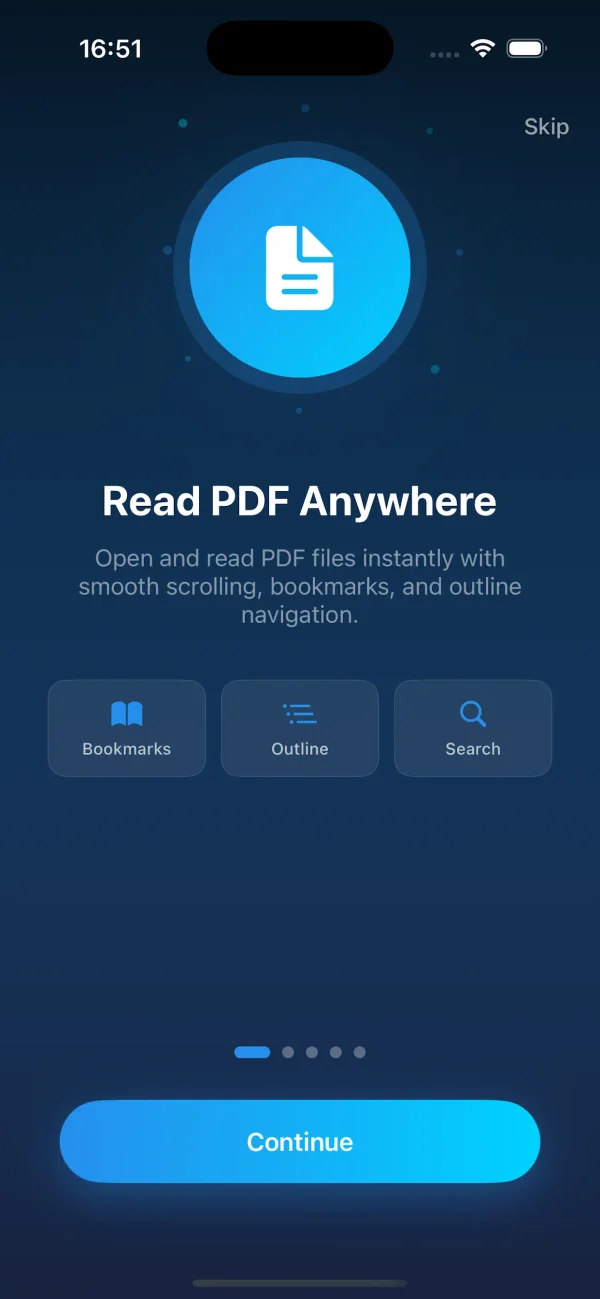
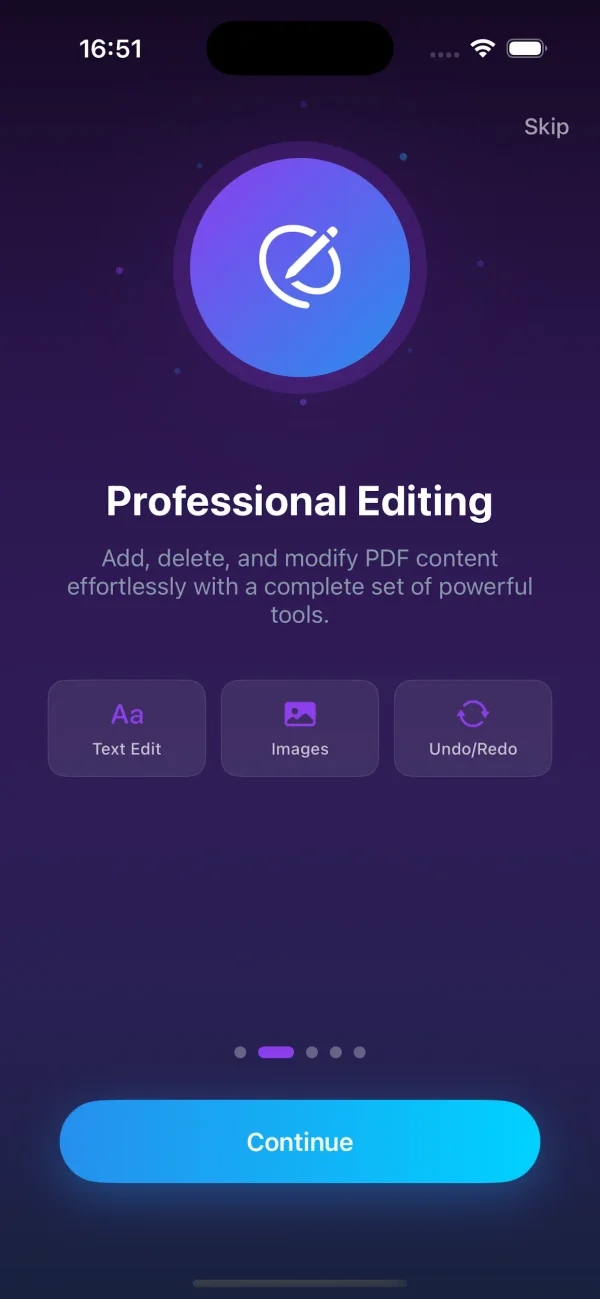
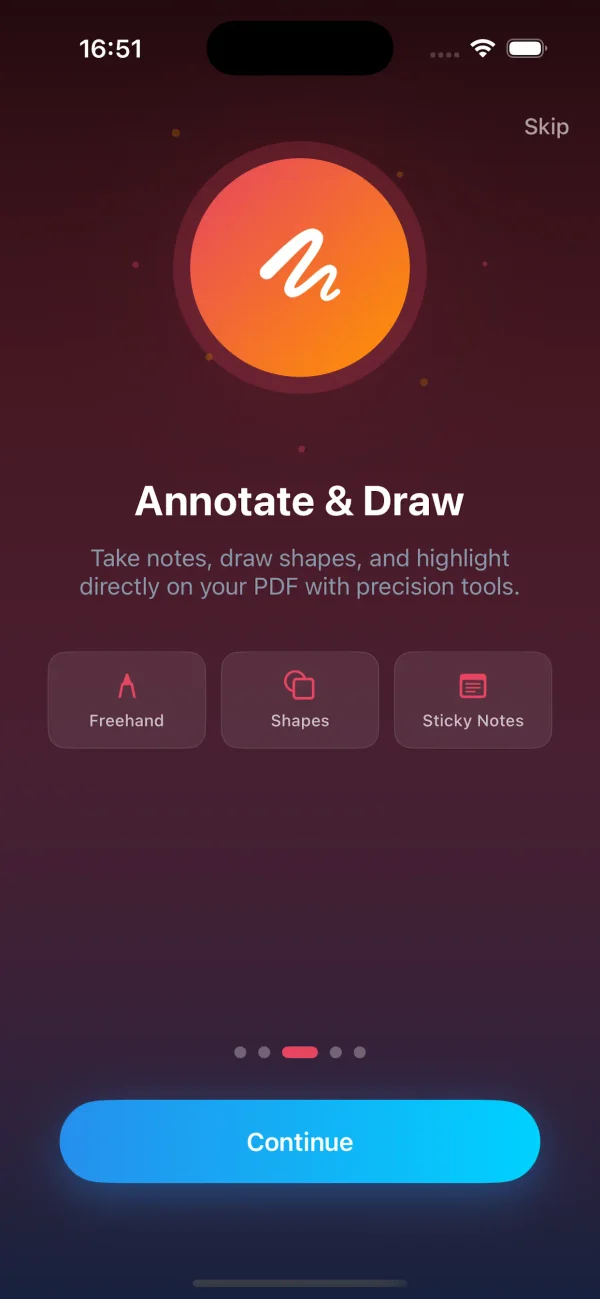
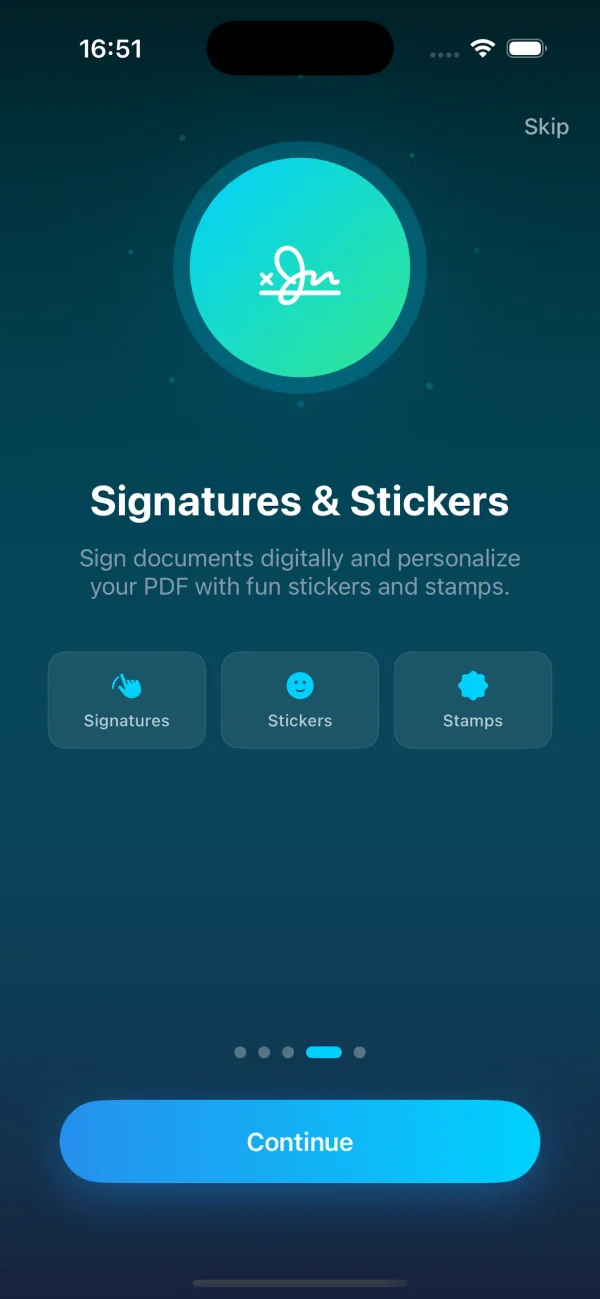
À propos
Le développeur n’a pas fourni ce texte dans votre langue.
The Hyper Way to Edit PDFs.
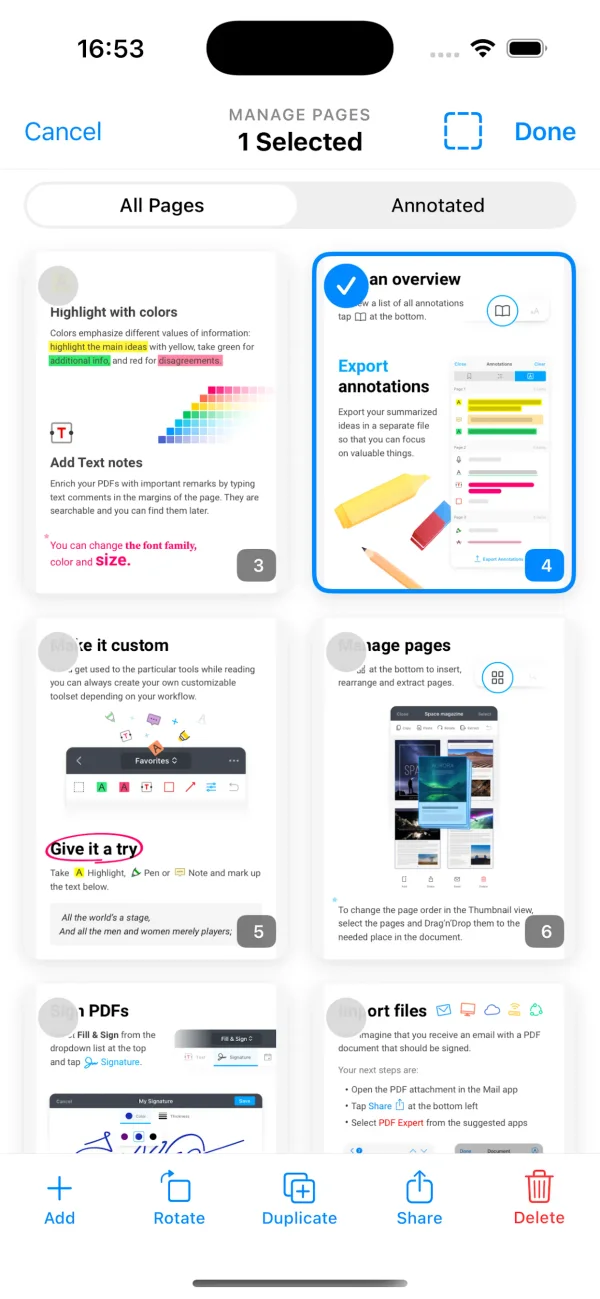
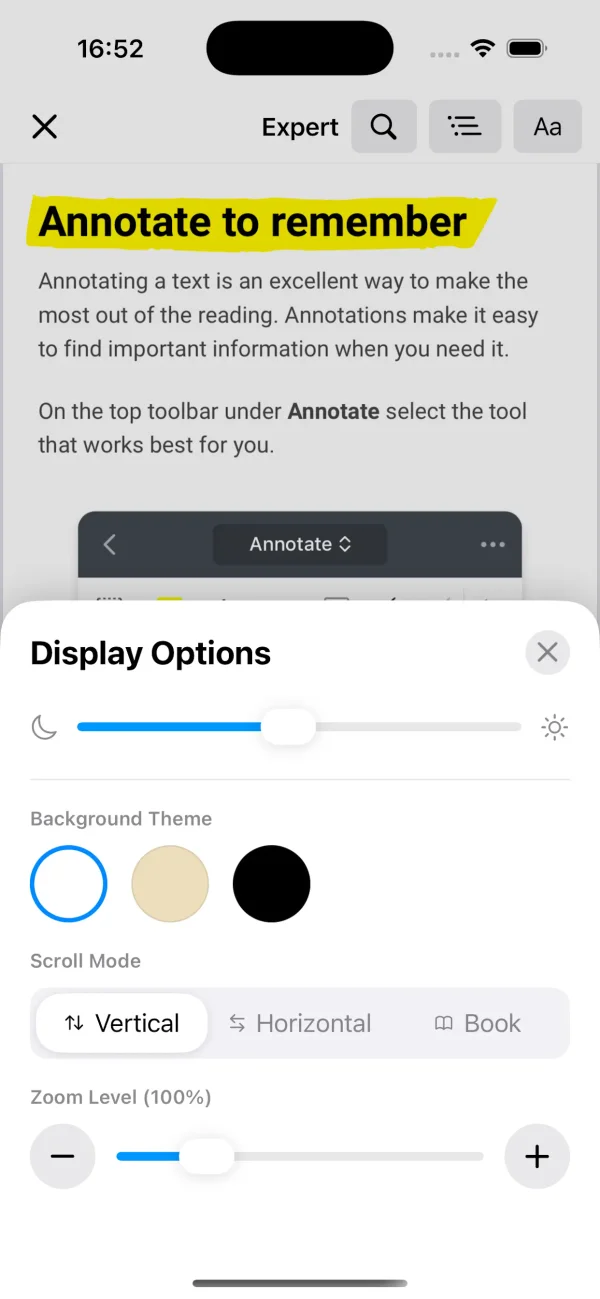
Annotate, sign, organize, and secure your PDF documents with a powerful yet intuitive editor built for iOS.
Powerful PDF Editing Right in Your Pocket
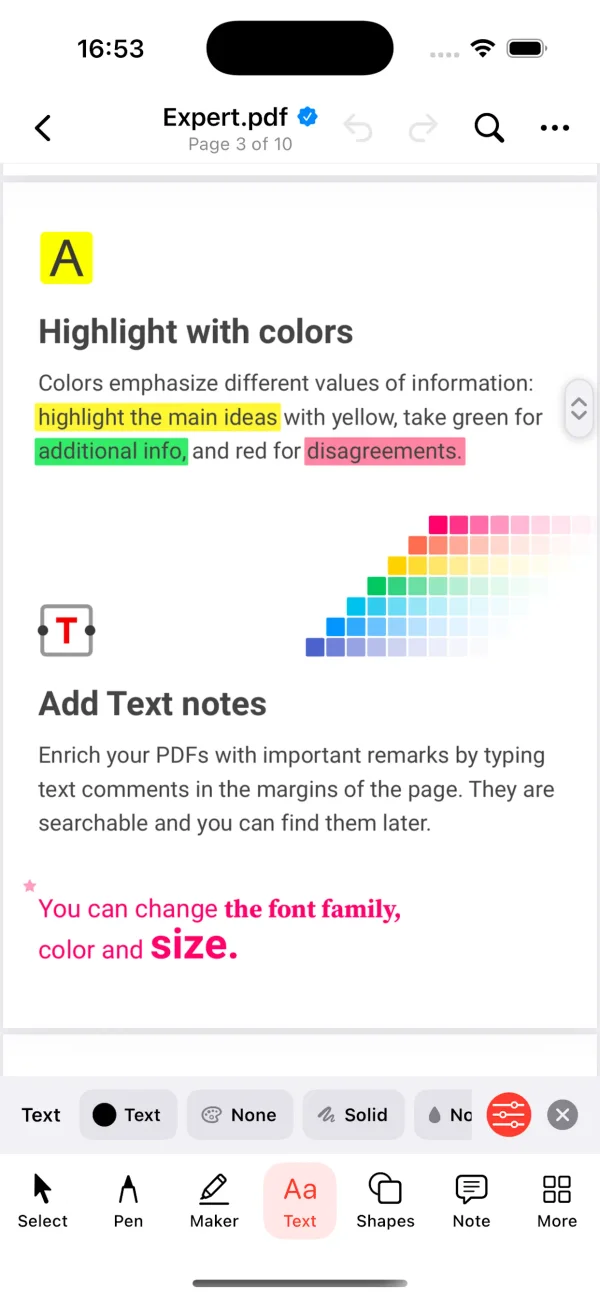
From freehand ink to precise shapes, sticky notes to digital signatures — HyperPDF handles every annotation workflow.
Freehand Ink
Draw naturally with smooth Catmull-Rom spline rendering. Your strokes look perfect every time, even when exported to other PDF viewers.
Smart Shapes
Lines, arrows, rectangles, circles, polygons, and cloud borders. Hatch patterns, solid fills, and custom border styles for professional markups.
Digital Signatures
Sign documents with a custom signature pad. Your signature is embedded natively and recognized by Acrobat and Preview.
Sticky Notes
Add color-coded sticky notes with icons anywhere on the page. Tap to expand, edit inline, and delete with a swipe.
Image & Stamps
Insert photos directly from your library, or use built-in stamps (Approved, Draft, Confidential, and more) with a single tap.
Free Text & Highlights
Add text boxes anywhere with custom fonts, sizes, and weights. Highlight, underline, or strike through existing text effortlessly.
Website: https://hyperpdf.cloud
Privacy: https://hyperpdf.cloud/privacy
Term: https://hyperpdf.cloud/term
Confidentialité de l’application
Ce que Tan Do Duc déclare sur l’App Store au sujet du traitement des données par cette application.
-
Données n’établissant aucun lien avec vous
Peuvent être collectées, mais ne sont pas liées à votre identité.
- Données d’utilisation
- Diagnostic
Les pratiques en matière de confidentialité peuvent varier, notamment en fonction des fonctionnalités que vous utilisez ou de votre âge.
Informations
- Vendeur
- Tan Do Duc
- Catégorie
- Utilitaires
- Version
- 1.0
- Mis à jour
- 30/06/2026
- Publié
- 30/06/2026
- Taille
- 21,4 Mo
- Nécessite
- iOS 16 ou version ultérieure
- Classification d’âge
- +4
- Prix
- Gratuit
- Langues
- Anglais
- Copyright
- © Hyper PDF
Vous aimerez peut-être aussi
-
 Chart Maker - Graph CreatorUtilitaires
-
 Fast PDF EditorUtilitaires
-
 Panda PDF-Reader & Editor PDFUtilitaires
-
 SimplePDF Reader & ViewerUtilitaires
-
 PDF Pages EditorRéorganiser des pages PDF
-
 PDF Editor — Sign & ScannerUtilitaires
-
 File Manager - Files ExplorerUtilitaires
-
 PDFlexor - PDF Editor ToolsUtilitaires
-
 iCodex: Claude & Codex UsageUtilitaires
-
 Blocks AppUtilitaires