
Hyper PDF: PDF Editor, Reader
Sign PDFs, Scan PDF, Lock PDF
Designed for iPhone, iPad, iPod touch
- Age rating+4
- CategoryUtilities
- DeveloperTan Do Duc
- LanguagesEnglish
- Size21.4 MB
Links to the official App Store page
Download.org hosts no file of Hyper PDF: PDF Editor, Reader. The button opens its official App Store page, published by Tan Do Duc. Listing last checked on Nov 14, 2026.
Screenshots

About
The Hyper Way to Edit PDFs.
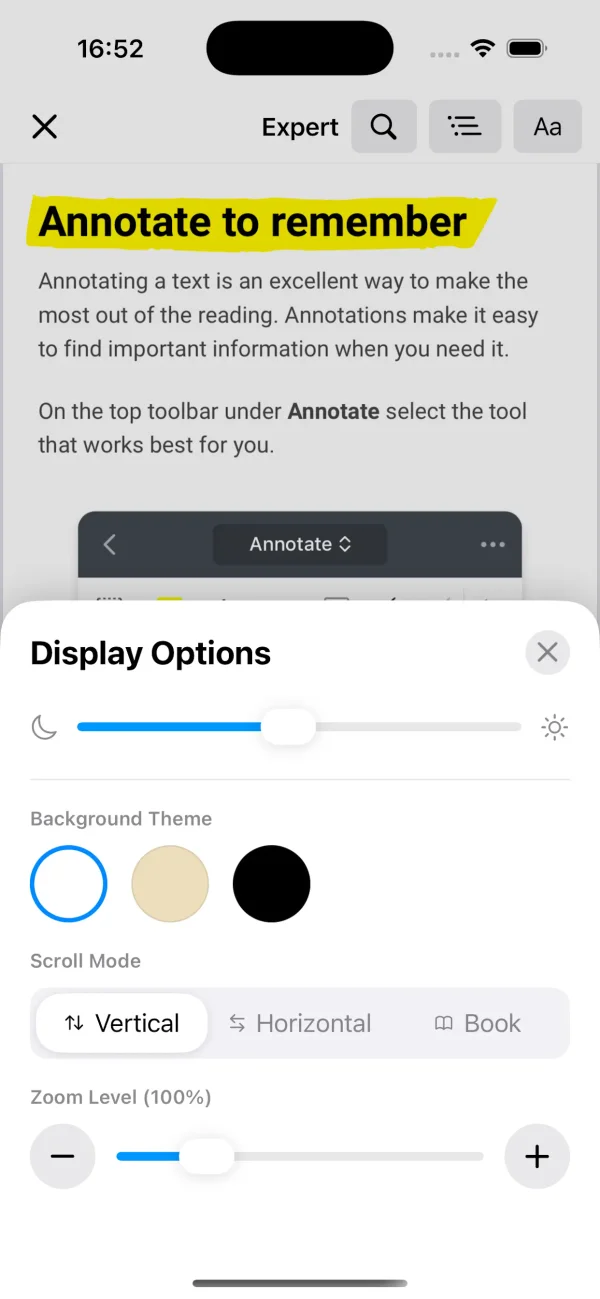
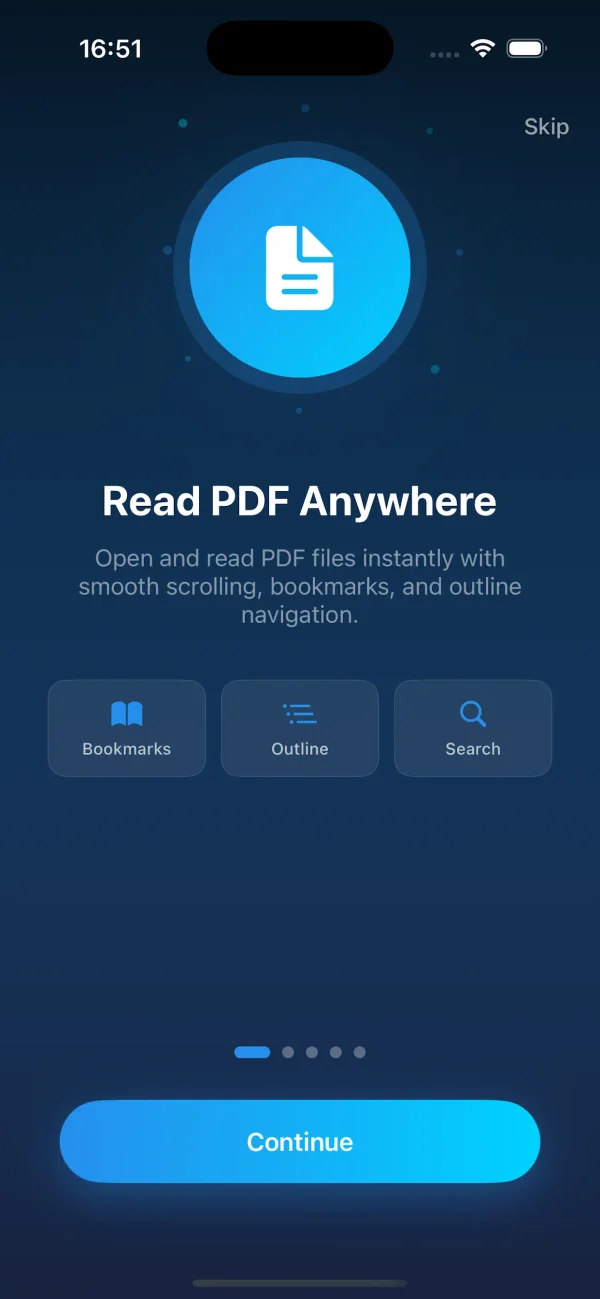
Annotate, sign, organize, and secure your PDF documents with a powerful yet intuitive editor built for iOS.
Powerful PDF Editing Right in Your Pocket
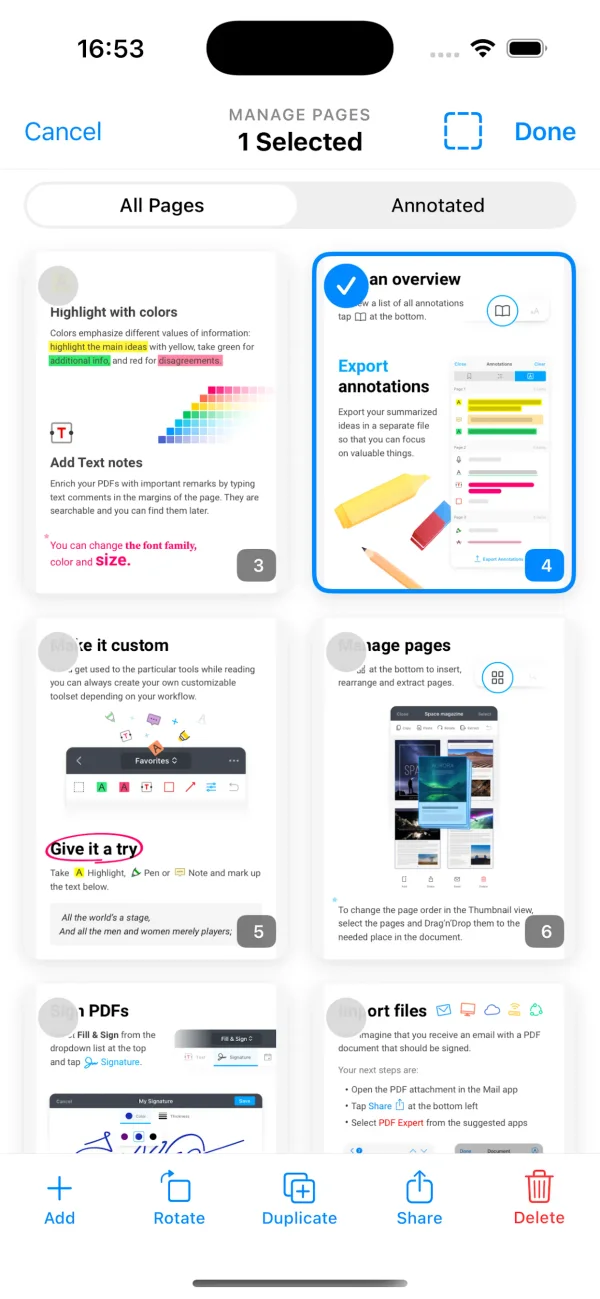
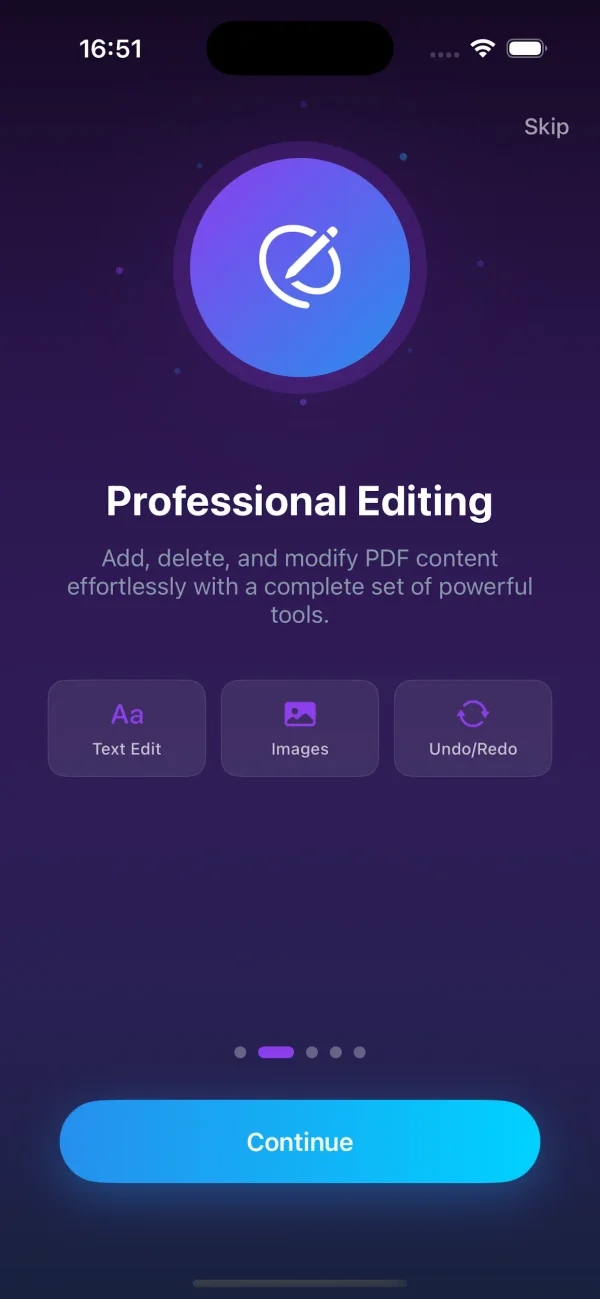
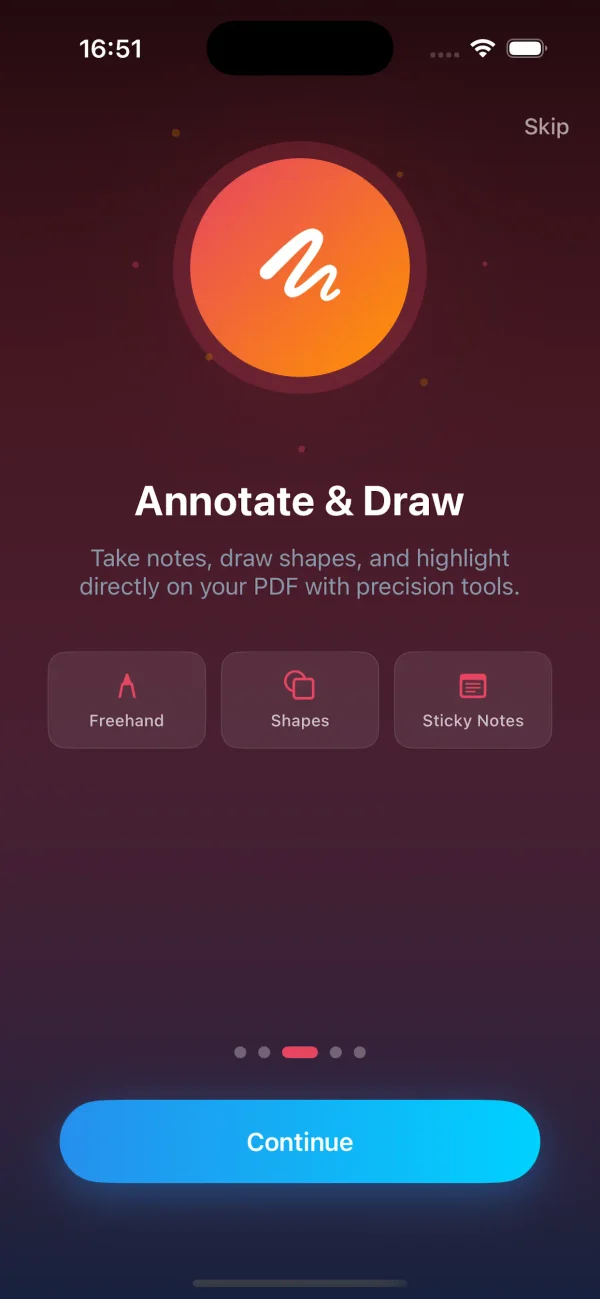
From freehand ink to precise shapes, sticky notes to digital signatures — HyperPDF handles every annotation workflow.
Freehand Ink
Draw naturally with smooth Catmull-Rom spline rendering. Your strokes look perfect every time, even when exported to other PDF viewers.
Smart Shapes
Lines, arrows, rectangles, circles, polygons, and cloud borders. Hatch patterns, solid fills, and custom border styles for professional markups.
Digital Signatures
Sign documents with a custom signature pad. Your signature is embedded natively and recognized by Acrobat and Preview.
Sticky Notes
Add color-coded sticky notes with icons anywhere on the page. Tap to expand, edit inline, and delete with a swipe.
Image & Stamps
Insert photos directly from your library, or use built-in stamps (Approved, Draft, Confidential, and more) with a single tap.
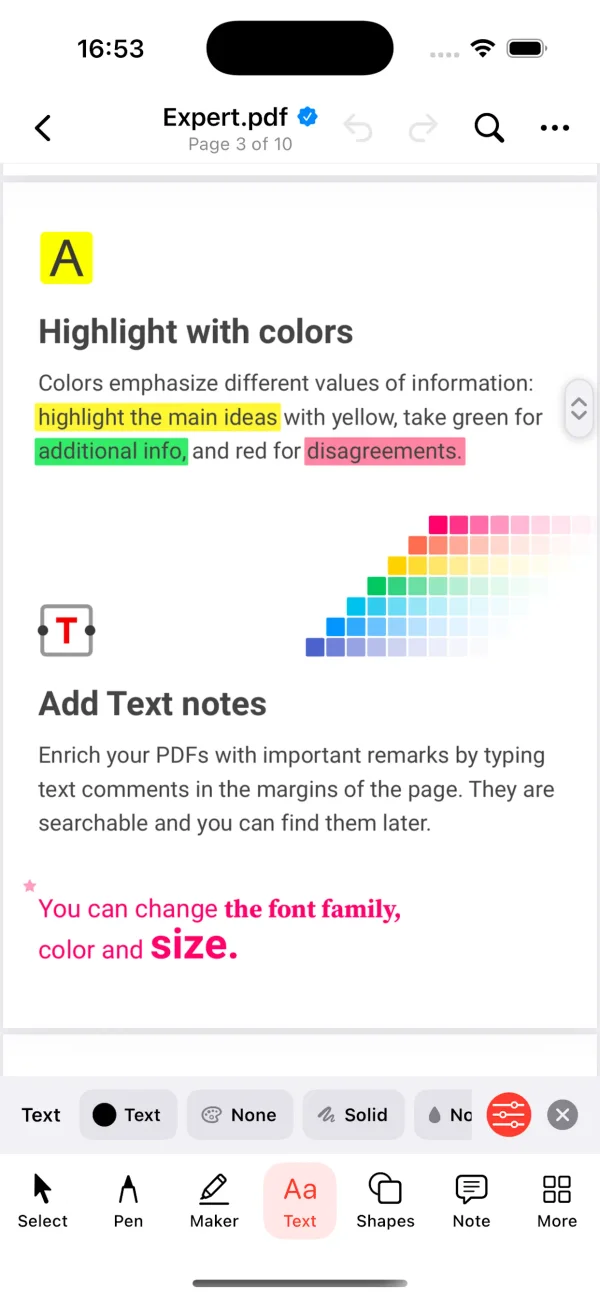
Free Text & Highlights
Add text boxes anywhere with custom fonts, sizes, and weights. Highlight, underline, or strike through existing text effortlessly.
Website: https://hyperpdf.cloud
Privacy: https://hyperpdf.cloud/privacy
Term: https://hyperpdf.cloud/term
App privacy
What Tan Do Duc declares on the App Store about how this app handles data.
-
Data not linked to you
May be collected but is not linked to your identity.
- Usage data
- Diagnostics
Privacy practices may vary, for example with the features you use or your age.
Information
- Seller
- Tan Do Duc
- Category
- Utilities
- Version
- 1.0
- Updated
- Jun 30, 2026
- Released
- Jun 30, 2026
- Size
- 21.4 MB
- Requires
- iOS 16 or later
- Age rating
- +4
- Languages
- English
- Copyright
- © Hyper PDF
You might also like
-
 Chart Maker - Graph CreatorPie, Bar, Line Charts and More
-
 Fast PDF Editorall in one pdf tools
-
 Panda PDF-Reader & Editor PDFManagement,Editing and Reading
-
 SimplePDF Reader & ViewerView, Manage & Share PDF Files
-
 PDF Pages EditorExtract and Reorder PDF pages
-
 PDF Editor — Sign & ScannerCompress, Convert & Protect
-
 File Manager - Files ExplorerZip Unzip Files & Documents
-
 PDFlexor - PDF Editor ToolsAll-in-One PDF Editing Suite
-
 iCodex: Claude & Codex UsageQuota, Tokens & Widgets
-
 Blocks AppUtilities