Hyper PDF: PDF Editor, Reader
Sign PDFs, Scan PDF, Lock PDF
Được thiết kế cho iPhone, iPad, iPod touch
Miễn phí
- Độ tuổi+4
- Danh mụcTiện Ích
- Nhà phát triểnTan Do Duc
- Ngôn ngữTiếng Anh
- Kích thước21,4 MB
Liên kết đến trang App Store chính thức
Download.org không lưu trữ tệp nào của Hyper PDF: PDF Editor, Reader. Nút này mở trang ứng dụng trên App Store, nơi Tan Do Duc phát hành ứng dụng. Trang được kiểm tra lần cuối: 14/11/2026.
Ảnh chụp màn hình
Giới thiệu
Nhà phát triển chưa cung cấp nội dung này bằng ngôn ngữ của bạn.
The Hyper Way to Edit PDFs.
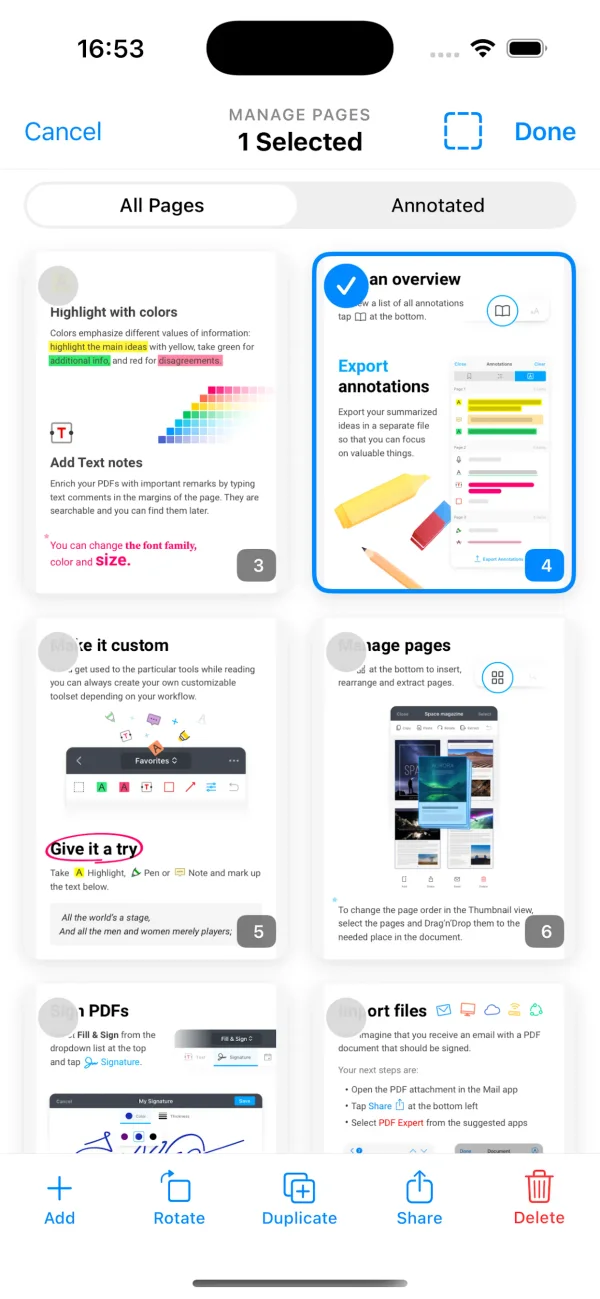
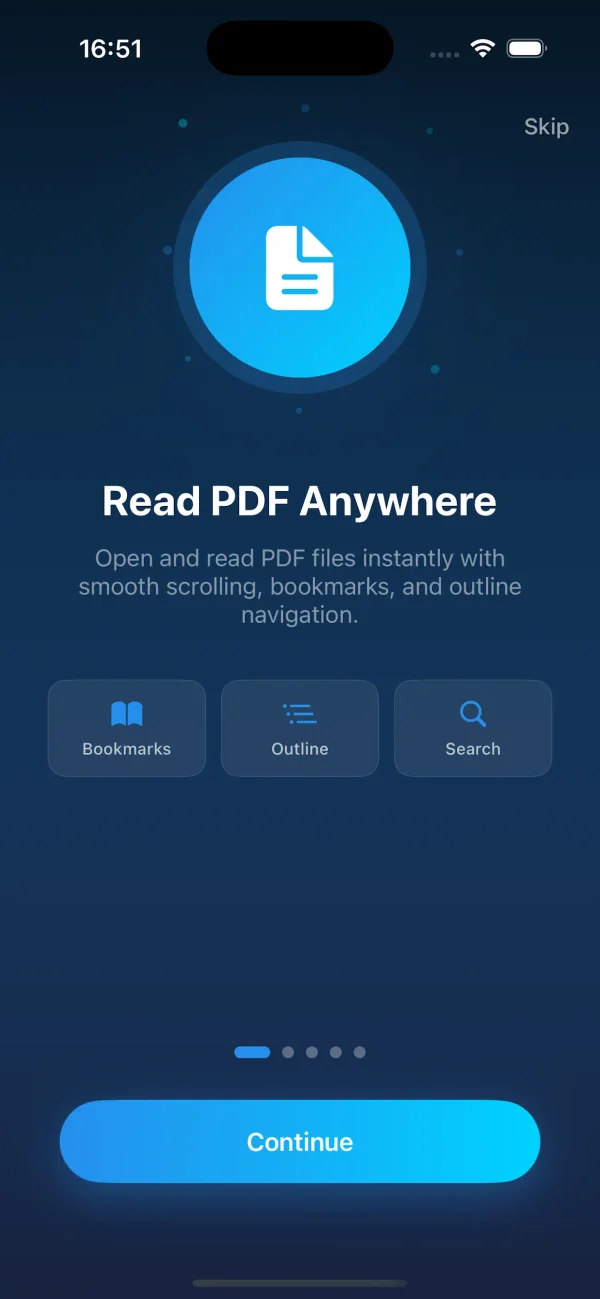
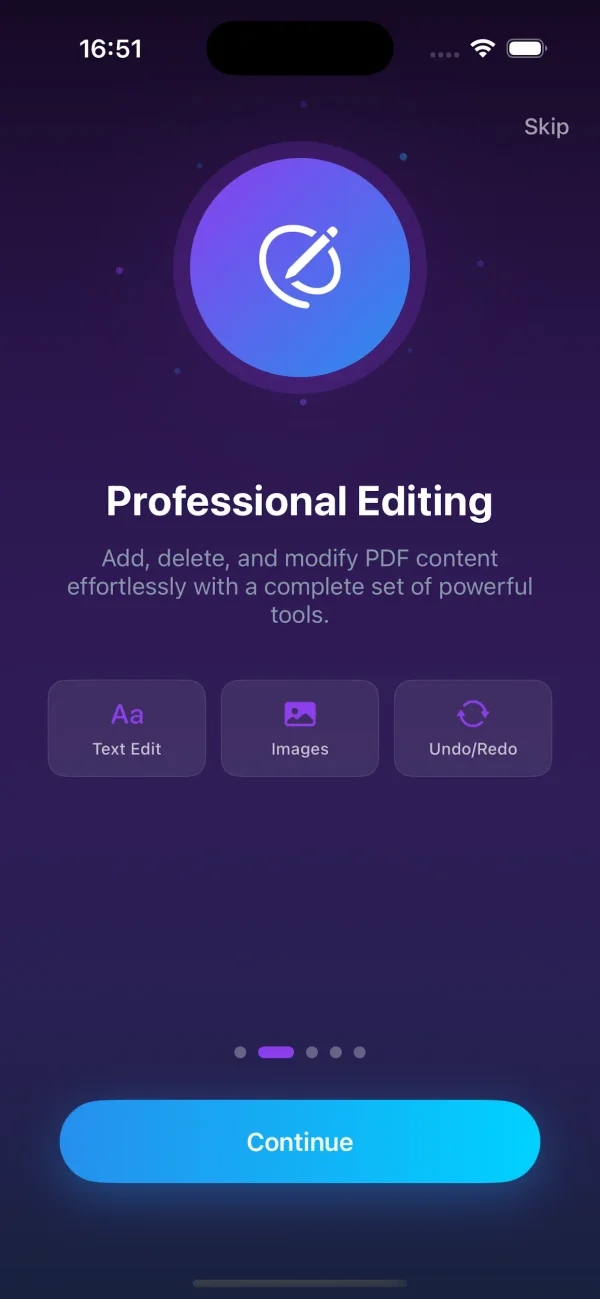
Annotate, sign, organize, and secure your PDF documents with a powerful yet intuitive editor built for iOS.
Powerful PDF Editing Right in Your Pocket
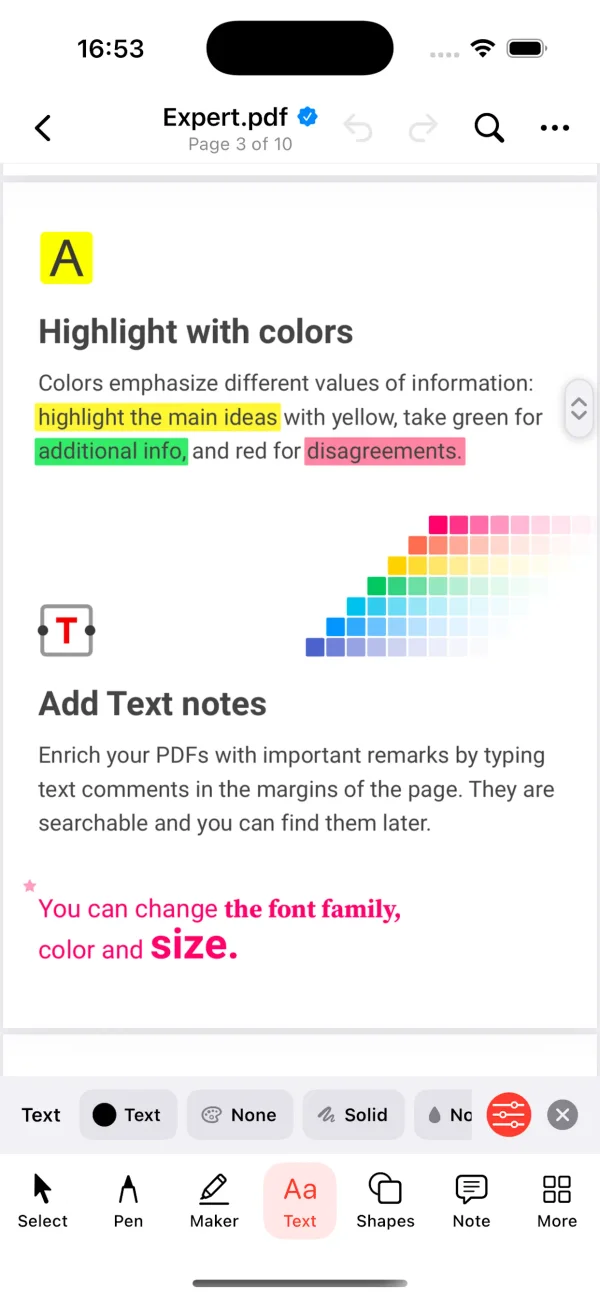
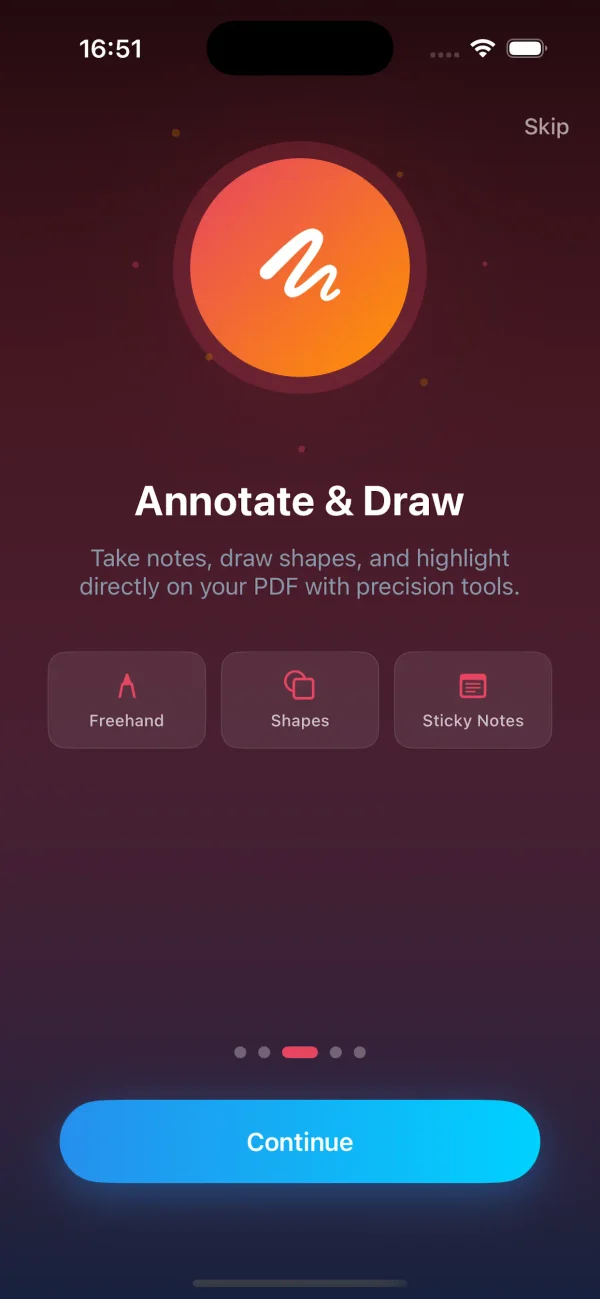
From freehand ink to precise shapes, sticky notes to digital signatures — HyperPDF handles every annotation workflow.
Freehand Ink
Draw naturally with smooth Catmull-Rom spline rendering. Your strokes look perfect every time, even when exported to other PDF viewers.
Smart Shapes
Lines, arrows, rectangles, circles, polygons, and cloud borders. Hatch patterns, solid fills, and custom border styles for professional markups.
Digital Signatures
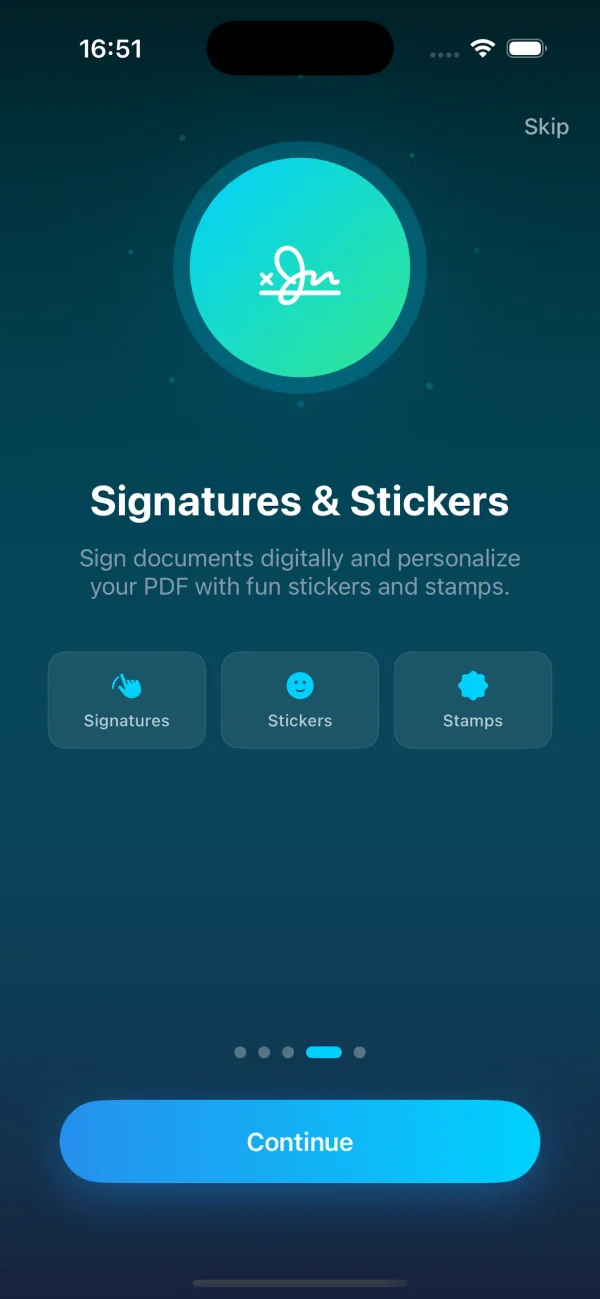
Sign documents with a custom signature pad. Your signature is embedded natively and recognized by Acrobat and Preview.
Sticky Notes
Add color-coded sticky notes with icons anywhere on the page. Tap to expand, edit inline, and delete with a swipe.
Image & Stamps
Insert photos directly from your library, or use built-in stamps (Approved, Draft, Confidential, and more) with a single tap.
Free Text & Highlights
Add text boxes anywhere with custom fonts, sizes, and weights. Highlight, underline, or strike through existing text effortlessly.
Website: https://hyperpdf.cloud
Privacy: https://hyperpdf.cloud/privacy
Term: https://hyperpdf.cloud/term
Quyền riêng tư của ứng dụng
Những gì Tan Do Duc khai báo trên App Store về cách ứng dụng này xử lý dữ liệu.
-
Dữ liệu không liên kết với bạn
Có thể được thu thập nhưng không liên kết với danh tính của bạn.
- Dữ liệu sử dụng
- Chẩn đoán
Phương thức đảm bảo quyền riêng tư có thể khác nhau, chẳng hạn như tuỳ theo các tính năng bạn sử dụng hoặc độ tuổi của bạn.
Thông tin
- Người bán
- Tan Do Duc
- Danh mục
- Tiện Ích
- Phiên bản
- 1.0
- Cập nhật
- 30/06/2026
- Phát hành
- 30/06/2026
- Kích thước
- 21,4 MB
- Yêu cầu
- iOS 16 trở lên
- Độ tuổi
- +4
- Giá
- Miễn phí
- Ngôn ngữ
- Tiếng Anh
- Bản quyền
- © Hyper PDF
Có thể bạn cũng thích
-
 Chart Maker - Graph CreatorTiện Ích
-
 Fast PDF EditorTiện Ích
-
 Panda PDF-Reader & Editor PDFTiện Ích
-
 SimplePDF Reader & ViewerTiện Ích
-
 PDF Pages EditorTiện Ích
-
 PDF Editor — Sign & ScannerTiện Ích
-
 File Manager - Files ExplorerTiện Ích
-
 PDFlexor - PDF Editor ToolsTiện Ích
-
 iCodex: Claude & Codex UsageTiện Ích
-
 Blocks AppTiện Ích