
Hyper PDF: PDF Editor, Reader
Sign PDFs, Scan PDF, Lock PDF
Entwickelt für iPhone, iPad, iPod touch
Kostenlos
- Altersfreigabe+4
- KategorieDienstprogramme
- EntwicklerTan Do Duc
- SprachenEnglisch
- Größe21,4 MB
Verlinkt auf die offizielle App Store-Seite
Download.org hostet keine Datei von Hyper PDF: PDF Editor, Reader. Die Schaltfläche öffnet die App-Seite bei App Store, wo Tan Do Duc die App veröffentlicht. Eintrag zuletzt geprüft am 14.11.2026.
Screenshots
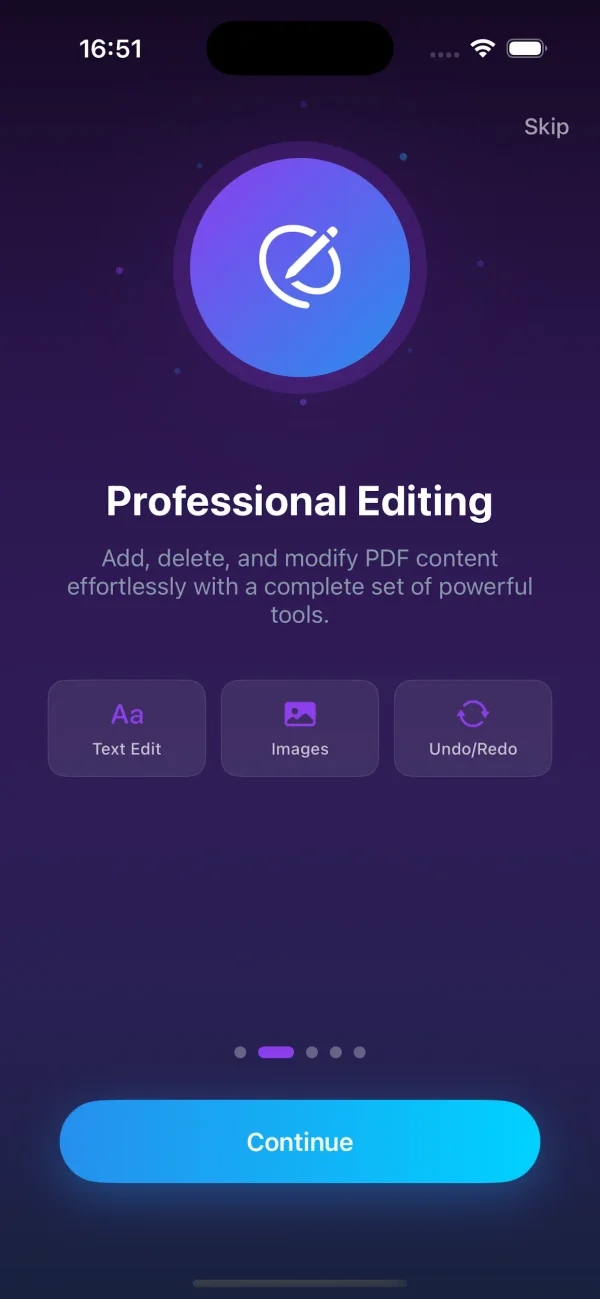
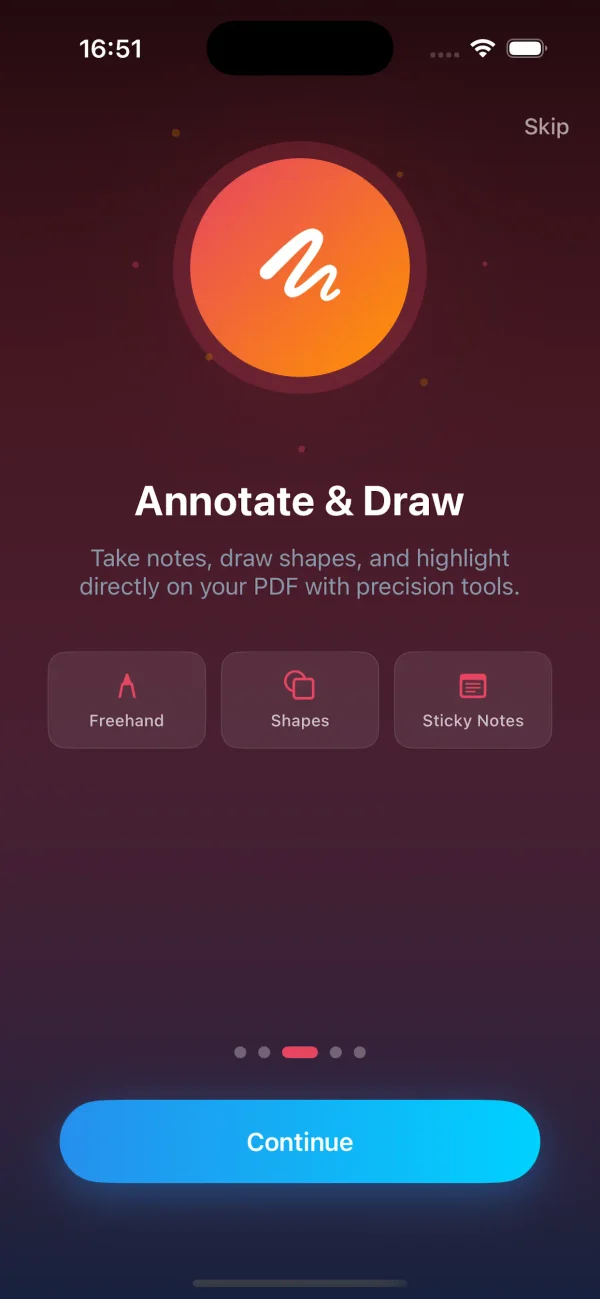
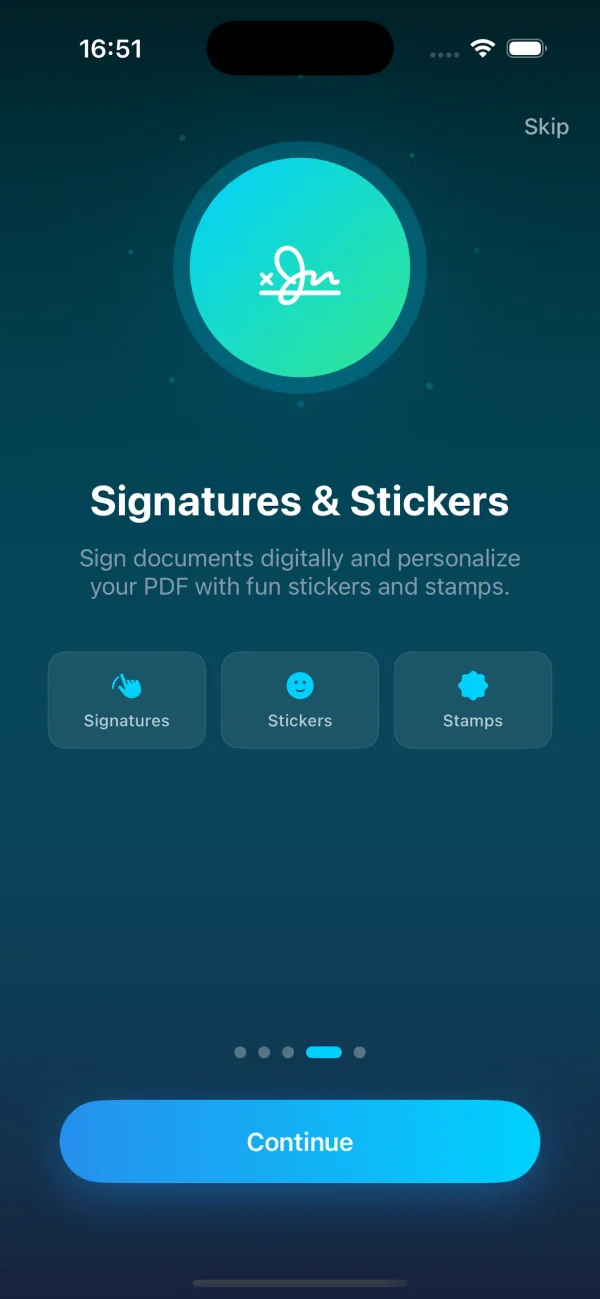
Info
Der Entwickler hat diesen Text nicht in Ihrer Sprache bereitgestellt.
The Hyper Way to Edit PDFs.
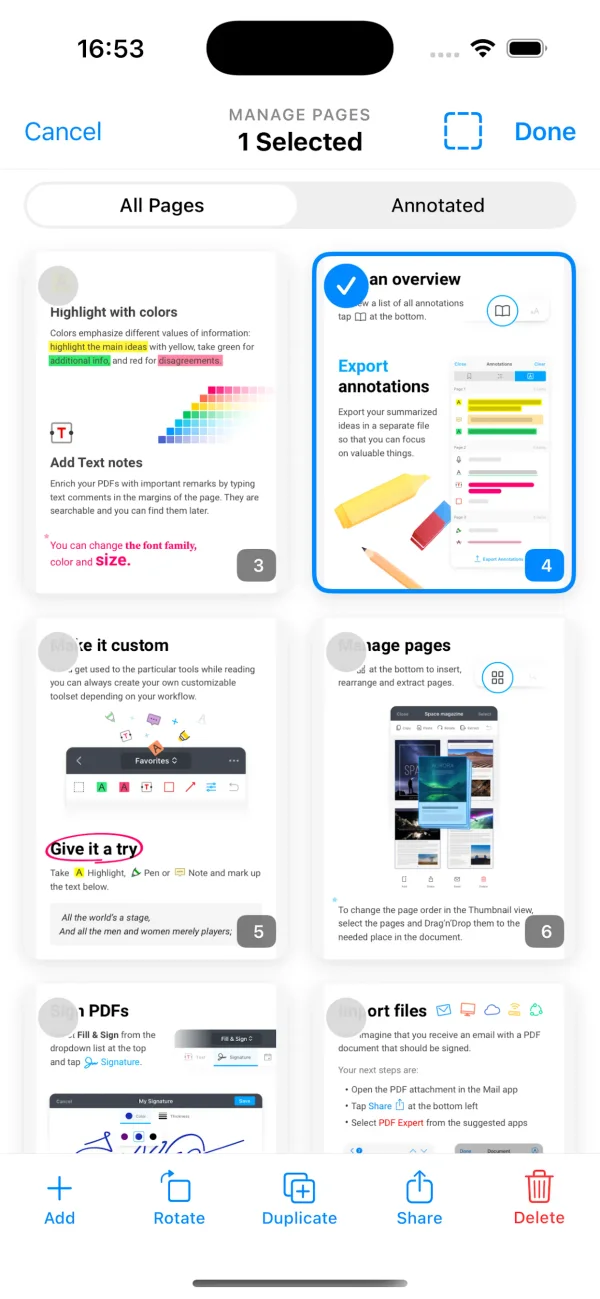
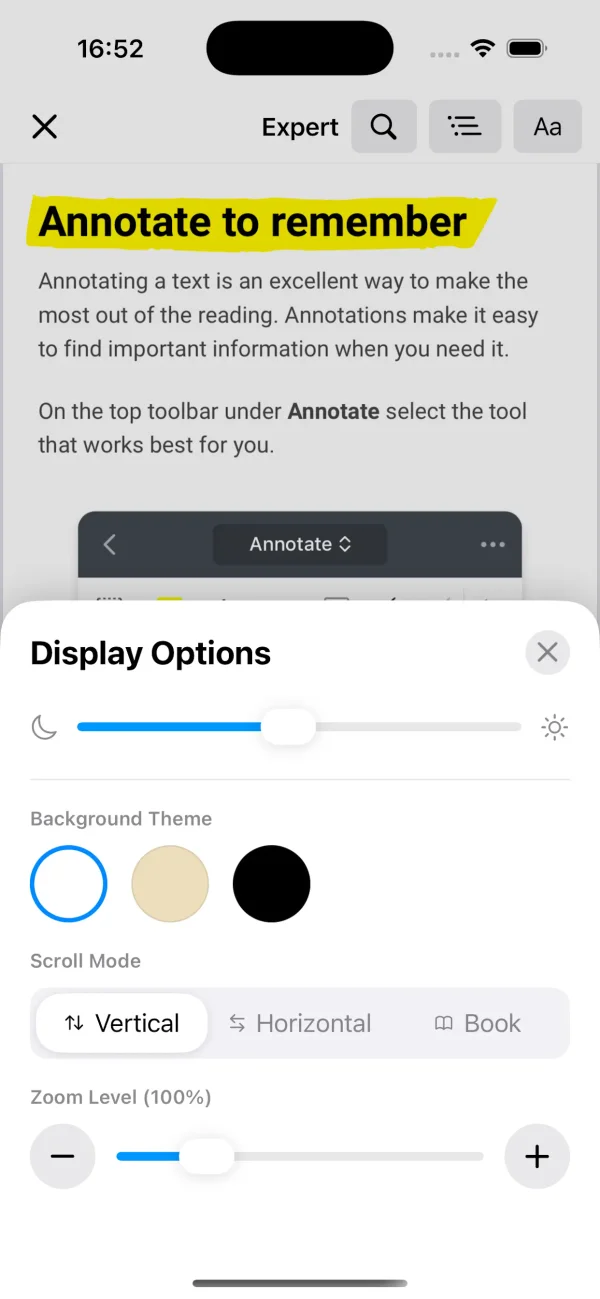
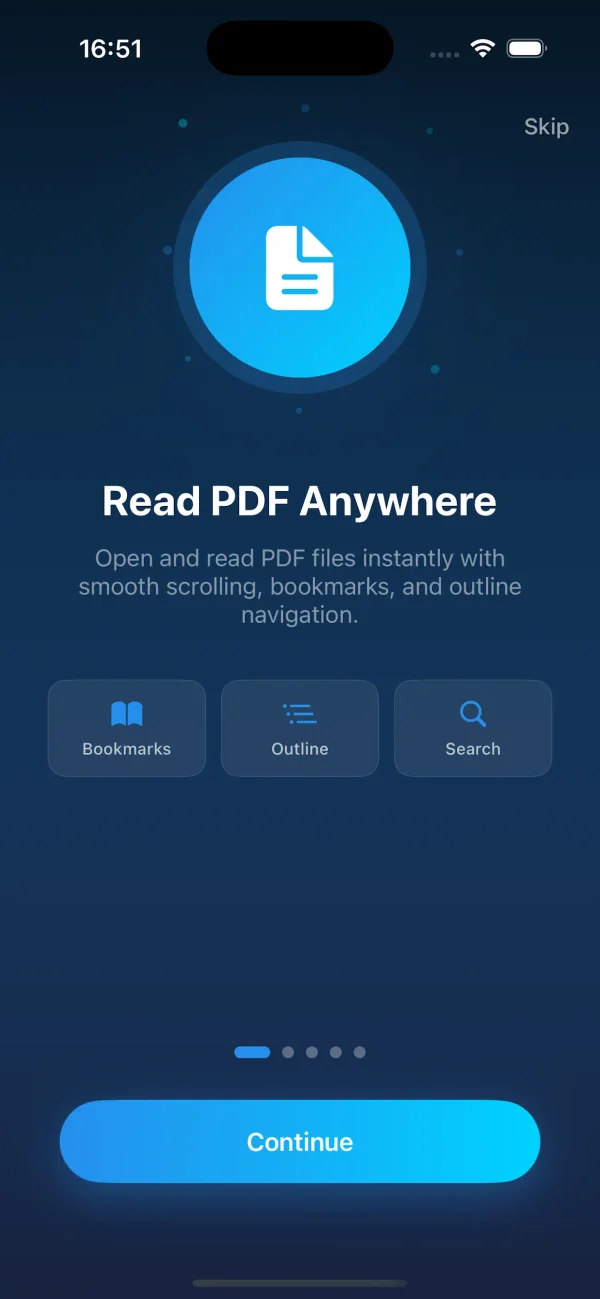
Annotate, sign, organize, and secure your PDF documents with a powerful yet intuitive editor built for iOS.
Powerful PDF Editing Right in Your Pocket
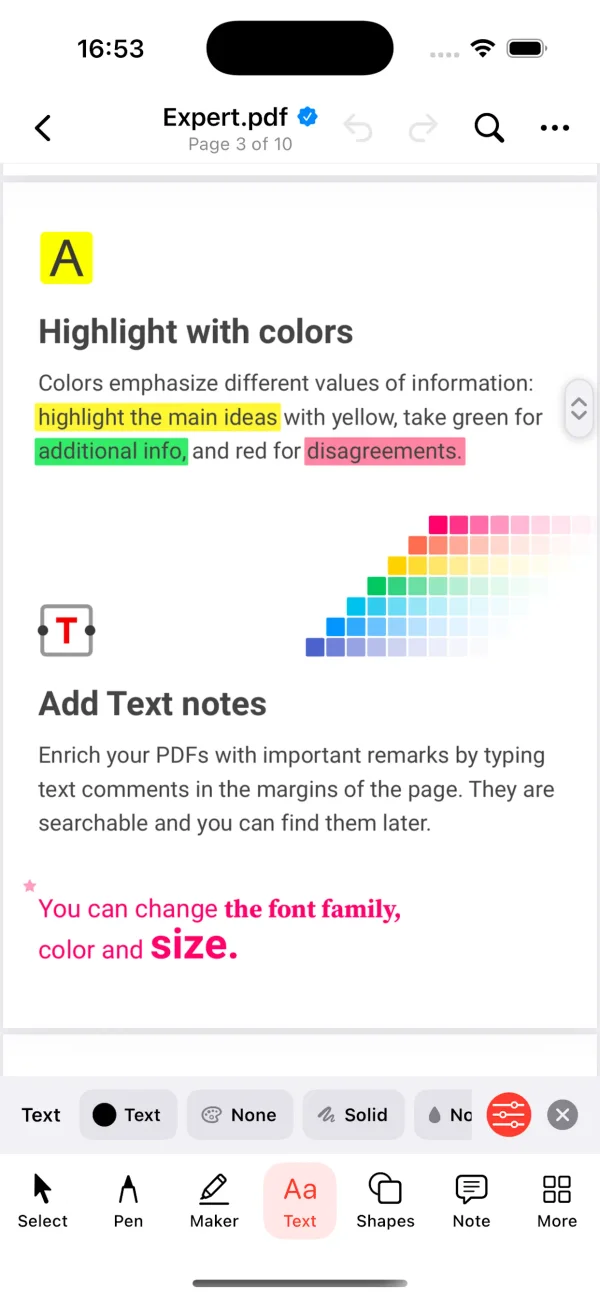
From freehand ink to precise shapes, sticky notes to digital signatures — HyperPDF handles every annotation workflow.
Freehand Ink
Draw naturally with smooth Catmull-Rom spline rendering. Your strokes look perfect every time, even when exported to other PDF viewers.
Smart Shapes
Lines, arrows, rectangles, circles, polygons, and cloud borders. Hatch patterns, solid fills, and custom border styles for professional markups.
Digital Signatures
Sign documents with a custom signature pad. Your signature is embedded natively and recognized by Acrobat and Preview.
Sticky Notes
Add color-coded sticky notes with icons anywhere on the page. Tap to expand, edit inline, and delete with a swipe.
Image & Stamps
Insert photos directly from your library, or use built-in stamps (Approved, Draft, Confidential, and more) with a single tap.
Free Text & Highlights
Add text boxes anywhere with custom fonts, sizes, and weights. Highlight, underline, or strike through existing text effortlessly.
Website: https://hyperpdf.cloud
Privacy: https://hyperpdf.cloud/privacy
Term: https://hyperpdf.cloud/term
App-Datenschutz
Was Tan Do Duc im App Store zum Umgang dieser App mit Daten angibt.
-
Nicht mit Ihnen verknüpfte Daten
Können erfasst werden, sind aber nicht mit Ihrer Identität verknüpft.
- Nutzungsdaten
- Diagnose
Die Datenschutzpraktiken können variieren, zum Beispiel je nach den von Ihnen verwendeten Funktionen oder Ihrem Alter.
Informationen
- Anbieter
- Tan Do Duc
- Kategorie
- Dienstprogramme
- Version
- 1.0
- Aktualisiert
- 30.06.2026
- Veröffentlicht
- 30.06.2026
- Größe
- 21,4 MB
- Erfordert
- iOS 16 oder neuer
- Altersfreigabe
- +4
- Preis
- Kostenlos
- Sprachen
- Englisch
- Copyright
- © Hyper PDF
Das könnte Ihnen auch gefallen
-
 Chart Maker - Graph CreatorDienstprogramme
-
 Fast PDF EditorDienstprogramme
-
 Panda PDF-Reader & Editor PDFDienstprogramme
-
 SimplePDF Reader & ViewerDienstprogramme
-
 PDF Seiten EditorPDF-Seiten verwalten
-
 PDF Editor — Sign & ScannerDienstprogramme
-
 File Manager - Files ExplorerDienstprogramme
-
 PDFlexor - PDF Editor ToolsDienstprogramme
-
 iCodex: Claude & Codex UsageDienstprogramme
-
 Blocks AppDienstprogramme