
Image Convertr
Covert any image format
Conçue pour iPhone, iPad
Gratuit · Achats intégrés
- Classification d’âge4+
- CatégoriePhoto et vidéo
- DéveloppeurGeekme
- LanguesAnglais+ 30 de plus
- Taille3,8 Mo
Renvoie vers la page App Store officielle
Download.org n’héberge aucun fichier de Image Convertr. Le bouton ouvre la page de l’application sur App Store, où Geekme la publie. Fiche vérifiée pour la dernière fois le 18/11/2026.
Captures d’écran
À propos
Le développeur n’a pas fourni ce texte dans votre langue.
Change the format of your images.
Our "Convertr" offers you many useful functions to convert the format of any image.
:: All common image formats can be used.
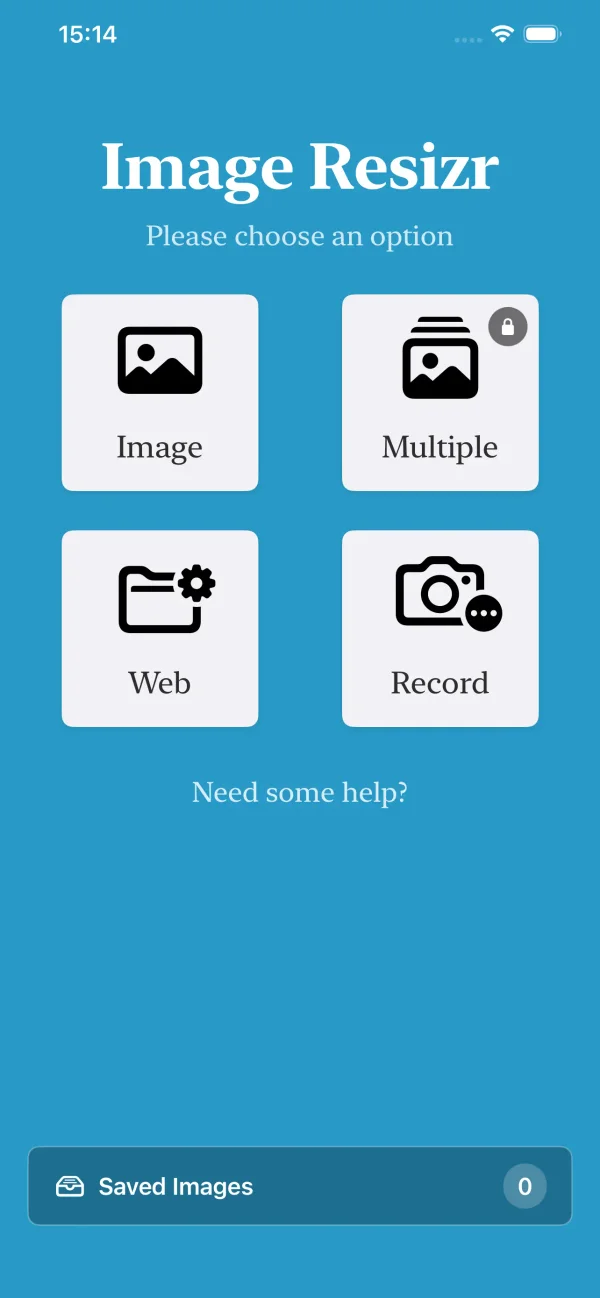
No matter if you want to convert a JPEG, PNG, GIF or TIFF. Just choose an image or make a new one and adjust the format of the image with quick and simple steps.
:: Several images
You are able to adjust as many images as you want at the same time. This feature is available over an In-App Purchase.
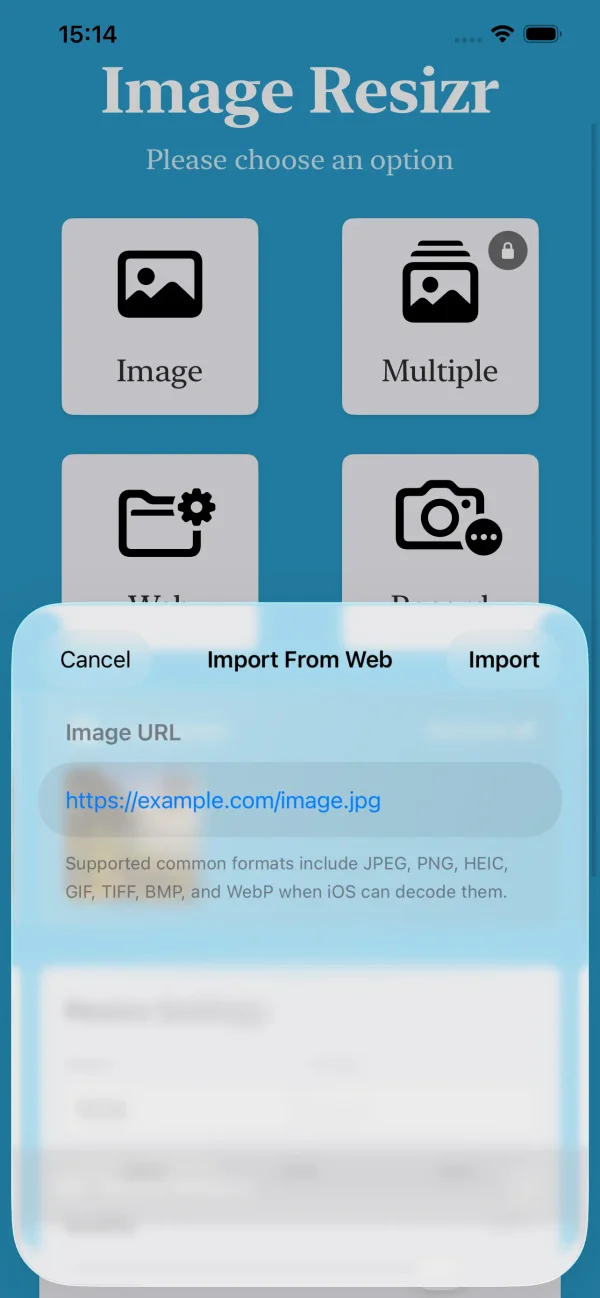
:: Web
Download an image from the internet directly in the app and adjust it.
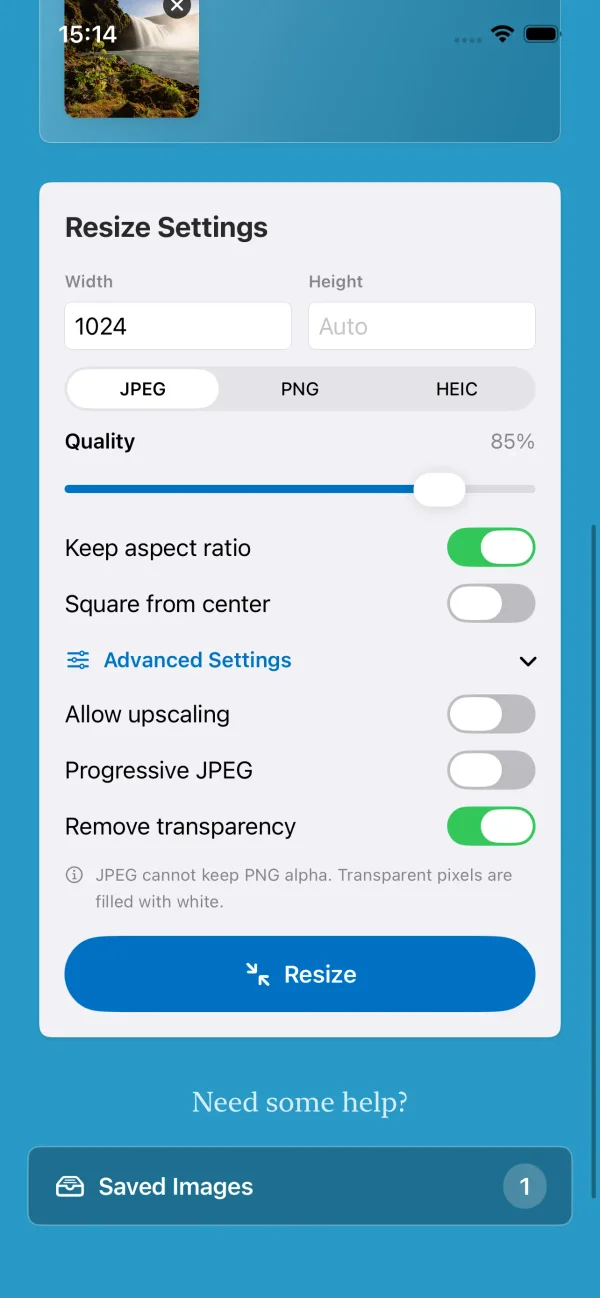
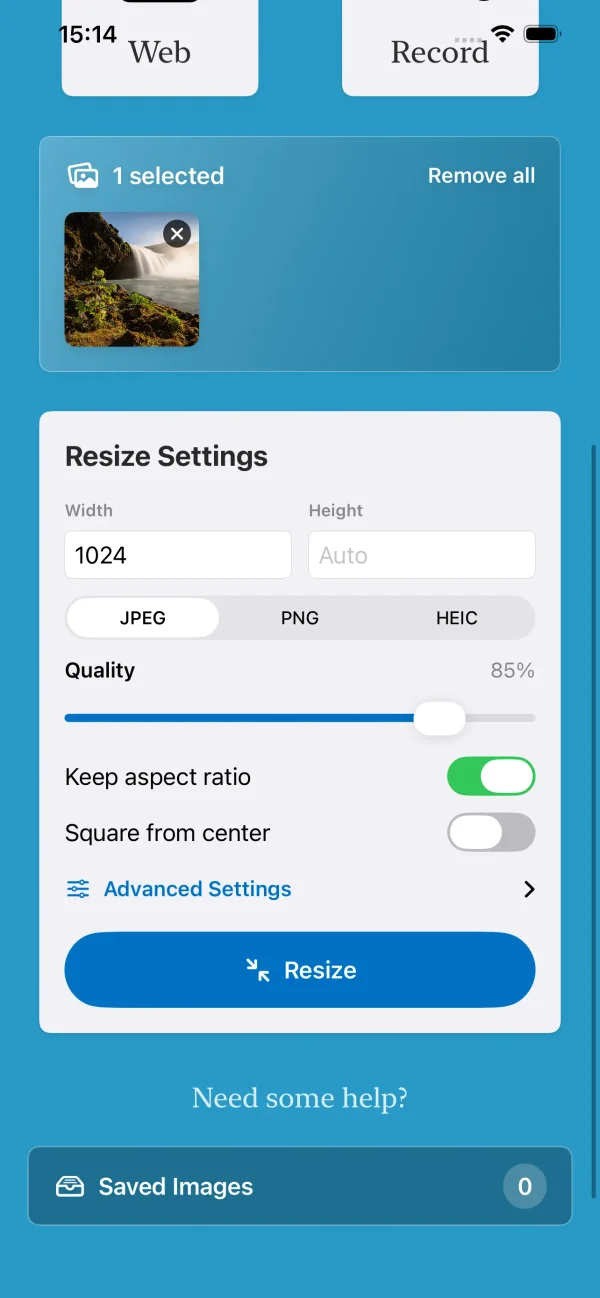
:: Options
Determine the quality of the adjusted images and the image format.
:: Overview
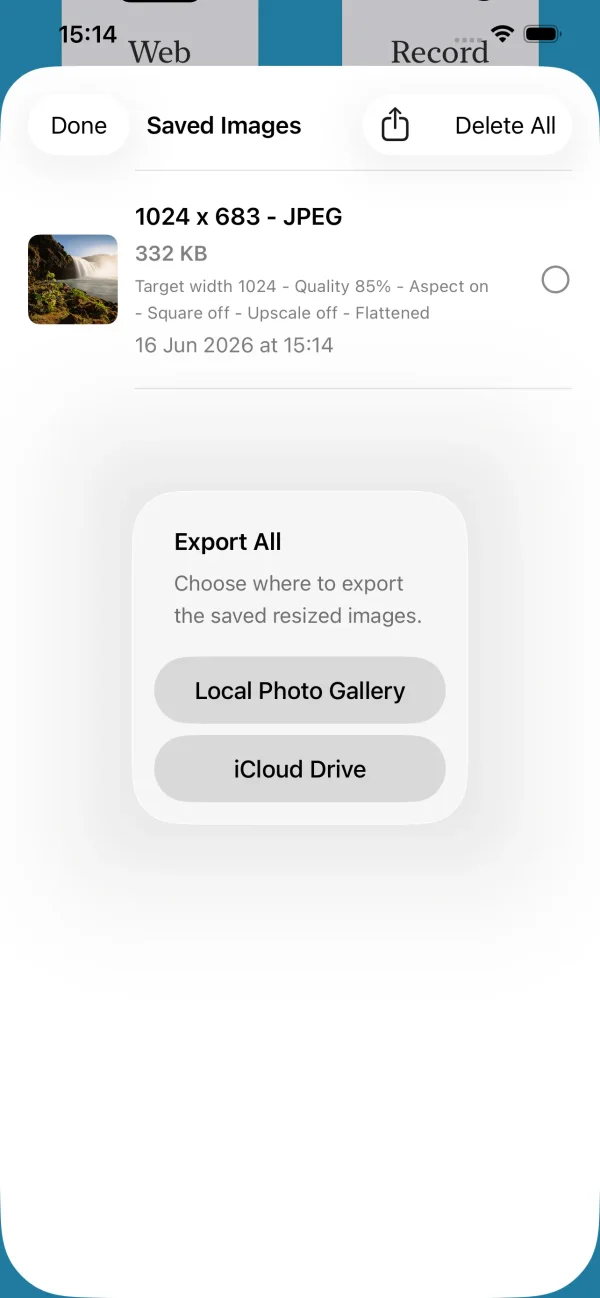
All your adjusted images are being saved in the app. You get a great overview of every image and can continue to use those.
:: In a photo album
You can copy your converted images in your photo album with just one click.
:: E-Mail
Send your adjusted images via e-mail.
:: Offline
The format conversion are made offline. Even if you don't have an internet connection, you are able to use the app entirely.
Nouveautés
Version 5.0 · 11/11/2026
5.0
- A redesigned editor with Dimensions, Longest Edge and Percentage resizing.
- Live original/result previews, center cropping and JPEG, PNG or HEIC output.
- Target file sizes and reusable presets.
- Resize Overview shows previews, dimensions, file sizes and export options after each batch.
- Import from Photos, Files, the camera, the web, paste or drag and drop.
- Pro batch conversion for up to 200 images, with progress, cancellation and retry.
- Settings with instant language switching, Help and purchase restoration.
- Improved memory handling for large batches and an adaptive layout for larger screens.
Confidentialité de l’application
Ce que Geekme déclare sur l’App Store au sujet du traitement des données par cette application.
-
Données non collectées
Le développeur ne collecte aucune donnée à partir de cette application.
Les pratiques en matière de confidentialité peuvent varier, notamment en fonction des fonctionnalités que vous utilisez ou de votre âge.
Informations
- Vendeur
- Geekme GmbH
- Catégorie
- Photo et vidéo
- Version
- 5.0
- Mis à jour
- 11/11/2026
- Publié
- 10/04/2014
- Taille
- 3,8 Mo
- Nécessite
- iOS 17.0 ou version ultérieure
- Classification d’âge
- 4+
- Prix
- Gratuit
- Achats intégrés
- Oui
- Langues
- Anglais, Arabe, Bengali, Tchèque, Danois, Néerlandais, Finnois, Français, Allemand, Grec, Hébreu, Hindi + 19 de plus
- Copyright
- © Geekme
Vous aimerez peut-être aussi
-
 WebP to PNG & JPEG ConverterPhoto et vidéo
-
 Convertisseur JPEG & éditeurCompresser, taille & sans fond
-
 Photo To PDF ConverterImage Converter
-
 Image Converter: Photo EditorPhoto et vidéo
-
 The Image Converter JPG JPEGPhoto et vidéo
-
 AI Photo Text Editor- PixazoPhoto et vidéo
-
 Folios by TzYiPhoto et vidéo
-
 Photo Color ChangerPhoto et vidéo
-
 PixConvert-KunPhoto et vidéo
-
 Sealer: Filigrane PhotoAjoute logo & texte · Batch