
Image Convertr
Covert any image format
Được thiết kế cho iPhone, iPad
Miễn phí · Mua hàng trong ứng dụng
- Độ tuổi4+
- Danh mụcẢnh & Video
- Nhà phát triểnGeekme
- Ngôn ngữTiếng Anh+ 30 ngôn ngữ khác
- Kích thước3,8 MB
Liên kết đến trang App Store chính thức
Download.org không lưu trữ tệp nào của Image Convertr. Nút này mở trang ứng dụng trên App Store, nơi Geekme phát hành ứng dụng. Trang được kiểm tra lần cuối: 18/11/2026.
Ảnh chụp màn hình
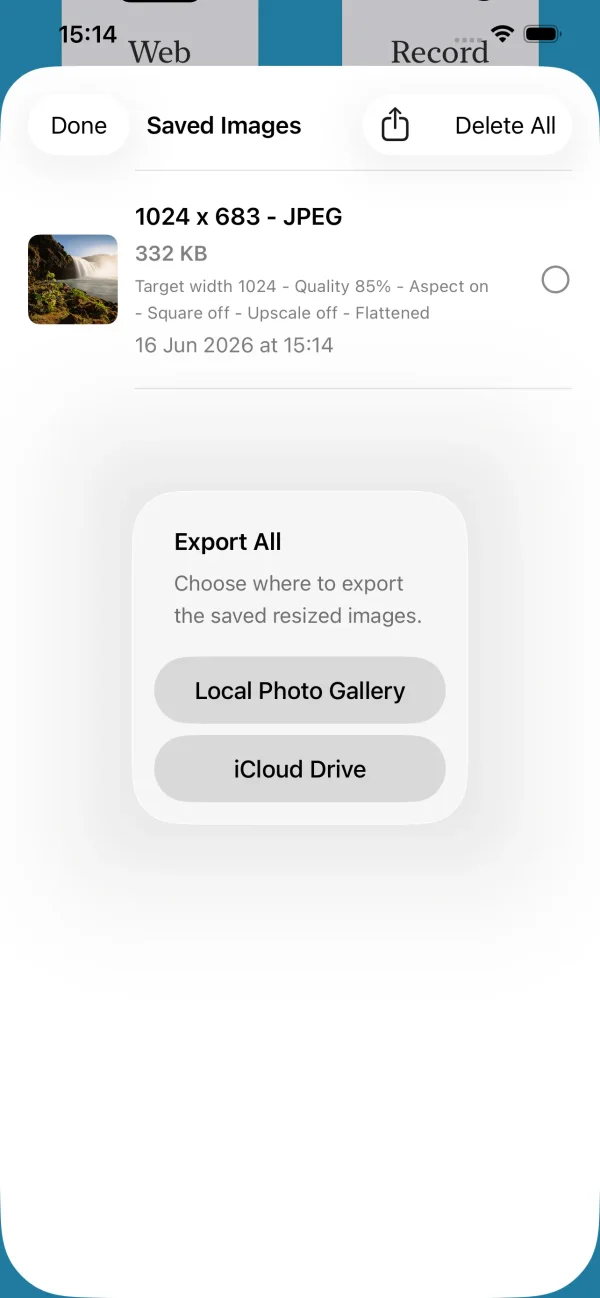
Giới thiệu
Nhà phát triển chưa cung cấp nội dung này bằng ngôn ngữ của bạn.
Change the format of your images.
Our "Convertr" offers you many useful functions to convert the format of any image.
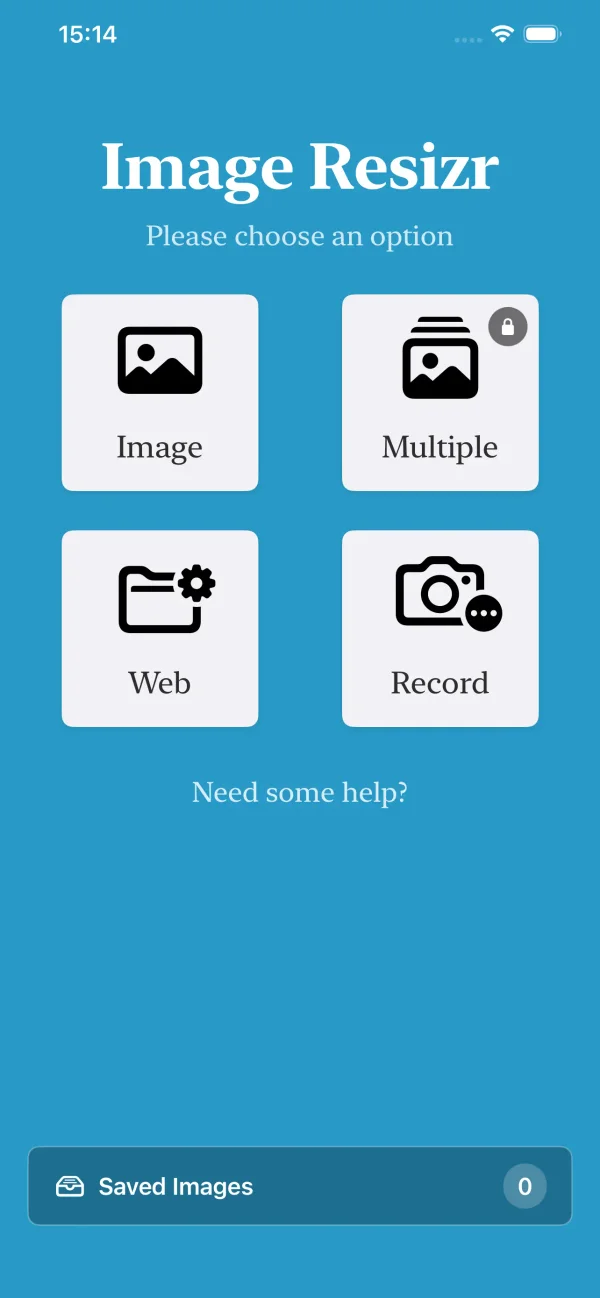
:: All common image formats can be used.
No matter if you want to convert a JPEG, PNG, GIF or TIFF. Just choose an image or make a new one and adjust the format of the image with quick and simple steps.
:: Several images
You are able to adjust as many images as you want at the same time. This feature is available over an In-App Purchase.
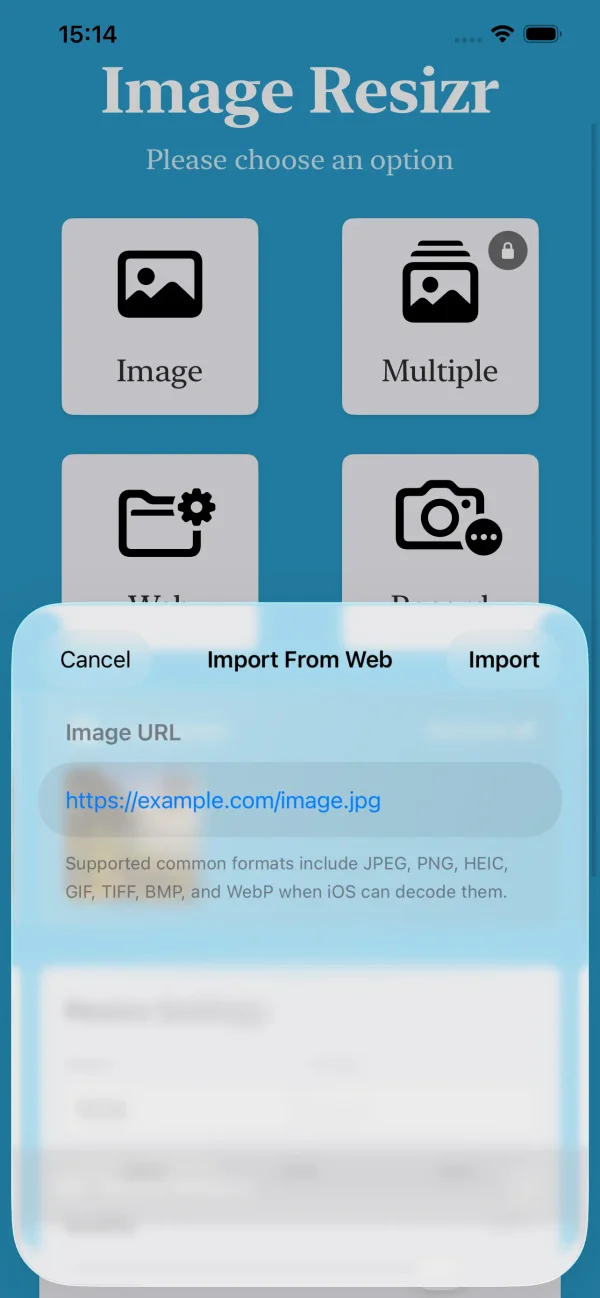
:: Web
Download an image from the internet directly in the app and adjust it.
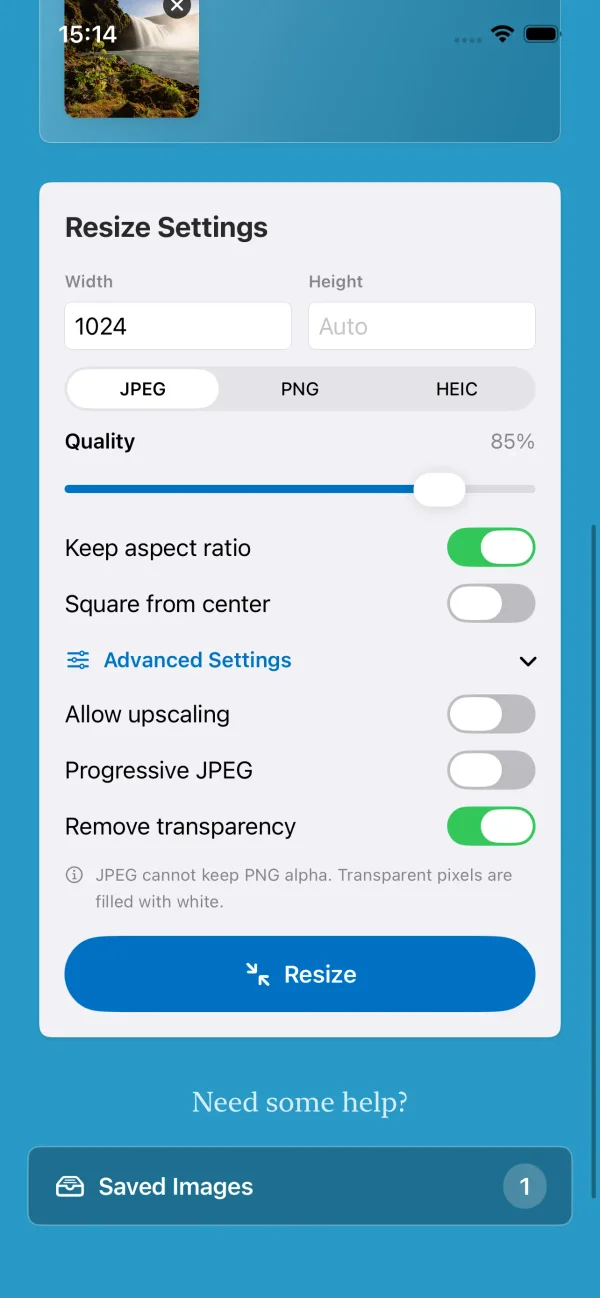
:: Options
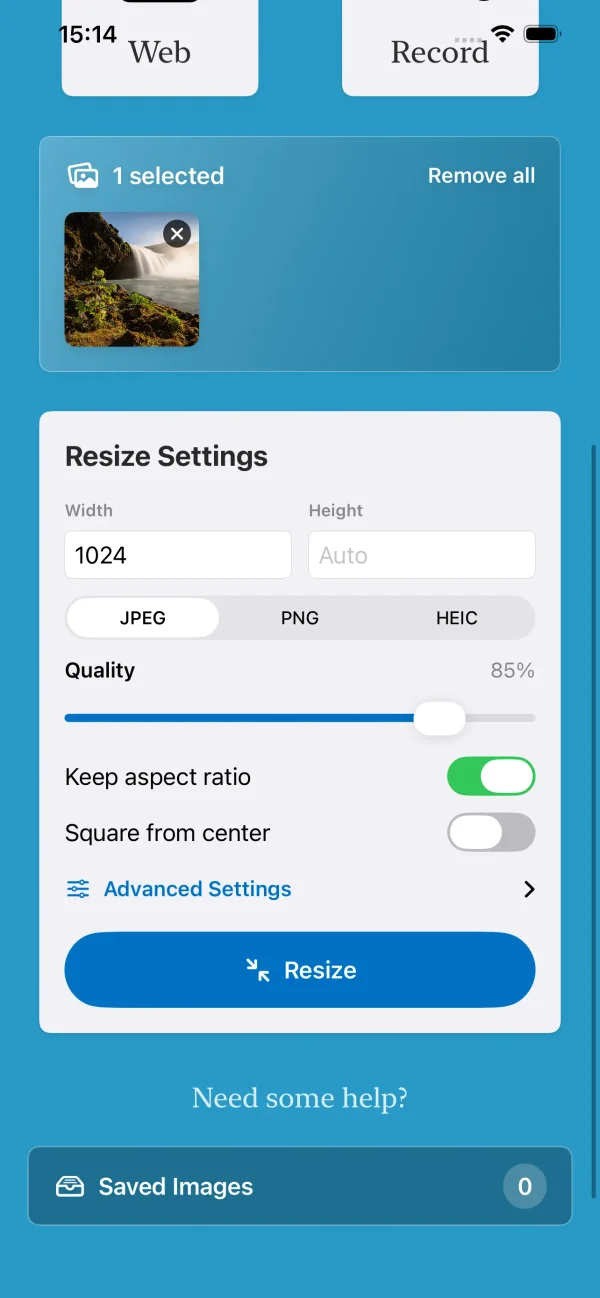
Determine the quality of the adjusted images and the image format.
:: Overview
All your adjusted images are being saved in the app. You get a great overview of every image and can continue to use those.
:: In a photo album
You can copy your converted images in your photo album with just one click.
:: E-Mail
Send your adjusted images via e-mail.
:: Offline
The format conversion are made offline. Even if you don't have an internet connection, you are able to use the app entirely.
Có gì mới
Phiên bản 5.0 · 11/11/2026
5.0
- A redesigned editor with Dimensions, Longest Edge and Percentage resizing.
- Live original/result previews, center cropping and JPEG, PNG or HEIC output.
- Target file sizes and reusable presets.
- Resize Overview shows previews, dimensions, file sizes and export options after each batch.
- Import from Photos, Files, the camera, the web, paste or drag and drop.
- Pro batch conversion for up to 200 images, with progress, cancellation and retry.
- Settings with instant language switching, Help and purchase restoration.
- Improved memory handling for large batches and an adaptive layout for larger screens.
Quyền riêng tư của ứng dụng
Những gì Geekme khai báo trên App Store về cách ứng dụng này xử lý dữ liệu.
-
Dữ liệu không được thu thập
Nhà phát triển không thu thập bất kỳ dữ liệu nào từ ứng dụng này.
Phương thức đảm bảo quyền riêng tư có thể khác nhau, chẳng hạn như tuỳ theo các tính năng bạn sử dụng hoặc độ tuổi của bạn.
Thông tin
- Người bán
- Geekme GmbH
- Danh mục
- Ảnh & Video
- Phiên bản
- 5.0
- Cập nhật
- 11/11/2026
- Phát hành
- 10/04/2014
- Kích thước
- 3,8 MB
- Yêu cầu
- iOS 17.0 trở lên
- Độ tuổi
- 4+
- Giá
- Miễn phí
- Mua hàng trong ứng dụng
- Có
- Ngôn ngữ
- Tiếng Anh, Tiếng Ả Rập, Bengali, Tiếng Séc, Tiếng Đan Mạch, Tiếng Hà Lan, Tiếng Phần Lan, Tiếng Pháp, Tiếng Đức, Tiếng Hy Lạp, Tiếng Do Thái, Hindi + 19 ngôn ngữ khác
- Bản quyền
- © Geekme
Có thể bạn cũng thích
-
 WebP to PNG & JPEG ConverterẢnh & Video
-
 Bộ đổi JPEG & Chỉnh sửa ảnhNén, đổi kích thước, xóa nền
-
 HEIC To JPGPNG & JPEG & Photo Converter
-
 Image Converter: Photo EditorẢnh & Video
-
 The Image Converter JPG JPEGẢnh & Video
-
 AI Photo Text Editor- PixazoẢnh & Video
-
 Folios by TzYiẢnh & Video
-
 Photo Color ChangerẢnh & Video
-
 PixConvert-KunẢnh & Video
-
 Sealer: Photo WatermarkẢnh & Video