
- Classification d’âge4+
- CatégorieUtilitaires
- DéveloppeurAlejandro Avina Anguiano
- LanguesAnglais
- Taille1,1 Mo
MachiningGuru n’est peut-être pas disponible sur App Store pour le moment
La fiche de la boutique était inaccessible lors de notre dernière vérification. Le lien mène toujours à la page App Store officielle.
Captures d’écran

À propos
Le développeur n’a pas fourni ce texte dans votre langue.
MachiningGuru
MachiningGuru is a practical CNC companion designed to help machinists, programmers, students, and manufacturing professionals calculate machining parameters, document setups, and visualize G-code directly from an iPhone.
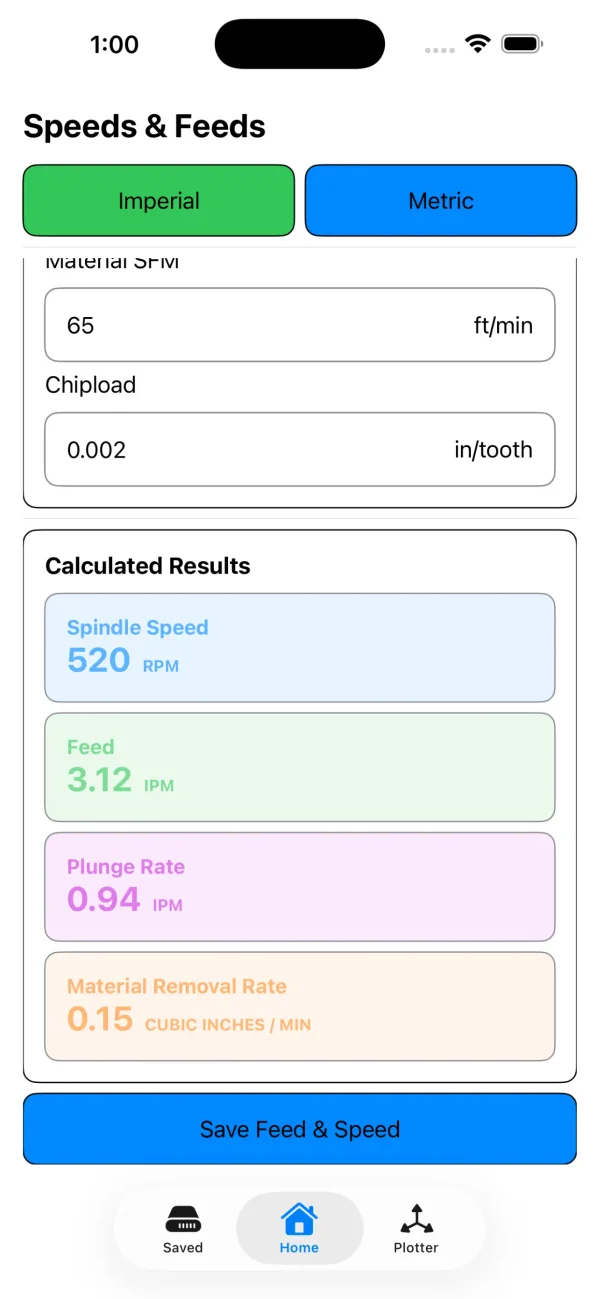
Speeds and Feeds Calculator
Quickly calculate important machining values using your tool and cutting parameters, including:
Spindle speed
Feed rate
Plunge rate
Material removal rate
Enter values such as tool diameter, number of flutes, surface speed, chip load, width of cut, and depth of cut. MachiningGuru supports both Imperial and Metric units.
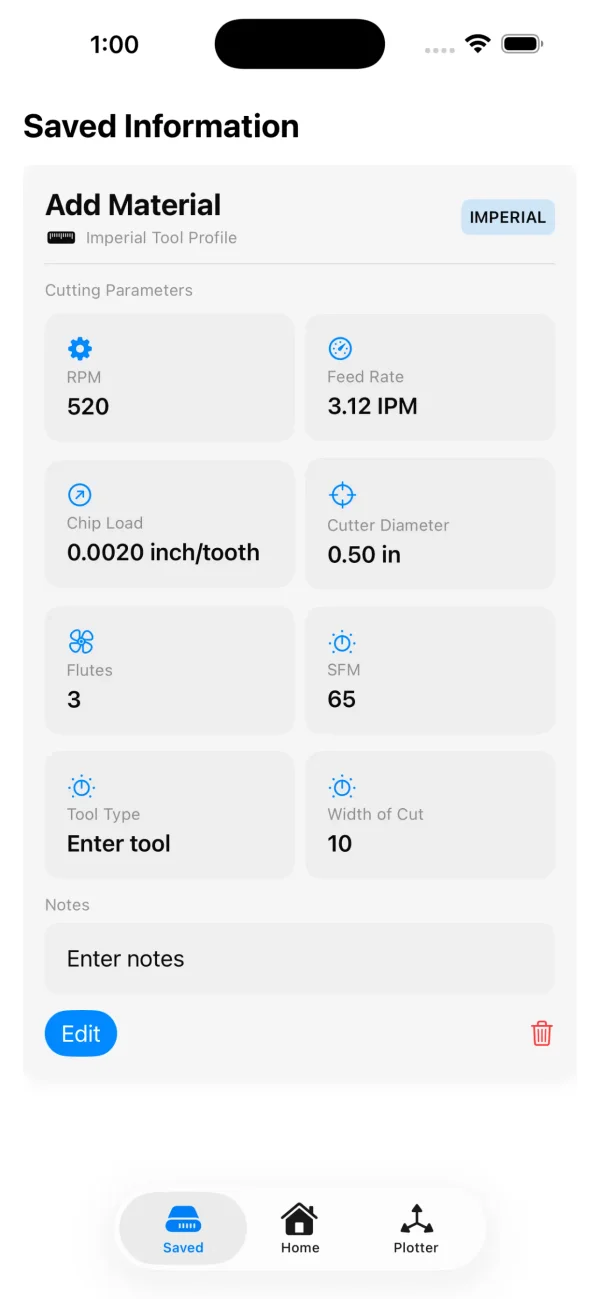
Save Machine Setups
Save speeds-and-feeds calculations for future reference. Add notes to document important setup information such as:
Machine used
Tool details
Workholding
Material
Operation notes
Recommended adjustments
Saved records make it easier to reuse successful machining setups and keep useful shop information organized.
Scan G-Code From Photos
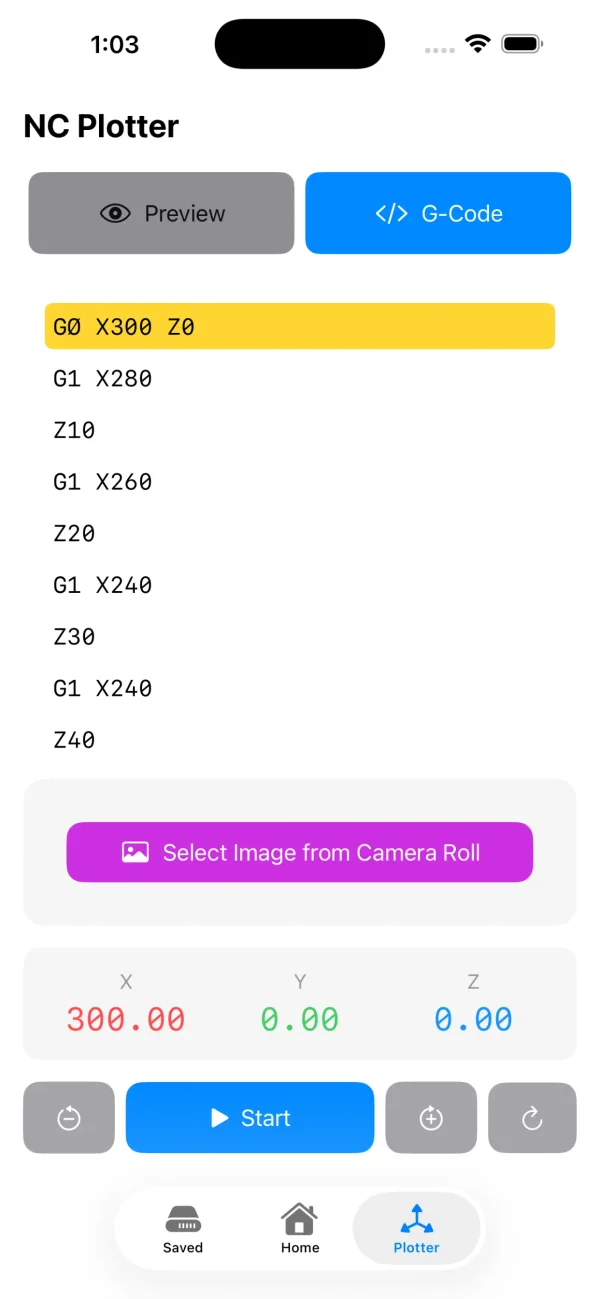
Import a photo from your phone and use optical character recognition to extract visible G-code. This is useful for reviewing printed programs, handwritten notes, screenshots, or code displayed on another device.
Recognized code can be reviewed and edited before visualization. OCR results may vary depending on image quality, lighting, text clarity, and formatting.
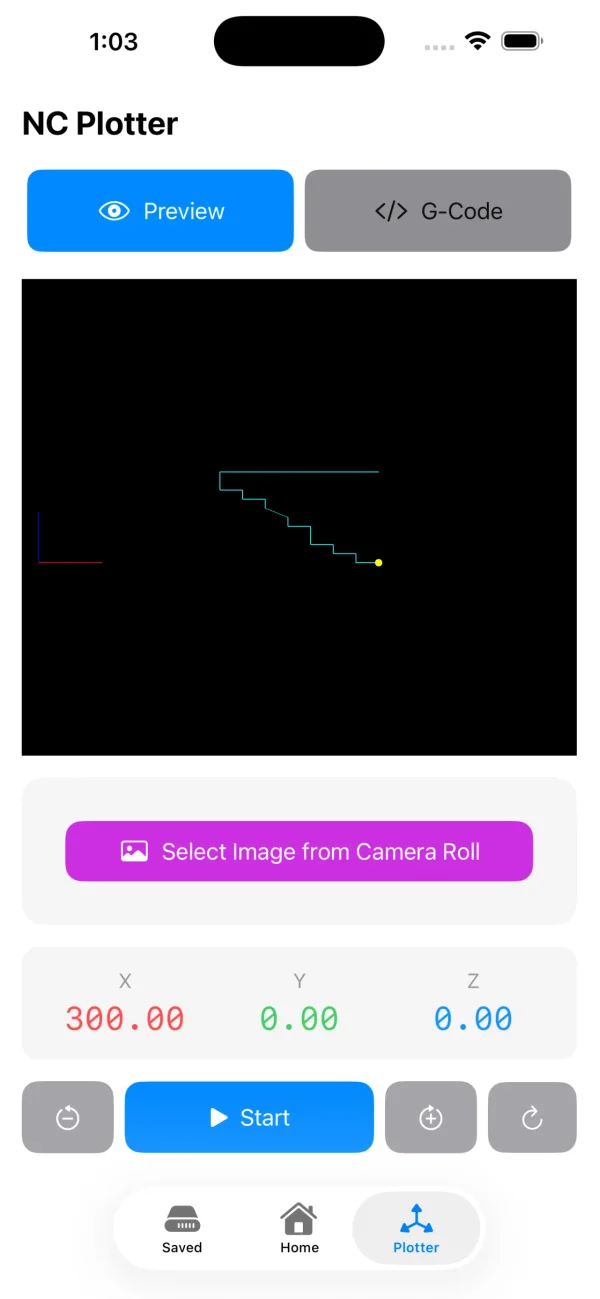
Interactive G-Code Plotter
Preview supported G-code as an interactive 3D toolpath. Rotate, pan, and zoom the view to better understand the programmed movement.
Use the plotter to:
Review toolpath shape
Inspect X, Y, and Z movement
Step through programmed points
Edit recognized or manually entered G-code
Identify potential input or formatting mistakes
MachiningGuru is intended as a reference and visualization tool. Always verify calculations, tooling limits, machine capabilities, work offsets, and CNC programs before operating machinery.
Confidentialité de l’application
Ce que Alejandro Avina Anguiano déclare sur l’App Store au sujet du traitement des données par cette application.
-
Données non collectées
Le développeur ne collecte aucune donnée à partir de cette application.
Les pratiques en matière de confidentialité peuvent varier, notamment en fonction des fonctionnalités que vous utilisez ou de votre âge.
Informations
- Vendeur
- Alejandro Avina Anguiano
- Catégorie
- Utilitaires
- Version
- 1.0
- Mis à jour
- 17/06/2026
- Publié
- 17/06/2026
- Taille
- 1,1 Mo
- Nécessite
- iOS 18.5 ou version ultérieure
- Classification d’âge
- 4+
- Langues
- Anglais
- Copyright
- © 2026 Alejandro Avina Anguiano
Vous aimerez peut-être aussi
-
 CutMate CNCUtilitaires
-
 CNC Lathe Calculator proUtilitaires
-
 CNC CONTROL PANEL: millwrightUtilitaires
-
 Feedrate: CNC Speeds & FeedsUtilitaires
-
 CNCMate: Speeds and FeedsUtilitaires
-
 CutMetric: Avances CNCVitesses, filetages, géométrie
-
 Drill Bit ConverterUtilitaires
-
 ROLAVIScanUtilitaires
-
 ShopCalc: Machinist CalculatorUtilitaires
-
 Label Print Master - PrinterUtilitaires