
- Độ tuổi4+
- Danh mụcTiện Ích
- Nhà phát triểnAlejandro Avina Anguiano
- Ngôn ngữTiếng Anh
- Kích thước1,1 MB
Liên kết đến trang App Store chính thức
Download.org không lưu trữ tệp nào của MachiningGuru. Nút này mở trang ứng dụng trên App Store, nơi Alejandro Avina Anguiano phát hành ứng dụng. Trang được kiểm tra lần cuối: 15/11/2026.
Ảnh chụp màn hình

Giới thiệu
Nhà phát triển chưa cung cấp nội dung này bằng ngôn ngữ của bạn.
MachiningGuru
MachiningGuru is a practical CNC companion designed to help machinists, programmers, students, and manufacturing professionals calculate machining parameters, document setups, and visualize G-code directly from an iPhone.
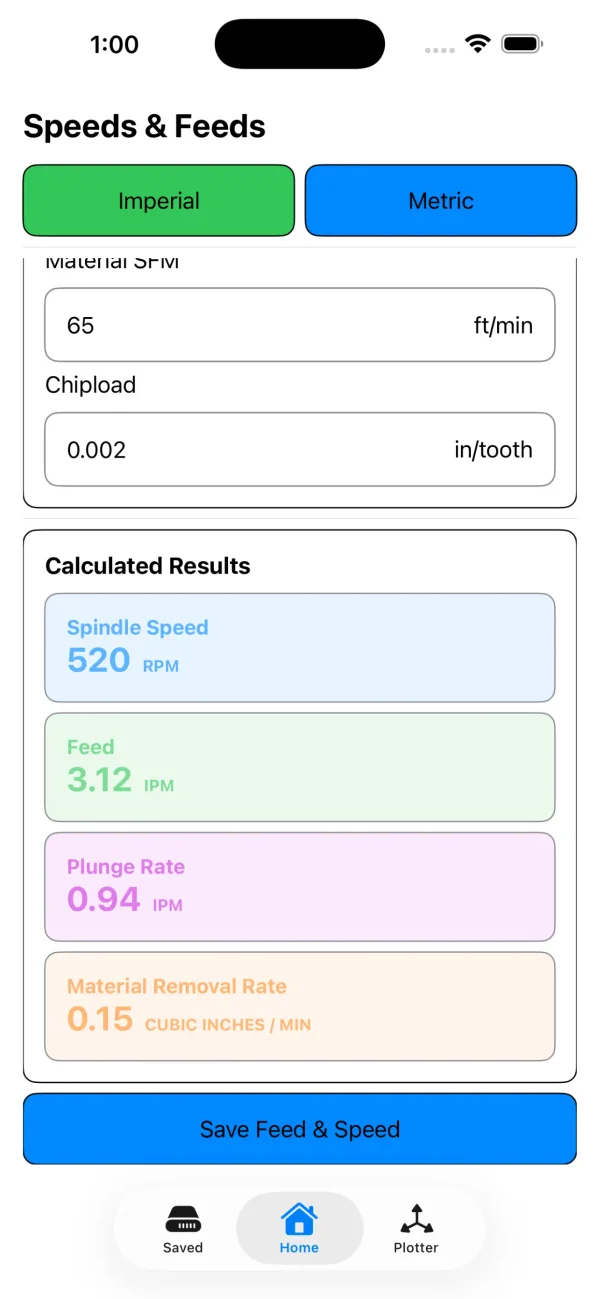
Speeds and Feeds Calculator
Quickly calculate important machining values using your tool and cutting parameters, including:
Spindle speed
Feed rate
Plunge rate
Material removal rate
Enter values such as tool diameter, number of flutes, surface speed, chip load, width of cut, and depth of cut. MachiningGuru supports both Imperial and Metric units.
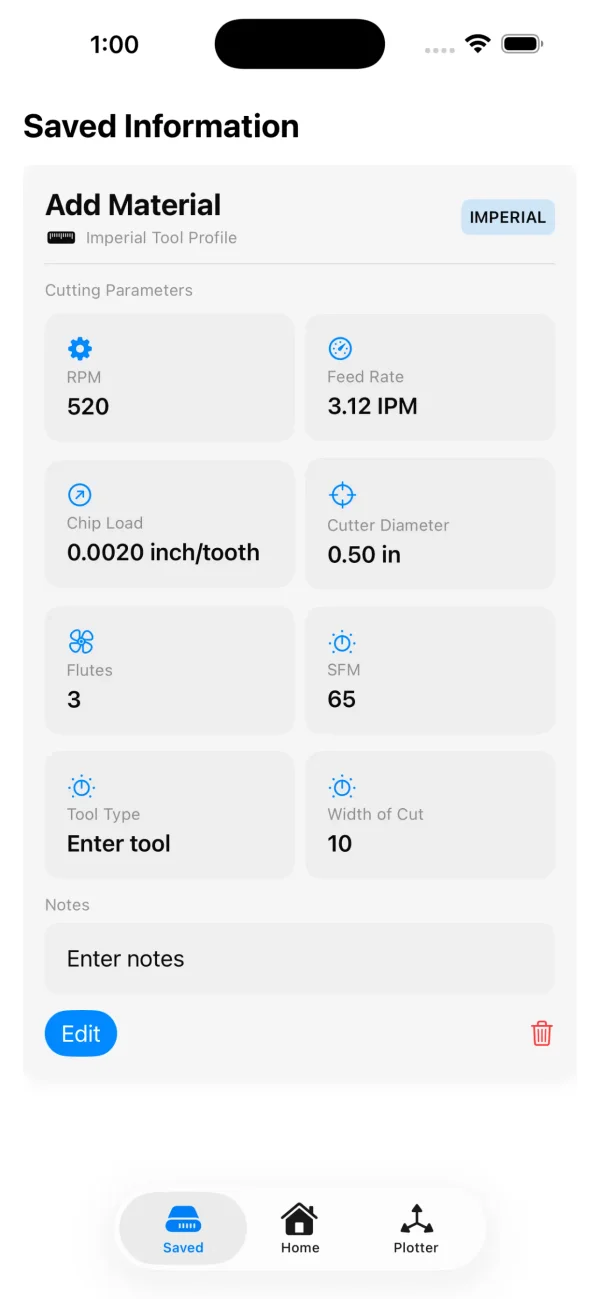
Save Machine Setups
Save speeds-and-feeds calculations for future reference. Add notes to document important setup information such as:
Machine used
Tool details
Workholding
Material
Operation notes
Recommended adjustments
Saved records make it easier to reuse successful machining setups and keep useful shop information organized.
Scan G-Code From Photos
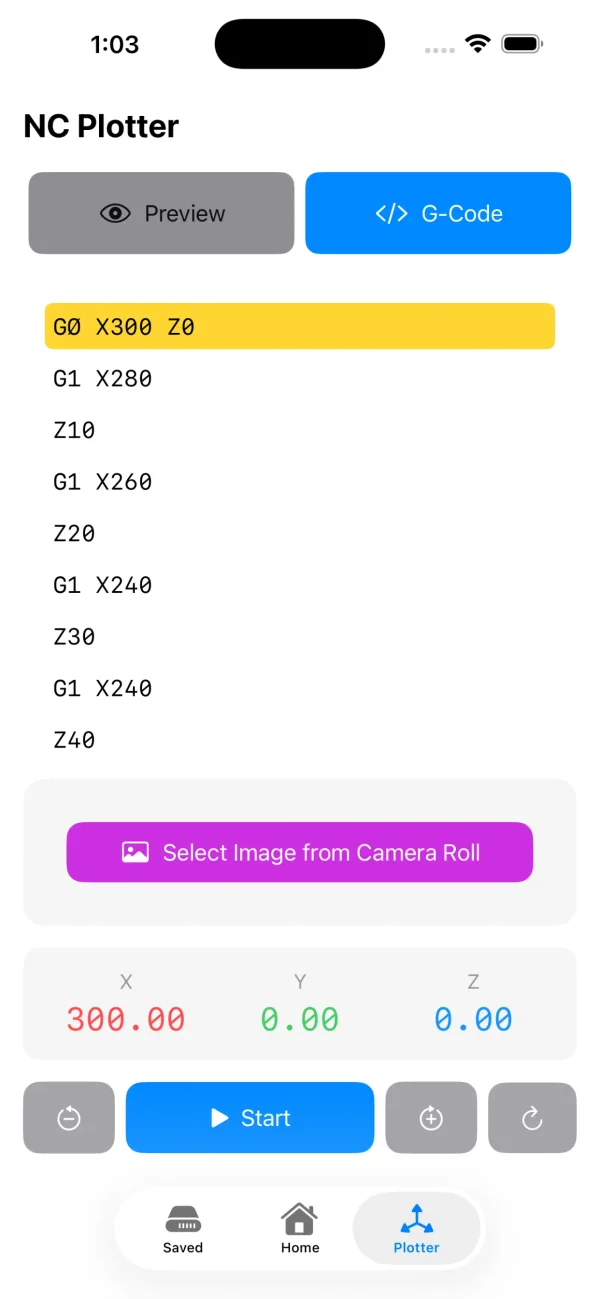
Import a photo from your phone and use optical character recognition to extract visible G-code. This is useful for reviewing printed programs, handwritten notes, screenshots, or code displayed on another device.
Recognized code can be reviewed and edited before visualization. OCR results may vary depending on image quality, lighting, text clarity, and formatting.
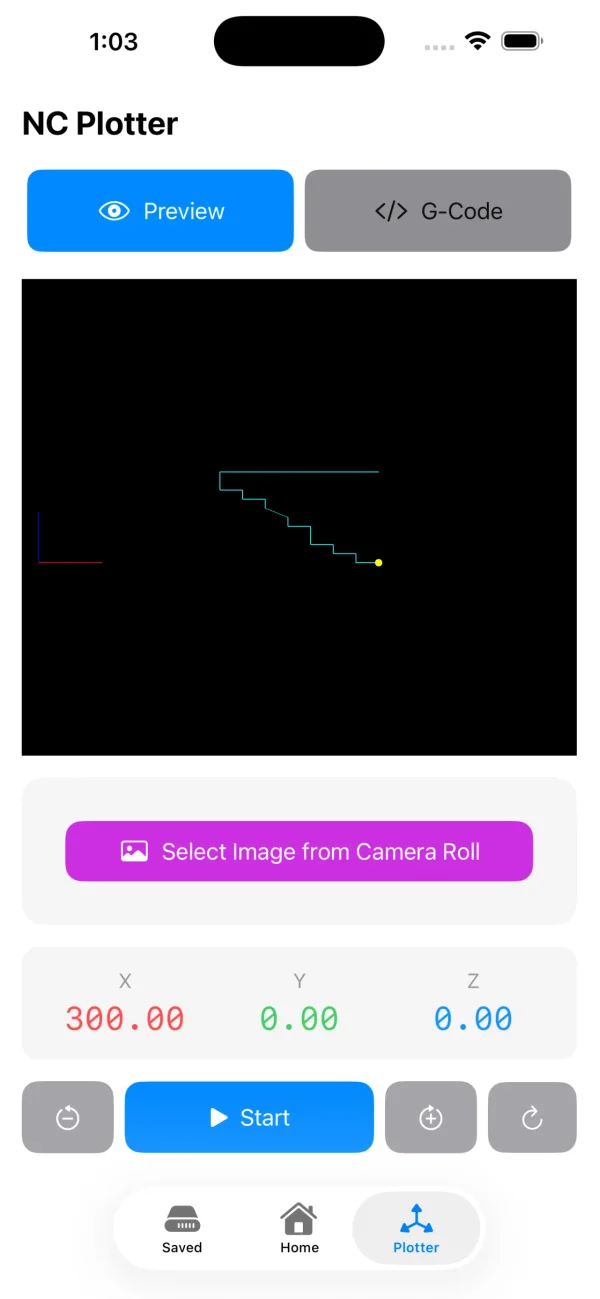
Interactive G-Code Plotter
Preview supported G-code as an interactive 3D toolpath. Rotate, pan, and zoom the view to better understand the programmed movement.
Use the plotter to:
Review toolpath shape
Inspect X, Y, and Z movement
Step through programmed points
Edit recognized or manually entered G-code
Identify potential input or formatting mistakes
MachiningGuru is intended as a reference and visualization tool. Always verify calculations, tooling limits, machine capabilities, work offsets, and CNC programs before operating machinery.
Quyền riêng tư của ứng dụng
Những gì Alejandro Avina Anguiano khai báo trên App Store về cách ứng dụng này xử lý dữ liệu.
-
Dữ liệu không được thu thập
Nhà phát triển không thu thập bất kỳ dữ liệu nào từ ứng dụng này.
Phương thức đảm bảo quyền riêng tư có thể khác nhau, chẳng hạn như tuỳ theo các tính năng bạn sử dụng hoặc độ tuổi của bạn.
Thông tin
- Người bán
- Alejandro Avina Anguiano
- Danh mục
- Tiện Ích
- Phiên bản
- 1.0
- Cập nhật
- 17/06/2026
- Phát hành
- 17/06/2026
- Kích thước
- 1,1 MB
- Yêu cầu
- iOS 18.5 trở lên
- Độ tuổi
- 4+
- Giá
- Miễn phí
- Ngôn ngữ
- Tiếng Anh
- Bản quyền
- © 2026 Alejandro Avina Anguiano
Có thể bạn cũng thích
-
 CutMate CNCTiện Ích
-
 CNC Lathe Calculator proTiện Ích
-
 CNC CONTROL PANEL: millwrightTiện Ích
-
 Feedrate: CNC Speeds & FeedsTiện Ích
-
 CNCMate: Speeds and FeedsTiện Ích
-
 CutMetric: CNC Feeds & MathTiện Ích
-
 Drill Bit ConverterTiện Ích
-
 ROLAVIScanTiện Ích
-
 ShopCalcMáy tính cơ khí offline
-
 Label Print Master - PrinterTiện Ích