
- Classification d’âge4+
- CatégorieUtilitaires
- Développeurj5create
- LanguesAnglais+ 15 de plus
- Taille39,5 Mo
Renvoie vers la page App Store officielle
Download.org n’héberge aucun fichier de Magic Switch Display Sharing. Le bouton ouvre la page de l’application sur App Store, où j5create la publie. Fiche vérifiée pour la dernière fois le 20/11/2026.
Captures d’écran
À propos
Le développeur n’a pas fourni ce texte dans votre langue.
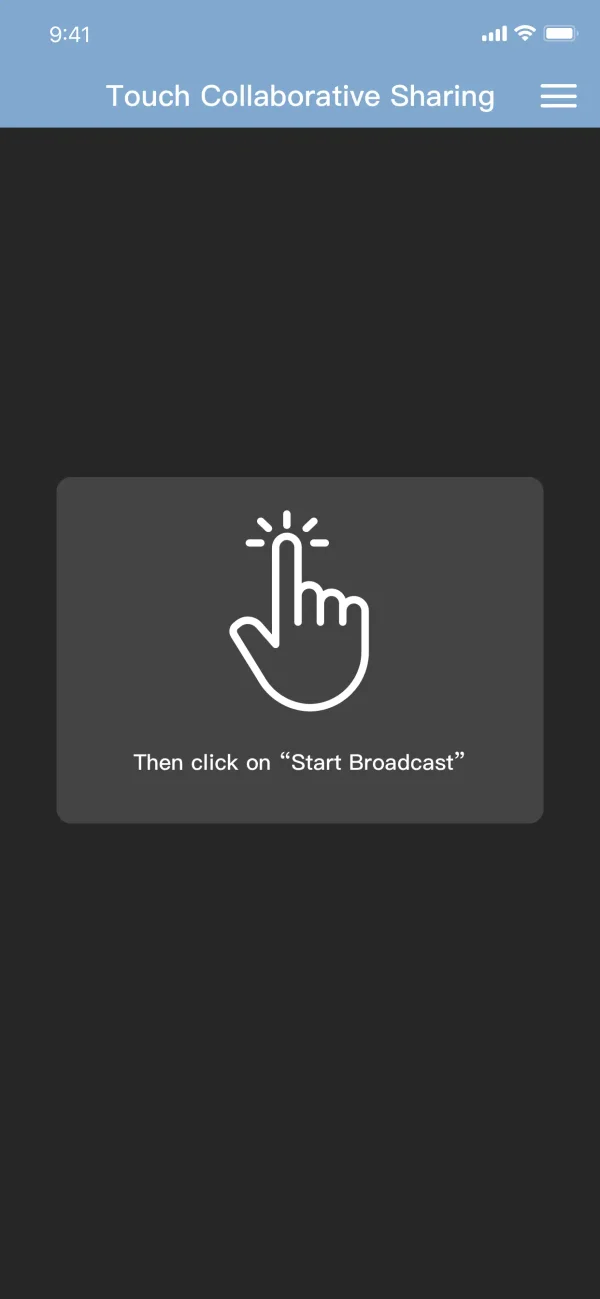
This companion application can be used with Magic Switch Display Sharing Hub Cable.
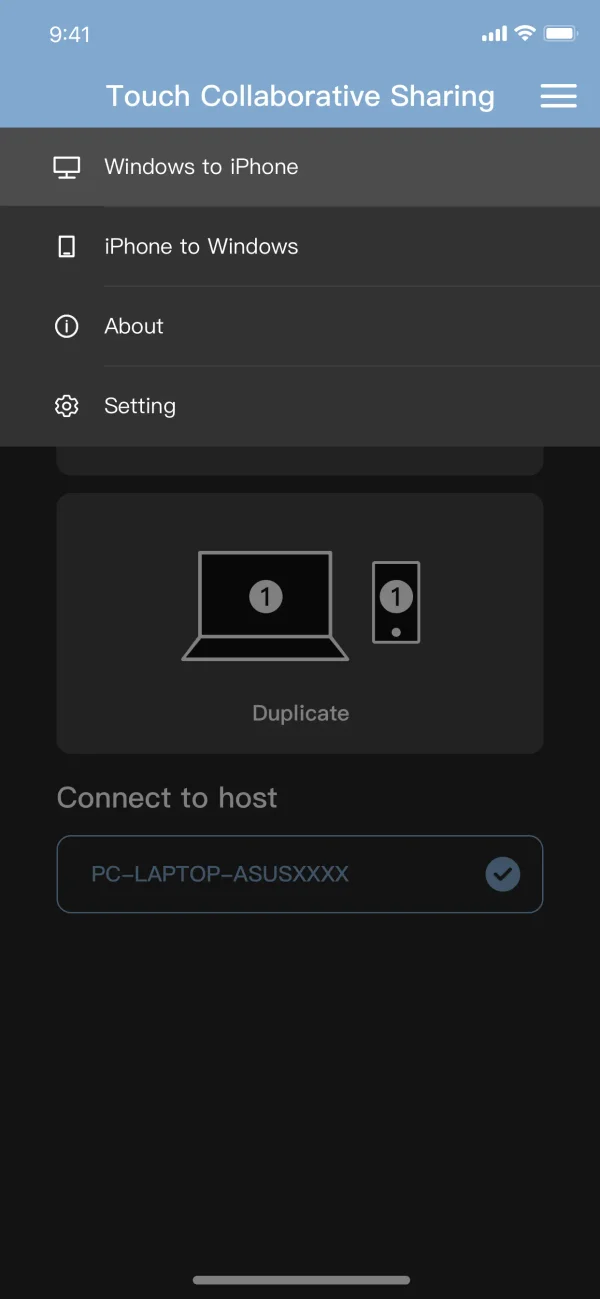
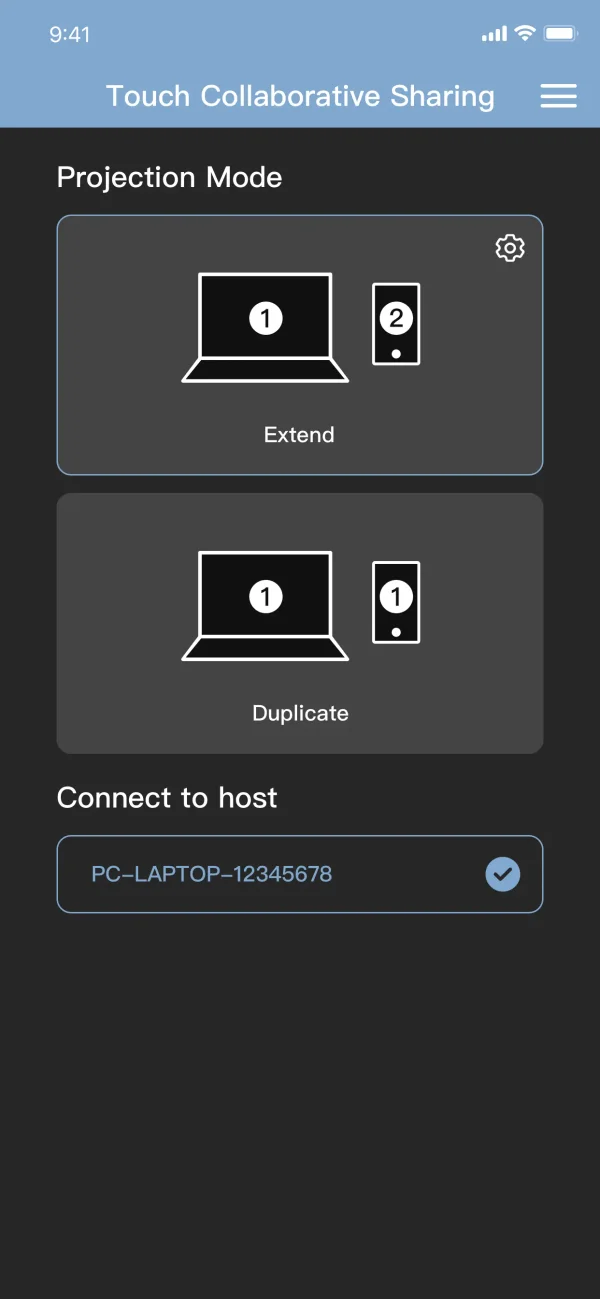
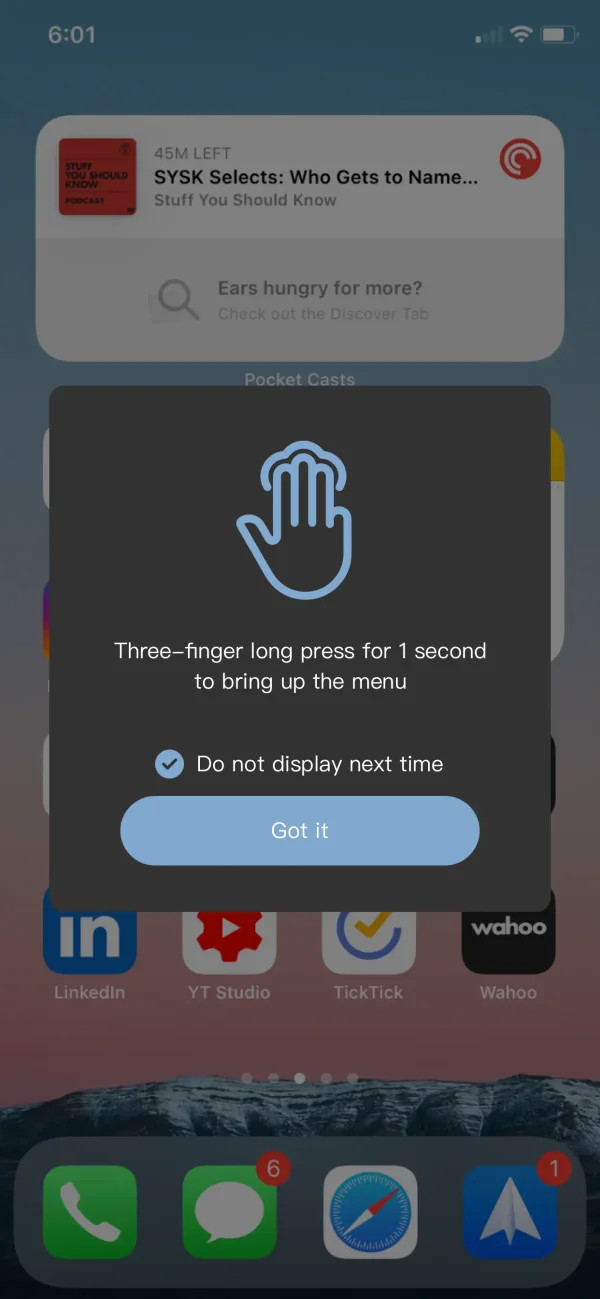
Magic Switch Display Sharing Hub Cable is a USB hub with host to host connection cable function, besides the hub function, this link cable can also be used to connect Windows PC and iPad/iPhone, once the connection is completed, users can easily duplicate the screen to iPad/iPhone , whereas in an iPad/iPhone you can see the contents of the Windows screen there, you can control or draw something in Windows with your finger or a stylus, and touch events or stylus traces and pen pressure are reflected to Windows, just like directly in operate the touch screen with a finger or a pen on a Windows PC. In addition to mapping the main screen of the Windows PC and directly viewing and operating on the iPad/iPhone, the APP also provides the function of generating a virtual second screen, and at the same time project this virtual second screen to the iPad/iPhone, and directly operate on the iPad/iPhone.
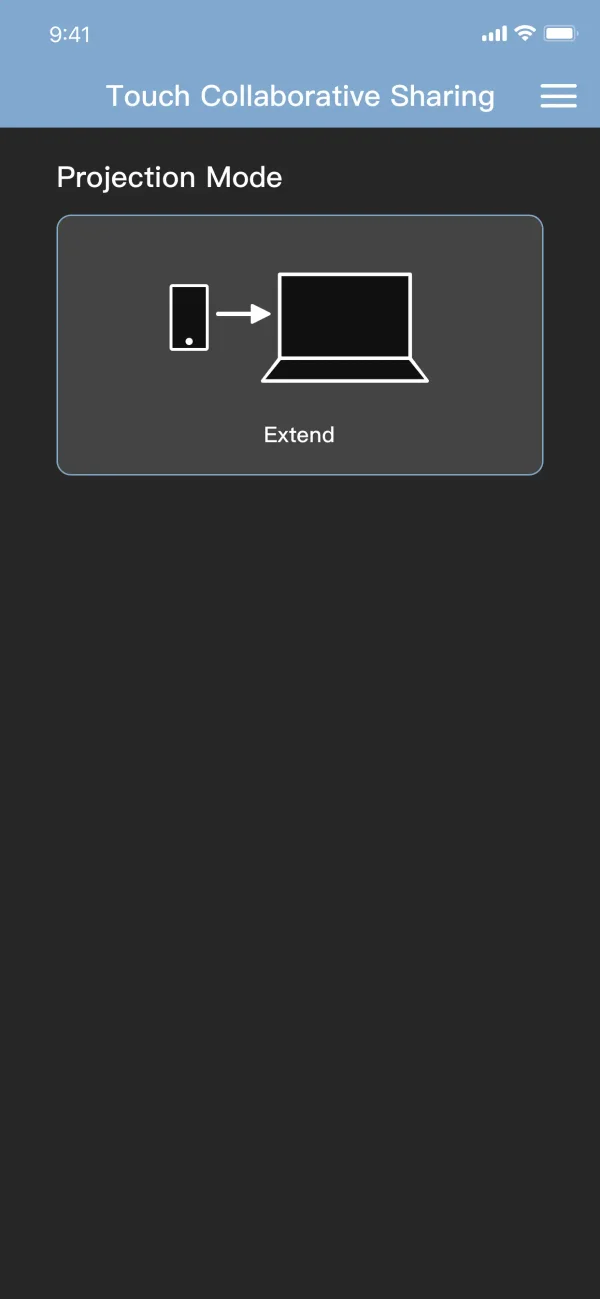
Conversely, we can also project the content of the iPad/iPhone to the Windows PC through this cable connection, this function is like AirPlay, you can directly see the screen content and operation of the iPad/iPhone on the screen of the Windows PC.
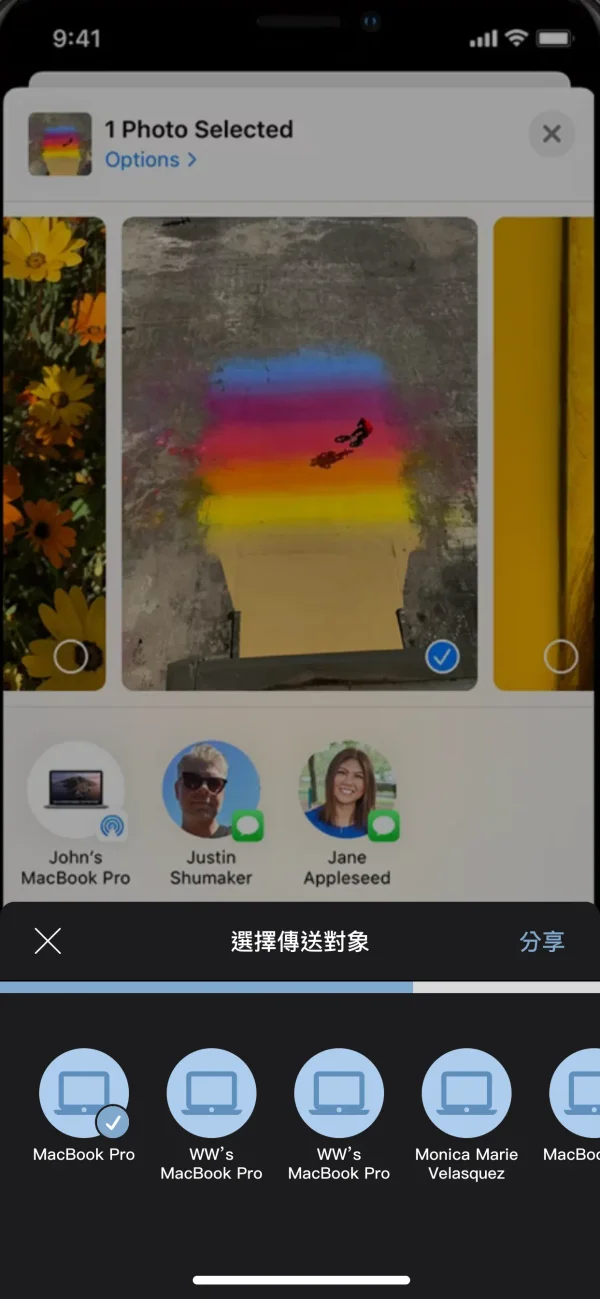
In addition to video screen projection and copying, the app also supports AirDrop-like functionality, allowing you to easily share media content such as videos, photos or files to a "Download" location on your Windows PC. You can also share files to your iPad/iPhone just like you can with AirDrop on a Mac by right-clicking on the file in Windows File Explorer and selecting the share menu function.
Nouveautés
Version 1.0.17 · 29/04/2026
Resolves issues running on PadOS 26.
Confidentialité de l’application
Ce que j5create déclare sur l’App Store au sujet du traitement des données par cette application.
-
Données non collectées
Le développeur ne collecte aucune donnée à partir de cette application.
Les pratiques en matière de confidentialité peuvent varier, notamment en fonction des fonctionnalités que vous utilisez ou de votre âge.
Informations
- Vendeur
- Magic Control Technology Corporation
- Catégorie
- Utilitaires
- Version
- 1.0.17
- Mis à jour
- 29/04/2026
- Publié
- 07/11/2023
- Taille
- 39,5 Mo
- Nécessite
- iOS 11.0 ou version ultérieure
- Classification d’âge
- 4+
- Prix
- Gratuit
- Langues
- Anglais, Danois, Néerlandais, Finnois, Français, Allemand, Hongrois, Italien, Japonais, Coréen, Norvégien, Portugais + 4 de plus
- Copyright
- © @2023 Magic Control Technology Corporation
Vous aimerez peut-être aussi
-
 AURGA Viewer: Wireless DisplayUtilitaires
-
 PDF Studio: PDF ConverterUtilitaires
-
 Video Compressor AppUtilitaires
-
 Smart Transfer WirelessUtilitaires
-
 HDMeyeUtilitaires
-
 JumiOne - Full Access to your Windows PCUtilitaires
-
 PadDisplayUtilitaires
-
 Dupe Cleanup: NettoyeurEffacez photos en double
-
 Air Printer App: Print & ScanUtilitaires
-
 Remote Buddy Mobile 2Utilitaires